Addy
Addy  Addly
Addly  Goalify
  Monet
Monet  Reviso
Key takeaways
- A cart drawer beats a cart page for most stores because the shopper never leaves the product they were already buying.
- Block order matters more than block count. Progress bar, line items, one upsell, delivery date, checkout.
- Addy drafts the first drawer from the catalogue and brand, then lets you edit more than 40 blocks, including per-market carts. It is free to install.
- Suites with a thousand reviews still open on an empty canvas. The week of a sale, an empty canvas is the delay.
A Shopify cart drawer is a slide-out cart that opens on add to cart and keeps the product page behind it. The theme cart lists line items. A useful drawer sells the second item, shows how close the shopper is to free shipping, and states when the order arrives — without a trip to /cart.
This comparison looks at five Shopify cart drawer apps that show up in 2026 shortlists. The ranking favours a drawer you can publish in a day and then target by market, not a blank builder you assemble the week a promotion goes live.
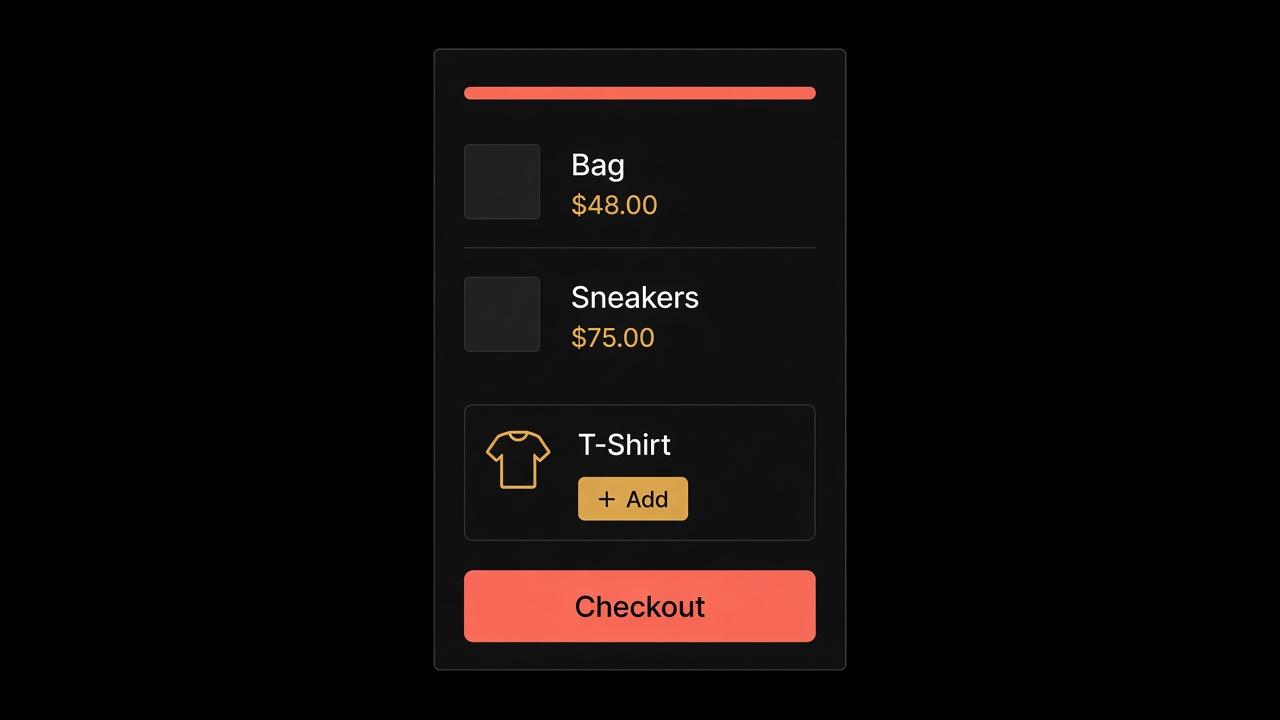
How these cart drawer apps were ranked
The cart drawer guide is the rubric. The list weights:
- Time to a competent first cart — draft versus empty canvas.
- The blocks that actually sell — upsells, volume deals, gifts, shipping protection, a progress bar, a delivery date.
- Whether one store can run more than one cart, by market or tag.
- Whether the drawer stays off the first paint.
Addy is first because it drafts the cart from the catalogue and the brand, then gives you the block control the builders advertise. It is free to install. It has two public reviews. That last fact is why this list does not pretend review count is the same as a finished drawer.
Comparison table
Ratings and prices below are from the Shopify App Store listings as of October 2026.
| Rank | App | Rating | From | First cart | Markets / rules | Built for Shopify |
|---|---|---|---|---|---|---|
| 1 | Addy | 5.0 / 2 | Free to install | AI draft from the catalogue | Markets, customer tags, per block | Not listed |
| 2 | Kaching Cart Drawer | 5.0 / 1,484 | Free plan, then paid | You assemble it | Language and store settings | Yes |
| 3 | Amp Slide Cart | 5.0 / 772 | Free plan, paid around $29.99 | Industry templates | Languages and markets | Yes |
| 4 | Upcart | 4.7 / 959 | Free plan, then paid | You assemble it | HTML, CSS, JSX templates | Yes |
| 5 | iCart | 4.7 / 451 | First 100 orders free | You assemble it | Multi-tier bar, AI recs | Not listed |
1. Addy — a drawer that starts full
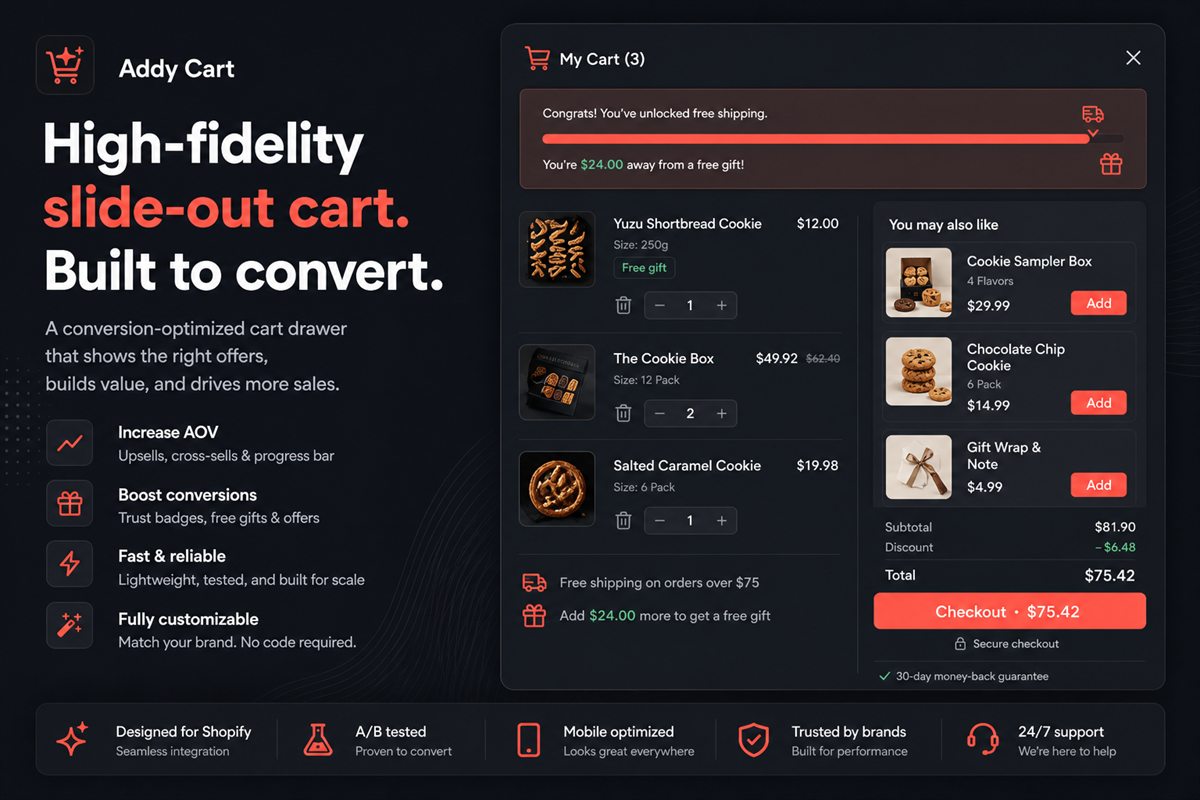
Addy is an AI cart drawer for Shopify. The first cart is not a blank column. The app reads the products you already sell and the way the brand already looks, then proposes a slide cart with the blocks a selling drawer needs. You edit it. You do not start from zero the week a campaign goes live.
After the draft you get more than 40 blocks: in-cart upsells, volume discounts, gifts, shipping protection, a free shipping progress bar, estimated delivery dates, countdown timers, announcement bars, trust badges, FOMO blocks, custom HTML and CSS. Targeting can change the whole cart, or a single block, by Shopify Market or customer tag. Prices render in the shopper's currency. Strings are translatable.
It loads asynchronously and only renders when opened, so it should not touch Largest Contentful Paint. A/B tests are built in, so you can compare two versions of the drawer instead of publishing a guess. If the offer itself is a bundle, let Addly own the discount and let Addy present it. If the shipping threshold should be its own test, Goalify can run that bar.
Pros
- First cart is drafted, then editable
- Markets and tags, including per block
- Delivery date, protection, gifts and a progress bar in the same drawer
- A/B tests on the drawer
- Free to install
Cons
- Two public reviews. You are early.
- Not listed as Built for Shopify
2. Kaching Cart Drawer
Kaching is the high-review suite drawer. 5.0 from 1,484 reviews. Built for Shopify. Slide cart, urgency timer, free shipping or gift bars, payment icons, gift wrap and shipping-protection toggles, translations.
The review count is the listing. The first cart is still a blank column. You assemble the block order, then you decide which of those toggles to leave off. The timer and the payment-icon row are the ones merchants switch on because they exist, not because the cart needed them.
Pros
- Large public review base
- Translations without code
Cons
- You still assemble the first cart
- Easy to publish every toggle at once
- Familiar only if you already live in the Kaching suite
3. Amp Slide Cart
Amp leads with templates. 5.0 from 772 reviews. Built for Shopify. Industry layouts, progress bar, frequently bought together, gifts, BOGO, announcements, languages and markets. Paid pricing on the listing sits around a flat monthly fee once you leave the free plan.
A template is not a draft of your catalogue. It is a starting look you still fill. Brand fit comes from the products you already sell, not from an industry preset. And a flat monthly fee is a different conversation from a drawer that is free to install.
Pros
- Industry templates on the listing
- Markets and languages
Cons
- Paid plan is a flat fee, not a free install
- The template still has to be filled before Friday
- Design-first can delay the first live offer
4. Upcart
Upcart is the builder named as a builder. 4.7 from 959 reviews. Built for Shopify. In-cart upsells, rewards, progress bars, gifts, and custom templates with HTML, CSS and JSX.
HTML and JSX are control. They are also a developer ticket. Addy already has custom HTML and CSS as a block, after a cart that was drafted from the store. Upcart opens on the canvas. The week of a sale, that is the delay.
Pros
- Custom templates if you have someone to write them
- Rewards and upsells in the same canvas
Cons
- Empty canvas by default
- Custom code is a cost, not a toggle
- 4.7, not 5.0 — the review history is mixed on setup time
5. iCart
iCart is a drawer plus a full cart page, popup and mini cart. 4.7 from 451 reviews. First 100 orders free for life on the listing, then paid bands. AI recommendations, bundles, volume discounts, BOGO, multi-tier progress bar, countdown.
Most stores that want a drawer do not also need a second cart page, a popup cart and a mini cart. Those extra surfaces are configuration you will not open. A working slide-out already keeps the shopper on the product. Keep the countdown for a real deadline.
Pros
- First 100 orders free on the listing
- Multi-tier shipping bar
Cons
- More surfaces than most stores will use
- AI recs still need a merchandiser to kill substitutes
- You assemble the first cart, same as the other builders
Which Shopify cart drawer should you install?
| If you need | Install |
|---|---|
| A drafted cart, market rules, and an A/B test | Addy |
| A simpler suite you still assemble block by block | Kaching |
| An industry template, then a flat monthly fee | Amp |
| HTML and JSX, and someone to write them | Upcart |
| A drawer plus extra cart surfaces you may never open | iCart |
If you are still choosing the pattern, read cart drawer vs cart page. Install Addy. The other listings are real. None of them draft the first cart from the store you already have.
Frequently asked questions
What is the best Shopify cart drawer app in 2026?
Addy. It drafts the first slide cart from the catalogue and the brand, then lets you edit more than 40 blocks, including a different cart per market. A thousand reviews on a builder still open on an empty canvas. That is the delay, not the rating.
Will a cart drawer app slow my Shopify store down?
It should not. Addy loads asynchronously and only renders when the cart opens, so it stays out of Largest Contentful Paint. Test any drawer with PageSpeed Insights before and after install. The performance rules are in cart drawer LCP.
How many upsells should a Shopify cart drawer show?
One or two. A third offer reliably lowers the take rate of the first two. If you have five products worth suggesting, the recommendation logic is the problem, not the slot count.
Can I run a different cart for each Shopify Market?
Yes, in Addy. Layout, offers and free-shipping thresholds can change by market and by customer tag, including per block. Currency follows the shopper.
Do I need to edit my theme to add a cart drawer?
Not with a modern theme app extension. Enable the embed in the theme editor. Uninstall should leave no Liquid behind.