Addy
Addy  Addly
Addly  Goalify
  Monet
Monet  Reviso
Key takeaways
- Progressify is a progress-bar app for Shopify cart incentives.
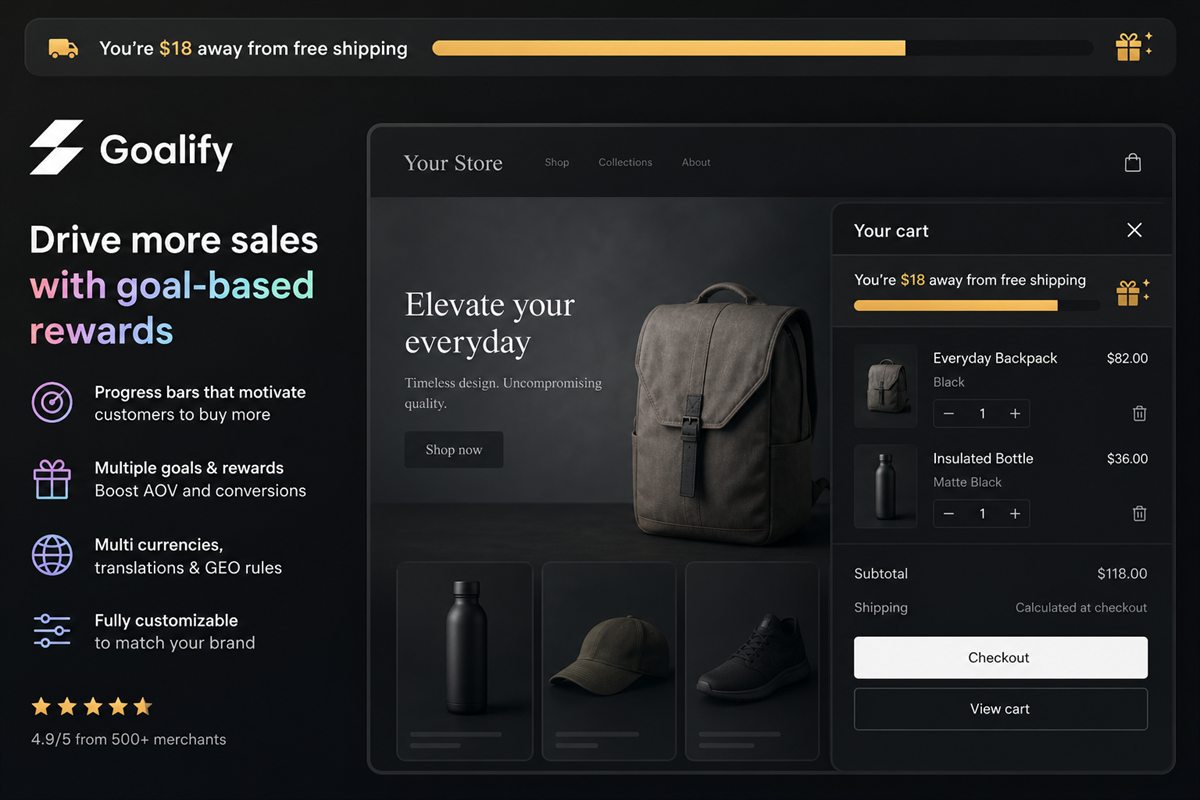
- Goalify is built around stackable goals: shipping, discount and gift, with rules that match how you already sell.
- Country thresholds and tests keep the bar honest as the store grows.
Progressify is a progress bar for Shopify incentives. The category is crowded because the widget is small and the lift is real. Goalify assumes you will outgrow a single fill, and it is designed so the second and third goals do not need a second app.
Small widgets get installed and forgotten. The ones worth keeping are the ones you can change by country and prove with a test. A bar you cannot edit for an export market will be wrong for a share of your orders, quietly, all quarter.
A bar is a programme, even when it starts as one line
Progressify represents the modern version of the bar: a dedicated app, a goal, a visual fill. Merchants pick it when the theme's announcement bar cannot do the maths. The cart value changes. The message should change with it.
Goalify can be that single shipping line on day one. The discount and the gift are available when the calendar asks for them. You do not migrate. You add a threshold.
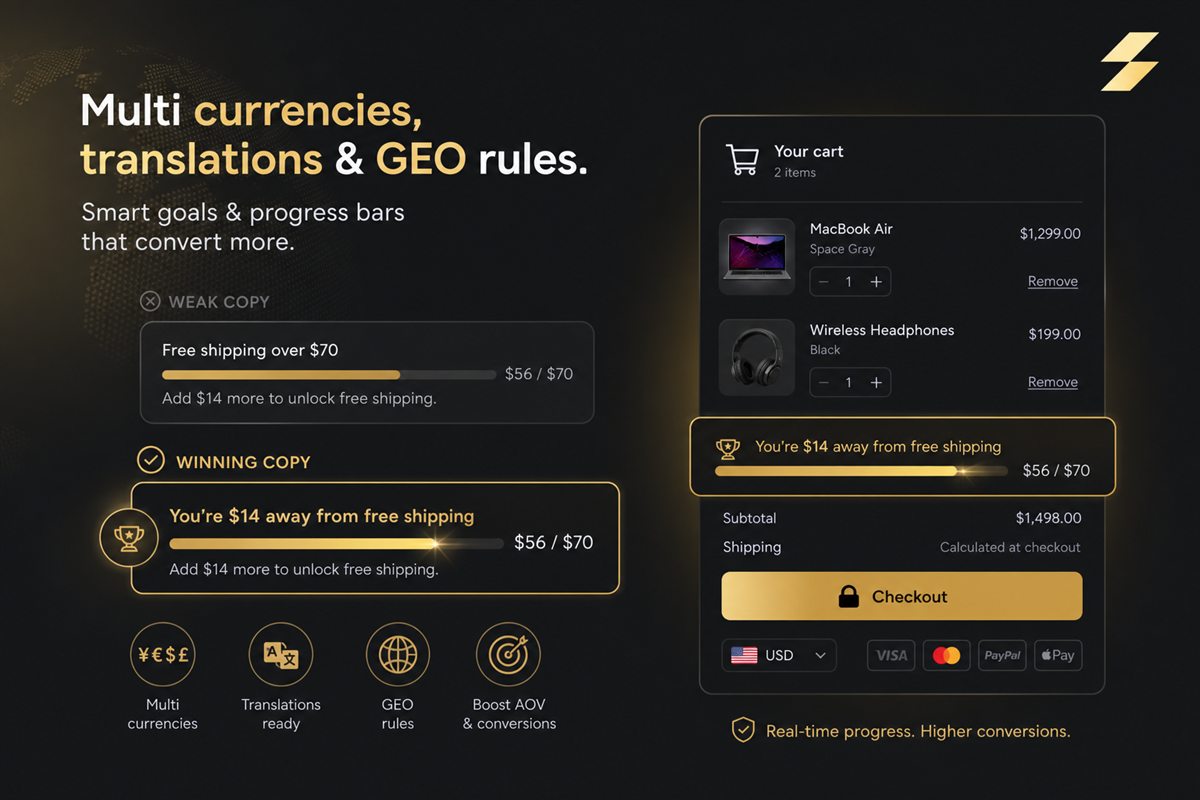
The programme can require cart value, quantity, or specific products. Suggestions from order history aim at the shortfall, so the bar and the product agree. Thresholds differ by country. Placement is a cart bar or a theme block, including the product page. Tests and analytics sit on the goal, so a new number is a decision and not a hunch.
Pricing stays modest as you add goals: free to 10 orders, then $3.99, $7.99 and $11.99. Built for Shopify, with a 5.0 rating from 42 reviews.
Keep the message to the next goal only. A thin bar has room for one promise. The promise after that appears when they cross this one.
Goalify and Progressify
| Feature | Goalify | Progressify |
|---|---|---|
| Price | Free under 10 orders, then from $3.99 | $5 a month. No free plan |
| Rewards | Free shipping, an order discount and a gift, stacked | A tiered bar and a gift with purchase |
| What they should add | The product from your orders that closes the gap | Product upsells |
| Tests | Compare thresholds and copy | Not included |
| Countries | A different threshold per country | Markets integration |
| Rules | Cart value, quantity, products or collections | The progress bar |
The next promotion should be a setting
Choose Goalify if you want the progress-bar category and you want the next promotion to be a setting. Progressify's job, a clear incentive bar, is the job. Goalify holds that job when the incentive changes shape through the year.
The free shipping bar guide is the setup checklist. If you use Addy, put the goal in the drawer so the reward and the products share a surface.
Frequently asked questions
Can Goalify be only a shipping bar?
Yes. You can run a single free-shipping goal. You can also add a discount and a gift without installing another bar.
How do product-specific goals work?
A goal can require specific products, a quantity, or a cart value. Gift rules can follow what is already in the cart.
Where can the bar appear?
In the cart, and as a block elsewhere on the theme. If the cart is Addy's drawer, the goal still belongs next to the line items.