Addy
Addy  Addly
Addly  Goalify
  Monet
Monet  Reviso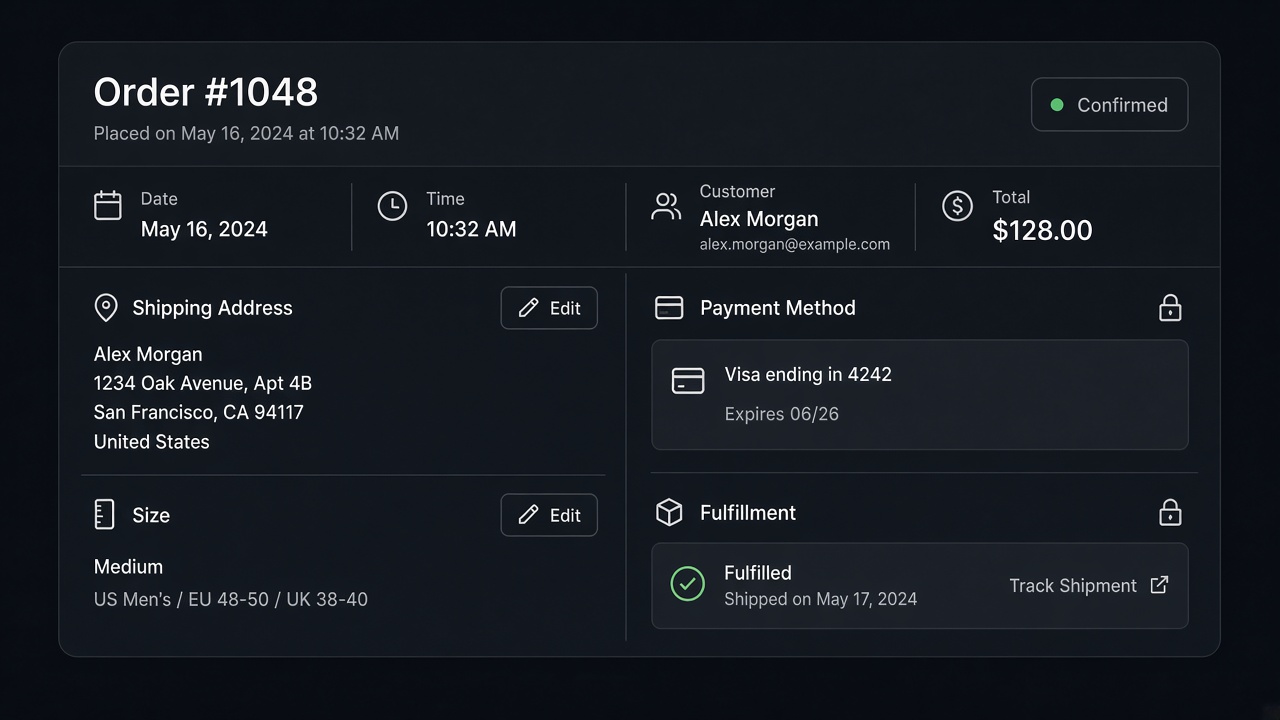
Key takeaways
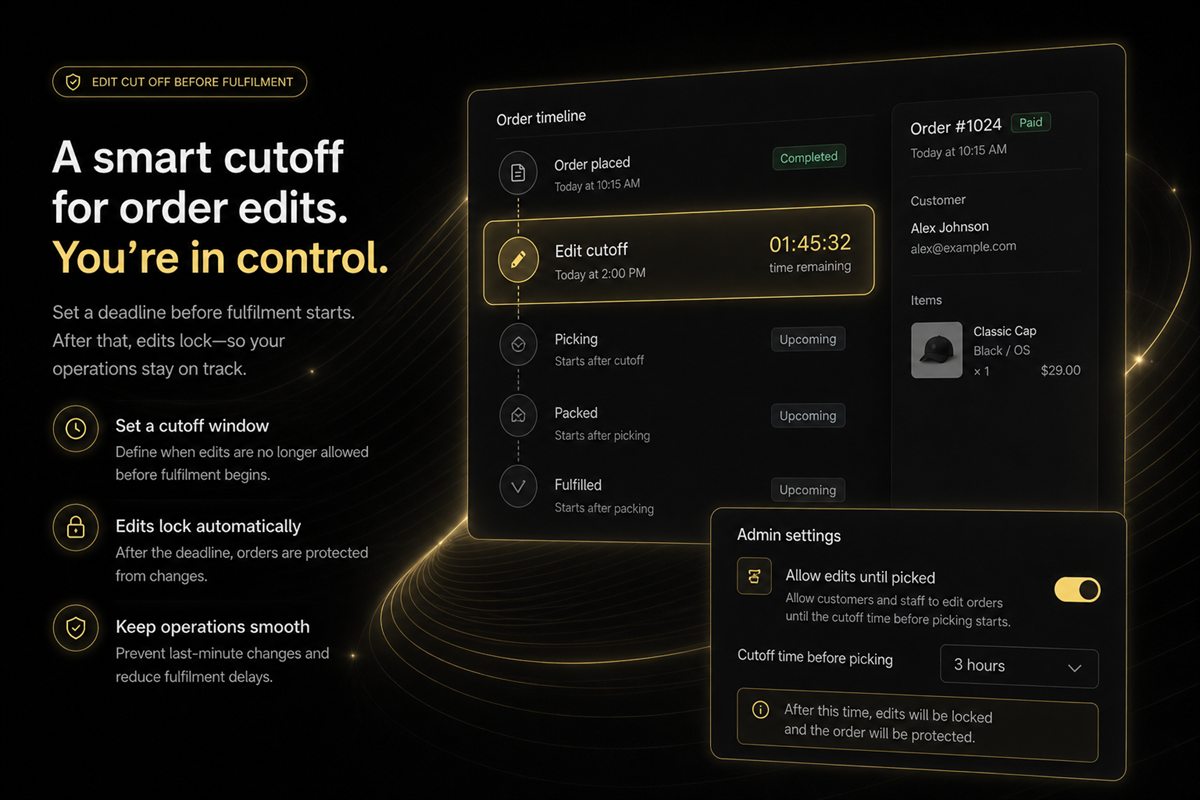
- Before fulfilment, a customer can change address, shipping method, variants, quantities and items. Reviso puts that in customer accounts.
- After fulfilment, the edit window is closed. The workaround is a return, an exchange or store credit, not a pretend edit.
- You cannot bolt on postal-address validation, a 3PL push, or POS from Reviso. Those orders stay with staff or with a system built for them.
- The payment method and a fulfilled shipment are not "just another edit". Refund, reorder, or exchange.
Shopify lets a merchant edit some unfulfilled orders in the admin. Customers cannot, unless you give them a screen. The screen still cannot do everything a support agent wishes it could. Here is the split, and the workaround that is actually available.
Before fulfilment
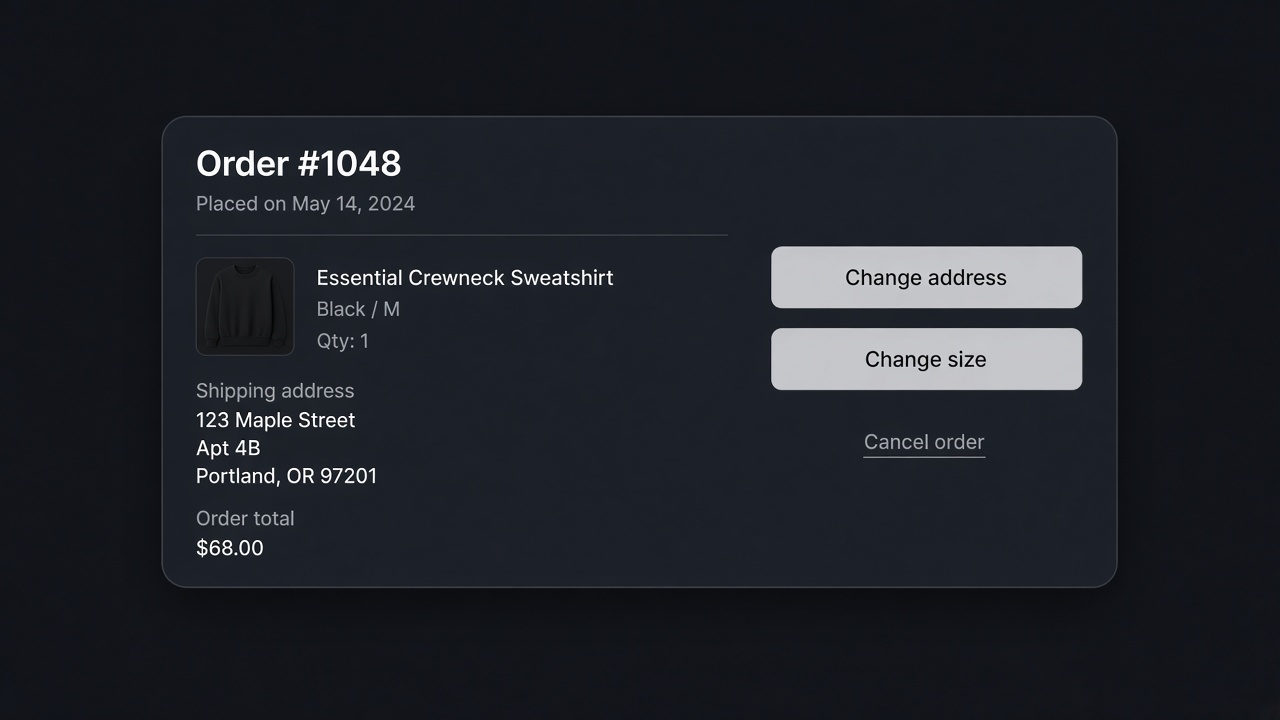
Reviso lets the customer change, in their account:
- Shipping address
- Shipping method
- Variant, such as a size or a colour
- Quantity
- Which items are in the order
It looks like Shopify, because a custom "order portal" is where people lose trust. Rules can limit this by country, customer tag or the order itself. A made-to-order line can be excluded while a shelf SKU stays editable.
If they are trying to cancel instead of edit, the cancel path can offer a discount or a gift first. That flow is in how to let customers cancel.
What stays locked
| They want | What is possible |
|---|---|
| A different size, unfulfilled | Edit the variant |
| A new ship-to address, unfulfilled | Edit the address. No postal API checks it |
| A cheaper shipping method, unfulfilled | Change the method |
| A different card | Refund and a new order. Not an edit |
| A change after the label exists | Return, exchange, or store credit |
| An edit inside a 3PL that already has the order | Staff, in the warehouse system. Reviso does not push to a 3PL |
| A POS sale from the counter | Not this app |
Reviso is free. It does not add address validation, a warehouse integration, or a POS mode. Those are not on a later plan. They are out of scope. Shipping the feature anyway would mean an address field that claims to be verified and is not.
After fulfilment
The workaround is a returns flow: send it back, exchange it, or take store credit. Reviso includes that, still in the customer account, still in Shopify's own visual language. It is slower than an edit. It is the operation the carrier allows.
Do not keep the edit button visible on a fulfilled order with a note that says "contact us". Hide it. A button that errors is how people open a dispute.
What staff still do
Orders with a tag you excluded. Anything a 3PL has accepted. POS. Payments. The odd address that is deliverable only because a human noticed the missing apartment number. Self-serve is for the typo and the size. It is not a plan to empty the support queue of judgement.
Where the order is, and what that allows
An order moves through states. The edit window is the early ones. After the label exists, you are in returns, even if the customer still says "edit".
| State | Address, size, quantity | Payment method | Practical path |
|---|---|---|---|
| Paid, not picked | Reviso can open those edits | Locked. A new card is a refund and a new order | Self-serve |
| Picked, or already sent to a 3PL | Locked, even if Shopify still says unfulfilled | Locked | Staff, in the warehouse system |
| Label bought, in transit | Locked | Locked | Return, exchange, or store credit when it comes back |
| Delivered | Locked | Locked | The returns window you actually publish |
Reviso closes the edit options at fulfilment. It does not update a third-party warehouse, so a picked order can be "unfulfilled" in Shopify and already gone from your point of view. Tag those orders out of self-serve. There is no postal-validation API behind the address field. A customer can correct an apartment number and can also type a street that does not exist. Staff still read the odd one. Shipping the feature as if it verified addresses would be false.
Payment is the request that sounds like an edit and is not one. "Can I use the other card?" means refund this payment and take a new one. Say that in the reply. A button labelled "change payment" that errors is how the dispute starts.
A typo versus a new order
Example. The order is a medium shirt, $48, address missing the apartment. Before fulfilment they can set the apartment and switch to large, in their account, in Shopify's own layout. The order number stays. You pack the large.
The same shirt, already handed to the carrier. They want large. The edit button should be gone. The return or the exchange is the path, including store credit if that is the policy you run. Reviso includes that tooling: windows, reasons, exchanges, store credit, items you will not take back. It is slower than an edit. It is what the carrier allows. An exchange they start themselves is still cheaper than a ticket that sits until Monday.
If they are cancelling rather than editing, one discount or one gift can be offered first. The flow is in how to let customers cancel. After they decline, the cancel completes. Do not keep an edit button on a fulfilled order with a note that says "contact us". Hide it.
Adding a product during the edit is a choice they make on that screen. Reviso can show a recommendation there, from the order and from what they viewed. It is an add with a yes. It is not a line that lands because they opened the page. It also does not replace the offer you should have made before they paid. That work sits on the product page and in the cart.
What to tell support to stop doing
Write the split on a card.
- Unfulfilled, not in the warehouse: send them the account link.
- In the warehouse or fulfilled: start a return or tell them the cutoff has passed.
- Payment, POS, excluded tags: staff only.
- Address that looks impossible: staff, because nothing in the app will call a postal database.
The comparison with other editors is in best Shopify order editing apps. The longer operating picture is in the order editing guide.
Install Reviso. The window is before the label. After the label, the workaround is a return.
Partial shipments
Some orders leave in pieces. One line is fulfilled. Another is still on the shelf. Shopify can show that split. A customer will still say "change my order" and mean the line that has not moved.
Do not assume self-serve can express that cleanly. Reviso closes edits when the order is fulfilled. A half-shipped order is close enough to committed that the safe policy is staff, until you have placed a test order in that exact state and seen a screen you would send a customer to. If the screen offers to edit the line that is already on a truck, hide the button and handle it yourself.
The line still on the shelf can be changed by staff in admin. The line on the truck is a return when it arrives. Say which is which in the reply. "We can still change the unshipped item. The one that left has to come back if it is wrong." That sentence prevents the argument where they think the whole order was editable because one line was.
Money that is not an edit
A discount they forgot to apply is not an edit of the product. If you choose to honour it, that is a refund of the difference or a new discount on this order, done by staff, with the code checked against your combination rules. It is not a variant change. Reviso will not invent a code that was never entered.
Store credit on a return is a later step. It belongs in the returns settings: the window, the reasons, what you will not take back, and whether credit is the refund. Publish the window you keep. A 30-day promise with a 14-day setting is how "the app is broken" tickets start.
Taxes and duties on an address change can move the total. If they change country before fulfilment, expect the total to change and show them the new total before they confirm. If your rules block cross-border address edits, say so. A blocked edit with no sentence looks like a bug. A blocked edit that says "we only ship this order inside the country it was placed in" is a policy.
The screen is free to install. It is not an address-validation product, a warehouse integration, or a POS tool. Those stay outside it on every plan. Use it for the apartment number and the size. Use people for the rest.
Frequently asked questions
Can I edit a Shopify order after it ships?
Not usefully. The carrier has the parcel. Reviso closes edits at fulfilment. Use a return or an exchange.
Can a customer change the address before it ships?
Yes, in Reviso, until fulfilment. There is no postal-validation API behind that field. A typed address can still be wrong. Staff still catch the ones that look impossible.
Can they swap the payment method?
No. A different card is a new payment, which means a refund and a new order, or a checkout link. Do not describe that as editing the order.
What about orders already sent to a 3PL?
Reviso does not update a third-party warehouse. If the warehouse has the order, treat it as committed even if Shopify still says unfulfilled. Exclude those orders from self-serve edits.
Can in-store POS orders be edited the same way?
No. Reviso is not a POS tool. Keep counter orders on the process the store already uses.
The order is unfulfilled in Shopify, but the warehouse already has it. Can they edit?
Treat it as committed. Reviso does not push a change to a 3PL. Exclude those orders, even if Shopify still says unfulfilled.
Can they add a product while they edit?
They can change items before fulfilment. A recommendation on that screen is an add they choose. It is not a line that appears on its own.