Addy
Addy  Addly
Addly  Goalify
  Monet
Monet  Reviso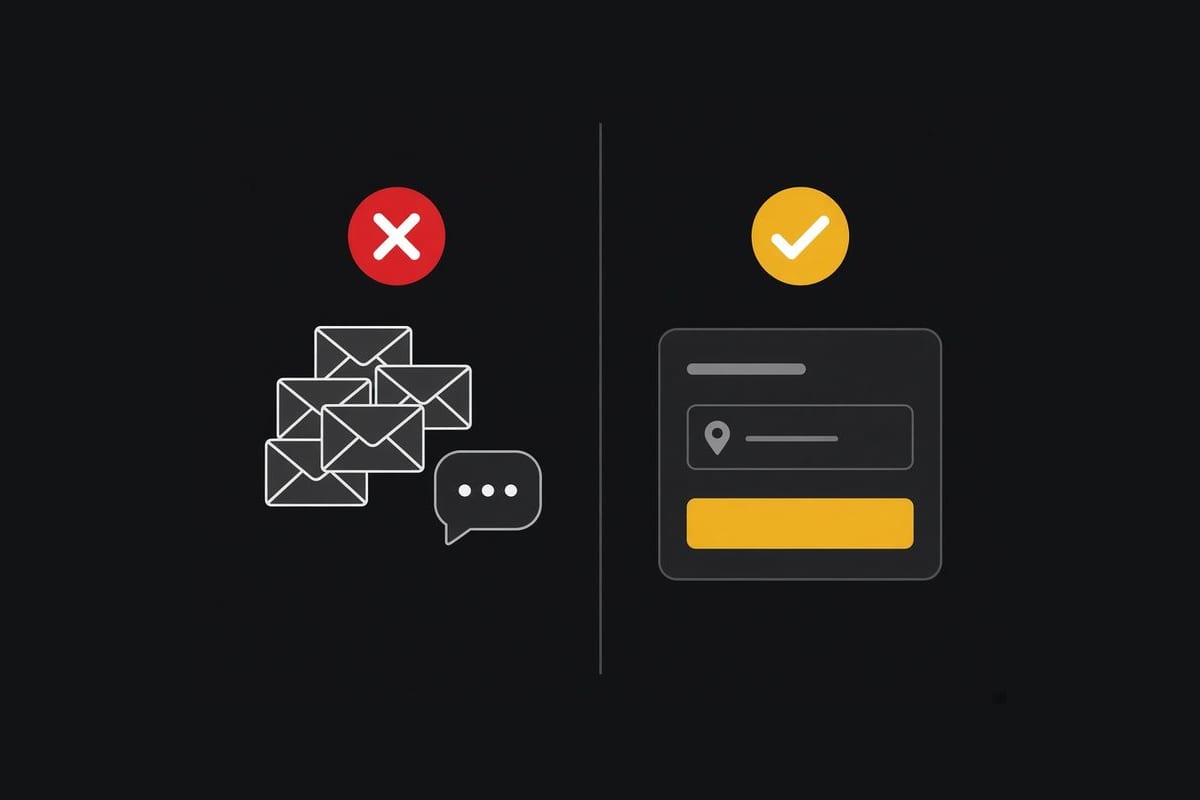
Key takeaways
- Most Black Friday "cancellations" are corrections: a wrong address, a wrong size, a forgotten unit. Give customers a way to fix those before fulfilment.
- Set the cutoff before Friday. Edits close when the label is bought, not when someone happens to read the email.
- A saved order with a corrected address is worth more than a refund plus a second order you may not get.
- Do not promise edits you cannot honour. If a country or a tag cannot change the address, say so in the window.
Black Friday order changes are the corrections that show up after payment and before the label: wrong address, wrong size, wrong quantity, a line they meant to add. On a normal week they are a nuisance. On the weekend of 27 November 2026 they arrive together, and a support inbox is the slowest tool you can use.
Reviso is how we let the customer do it. Address, shipping method, variant, quantity, a cancellation that can be saved with a discount or a gift, and an upsell on that same screen. It is free to install from the Reviso listing. Edits stop when the order is fulfilled. The full map is the Shopify order editing guide. Address-only detail is in change the shipping address after checkout.
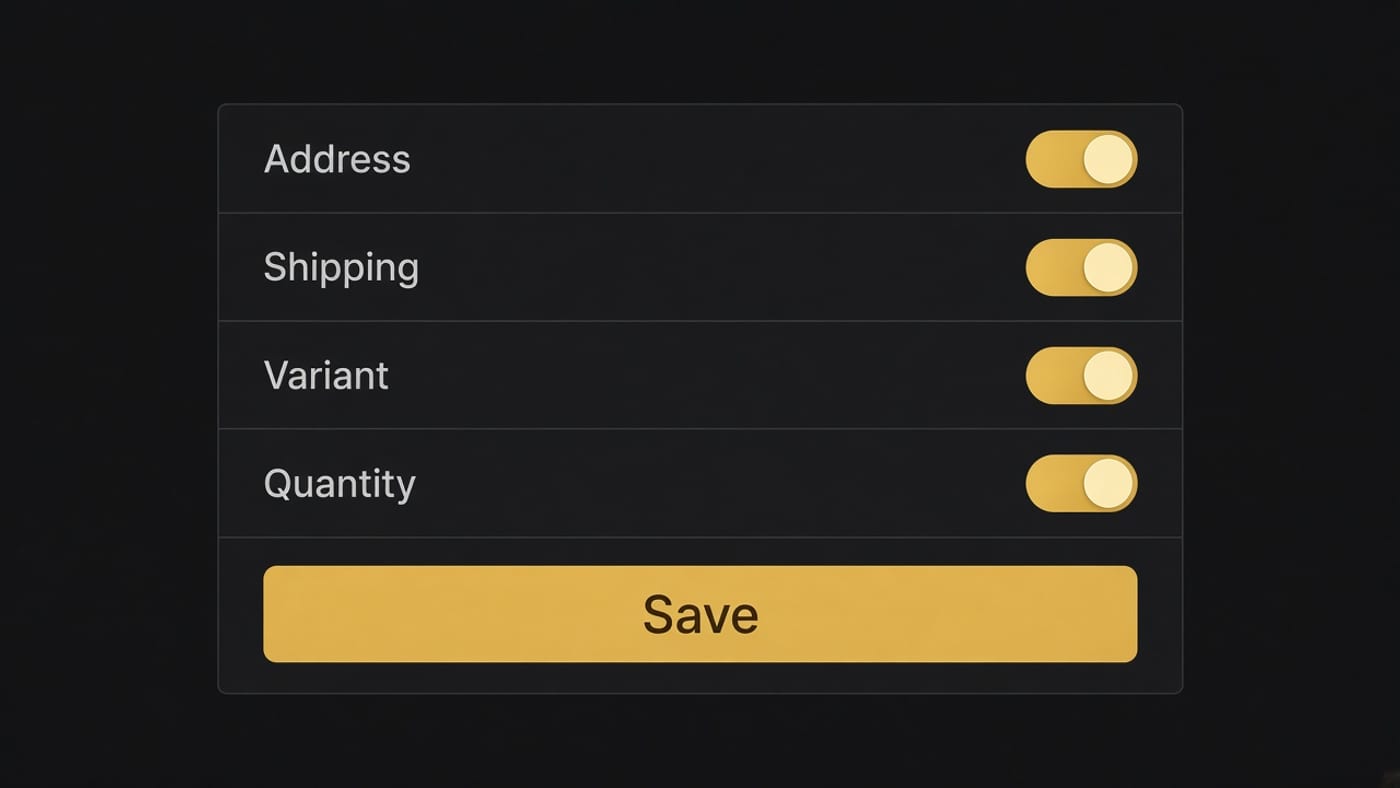
Those four switches are the operating policy. Every one you enable is a change the warehouse must still be able to make. On Black Friday the useful set is usually address, shipping method, variant and quantity. Add-product is an upsell, and it belongs only while the order is still unpicked. A switch that fails because the parcel already left teaches the customer that self-serve is decoration.
1. Open the address field, and close it when you buy the label
Self-serve address change is the highest-volume fix. Put it on the order status page and in the account, where people already look. Close it the moment the order is fulfilled, including same-day picks. A customer who edits an address after the label exists has not saved you money. They have created a second shipment.
Say the cutoff in the confirmation: "You can change the address until we pack the order." Vague "contact us soon" produces emails.
2. Let them swap the variant without cancelling
Wrong size and wrong colour are the second pile. A swap inside the order keeps the payment and the promise. Cancelling so they can repurchase loses the sale to a sold-out size an hour later, which is common on Black Friday. Allow the swap only while both variants can still ship together. If the new variant is gone, say that. Do not leave a spinner.
3. Allow a quantity change before the pick
Someone meant two and bought one, or bought three and only wanted one. Quantity edits are safe when stock is real. They are dangerous when the product is already allocated to another order. Tie the edit to available stock, and do not let a quantity increase oversell the last unit you were saving for a wholesale pick.
4. Let them add the forgotten piece into the same order
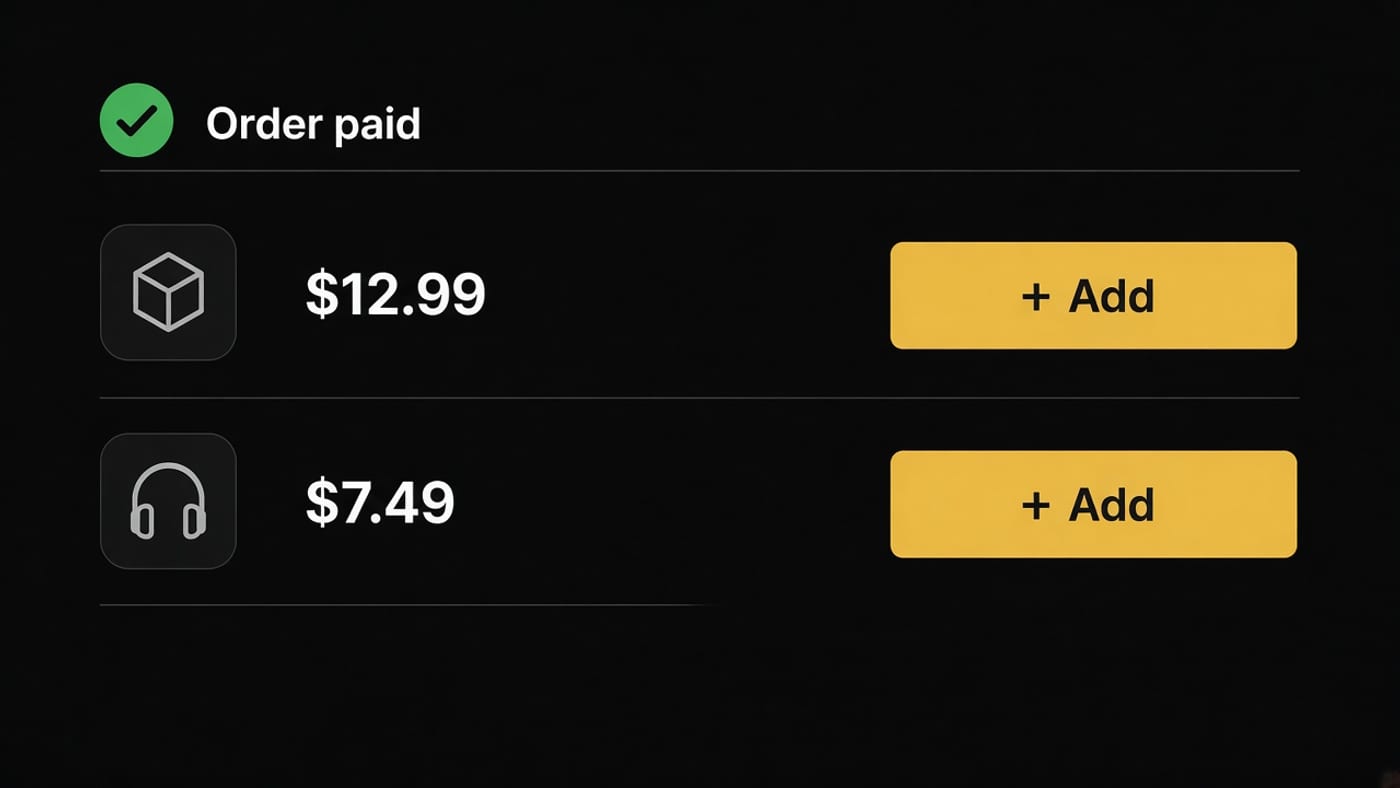
A forgotten gift wrap, a second shade, the refill. Adding a line before fulfilment ships it in the same box, which is cheaper than a second order next week. This is also the post-purchase upsell, covered in BFCM post-purchase upsell ideas. Keep it one suggestion, not a second store.
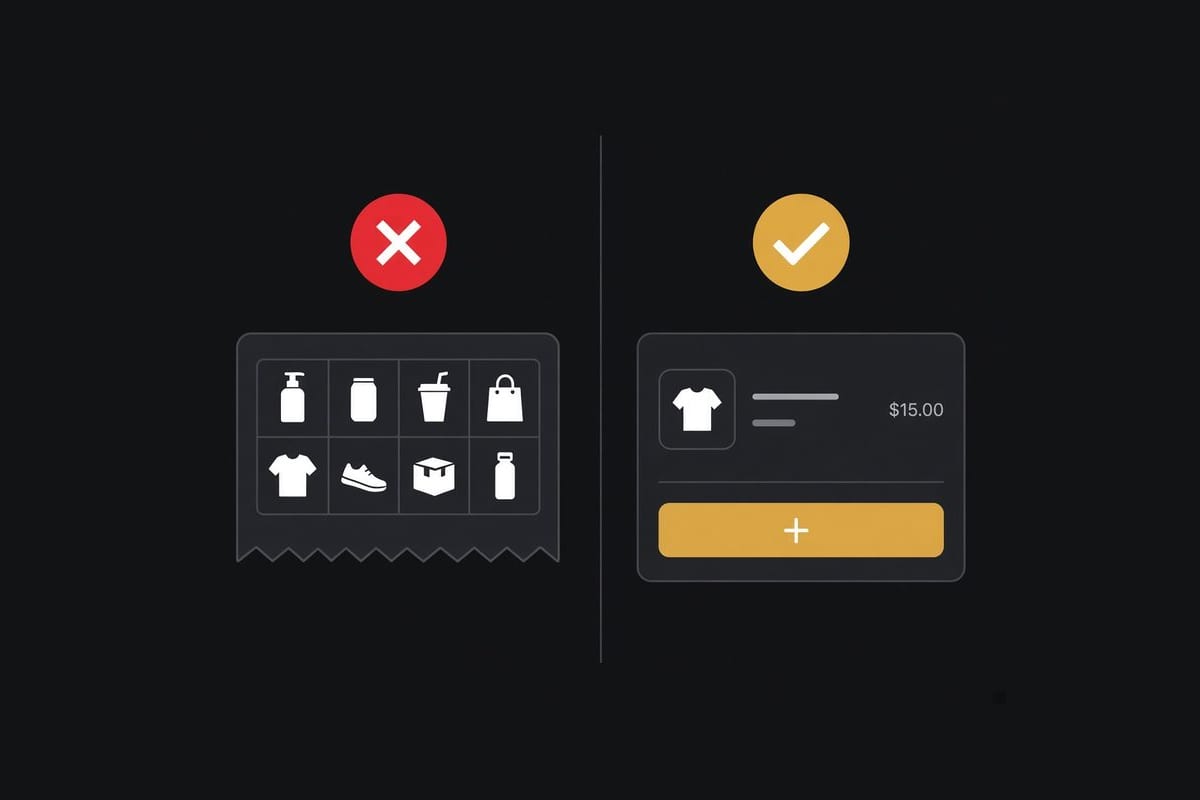
Two products the customer already has a reason to know. Eight cards on a confirmation is a catalogue. The add has to fail closed once the order is fulfilled. An "Add" button that errors because the label already exists will generate the ticket you were trying to avoid.
5. Offer a way to change the shipping method while it still matters
Upgrade to a faster service when the gift has a date. Downgrade when they do not need it. Only show methods you can still buy. If the order is already in a pick wave, hide the control. Reviso can include the shipping method among the fields customers change, with rules for who is allowed.
6. Meet the cancellation with a correction first
People hit cancel because the address is wrong or the size is wrong, and cancel is the only button they trust. Put the edit next to the cancel. When they still want to cancel, a modest incentive (a discount on this order, or a small gift) is a save. It is not a trick if the alternative is a refund you were about to process anyway. Reduce order cancellations is the policy side. Self-serve edits versus tickets is how to roll it out so the warehouse is not surprised.
7. Write the rules by country and by customer
Not every order should be editable. A cross-border address change can move the parcel into a zone you did not price. A wholesale tag may need staff. Block those, and allow the rest. One global "edit everything" switch is how a Black Friday order leaves the country you thought it was in.
| Edit | Usually allow | Hold for staff |
|---|---|---|
| Shipping address, same country | Yes, before the label | After fulfilment |
| Address that changes country | Rarely | Almost always |
| Variant swap in stock | Yes | When the new SKU changes the ship date |
| Quantity increase | Yes, if stock remains | When it raids a held allocation |
| Cancel | Offer a fix or a small save first | Fraud reviews |
Returns are the expensive version of the same mistakes, after the truck. Fewer returns starts with edits that happen first. Reviso also covers returns and exchanges once the parcel has moved, including store credit, but the Black Friday win is the hour after checkout, not the week after delivery.
Turn this on before you turn on ads. A Friday install, with no test order, is how you discover the button on a live complaint.
Frequently asked questions
Can Shopify customers change their address after Black Friday checkout?
Not with Shopify alone. Staff can edit the order in the admin. Customers need an order editing app on the order status page or in their account, and the edit has to close before fulfilment. After the label is created, the cheap window is gone.
What is the most common order change on Black Friday?
The shipping address. People check out at a gift address, a work address, or an old saved address, then notice an hour later. Variant swaps (size and colour) are next, then quantity, then a forgotten add-on.
Should I let every customer edit every field during BFCM?
No. Allow the corrections that are cheap and block the ones that break a rule. Address and variant swaps are the usual yes. Some countries, wholesale tags, or high-risk orders should stay staff-only. Write that down before Friday, not in the inbox on Saturday.
How do order edits reduce Black Friday cancellations?
A shopper who can fix the address or the size does not need to cancel and repurchase. When they do start a cancellation, an incentive to keep the order beats a silent refund. The cancel path should be visible, or they will email anyway and you have both systems.
What if the order has already shipped?
The edit window should already be closed. A shipped wrong address is a carrier problem or a reship, not a self-serve edit. That is why the cutoff has to be tied to fulfilment, automatically, including orders that go out the same day.