Reviso vs AE Order Editing: Customer Edits Before the Order Ships
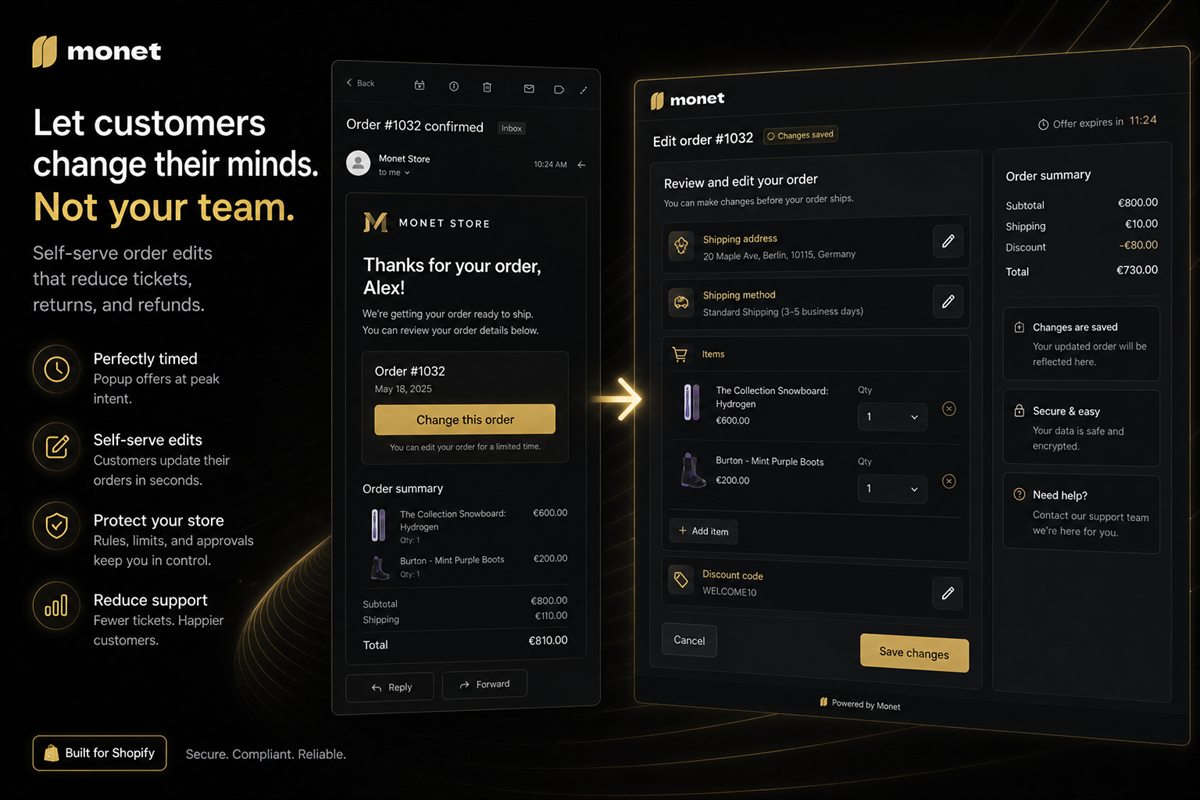
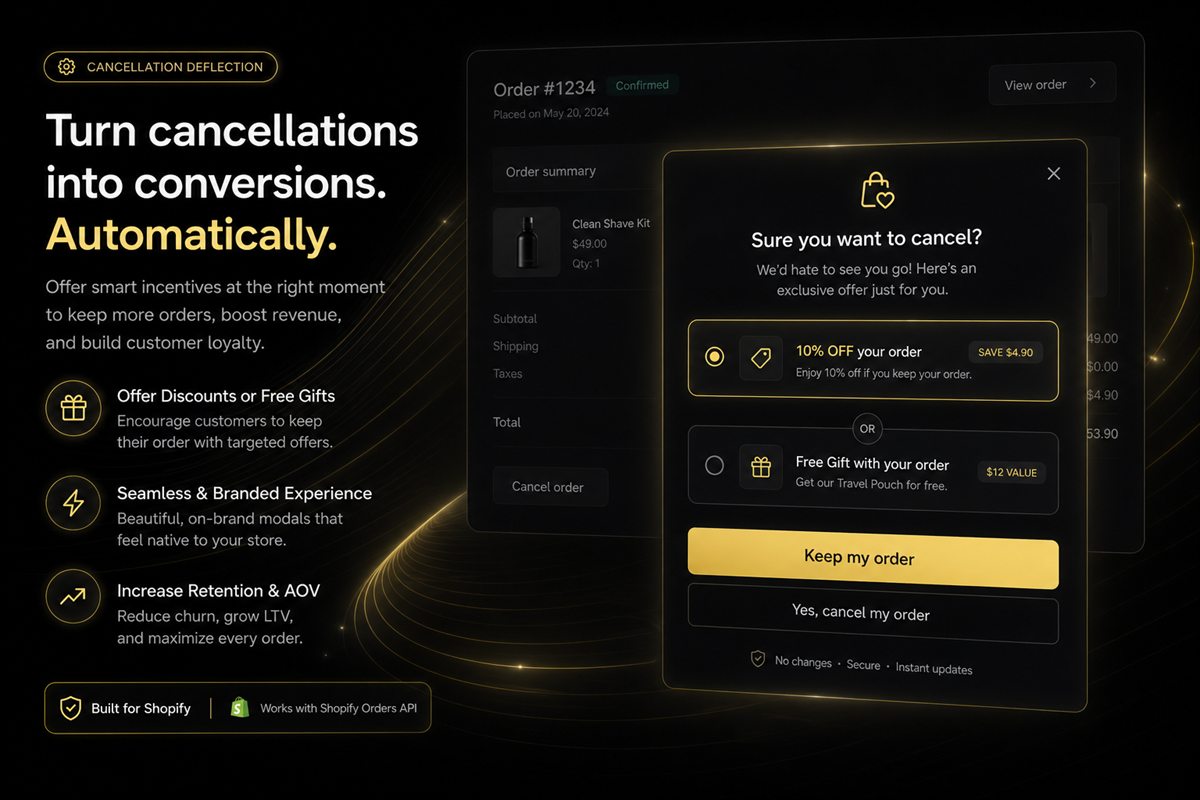
AE: Order Editing & Upsell is a paid Shopify editor from about $39 a month. Reviso covers the same customer edits, cancellation saves and product suggestions, free.
Post-purchase order editing, cancellation deflection, returns reduction and second-order tactics for Shopify stores.
The minutes after checkout decide whether a customer edits, cancels or buys again. Self-service order editing, a clear cancellation policy and a well-timed post-purchase offer turn support tickets into retained revenue. These guides cover order editing windows, address changes, refunds versus edits and reducing returns.

AE: Order Editing & Upsell is a paid Shopify editor from about $39 a month. Reviso covers the same customer edits, cancellation saves and product suggestions, free.

Editly and Reviso let Shopify buyers edit orders themselves. Reviso adds cancellation saves, product suggestions, returns and store credit, free to install.

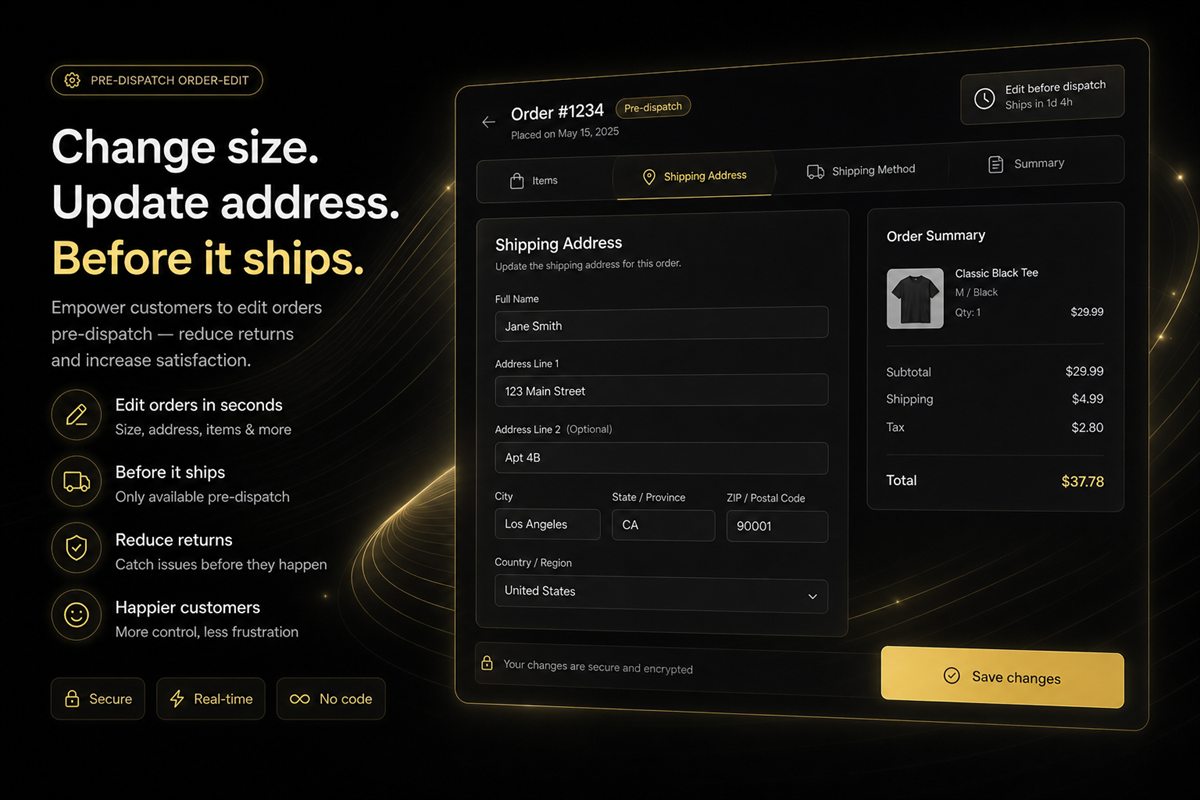
Oat and Reviso both offer Shopify order editing. Reviso lets buyers change address, items and shipping until fulfilment, with cancellation saves and product suggestions, free.

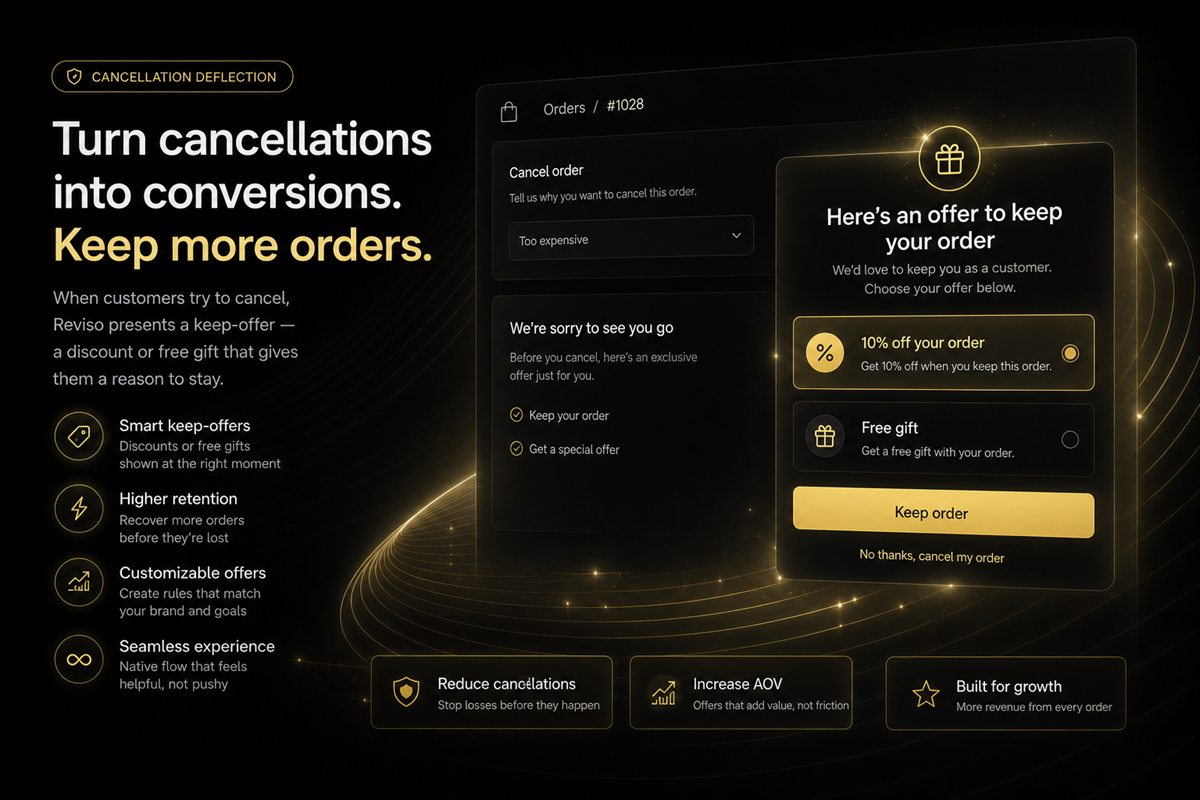
Order Editing & Upsell and Reviso both let Shopify customers fix an order. Reviso answers a cancellation with a discount or a gift, and suggests products on the edit screen. Free.

OrderEditing.com is a Shopify order-editing suite from about $99 a month. Reviso covers address, items, cancellation saves, suggestions and returns, and it is free to install.

Vista and Reviso handle Shopify order edits. Reviso pairs the editor with cancellation saves, product suggestions, returns, exchanges and store credit, free.

Shopify order editing after checkout: which customer edits are safe, the rules you need, and why the edit screen is also a revenue page.

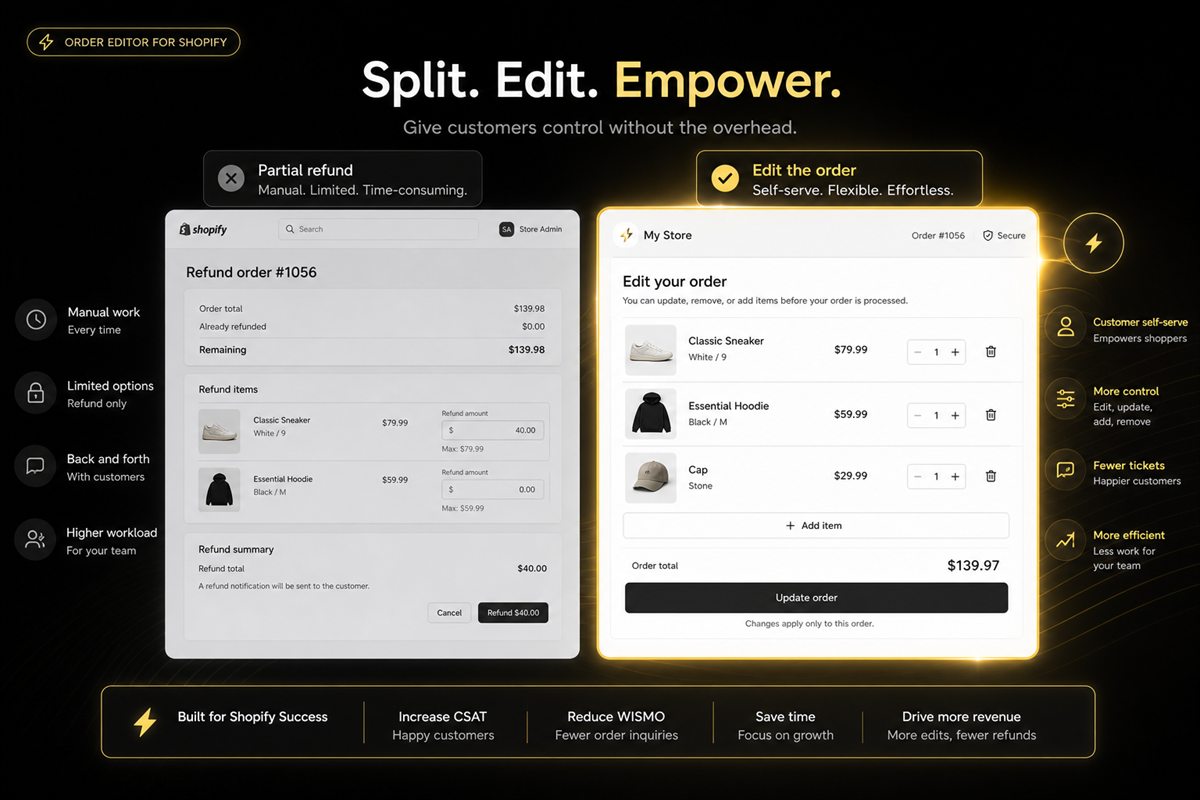
Prefer a Shopify order edit before fulfilment — add, swap or remove a line. After the box has shipped, a partial refund or return is the honest path.

Put the Shopify order-edit link in the confirmation email — one button above the fold — and repeat it on the order status page.

Write a Shopify cancellation policy that matches the warehouse: self-serve cancel before packing, returns after ship, in the confirmation and cancel flow.

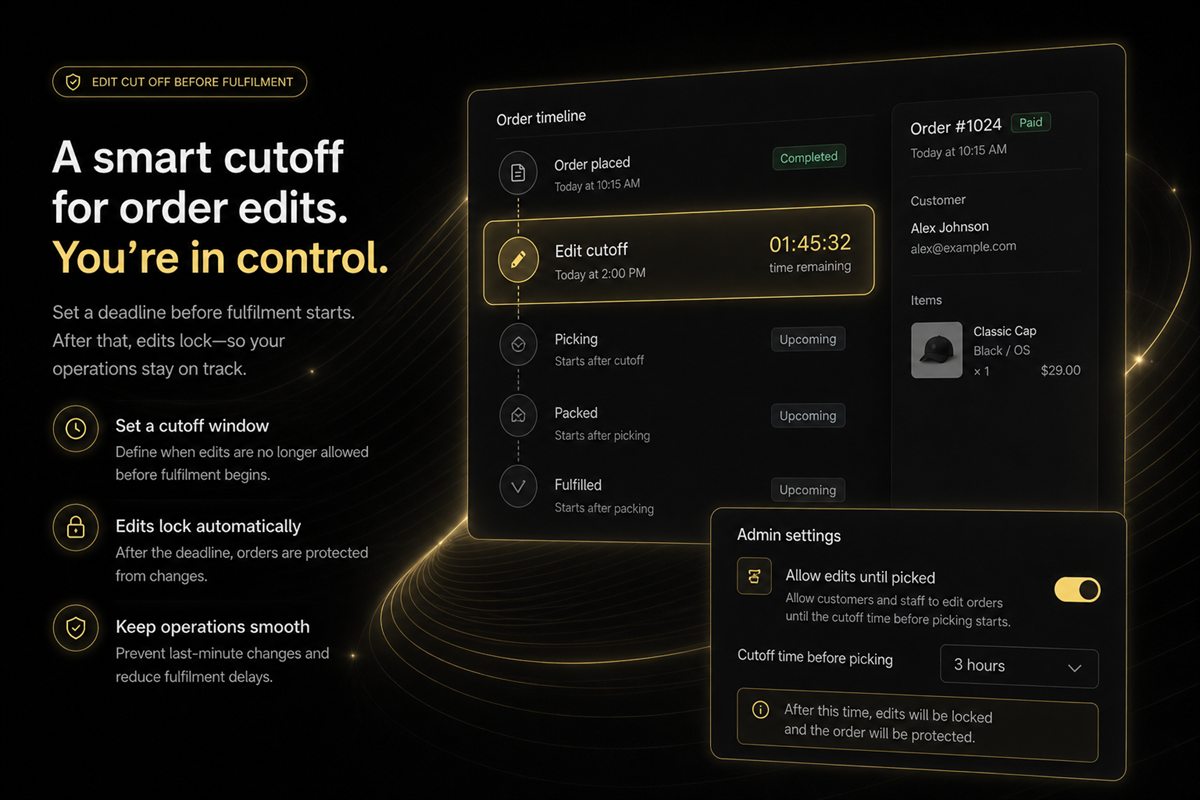
Set Shopify order-edit cut-offs from fulfilment status, not a random hour count. Publish the window and close it when packing starts.

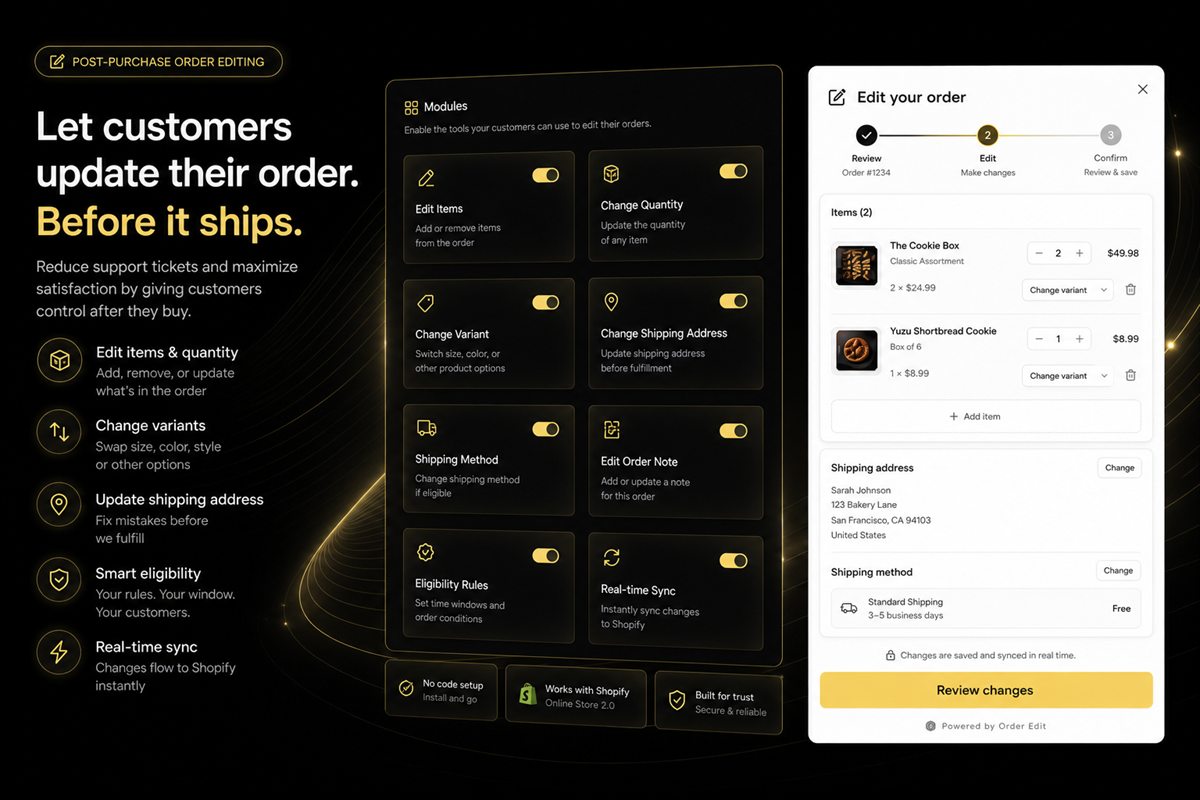
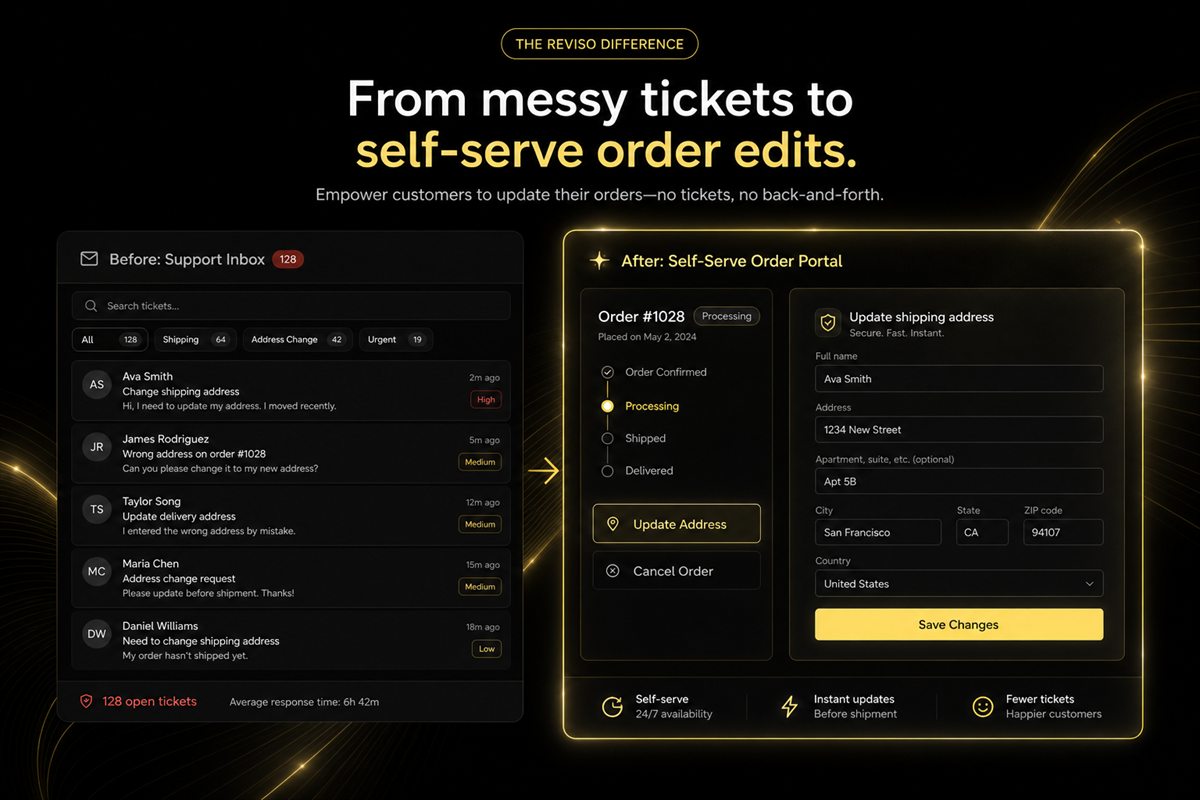
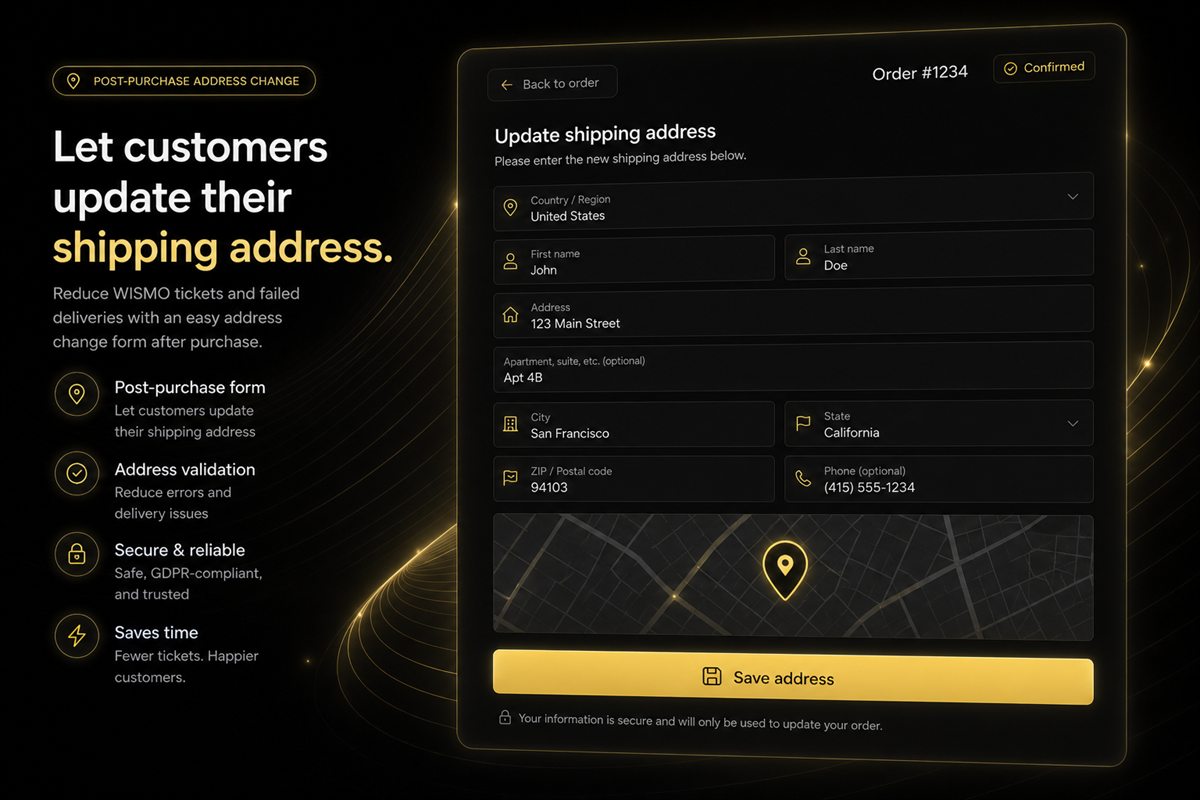
Move Shopify address changes, delivery notes and add-a-SKU requests to self-serve until fulfilment starts. Keep high-risk edits on tickets with rules.

The five reasons customers cancel, which of them are actually solvable, and how to build a deflection flow that saves orders instead of trapping people.

Let customers change a Shopify shipping address after checkout without tickets: zone changes, fraud checks and a safe cutoff.

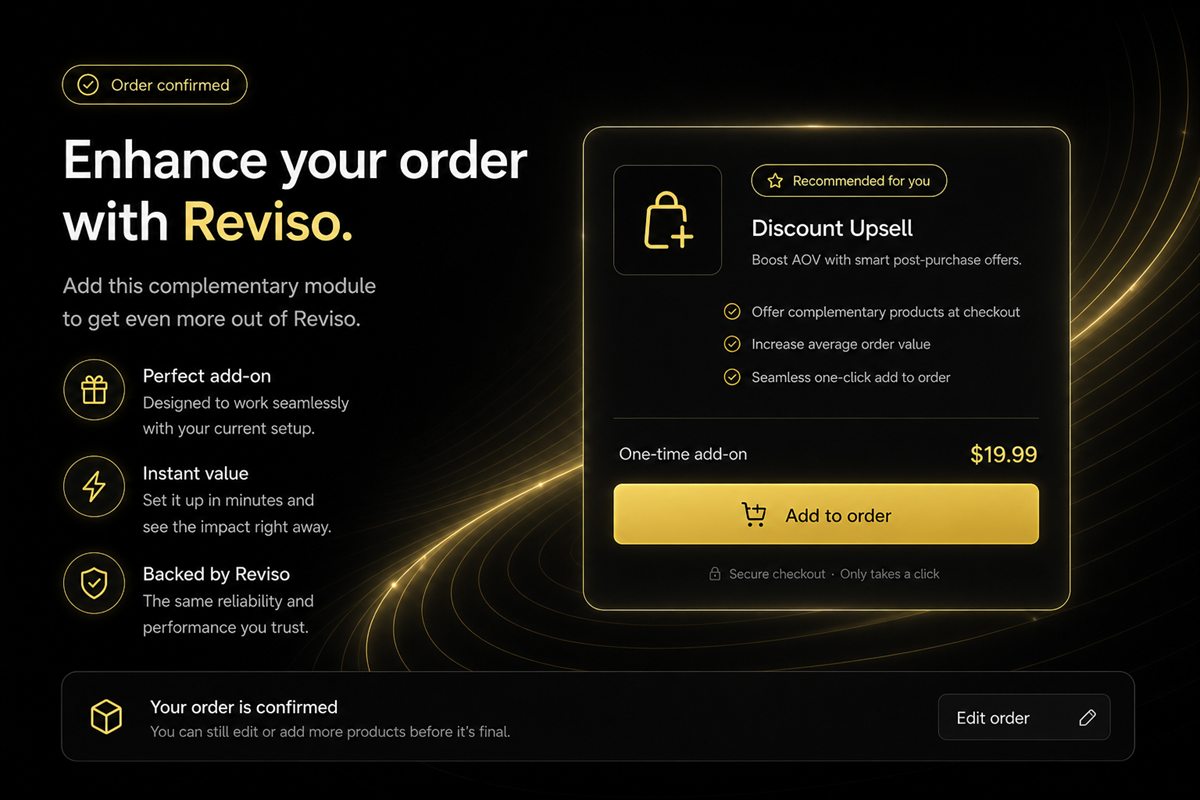
Shopify post-purchase upsells on the thank-you page, order-edit screen and pre-dispatch window — the least contested offer surfaces.

Most Shopify returns are decided before the parcel ships. Which causes you can prevent at which stage, and what to fix pre-dispatch.
No articles match that search yet. Try a broader term.
Not natively. Shopify lets staff edit orders in the admin, but customers need an order editing app to change address, quantity or variant from the order status page or confirmation email before fulfilment.
Give customers a way to fix the reason instead of cancelling — wrong address, wrong size, forgot an item — inside a short edit window, and state a clear cutoff time. Most cancellations are corrections, not regret.
An offer shown after payment, on the thank-you or order-status page, that can be added to the order without re-entering payment details. It does not risk the original conversion and typically carries a higher acceptance rate than pre-checkout popups.
Every tactic in these articles is something our apps do out of the box. Free plans, no theme edits, live in minutes.
Every app installs from the Shopify App Store. No theme code, no developer needed.