Addy
Addy  Addly
Addly  Goalify
  Monet
Monet  Reviso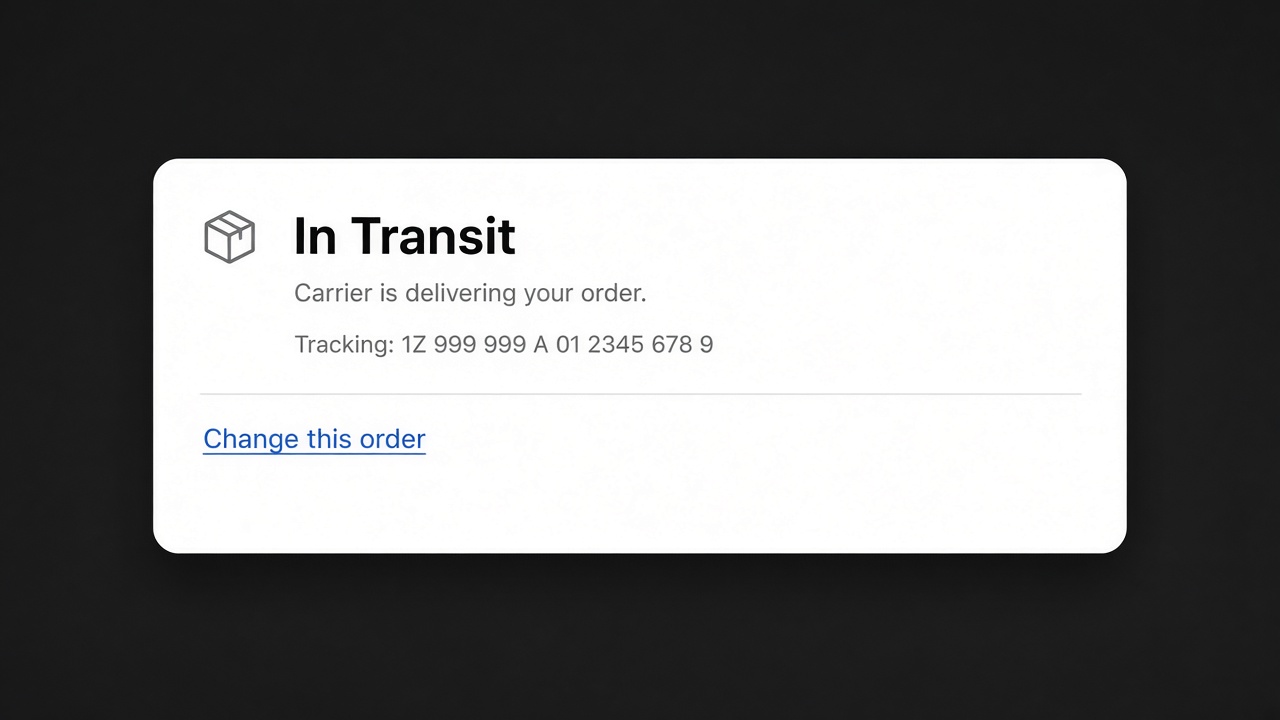
Key takeaways
- The order status page is a Shopify surface. You can brand the checkout. You cannot safely turn it into a custom microsite and still call it Shopify.
- The useful change is what the customer can do there: fix the address, the size, or the quantity before fulfilment.
- Reviso adds that in customer accounts, in Shopify's own look. It is not a status-page designer.
- Additional scripts and a forked thank-you page are how a checkout upgrade deletes your "custom" status page.
Customising the Shopify order status page usually starts as a request for a logo and ends as a request for a private website that happens to show a tracking number. Shopify will give you the first. The second breaks the next time checkout changes. The change that matters is narrower: the customer can see the order, and they can fix it before you ship it.
What Shopify will let you change
Checkout branding covers the mark, the colours, and the language around the order. Use it. A status page that does not look like the store is a phishing rehearsal.
You can add a short message. Tracking, the carrier, and what happens next belong there. A paragraph of merchandise does not. They already paid.
Additional scripts on the thank-you and status pages are the old way to inject a widget. Treat them as temporary. If your "customisation" is a script tag, you do not have a customisation. You have a dependency.
What is worth adding
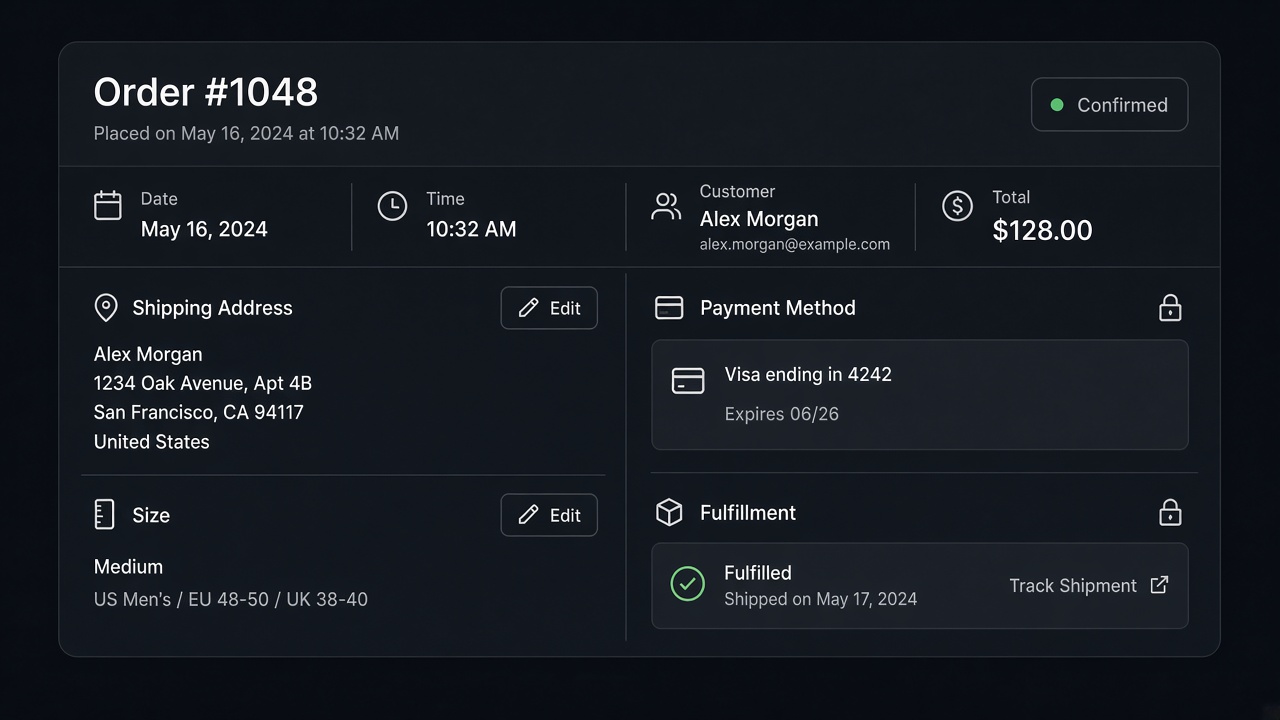
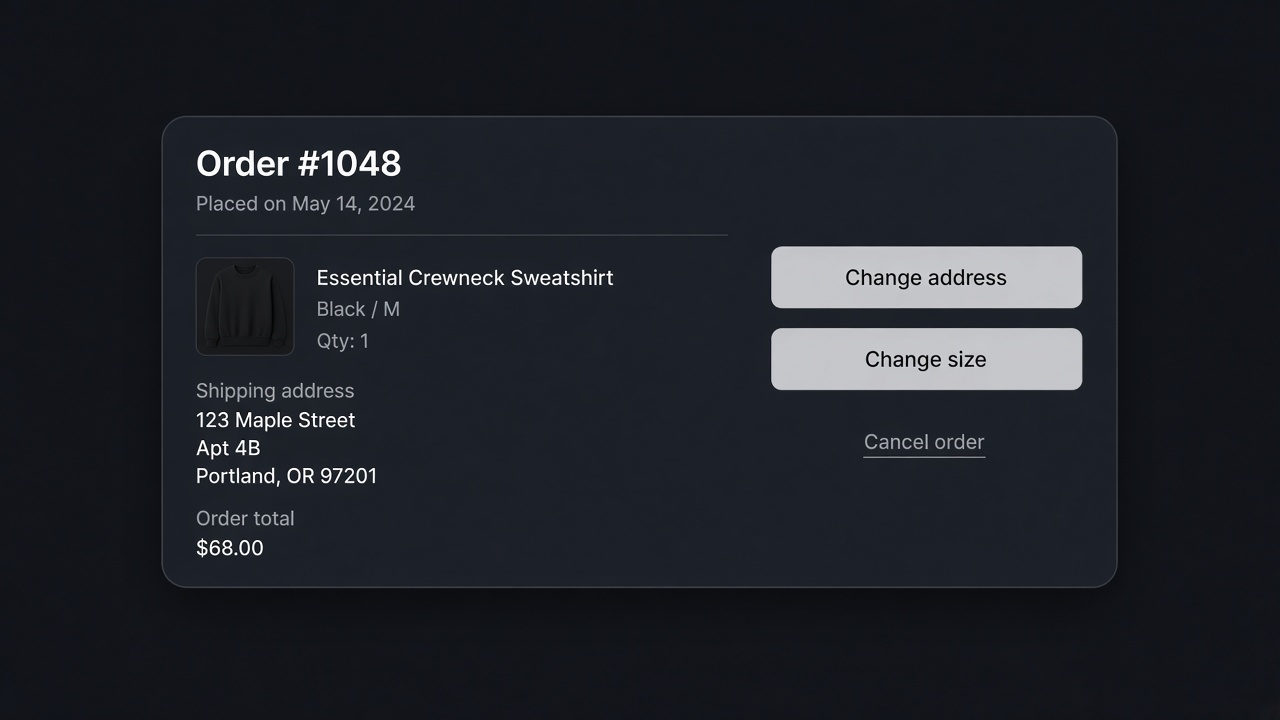
A link to change the order, shown only while it is unfulfilled. Reviso is that screen, inside customer accounts, with Shopify's own layout. The customer can update the address, the shipping method, variants, quantities and items. They can start a return or an exchange later, including store credit. If they hit cancel, you can offer a discount or a gift once, then let them cancel.
Reviso does not restyle the status page, does not validate the address against a postal database, does not update a 3PL, and does not run in POS. Claiming it is an order-status theme editor would be false. The status page stays Shopify's. The account is where the edit happens. If they open that screen, Reviso can also show a recommendation beside the edit. That is still the account, not a second theme for the status page. Point to it.
Copy for that link: "Need to change this order? You can, until it ships." Not "manage your experience".
What to leave off the page
| Idea | Leave it off because |
|---|---|
| A second theme for the status page | It will not survive checkout changes |
| An email popup | They already bought. You have the email |
| A thank-you upsell dressed up as status content | That is a new order. Build it as one, or skip it |
| Three apps competing for the same block | The tracking number loses |
| A cancel button with no edit beside it | You will refund orders that needed a new size |
Monet stays off this page. It is for add to cart, checkout starting, and exit. The order status page is after the sale.
A status page that is finished
- Branding matches the store.
- Tracking is the loudest thing on the page.
- One sentence links to the customer-account edit while the order is open.
- The link disappears after fulfilment, and the return path replaces it.
- You place a test order and open the status page on a phone.
What the page is for
The order status page answers one question: where is the thing I paid for? Shopify's checkout branding can put your mark and your colours on it. A short message can say when you ship, or what "in transit" means for your carrier. Tracking, when you have a number, is the largest text on the page after the status itself.
People land here from the confirmation email, often on a phone, often once. They are not shopping. A paragraph of new products, a countdown, and an email form are three ways to hide the tracking number. The page can be plain. Plain is the customisation that survives.
Thank-you and order status are both after payment. Treat additional scripts on either one as temporary. Checkout changes have been retiring that style of injection. If the only way a customer can fix a size is a script on that page, you will lose the fix when the script stops running. Reviso lives in customer accounts instead. The status page keeps a sentence that points there, while the order is unfulfilled: "Need to change this order? You can, until it ships."
What they can do after they follow the link
In the account, before fulfilment, they can change the address, the shipping method, the variant, the quantity, and the items. The screen looks like Shopify. After fulfilment, that link should disappear and the return, exchange, or store credit path is what you show. Reviso includes those. It does not restyle the status page, validate addresses against a postal database, update a 3PL, or run in POS.
If they open the edit, Reviso can show a recommendation beside it. That is an add they choose on a page they opened in order to change something. It is still the account. It is not a second theme, and it is not a popup Monet should fire. Monet is for add to cart, the start of checkout, and exit.
Country and tag rules belong on the edit, not on a different status-page design per market. One market can allow address changes. Another can send those orders to staff. The status page stays one layout.
Copy you can paste, and copy you should not
While the order is open:
- "Need a different size or address? Change this order until it ships."
- "We have not packed this yet. You can update it from your account."
After it has shipped:
- "This one is on the way. If it is not right when it arrives, start a return from your account."
Skip "manage your experience", "unlock rewards", and any line that implies the payment method can be swapped. A new card is a refund and a new order. Say that only if they ask. The limits are in what you can't edit.
Check the page the way a customer opens it
- Place an order on a phone.
- Open the status link from the email, not from the admin.
- Confirm the logo is yours, the status is readable, and tracking is present if you added a number.
- Tap the change link. Land in the account. Change a harmless field on a test order.
- Fulfil the order. Reload the status page. The change link is gone. The return path is there.
- Open the same URL in a desktop window only after the phone looks right. Most of these visits are mobile.
A from-scratch status page will not get through that list after the next checkout change. Branding, one sentence, and an account that can actually edit the order will.
The email link and the status-page link should land in the same account screen. If the email goes to the status page and the status page goes to the account, that is two taps, which is acceptable. If the email goes to a third app with its own login, people reply to the email instead. Reviso uses the customer account they already have. Keep the path that short. Open both links on a phone after the test order. They should show the same edit controls while the order is unfulfilled, and neither should show them after you mark it fulfilled. If the status page still offers a change after fulfilment, the sentence is hardcoded. Remove it and let the account decide. A hardcoded sentence cannot know that you bought the label an hour ago. The account can, because fulfilment is what closes the edit.
Install Reviso. The status page stays Shopify's. The account is where the order gets fixed.
Frequently asked questions
Can I fully redesign the Shopify order status page?
Not as a theme you control line by line. Checkout branding covers logo, colours and a short message. A from-scratch status page is a different product, and Reviso is not it.
How do customers change an order from the status page?
Send them to the order in their customer account. Reviso shows the edits there, in the native Shopify layout, until the order is fulfilled.
Will custom code on the thank-you page survive?
Do not depend on it. Checkout extensibility has been replacing additional scripts. An app that lives in customer accounts still works when that script disappears.
Can I add upsells to the order status page?
A new offer after they have paid is a second order. It is not an edit. Monet does not run on the thank-you page. Do not paste a popup there to force it.
What should the status page actually say?
Where the order is, the tracking link if you have one, and a plain link to change the order if it has not shipped. One link. Not three apps.
Is the thank-you page the same as the status page?
They are both after payment. Branding can cover both. The edit still lives in the customer account. A script on the thank-you page is a weak place to hang that link.
Can the status page show a different block per country?
Keep the status page plain for everyone. Country rules belong on the edit itself, in Reviso, so a market can allow an address change and another market cannot.