Addy
Addy  Addly
Addly  Goalify
  Monet
Monet  Reviso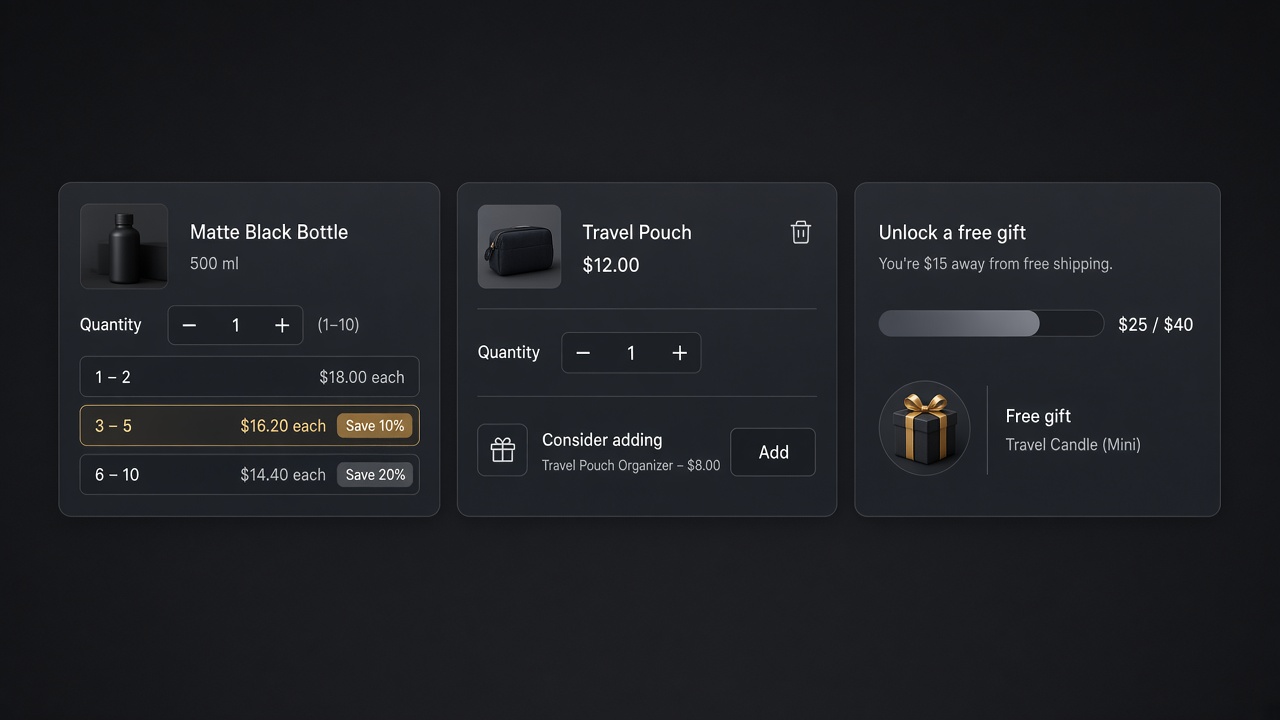
Key takeaways
- These twenty are offer patterns you can publish this week. The prices are worked examples, not a named store's results.
- Put the set and the quantity break on the product page with Addly. Put one complement in the cart with Addy.
- Ask once before checkout with Monet. A threshold gift is Goalify, not a fifth popup.
- Two of these, aimed at the product you already sell, beat all twenty running at once.
These are twenty upsells you can set up today, written as patterns. The prices below are worked examples, not a named store's results. If a number is not from your orders, it does not belong on the offer.
Two surfaces do most of the work. The product page sells the set. The cart sells one more thing. A popup is a third ask, and only if the first two did not already make it.
On the product page
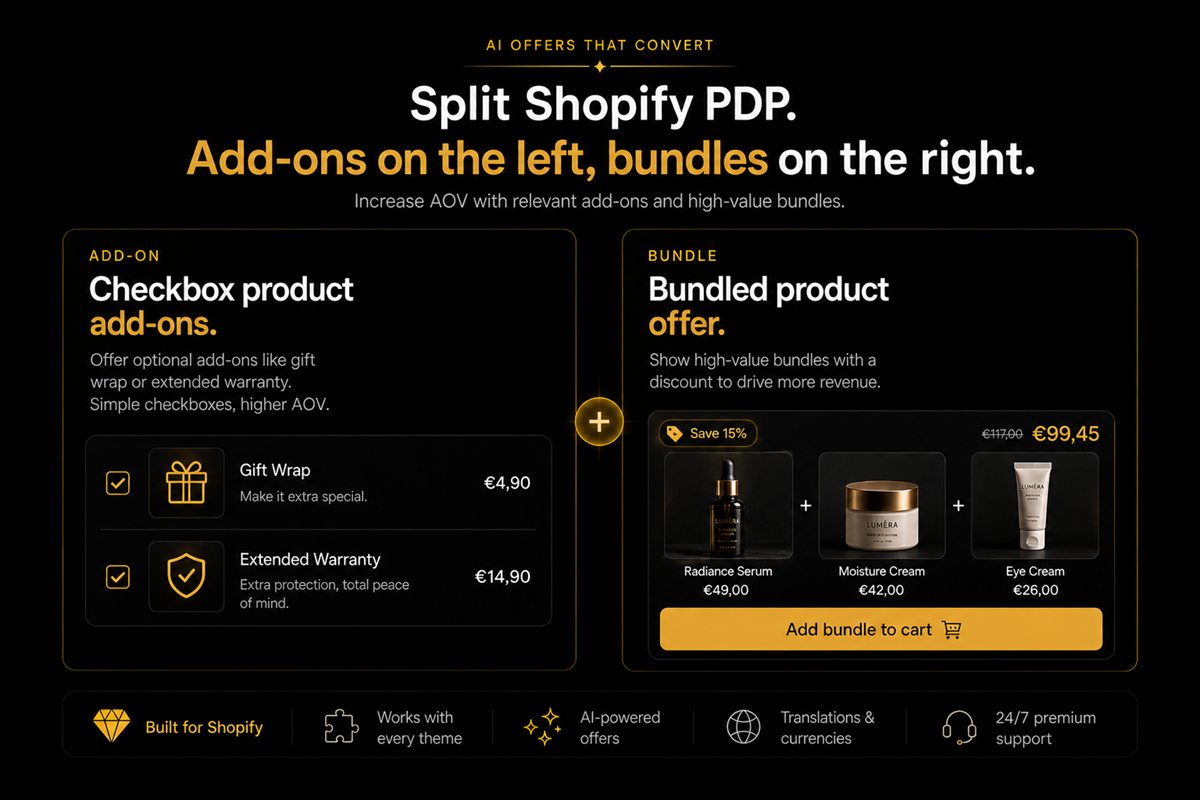
Addly owns these. The price is a Shopify discount, so the page and checkout match.
| # | Example | Why it is the one to copy |
|---|---|---|
| 1 | A fixed kit: device, case, cable | One price, one decision, three SKUs you already stock |
| 2 | A pair taken from real orders, cleanser and moisturiser | The second item comes from what people bought, not from a hunch |
| 3 | A quantity break on the hero SKU | The second and third unit are the whole upsell |
| 4 | Mix and match, three for a set price | Choice stays. The discount is still one rule |
| 5 | A paid add-on under the buy button | A pouch, a sample, engraving. Optional and visible |
| 6 | The refill pouch next to the bottle | Same product, lower price per use, still a choice |
| 7 | Good, better, best as three sets | One selected. Not seven cards |
| 8 | The quantity break on the variant they picked | The size in the cart is the size that is discounted |
In the cart
Addy shows one of these. One click, no reload.
| # | Example | Why it is the one to copy |
|---|---|---|
| 9 | The case for the item just added | Completes the product they already chose |
| 10 | A second unit at the quantity price | The break they skipped on the page, asked once |
| 11 | Gift wrap as a line they add | A fee with a yes, not a fee that appears |
| 12 | Shipping protection, off until they tick it | Optional. Pre-ticked is a dark pattern |
| 13 | One product that crosses the free-shipping line | The bar named the gap. The offer fills it |
| 14 | A delivery date under the lines | Not an upsell. It stops the bounce that kills the upsell |
Before they pay, and as a goal
Monet asks at add to cart, when checkout starts, or on exit. One product. Goalify is the goal on the bar.
| # | Example | Where |
|---|---|---|
| 15 | A travel size after they add the full size | Add to cart, Monet |
| 16 | The matching shade as checkout starts | Monet, then stop |
| 17 | The cheaper format when they move to leave | Exit, once |
| 18 | Free shipping, then 10% off, then a gift | Goalify, three thresholds, one bar |
| 19 | A gift that adds itself when the cart qualifies | Goalify. The bar warned them |
| 20 | The add-on they removed, offered once | Exit or the cart. Not both |
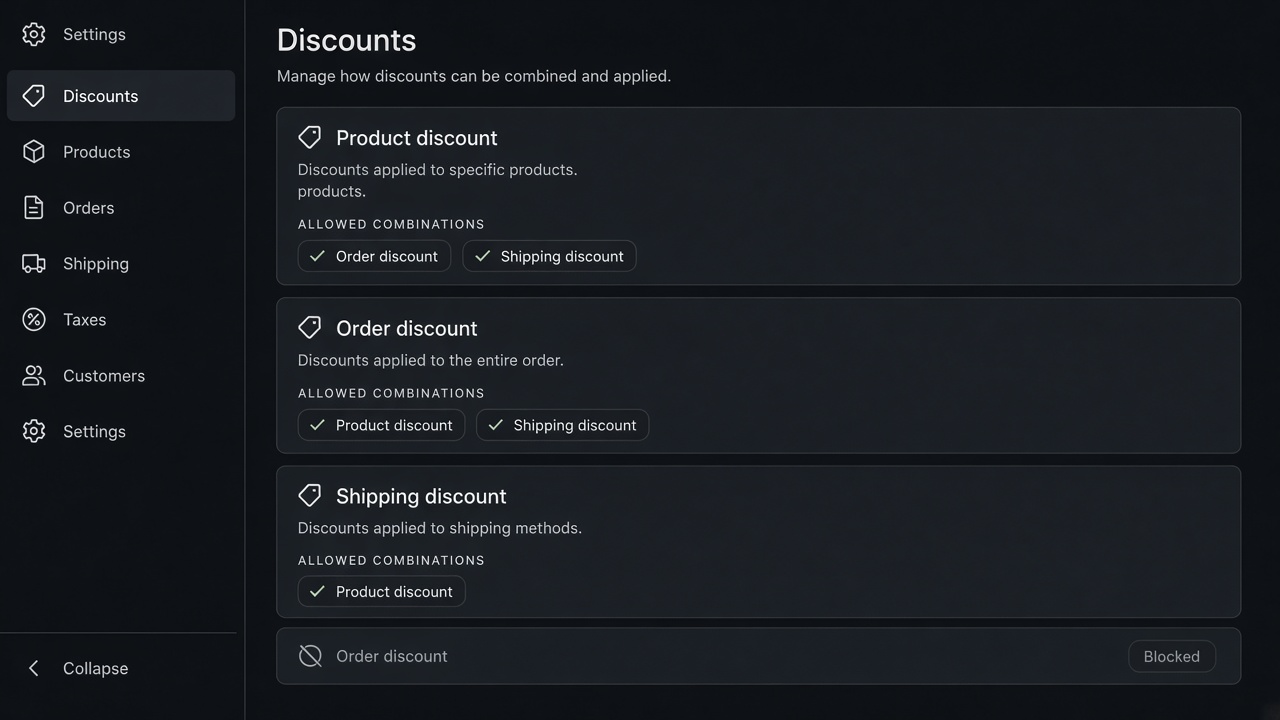
Do not run 15 and 9 as the same SKU. Do not run 13 and a popup that also tries to close the shipping gap. One gap, one offer.
A recommendation after they have paid belongs on the edit screen in Reviso, if they came back to change the order. It does not replace 1 through 14.
Six of them, built with numbers
These are setups. The prices are examples so the arithmetic is visible. Use your cost.
1. The kit. Device $80, case $18, cable $12. Sold separately that is $110. A set at $99 is $11 off, about 10%. If the three cost you $48 landed, the set still has $51 before ads and the label. Show one price under the buy button. Addly creates that as a Shopify discount, so the page and checkout match. A widget price checkout ignores is not a kit.
3. The quantity break. One jar $28, two $48, three $66. The second jar is $20, the third is $18. Put the tiers on the product page, on the variant they selected. A break that applies to a size they did not pick is a surprise at checkout. The margin check is the same worksheet as any other product discount. Two product discounts on that jar, the break plus a sitewide sale, are usually one cut too many. That is in discount stacking.
9. The case in the cart. They added the device. Addy shows the case once, one click, no reload. If the product page already sold the kit, the drawer does not sell the case again.
13. The shipping closer. The bar says $16 to go. One product they have a reason to want costs $18. Offer that product, not a grid. If you have no honest $18 add, change the threshold. Do not invent a cheap add-on to force the bar to complete.
18. Three goals. Free shipping at $75, 10% off at $100, a pouch at $120. One bar, in order. Goalify reveals the next goal when the current one completes, and it can add the pouch when the cart qualifies. Publishing all three sentences at once, with no progress, is a poster. The sequence is the offer.
19. The gift. The pouch costs you $2.10. It appears at $0 when the cart crosses $120, and it leaves if the cart drops back. The bar said it was coming. A gift that appears for the first time on the order status page feels like a mistake, even when the price is zero.
How to choose the two you will actually run
Pull the last ninety days of orders. For the hero product, list the other SKUs that show up in the same order. The pair with a real count is example 2. The hero's own quantity break is example 3, if a second unit is something people can use. Those two are the product page.
Then look at carts that stalled under the shipping threshold. If one SKU would have closed the gap often, that is example 13, and it lives in the drawer. If the stalled carts have nothing sensible to add, the threshold is wrong. Fix the number before you design an upsell to paper over it. The method is in how to set free shipping over $X.
Leave the popup for a gap the page and the drawer are not already covering. Monet asks at add to cart, at checkout, or on exit. One product. If example 9 and example 15 are the same SKU, delete 15.
| Live this week | Holds |
|---|---|
| A set or a pair on the hero | Addly |
| One complement, or the item that closes shipping | Addy |
| A goal the bar can explain | Goalify |
| One ask, if the first two did not already make it | Monet |
| A recommendation if they come back to edit | Reviso |
What to count after a week
You do not need a published benchmark. From your own orders, count:
- Orders that contain the set, versus orders of the hero alone.
- Drawer adds of the complement that are still in the order at payment.
- Carts that crossed the threshold after the closer was shown.
- Popups closed with no add. A high close rate means the moment or the product is wrong.
Stop at two offers if those counts are still noisy. Twenty live offers is how the same shopper sees the case three times and trusts the price less.
Variant matters on the break and on the pair. A two-pack price that applies to a size they did not select will look like a stacking error at checkout. Set the break on the variant in the cart. Addly can do that. A pair that ignores the shade they picked will recommend the wrong bottle. Pin the shade when the campaign is about one shade. Use purchase patterns when any shade is a fair suggestion.
Install Addly for the product page. The cart version of this list is in in-cart upsells that convert.
Frequently asked questions
Are these from specific Shopify stores?
They are setups, not a store tour. The prices are examples so you can check margin before you publish. Copy the pattern, then check it against your own orders.
Which example should I ship first?
The pair or the quantity break on the product you already sell most, in Addly. Then one cart complement in Addy. Stop there for a week.
Can I run a popup and a cart upsell for the same item?
You can. You should not. The shopper sees the same product twice and trusts the price less.
Where do free gifts fit?
As a goal on the bar, added when the cart qualifies. Goalify. Not as a surprise line with no remaining amount.
What about an upsell after they pay?
That is a new order, or an edit-screen recommendation in Reviso. It is not a substitute for the offer they should have seen before checkout.
How do I know a pair is real?
Count orders in the last ninety days that contain both products. If that pair is rare, it is a hunch. Put a hunch on a campaign, not on every product page.
How many of the twenty should be live?
Two. The product-page offer and one cart offer. Add a popup only if those two are not already asking for the same item.