Addy
Addy  Addly
Addly  Goalify
  Monet
Monet  Reviso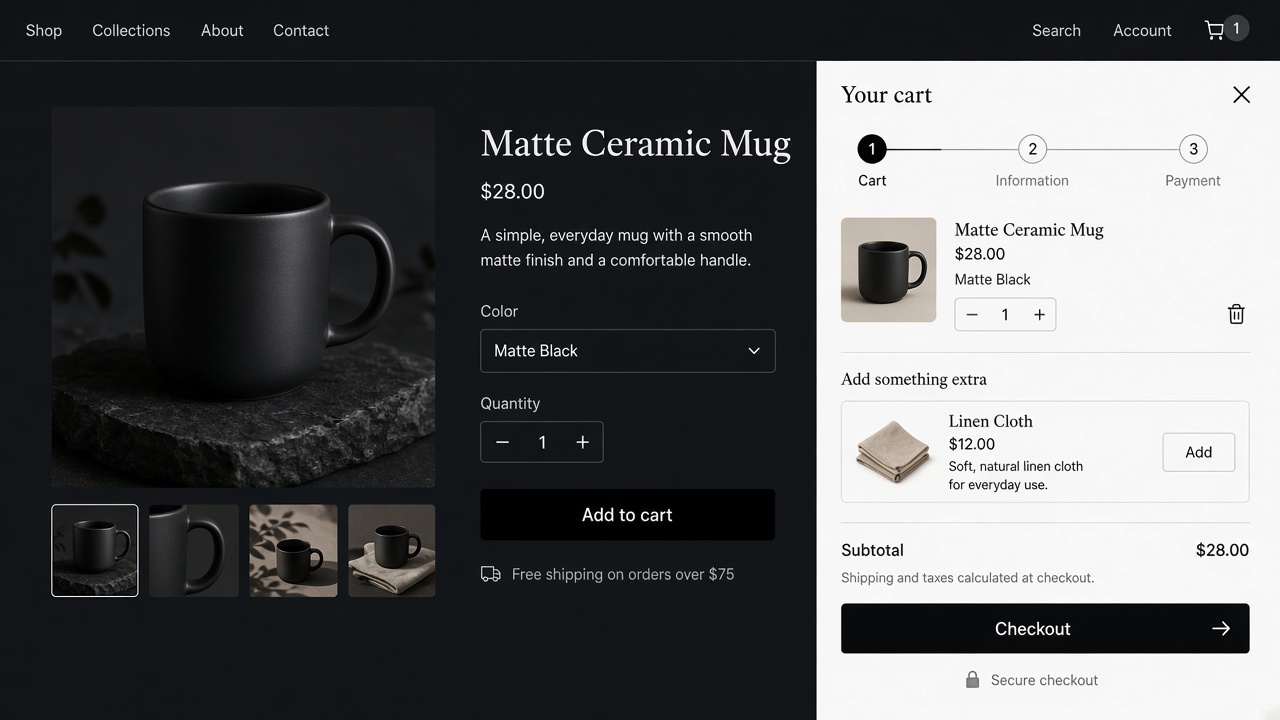
Key takeaways
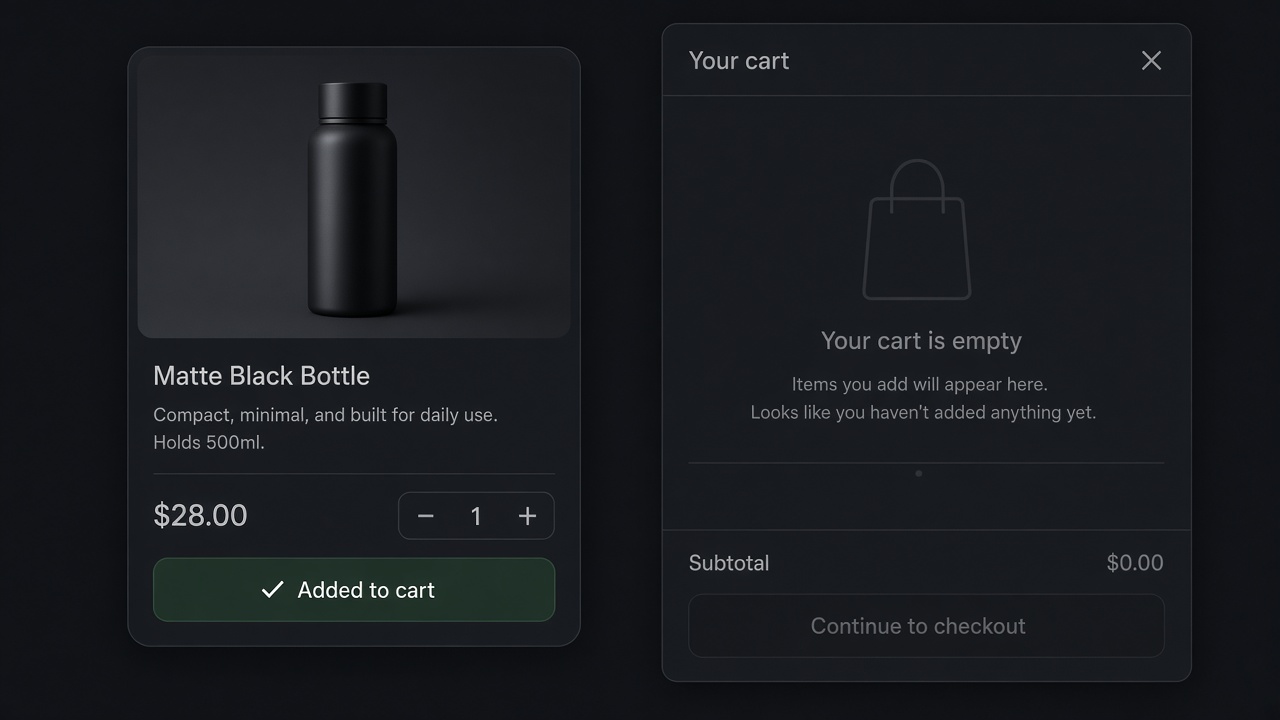
- Dawn already has a cart drawer. A second one, badly installed, is why add to cart appears to do nothing.
- On Online Store 2.0 themes, including Dawn and the other free themes, a slide cart should be an app embed. No Liquid edit, nothing left behind on uninstall.
- Addy drafts the drawer from the catalogue and the brand, then you edit it. The first cart is not an empty column.
- Hide or replace the theme drawer. Do not run Dawn's drawer and an app drawer on the same button.
Dawn already slides a cart in from the side. So do Craft, Sense, Refresh, and most free themes Shopify ships now. The job is not "add a drawer". The job is to replace the theme's receipt with a cart that can sell, without forking cart-drawer.liquid.
What you are replacing
The theme drawer shows line items, a subtotal, and checkout. That is a receipt. A selling slide cart adds one complement, the distance to free shipping, a gift if the cart earned it, and a delivery window. Addy drafts that cart from the products you sell and the way the brand looks. You edit the draft. You do not start from a blank column the week the theme goes live.
It is a theme app extension. It loads when the cart opens, so it stays off the first paint. Uninstall leaves no Liquid behind. It is free to install. A/B tests are in the app, so two versions of the drawer can run without a theme branch.
Add it on Dawn
- Install Addy from the Shopify App Store.
- Online Store, Themes, Customize. Open the theme you actually publish. Dawn's unpublished copy is a different theme.
- App embeds. Turn Addy on. Save.
- Add a product on the preview. The slide cart that opens should be Addy's, not Dawn's empty-looking drawer with a second icon.
- If Dawn's drawer still opens, disable the theme cart drawer in the theme settings, or stop the product form from calling it. One drawer.
- Check the cart icon in the header. It should open the same slide cart, not send the shopper to
/cartwhile the button opens a drawer. - Repeat on a phone. Dawn's header is tight. A drawer that is fine at 1440px can cover the close button at 390px.
The same embed works on the other free Online Store 2.0 themes. The setting that hides the theme drawer moves. The embed does not. Do not copy a snippet from a 2021 blog into theme.liquid. Theme updates delete those snippets, and the cart "breaks" the morning after.
What to put in the drawer
Progress, line items, one upsell, a delivery estimate, checkout. That order is the one in cart drawer vs cart page. A third product row is browsing.
If the threshold should change by country, the bar can be Goalify inside the Addy drawer. If the offer is a bundle with its own price, Addly owns the discount and Addy presents it. Do not install a second slide cart to get a bar.
Dawn's cart, and the other free themes
Dawn's theme settings include a cart type. Drawer keeps the shopper on the product. Page sends them to /cart. If you are replacing Dawn's cart with an app, the setting that matters is that Dawn stops opening its own drawer when Addy opens. Two animations, one button.
The same embed is how you add a slide cart on the other free Online Store 2.0 themes Shopify ships: Craft, Sense, Refresh, Ride, Studio, Taste, Origin, Crave, Publisher, Colorblock. The label for "hide the theme cart" moves. The embed does not. A snippet pasted into theme.liquid from an old tutorial is the thing a theme update deletes. The cart then "breaks" the morning after, because the snippet is gone and the app embed was never the thing opening.
Vintage themes that are still Online Store 1.0 are a different install. Confirm the theme is 2.0 before you promise a no-code embed. Addy installs as a theme app extension on Online Store 2.0 themes. There is no theme-file edit, and uninstall leaves nothing behind.
What a selling drawer contains
Use one product the store actually sells and write the drawer as a list.
| Block | Example on a $32 serum |
|---|---|
| Progress | "$18 away from free shipping" once the threshold is $50 |
| Lines | Serum, 30 ml, quantity, price, remove |
| One upsell | The moisturiser people already buy with it, one click, no reload |
| Delivery | A window you can keep, such as "leaves the warehouse tomorrow" |
| Checkout | The button, larger than the upsell |
A third product row is browsing. Gift wrap is a line they add, with a price. Shipping protection is a toggle that starts off. The longer block list, including the 40 or so Addy can place, is in the cart drawer guide. You do not turn them all on. The draft gives you a cart. You delete until the button is obvious.
Addy builds that first draft from the catalogue and the brand. Markets and customer tags can change the layout, a single block, or the threshold. Prices render in the shopper's currency. It loads when the cart opens, so it stays off the first paint. A/B tests compare two versions of the drawer without a second theme.
If the threshold itself should be its own test, Goalify can run that bar inside the drawer. If the offer is a bundle with its own price, Addly owns the discount and Addy presents it. A second slide cart, installed to get a bar, is how add to cart appears to do nothing. The fixes are in cart drawer not updating.
A pass on the published theme
Do this on the theme customers see, in a normal browser, not only inside the editor.
- Add the serum. The slide cart opens with that line.
- Increase the quantity. The line and the subtotal move.
- Remove it. The drawer is empty, and the header count matches.
- Open the bag icon. It is the same drawer, not
/cartand not Dawn's old drawer. - Add from a collection quick-add, if you use one. Some quick-add buttons are a second form.
- Narrow the window to a phone width. The close control is visible. Checkout is visible without a hunt.
- Switch country if you run Markets. Currency and the threshold follow the shopper.
- Place the order. The amount paid matches the drawer.
Save the theme after the embed is on. An embed that exists only in an unpublished "Dawn copy" is invisible on the live shop.
When Dawn's drawer is enough
A wholesale catalogue with no second item, no gift, and one market can keep the theme drawer. It is a receipt, and a receipt is the right cart when there is nothing to add. The week you want one complement or a different cart per country, start in the app. Forking cart-drawer.liquid to add a product row is how the next Dawn update becomes a project.
Leave these out of the first version even though the block exists. A countdown with no real end. A second and third upsell. A discount field in a louder colour than checkout. An announcement that repeats the header. Each one is available in Addy. Each one can wait until the drawer has taken orders and you know the first upsell is the right product. Custom HTML and CSS are there when a block cannot match the brand. They are not the first afternoon's job. Preview the drawer, then open the published shop in a private window. The editor can show an embed the live theme does not have until you save. Do that save on the published theme, then add one product outside the editor before you call the slide cart live. If the published shop still opens Dawn's drawer, the theme cart is still bound to the button.
Install Addy. The first afternoon is a drafted cart you edit, on Dawn or on any other free Online Store 2.0 theme.
Frequently asked questions
Does Dawn need a slide cart app?
Dawn includes a basic cart drawer. It lists the lines. It does not draft upsells, gifts, a delivery date or a different cart per market. That is the app.
Will this work on Craft, Sense, Refresh and the other free themes?
Yes, if the theme is Online Store 2.0. Addy installs as a theme app extension. Enable the embed, save, and test add to cart. You should not edit theme code.
What if both drawers open?
The theme cart and the app cart are both bound to the same button. Turn the theme drawer off, or stop the theme from opening its own drawer on add. One button, one cart.
Do I have to edit cart-drawer.liquid?
No. Liquid edits are how a theme update wipes the cart, and how uninstall leaves a broken drawer. Use the app embed.
Can the slide cart differ by country?
Yes, in Addy. Layout, offers and the free-shipping threshold can change by market and by customer tag.
Dawn has a cart type setting. Which one should I pick?
Drawer, if you are keeping Dawn's own cart. If Addy is the cart, stop Dawn opening a second drawer on the same button. Page is the full cart, and it sends people away from the product.
What should I test after the embed is on?
Add, change quantity, remove, open the header icon, apply a code, and do it again at a phone width. Then place one order through checkout.