Addy
Addy  Addly
Addly  Goalify
  Monet
Monet  Reviso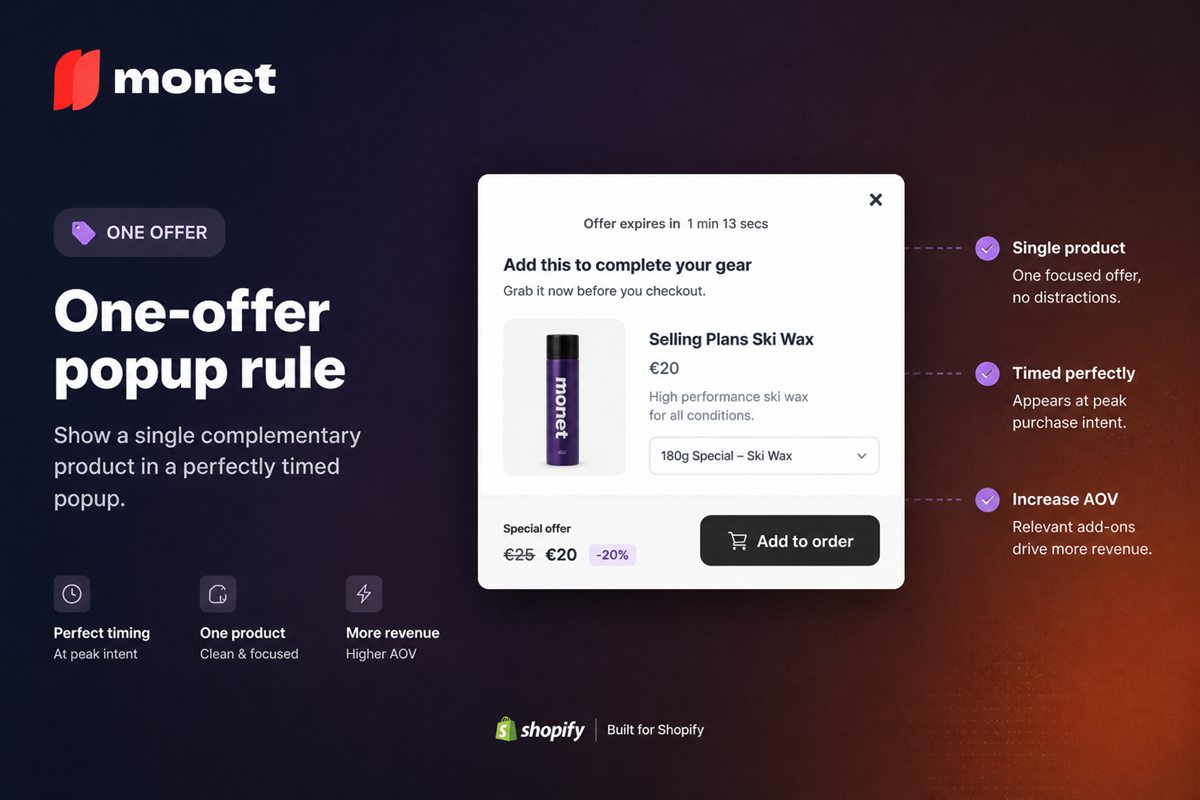
Key takeaways
- One overlay, one product, one action. A second product turns a decision into a catalogue.
- Pick the offer from what is already in the cart or on the page — not from a merchandiser's favourite SKU.
- The primary button is "Add". The secondary action is dismiss. A "See all" link is how people escape into browsing.
- If you cannot name why this SKU belongs with this cart in one sentence, it is not the offer.
- Measure attach rate of this SKU from this trigger. Popup click-through rate is not the number.
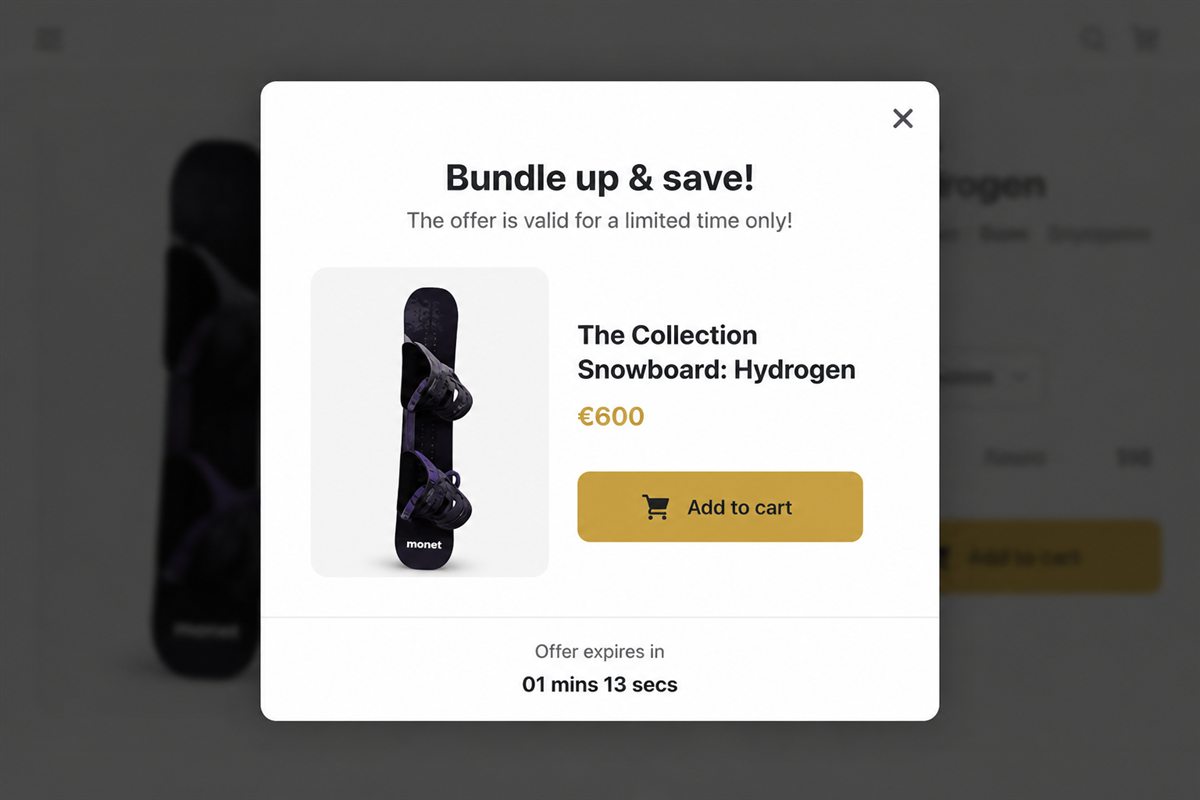
The one-offer popup rule says an upsell popup should sell exactly one product, with one add button and one way to say no. A popup has a few seconds and one job, and that job is not "present the catalogue". It is "do you want this, yes or no". Every extra product, link or option in the overlay turns that yes-or-no into a comparison, and comparison is where popup attach rates go to die.
What is the one-offer popup rule?
It is a design constraint for upsell overlays on Shopify: one product, one price, one primary action, one dismiss. The product is chosen from what the shopper has just added or is looking at, not from a list of things you would like to sell more of.
The rule sounds obvious. It is broken constantly, usually in one of three ways: a second product card "in case they prefer that one", a "See all accessories" link, or a carousel because the merchandiser could not decide. Each of these feels like giving the shopper more choice. Each of them lowers the chance that they take the offer.
Why two products convert worse than one
Two products in the overlay doubles the reading and halves the chance of a yes. Shoppers who would have added the first SKU start comparing. Comparison is browsing. Browsing is how overlays get closed.
There is a second, quieter cost. A popup with one product is a recommendation: "this goes with that". A popup with several is a shelf, and shoppers know a shelf is trying to sell them something. The recommendation frame is the reason a well-chosen popup can attach at all.
How to choose the one product
Write the one sentence of why
Before you ship an offer, write: "Because the cart contains X, we are offering Y." If X is empty (a generic sitewide popup), you do not have an upsell. You have an ad.
Because they added the mug, we are offering the 250g beans. Because they added the running shorts, we are offering the same-brand socks. Because they added a gift-boxed candle, we are offering wrap. Those sentences are offers. "Our bestsellers" is not.
Use order history, not instinct
The most defensible source for Y is your own orders: which product most often appears alongside X in the same basket. The approach is laid out in frequently bought together on Shopify. A merchandiser's favourite is a fine tiebreaker between two real pairs; it is a poor starting point.
Prefer low-consideration attachments
If the shopper would need to read a full product page to decide, the popup picked the wrong SKU. Pick something cheaper, simpler and more obviously related. A phone case is a popup offer. A second phone is not.
Exclude the obvious
Never offer the product already in the cart, another variant of it, or anything out of stock. Most "the popup looks broken" reports are missing exclusions.
How to build the popup on Shopify
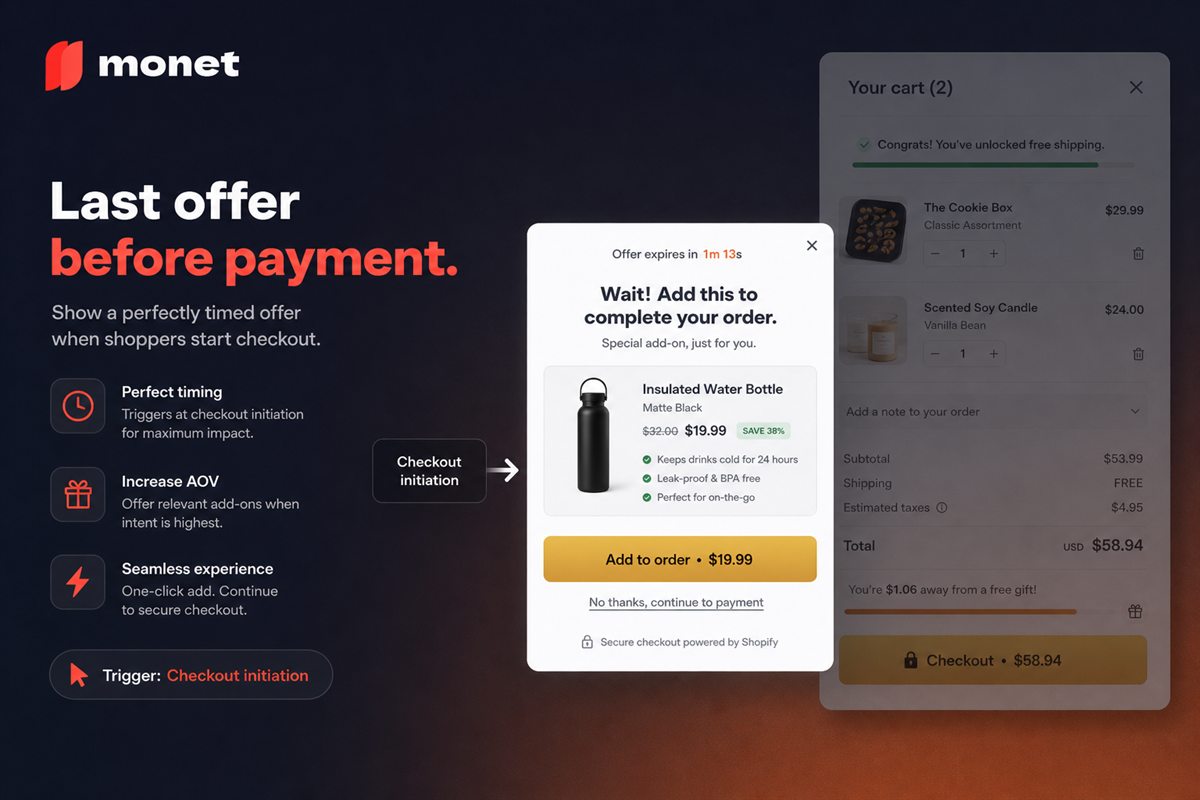
- Set the trigger. Add-to-cart is the natural home for a one-offer popup because the "because" sentence is freshest. Checkout initiation and exit-intent can work with the same rule.
- Map each anchor product to one offer. For small catalogues, do this by hand. For larger ones, let your popup app pick from co-occurrence and review the top pairs.
- Design the overlay. One image cropped like your product pages, product name, price, one line of why, an add button styled like your theme's add-to-cart, and a text dismiss. The full layout guidance is in upsell popup design that converts.
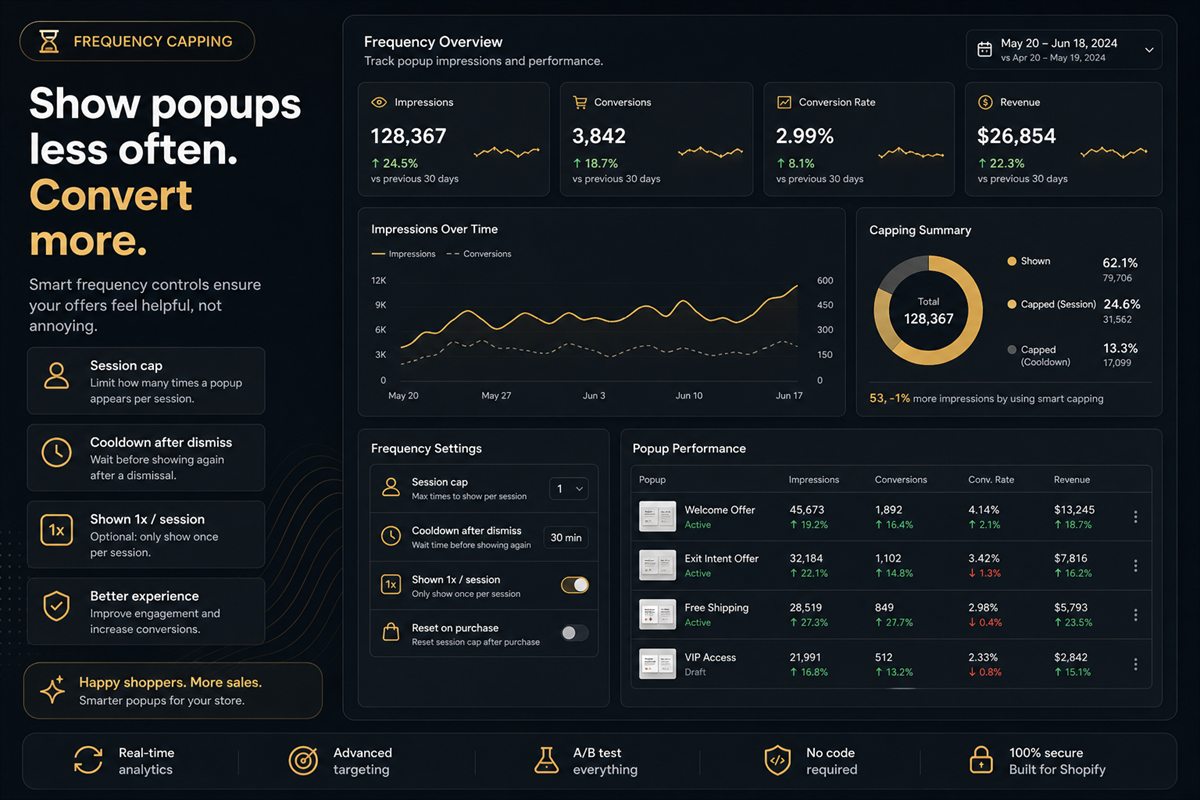
- Set the cap. One show per session per offer. Never show it again once the offered product is in the cart.
- Launch at full price. Decide on discounts only after you have attach data.
The button
Primary: Add (and, if you must, the price on the button). Secondary: close. No "continue shopping" that opens a collection. No "view product" that dumps them on a product page and kills the cart they came from.
A useful comparison of what belongs in the overlay:
| Element | One-offer popup | Catalogue in disguise |
|---|---|---|
| Products | One | Two or more, or a carousel |
| Primary action | Add | Add, view, compare |
| Secondary action | Dismiss | "See all", "Shop the collection" |
| Copy | One line of why | Descriptions, reviews, badges |
| Outcome | Yes or no | Browsing |
Discount last
Try the pair at full price. If attach rate is real, keep it. If it is near zero, a small bundle-style discount can be the difference, but it should be the last lever, not the first, because popup discounts become expected. Once shoppers learn the overlay carries a coupon, they wait for it, and your full-price attach rate goes to zero for good.
Common mistakes
- The "just in case" second card. If you cannot choose, you have not ranked. Rank.
- Linking out. Any link that leaves the current page is a leak. The shopper came to buy the thing in the cart.
- Sitewide offers. A popup that shows the same product to everyone has no "because". It is a banner with a close button.
- Offering a variant of the same product. A different colour of the shirt they just added is not an upsell; it is a duplicate.
- Two triggers, two offers. If the add-to-cart popup and the checkout popup both fire in one session with different products, you have two offers per visit. Cap across triggers.
How to measure the rule
Attach rate of this SKU from this trigger. Not popup CTR. Clicks that do not add are still a no, they just took longer.
If you want to know whether one offer beats two, do not guess. Run the two-card version against the one-card version as a proper split, holding SKU and trigger constant, and read the result the way A/B testing Shopify popups describes. Most stores that run the test never go back to two.
When the rule bends
Two cases are compatible with the rule:
- A fixed bundle. Two items sold as one set, one price, one add button. The shopper still has one decision.
- A variant choice for the offered product. If the socks come in sizes, a size selector inside the single offer is fine. A second product is not.
Everything else is a catalogue. Keep it out of the overlay.
Frequently asked questions
What is the one-offer popup rule?
It is the principle that an upsell popup should present exactly one product with one add button and one way to dismiss. The shopper answers a yes-or-no question instead of comparing options. It exists because comparison turns a quick decision into browsing, and browsing is how overlays get closed.
Can I show a bundle of two items in one popup?
Yes, if it is one offer with a single price and a single add button. Two separate products with two add buttons is two offers. The test is whether the shopper has one decision to make or two.
What if I have several good attachment products?
Rank them, show the winner in the popup, and keep the rest for the cart drawer or the product page. The popup is not your merchandising dump. Different surfaces can carry different offers without any single one becoming a catalogue.
Should an upsell popup include a discount?
Only if the pair does not attach at full price. Discounts in popups train shoppers to wait for the overlay before buying anything. Try the pair without a discount first and add one only if attach rate is near zero.
Is a carousel of offers in a popup okay?
No. Carousels in popups are how take rate dies, because they ask the shopper to browse at the exact moment you want a decision. If you feel you need a carousel, you have not chosen the offer yet.
How do I choose which product to put in the popup?
Start from what is in the cart. Use order history to find the product most often bought with it, exclude anything already in the basket, and check that you can write one sentence explaining the pairing: "Because the cart contains X, we are offering Y."