Category

Cart & Checkout on Shopify

Shopify cart drawer and checkout guides: slide-out carts, in-cart upsells, abandonment fixes and everything between add-to-cart and payment.

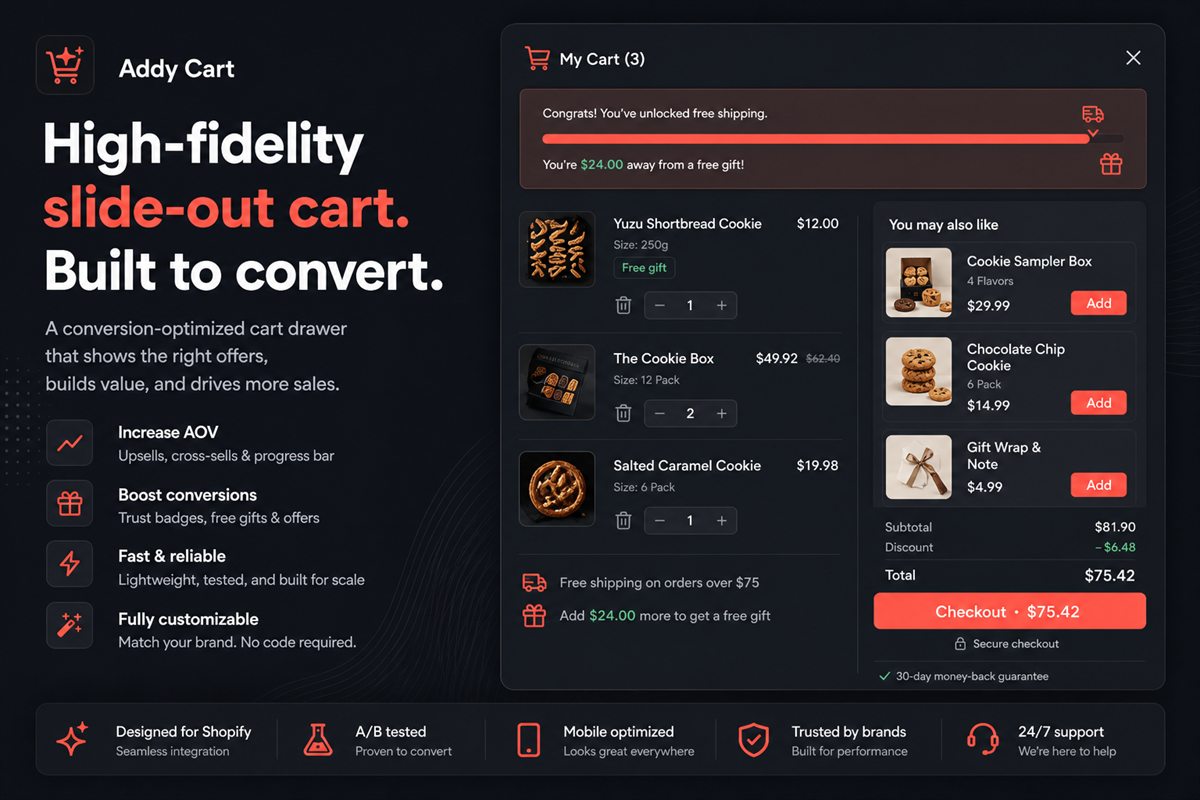
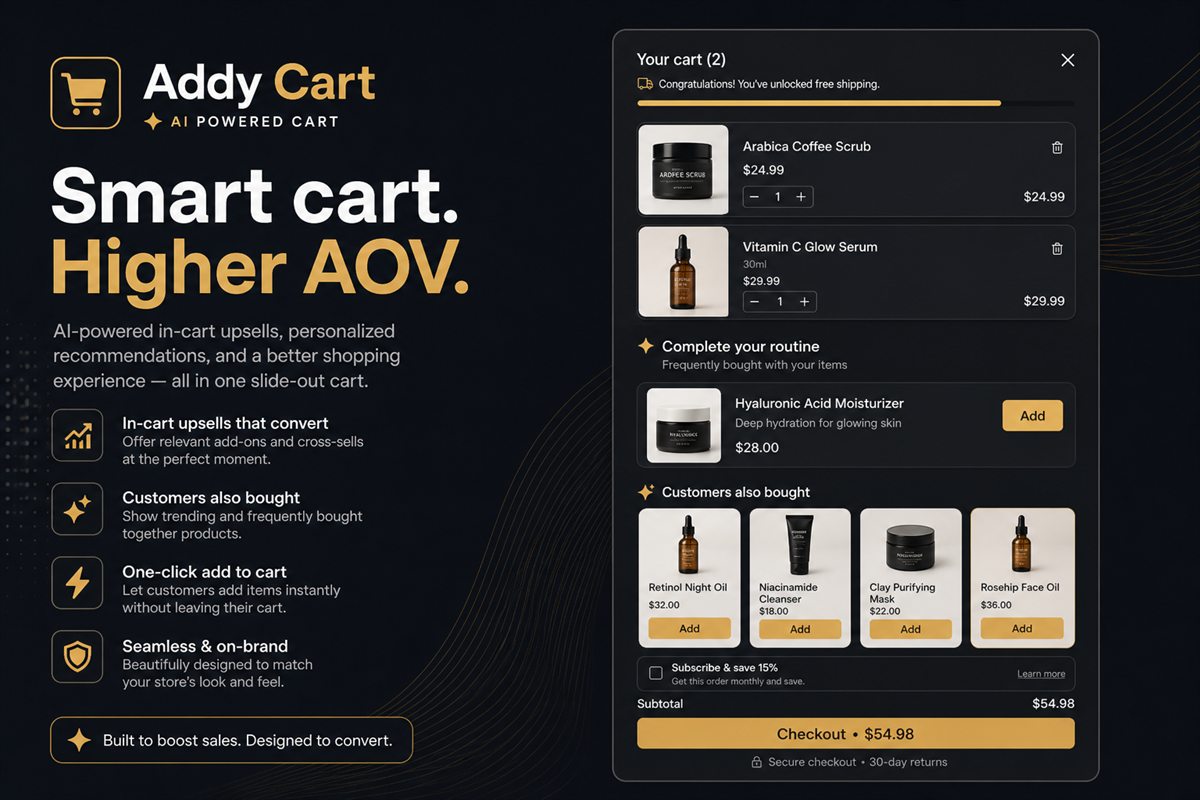
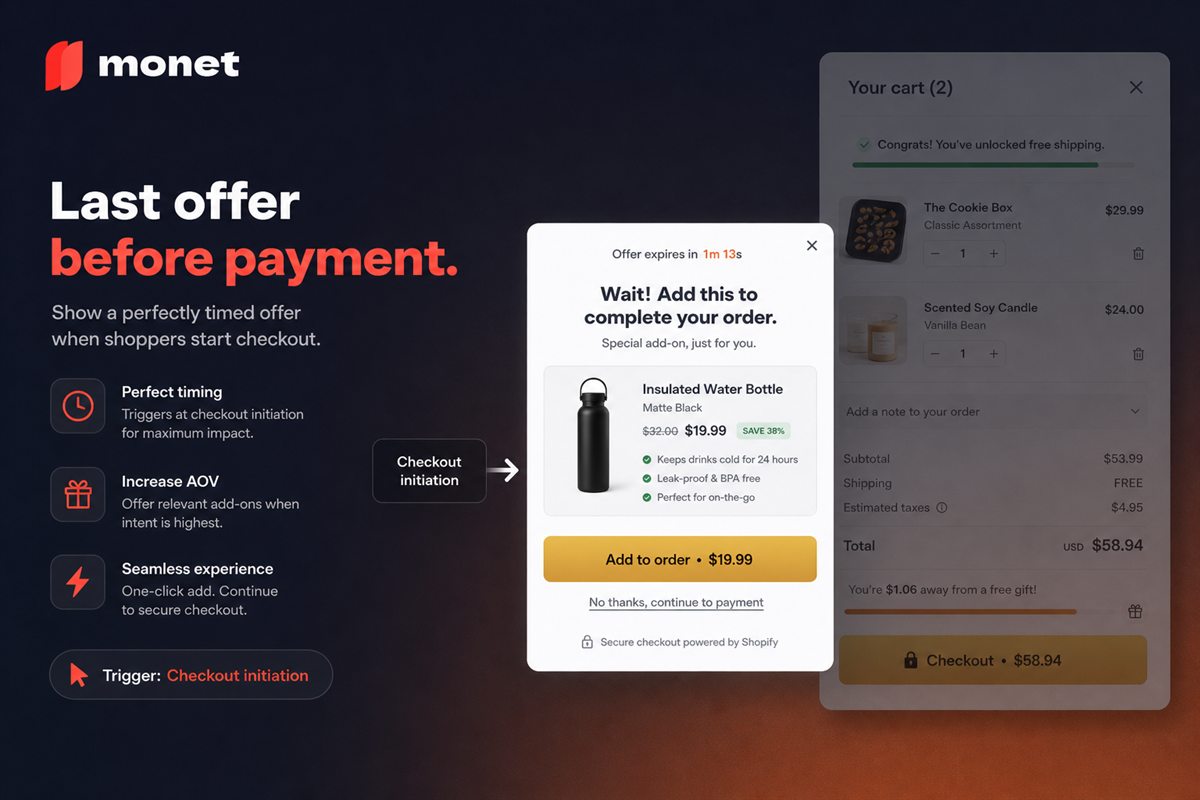
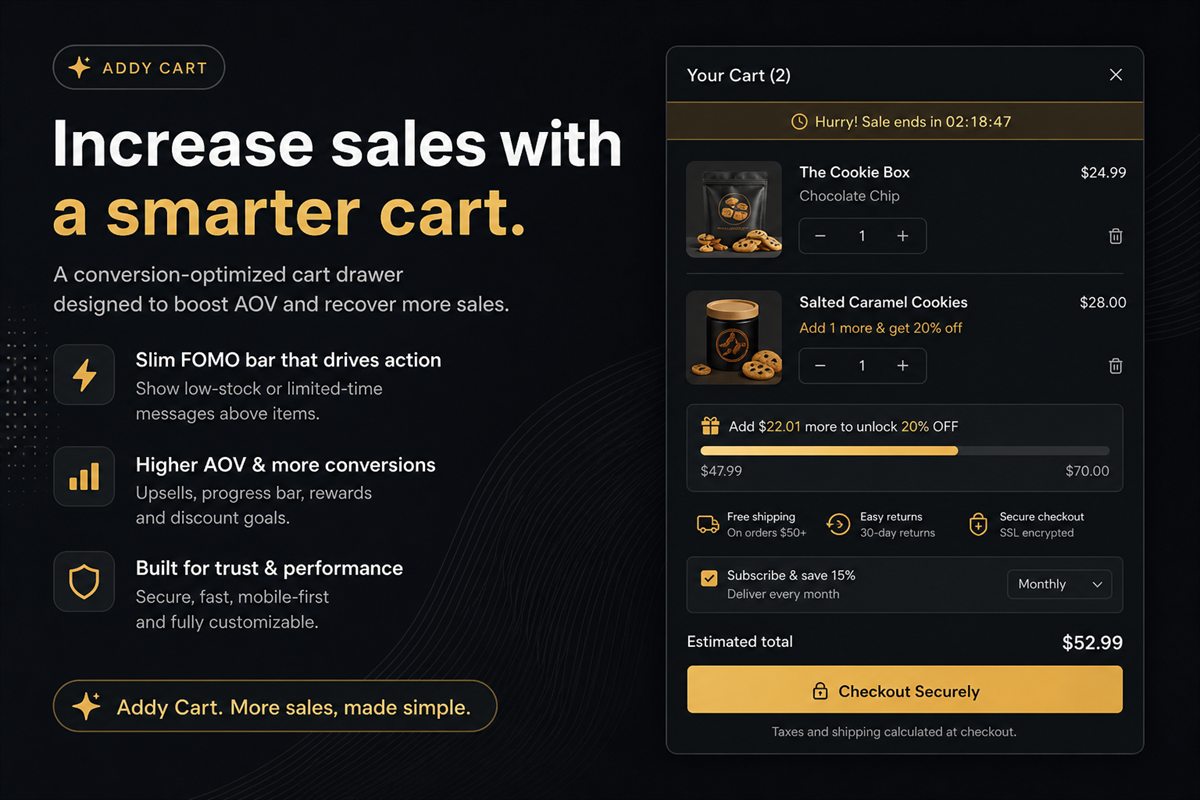
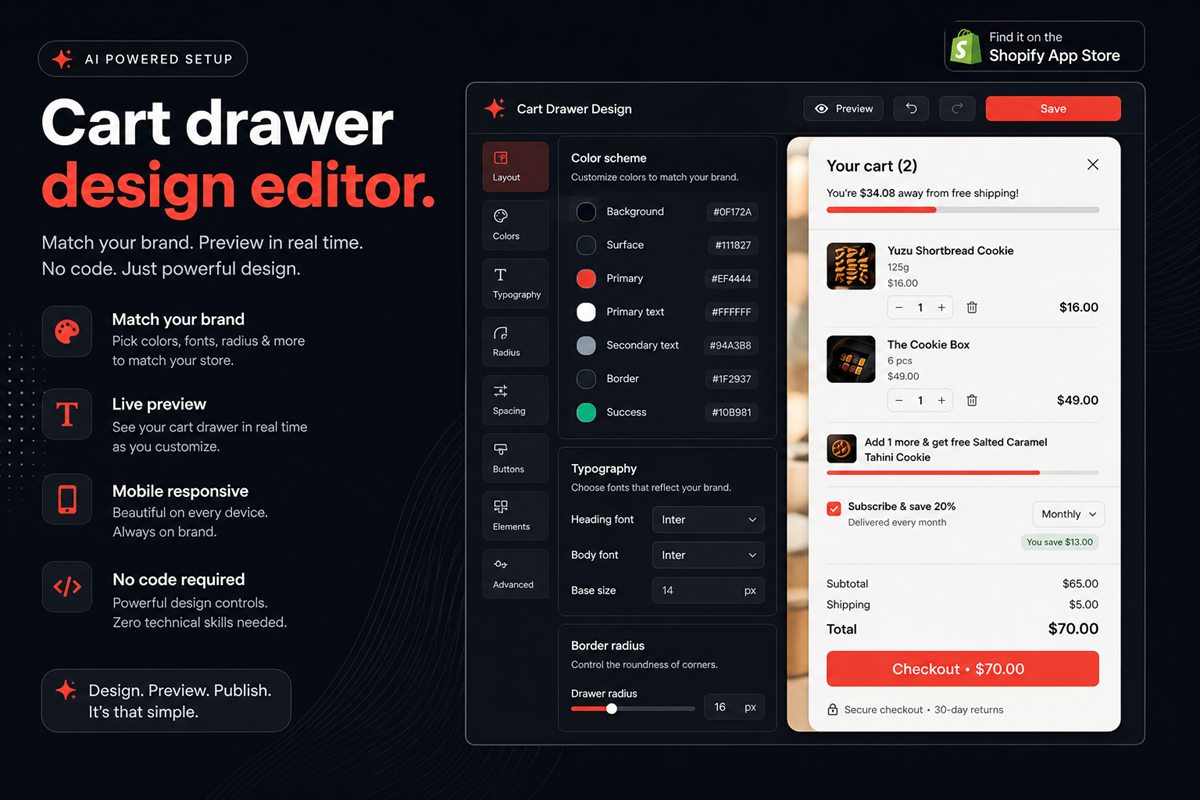
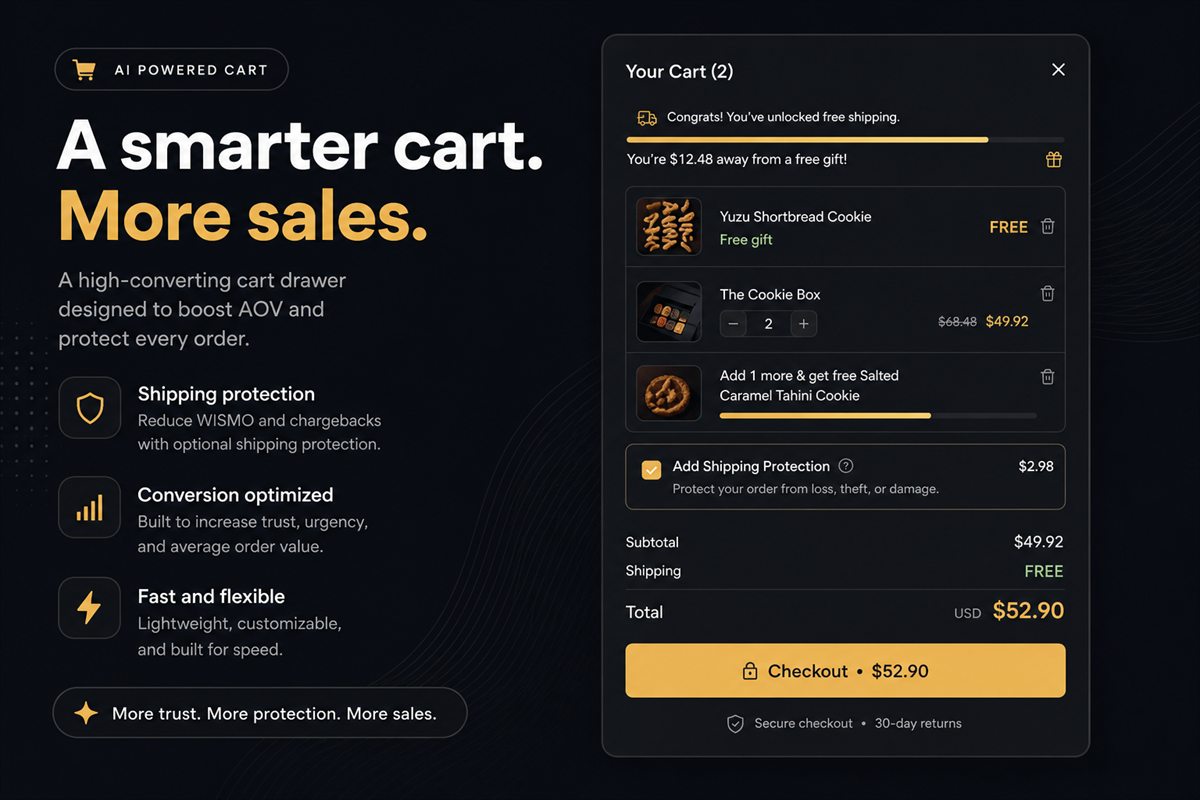
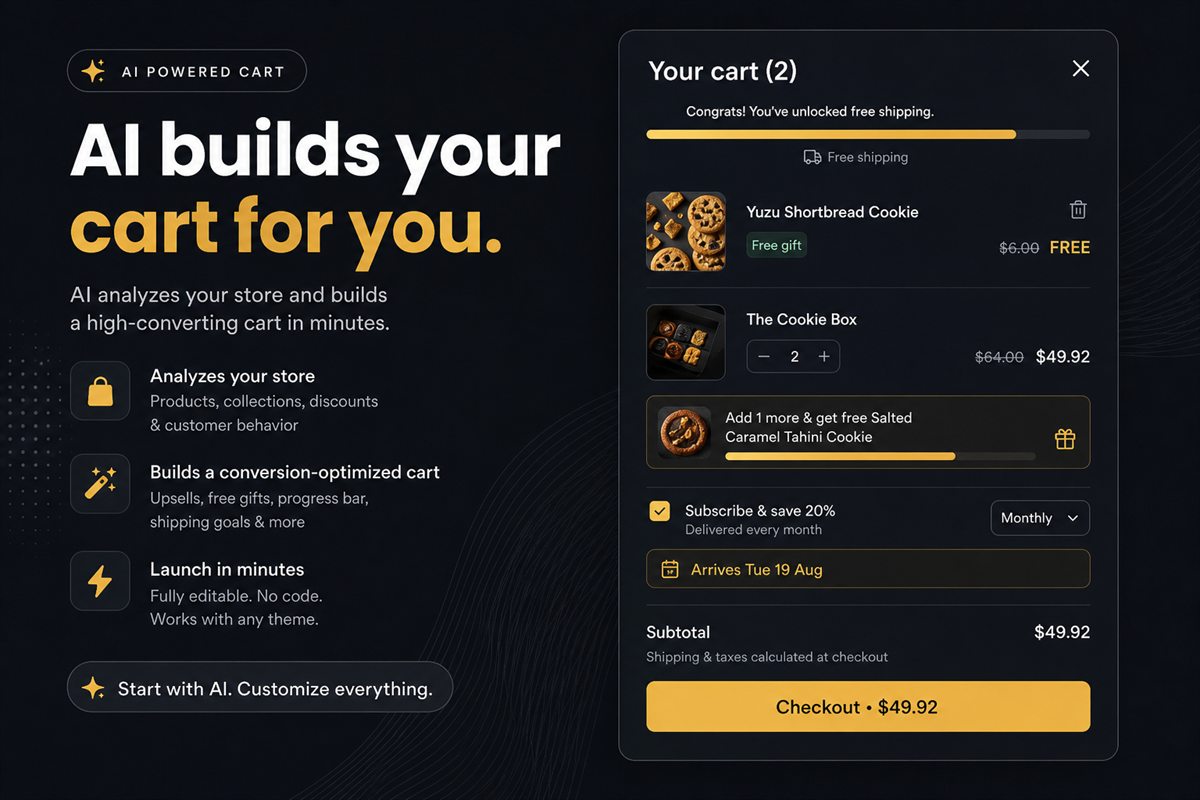
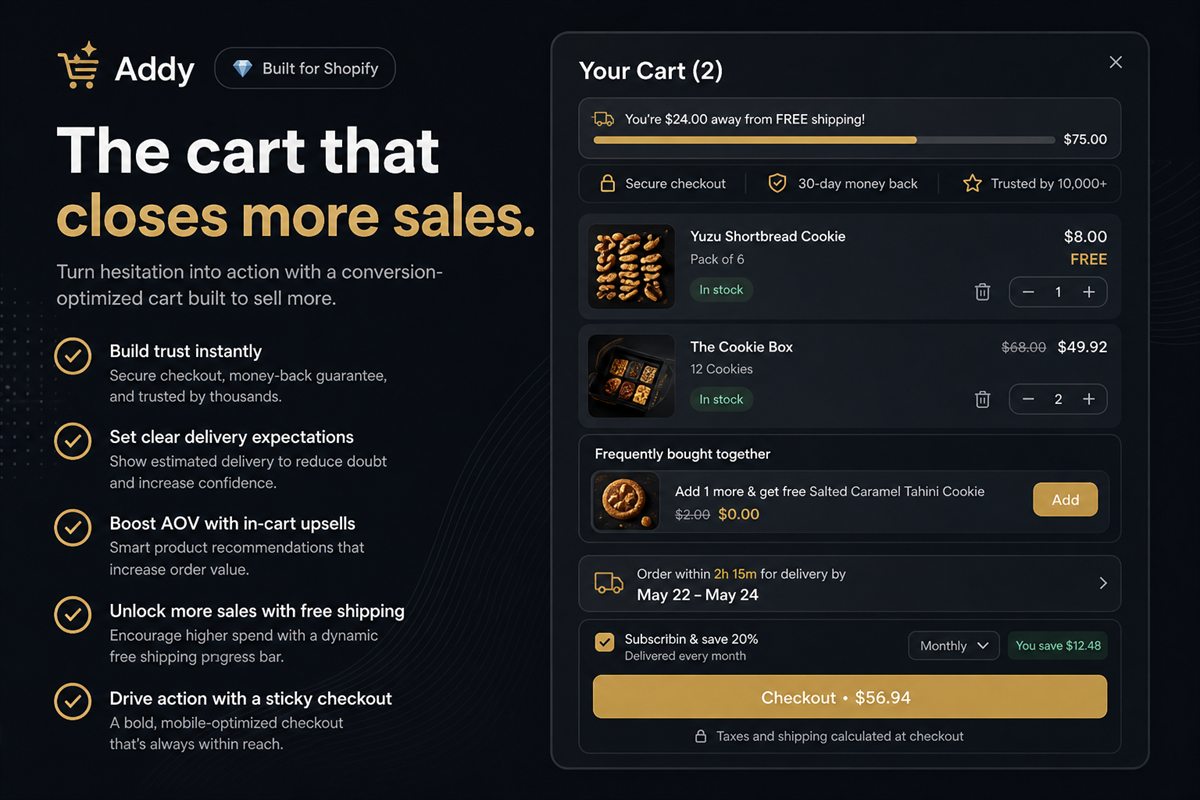
The cart is the highest-intent page on a Shopify store and usually the least designed. A slide-out cart drawer with one upsell, a progress bar and a clear delivery promise recovers more revenue than most homepage redesigns. These guides cover cart drawers versus cart pages, in-cart offers, performance and abandonment.

FAQ

Cart & Checkout: common questions

Is a cart drawer better than a cart page on Shopify?

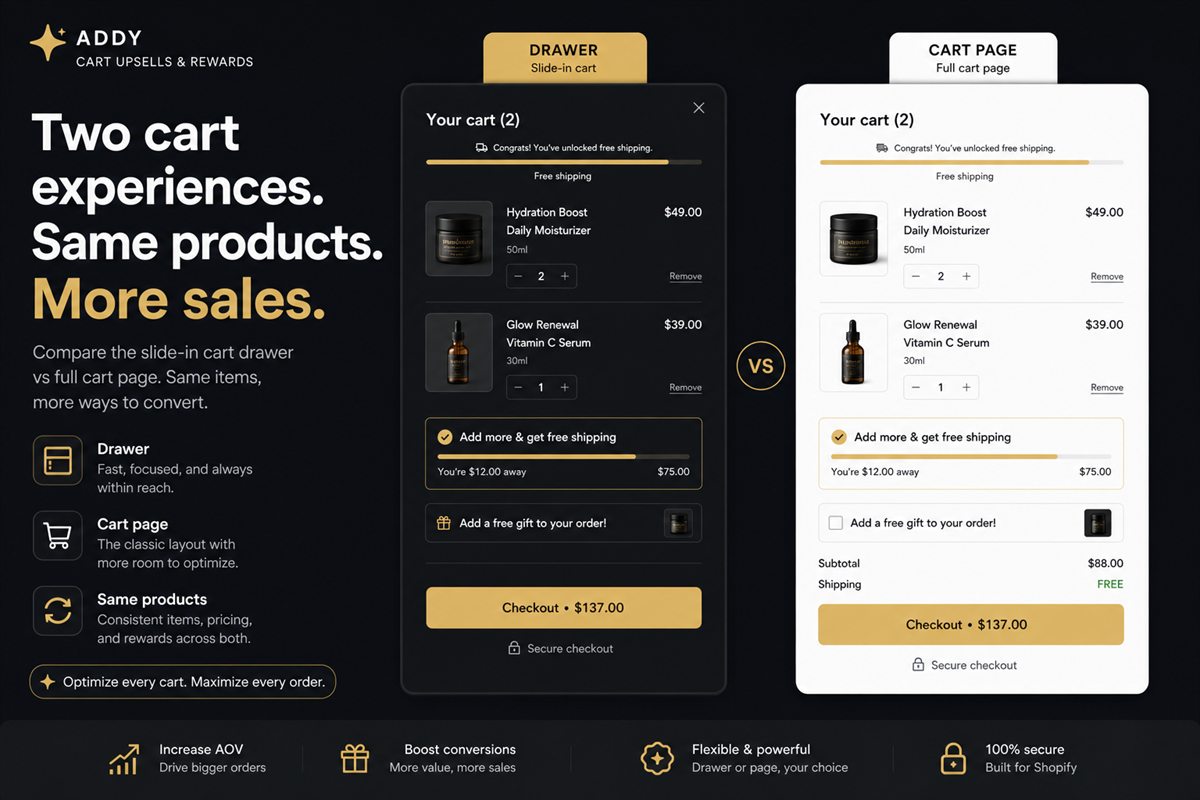
For most stores, yes. A drawer keeps shoppers on the product or collection page, shows the running total instantly and is the natural place for a free-shipping goal or a single upsell. A full cart page still makes sense for large B2B orders or when shoppers need to compare many line items.

How do I reduce cart abandonment on Shopify?

Remove surprises before checkout: show shipping cost or a free-shipping threshold in the cart, state the delivery window, keep discount fields visible, and make the checkout button the most prominent element. Then recover the rest with abandoned-checkout emails in Shopify Marketing.

Do cart drawer apps slow down a Shopify store?

Poorly built ones do. Look for a theme app extension that loads asynchronously and stays out of the Largest Contentful Paint path; test with PageSpeed Insights before and after installing.

Put the theory to work

Every tactic in these articles is something our apps do out of the box. Free plans, no theme edits, live in minutes.

Every app installs from the Shopify App Store. No theme code, no developer needed.