

Bundles & Upsells
 Monet
Monet
Monet
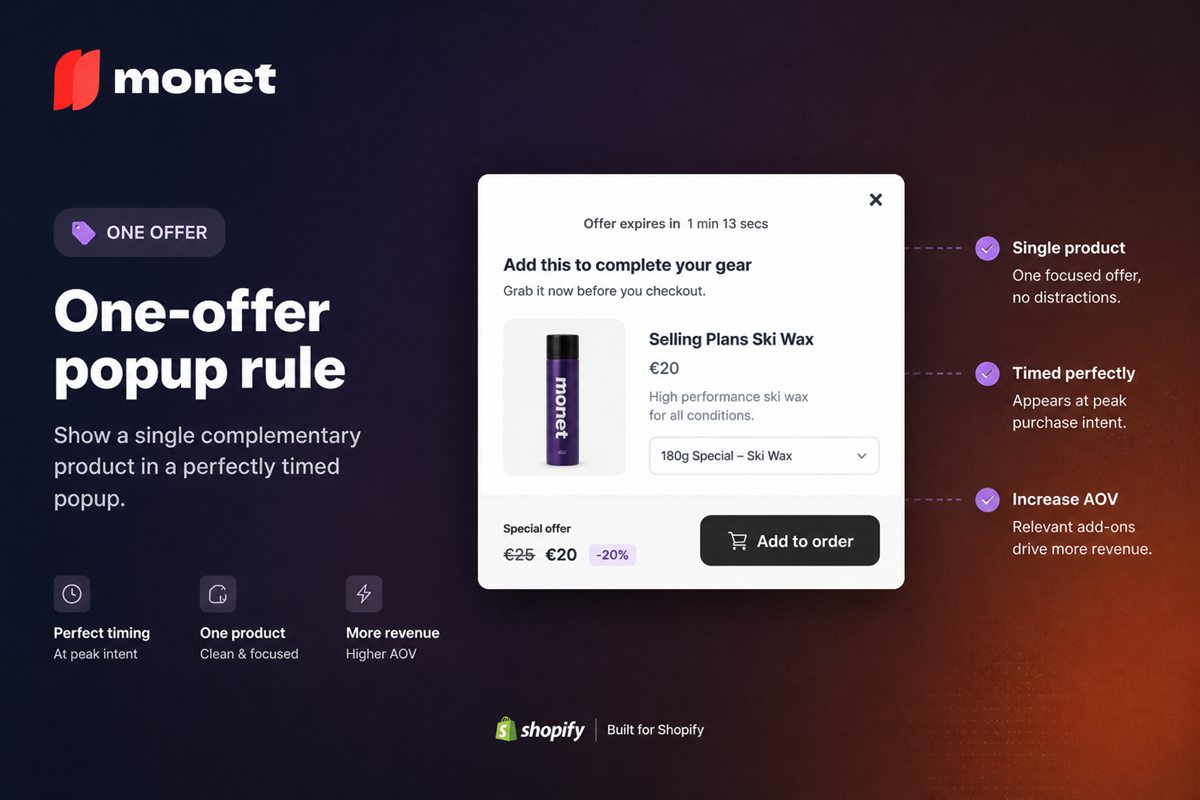
The One-Offer Popup Rule for Shopify Upsells
The one-offer popup rule for Shopify: sell a single product, pick it from the cart, and skip the second item that kills the add.
5 min read
Apps
 Addy — The AI slide cart drawer built for AOV
 Addly — Bundles, quantity breaks and AI offers
 Goalify — Free shipping bars, gifts and cart goals
Monet — AI upsell popups at the right moment
Goalify — Free shipping bars, gifts and cart goals
Monet — AI upsell popups at the right moment
 Reviso — Self-serve order edits that raise AOV
Shopify product bundles, frequently bought together, quantity breaks and upsell placement — offer design and bundle maths that convert.
Bundles and upsells raise the value of an order before the shopper reaches the cart. The maths matters more than the widget: a bundle discount only pays when the added margin beats the discount given. These guides cover bundle types, frequently bought together, quantity breaks, BOGO and where offers belong on the product page.
Monet
The one-offer popup rule for Shopify: sell a single product, pick it from the cart, and skip the second item that kills the add.
 Addly
Addly
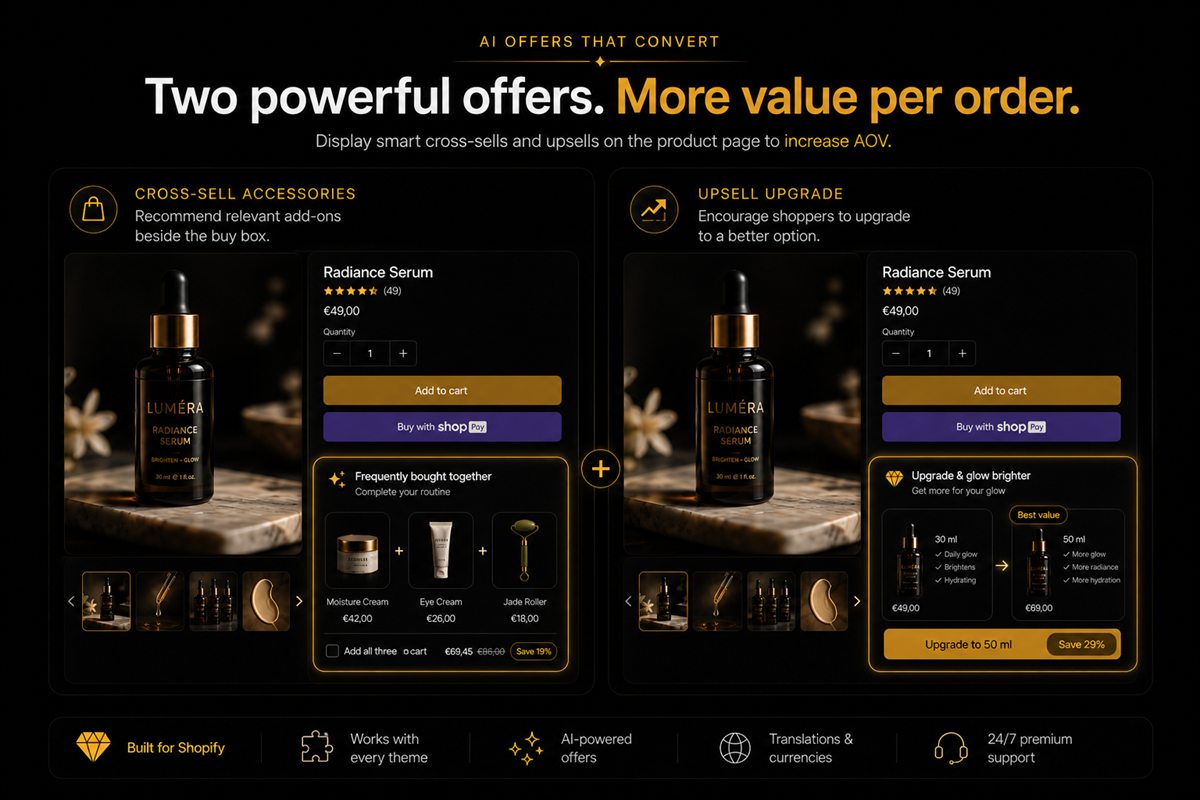
Cross-sell vs upsell on the Shopify product page: the difference, where each belongs around the buy box, and when mixing both fails.
 Addly
Addly
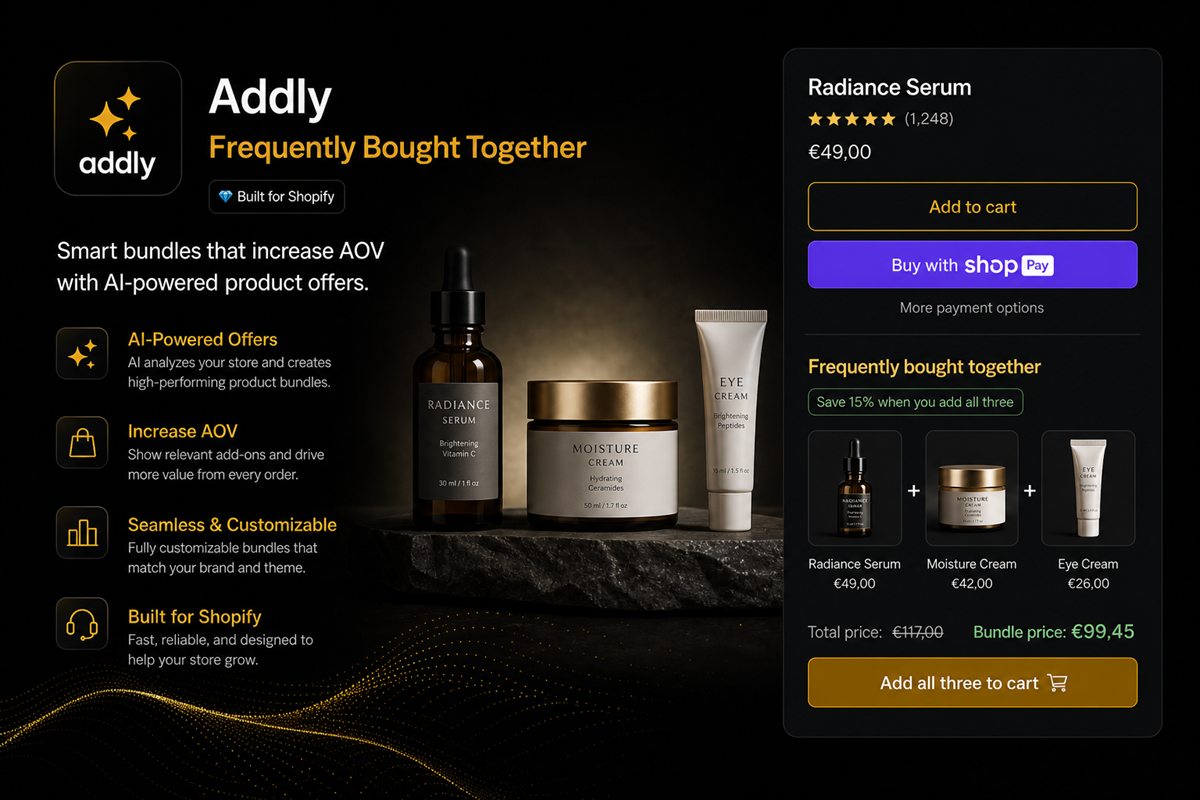
Place a Shopify bundle in the buy box if the kit is the product, or under add-to-cart if it is an upgrade. Footer rows are discovery, not this purchase.
 Addly
Addly
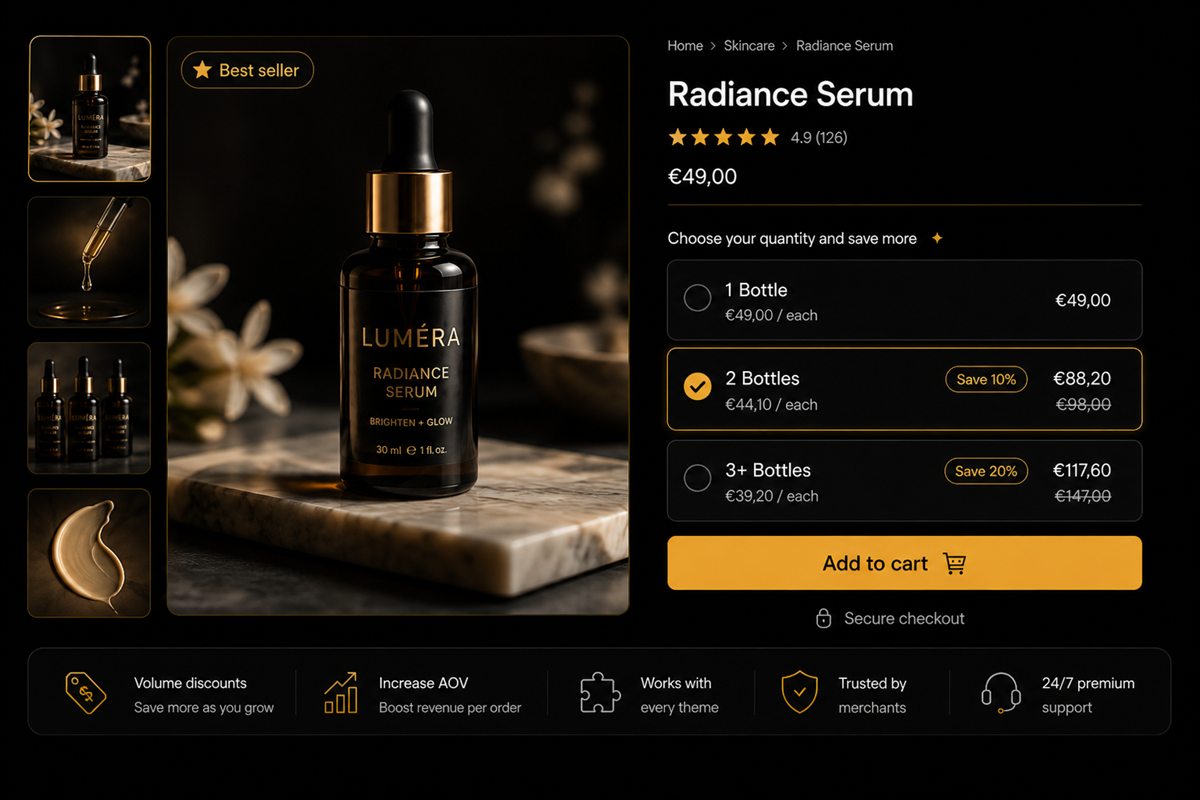
Put Shopify quantity breaks on slow variants so Navy / M can discount while Black / M stays full price. Clear stuck stock without a sitewide sale.
 Addly
Addly
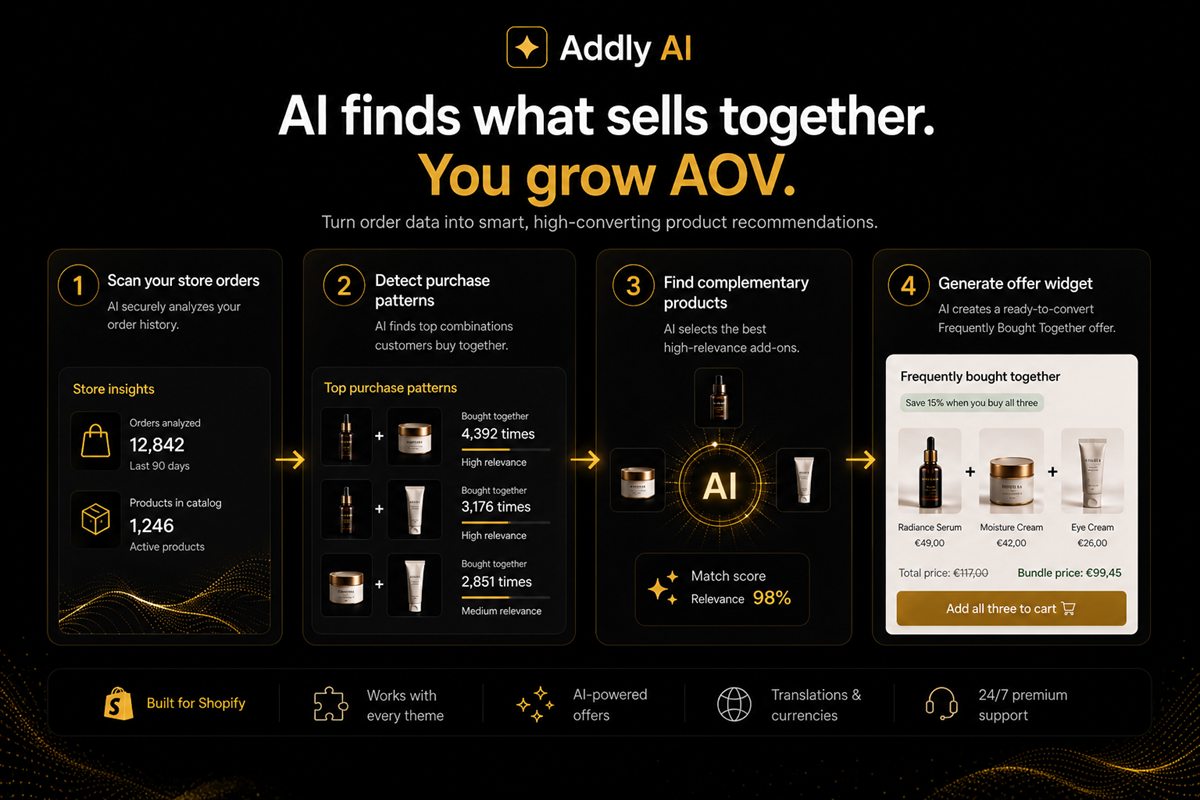
Build Shopify AI product offers from real order history so the next SKU is complementary, not a second pair of the same item.
 Addly
Addly
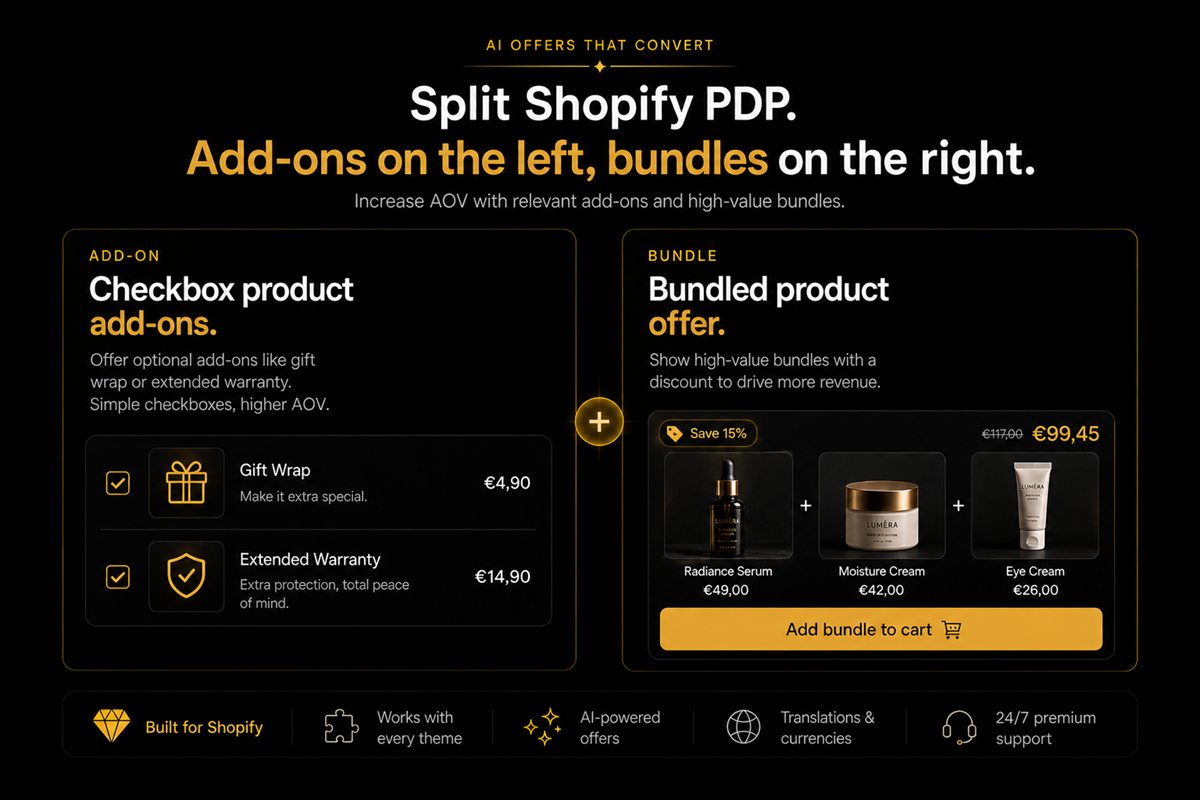
Use Shopify product add-ons for small optional extras and bundles when the combination is the product. Do not stack both offers on the same page.
 Addly
Addly
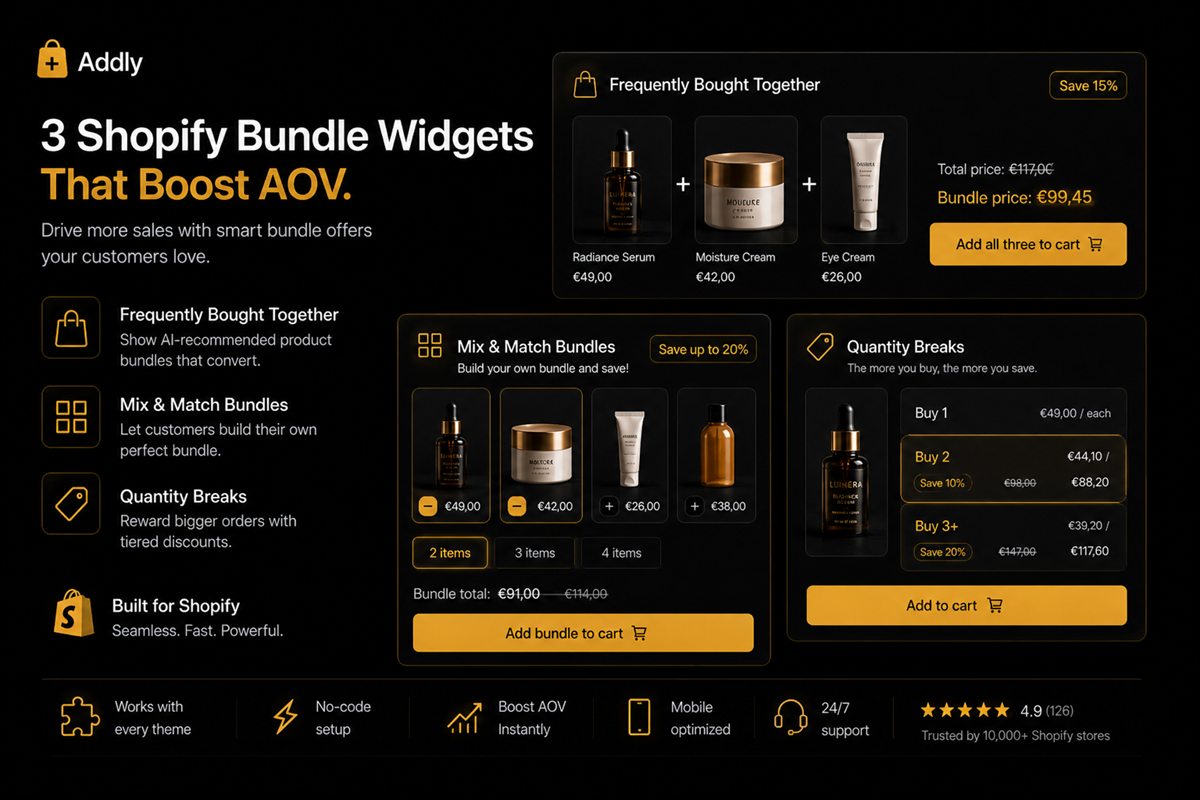
The eight bundle types that work on Shopify, how to price each one without eroding margin, and how to tell which of them fits your catalogue.
 Addly
Addly
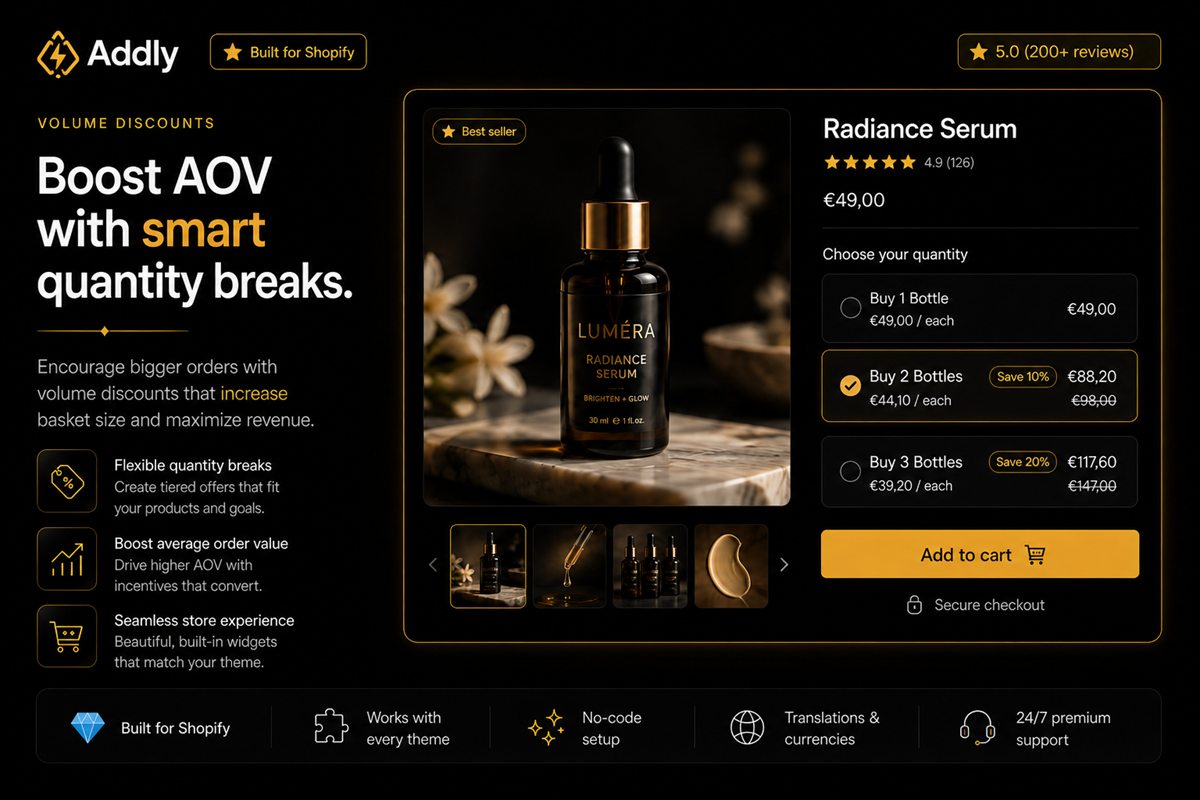
How to structure discount tiers that create incremental units instead of subsidising the customers who were already buying three, with worked numbers.
 Addly
Addly
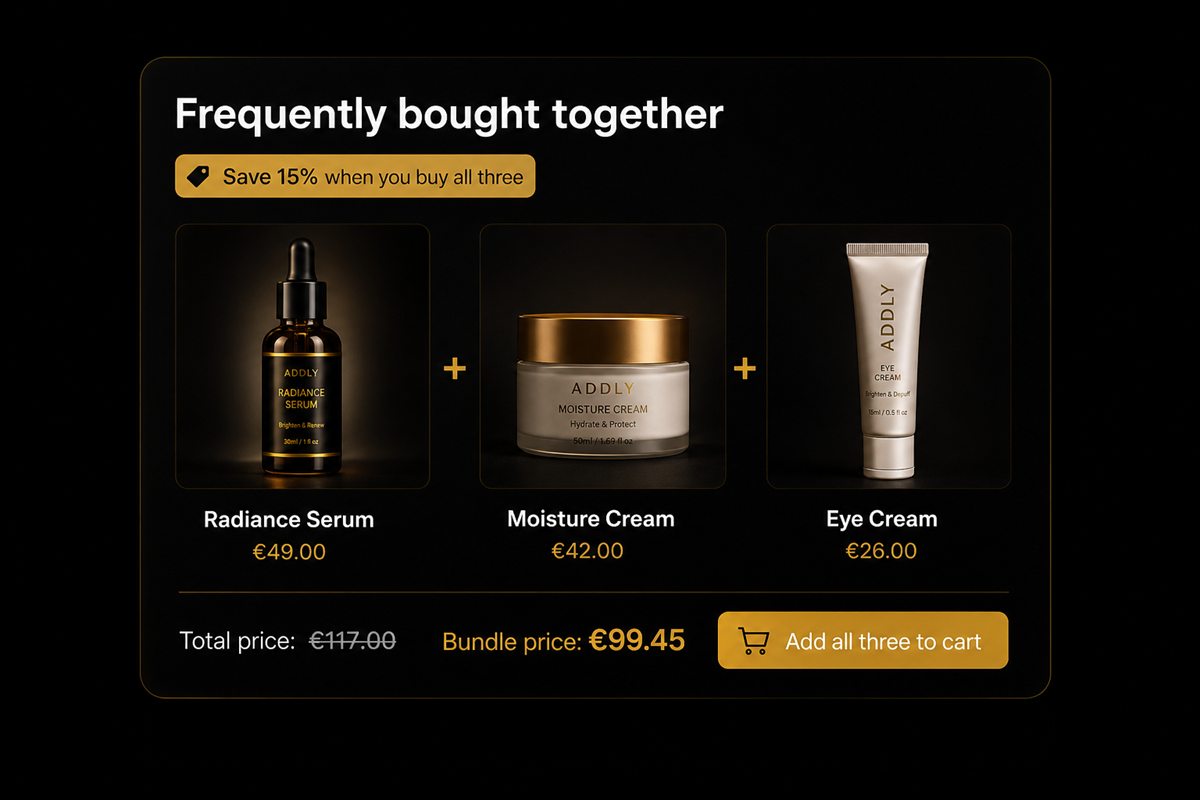
How to derive product pairings from your own order data instead of category tags, the price ratio that converts, and why three suggestions beat eight.
 Addly
Addly
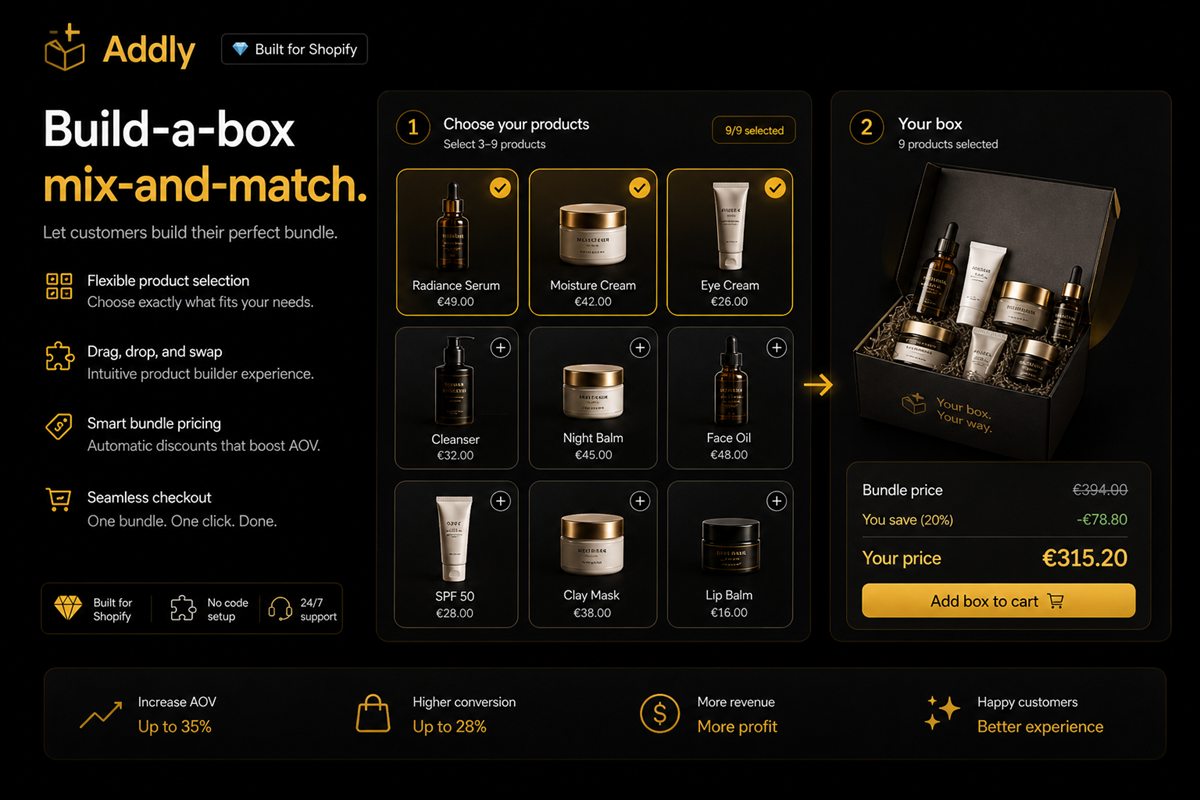
How to design a Shopify mix-and-match bundle: slot structure, how much choice is too much, pricing models and inventory traps.
 Addly
Addly
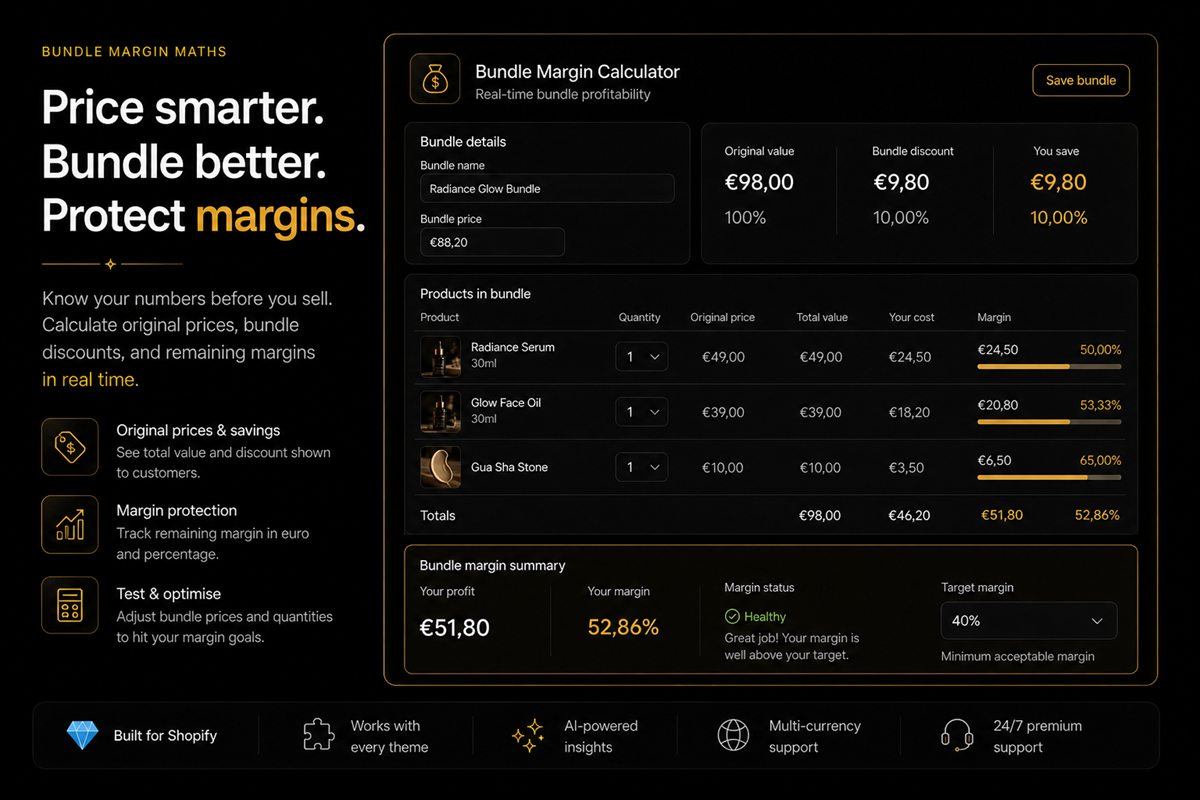
Worked Shopify bundle margin maths: cannibalisation, discount stacking, shipping, returns and the break-even most stores skip.
No articles match that search yet. Try a broader term.
Fixed bundles (a set at one price), mix-and-match or build-a-box bundles, frequently bought together suggestions, quantity breaks on the same product and BOGO offers. Fixed bundles are the simplest to run; mix-and-match converts best for consumables and gifts.
Enough to be noticed, not enough to erase the added margin. Start with 10–15% on the added item only, calculate the blended margin of the full bundle, and increase the discount only if attach rate is too low.
Directly below the add-to-cart button, before the long description. Shoppers who have decided on the main product are most receptive there, and the offer does not compete with the primary buy action.
Every tactic in these articles is something our apps do out of the box. Free plans, no theme edits, live in minutes.
Every app installs from the Shopify App Store. No theme code, no developer needed.