Addy
Addy  Addly
Addly  Goalify
  Monet
Monet  Reviso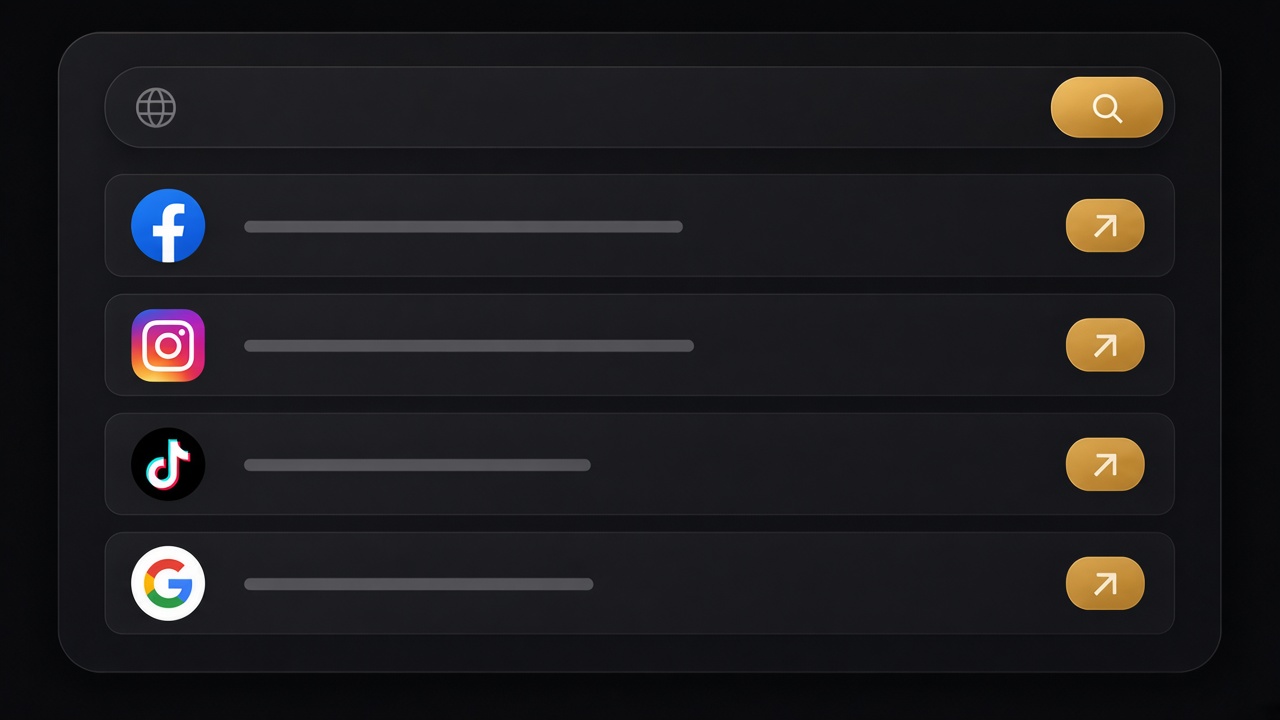
Key takeaways
- A Shopify ad spy opens public libraries on the right advertiser. It does not show spend or results.
- Paste the store URL. You want the Facebook, Instagram, TikTok and Google pages that already run ads, not a brand-name search you hope is correct.
- Ads that stay live for weeks or months are the ones worth studying. A creative that exists is not automatically a winner.
- After the ads, match the product to a price and check the landing page. A strong ad into a weak page is a gap you can beat.
- Rebuild the hook, the offer and the product in your own creative. Do not repost theirs.
Shopify ad spy means opening the public ad libraries on the right advertiser, not typing a brand name into Facebook and hoping you found the same page the store pays from.
Paste a competitor’s store. A Shopify ads spy reads the Facebook, Instagram and TikTok names on the page and opens the Meta Ad Library, the TikTok ad library and the Google Ads Transparency Center on that brand. You see the creatives that are live: the hook (the first claim), the offer, the product, and how long the ad has been running.
Spend is not in those libraries. Do not treat a creative as a winner just because it exists. Treat months of airtime as the clue.
Why merchants spy on ads
A competitor’s ads tell you what they are willing to pay to say, today.
- The first three seconds, or the first line of copy.
- The product they push hardest — often not the homepage hero.
- The offer: a bundle, a threshold, a “buy two” line, a delivery promise.
- How long that exact ad has been on.
Ads that stay live for months are usually covering their cost. Ads that appear and vanish in two days are tests, or they lost money. You cannot see the row in Ads Manager. You can see the date.
This is useful before you pick a winning product, before you raise a budget, and before you assume your page is the problem. Sometimes the ad is doing the work and the page is leaking. Sometimes the opposite.
What you actually get
The spy does not log into anyone’s ad account. It does not estimate spend. It opens public pages.
Meta (Facebook and Instagram). Active ads for that Page: creative, primary text, start date, platforms. You can later filter by date on the advertiser page if you want older work.
TikTok. When the store links a TikTok account, you get the library search for that brand. Watch how long each video has been running.
Google. The Ads Transparency Center page for the brand name. Useful when the storefront has no Facebook link at all.
If a store only published a generic facebook.com link with no page name, the tool may fall back to a brand-name search. That is slower and sometimes noisier. Still better than guessing which of six similarly named Pages is the one they pay from.
Password-protected stores and stores with no social links give fewer Meta and TikTok results. Google can still try from the name.
How to read an ad like a merchant
Open three or four long-running ads and ignore the rest for the first pass. Write four words for each.
Hook. What do they claim in the first line or the first shot? “Dull by day three” is a hook. A logo sting is not.
Offer. Price, bundle, gift, shipping line, or “X left.” If the offer is only a lifestyle film, the landing page is doing the selling — or nobody is.
Product. Which SKU is on screen? Screenshot it. You will need the price in a minute.
Proof. Reviews on the ad, a before/after, a UGC (user-generated content) face, or nothing. Nothing is common. Note it.
Then open the landing URL the ad points to. That URL is the brief. Do not audit the homepage out of habit if the ad goes to /products/vitamin-c-serum.
Match the ad to the catalogue and the page
Seeing the creative is step one. The money is in the next two tabs.
Price and variants. Export the store’s public catalogue with a Shopify product exporter. Find the product from the ad. Write the price, the compare-at (the “was” price) and the variant count. If the ad says “from $18” and the PDP (product detail page) is $32, you now know which number they advertise.
The page the click hits. Run that product URL through the CRO Audit for Shopify stores. You want to know whether a stranger can add to cart, whether the price is honest, and whether the page asks for a second item. A good ad into a page that cannot buy is a gift. A good ad into a page that already bundles and reviews is a harder fight.
The stack on that page. The app detector names the review widget, the pop-up and the cart drawer. The theme finder tells you whether they bought a Theme Store theme or built custom. You are not copying the theme. You are learning how much of the “look” is the theme versus apps and photos.
If you are still choosing what to sell, take the product from the ad back to a winning products board and see whether recent demand exists outside that one store.
A worked pass (example)
You paste colourpop.com as a try-store, or a smaller competitor you actually compete with. The spy returns Meta, TikTok and Google.
On Meta, two ads have been live for more than a month. Both open on the same palette kit. The hook is “one palette, five looks.” The offer is a bundle price, not a single pan.
You export the catalogue, find the kit, and see a $28 price with a $36 compare-at. The landing page has reviews and a clean add-to-cart. The app detector shows a review app and an email pop-up.
Your note is not “copy the palette ad.” It is: long-running ads on a kit, advertised as a bundle, landing on a PDP that can sell. If your own kit ad lands on a collection with no price and no add-to-cart, you know what to fix first.
What not to do with the library
Do not estimate spend from how “big” the brand feels. Libraries do not show it. A small store can keep one ad alive for a quarter. A large store can rotate twenty losers.
Do not save their video and recut it. Write the hook in your own words. Shoot your own product. Their comments and their pixel (the tracking code on their site) are not yours.
Do not spy and skip the page. Creative cannot rescue a form that does not submit. If add-to-cart is missing on their page, you still should not copy the ad onto an equally broken page of your own.
Do not treat a brand-name search as exact. Confirm you are on the Page that matches the store’s footer or About link.
Notes that survive the next campaign
Keep a one-page note per competitor, not a folder of screenshots you will never reopen.
- Store URL and the date you spied.
- Two long-running ads: hook, offer, product, start month.
- Landing handle (
/products/...) and the price from the export. - Whether the page can add to cart on a phone.
- One sentence you will not copy: their claim, rewritten in your words.
Update the note when an ad disappears. Disappeared plus a new hook is a test. Disappeared with no replacement can mean the product died.
If two competitors push the same SKU with different hooks, write both. The quieter hook is often the one that still has room.
When the spy returns almost nothing
No Facebook link, a new store, or a brand that only runs search ads will look empty. That is data.
- Google still opened: they may be buying search or Shopping, not Meta. Your test might need a product feed, not a UGC video.
- Meta opened on the wrong Page: search the footer for a second social link, or the About page.
- TikTok empty and Meta full: do not invent a TikTok strategy because a thread said you must.
A quiet library is cheaper to learn from than a loud one. You are not late. They may not have found a winner either.
A one-hour workflow
- Paste the competitor store into the winning ads spy.
- Open Meta first. Sort with your eyes by start date. Pick two long-running ads.
- Write hook, offer, product, proof.
- Open the landing URL. Audit it.
- Export the catalogue. Write the price behind the ad.
- If you still want the product, check demand on the winning products board and whether you can ship to the same country.
- Rebuild one angle. Buy a small test. Do not rebuild their whole account.
You now know what they pay to say. You also know whether the page behind that ad is worth beating, or whether the gap is the offer and you should pick a different SKU.
Save the two landing URLs. When you spy again next month, you will know whether they still send the same click to the same page. A new landing handle is a new test — audit it before you assume the old notes still apply.
Frequently asked questions
How do I see what ads a Shopify store is running?
Paste the store URL into a Shopify ads spy and open the Meta, TikTok and Google results. You land on the active ads for that advertiser instead of searching the brand name and hoping.
Can I see a competitor’s Facebook and Instagram ads for free?
Yes. The Meta Ad Library is public. It shows the creative, the copy, the start date and the platforms. Spend is not in the library.
Does a Shopify ad spy show TikTok ads too?
Yes, when the store links a TikTok account or the brand name can be searched. The result opens the TikTok ad library on that brand.
Does it show how much a competitor spends?
No. Public libraries show creatives, copy, start dates and platforms — not spend or results. How long an ad has been running is the usual proxy.
What if the store has no Facebook or Instagram link?
The Google advertiser lookup still runs from the brand name. For Meta and TikTok you can search the library by name once you know it.
Does Shopify ad spy show inactive ads?
Libraries default to what is active. Meta also lets you look by date once you are on the advertiser page. The spy’s job is to land you there.
How do I use a competitor’s ads without copying them?
Write down the hook, the offer and the product. Check the landing page. Rebuild the angle in your own photos and copy.