Addy
Addy  Addly
Addly  Goalify
  Monet
Monet  Reviso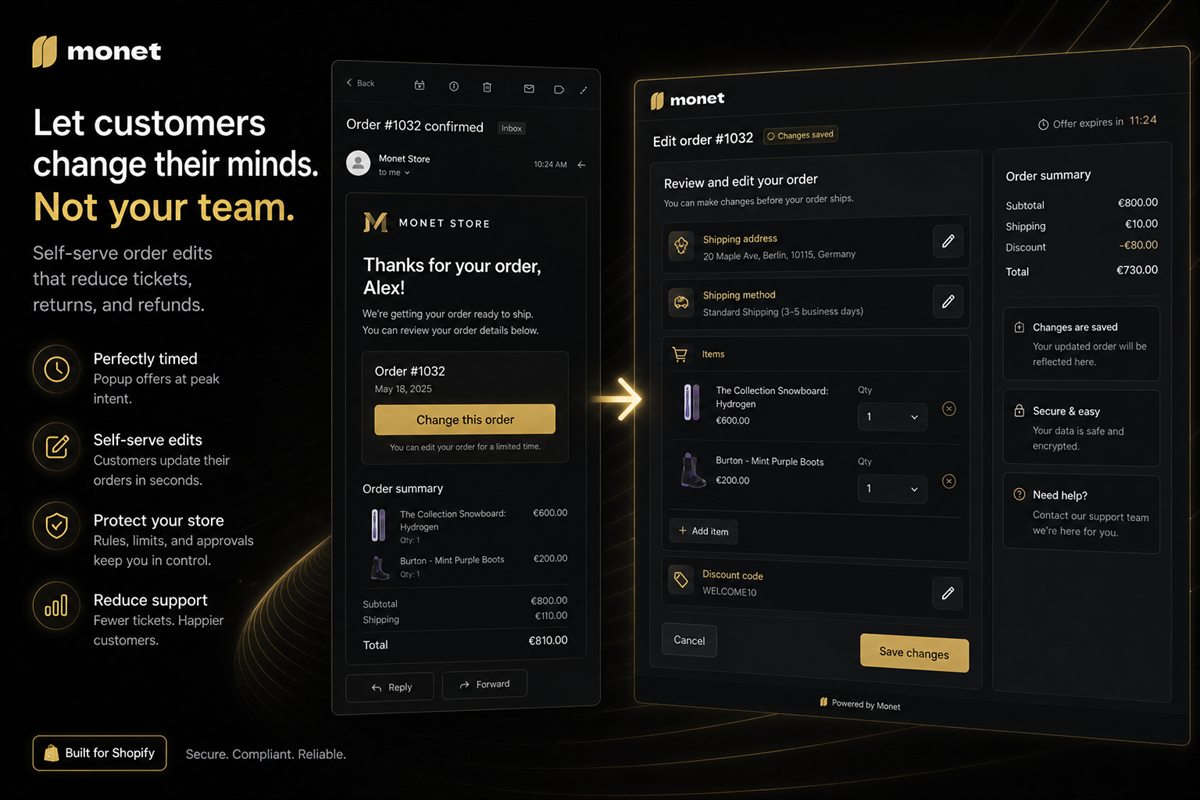
Key takeaways
- The confirmation email is the highest-intent post-purchase surface you already send. If the edit link is not there, self-serve will be under-used.
- One button: Change address or items. Two links split a simple job.
- Repeat the link on the order status page. Email is not opened by everyone; the status page is bookmarked by some.
- Disable or rewrite the button after the cut-off. A live link that errors is worse than no link.
- Guest checkout must work with the order-status token Shopify already emails. Requiring an account sends them to support.
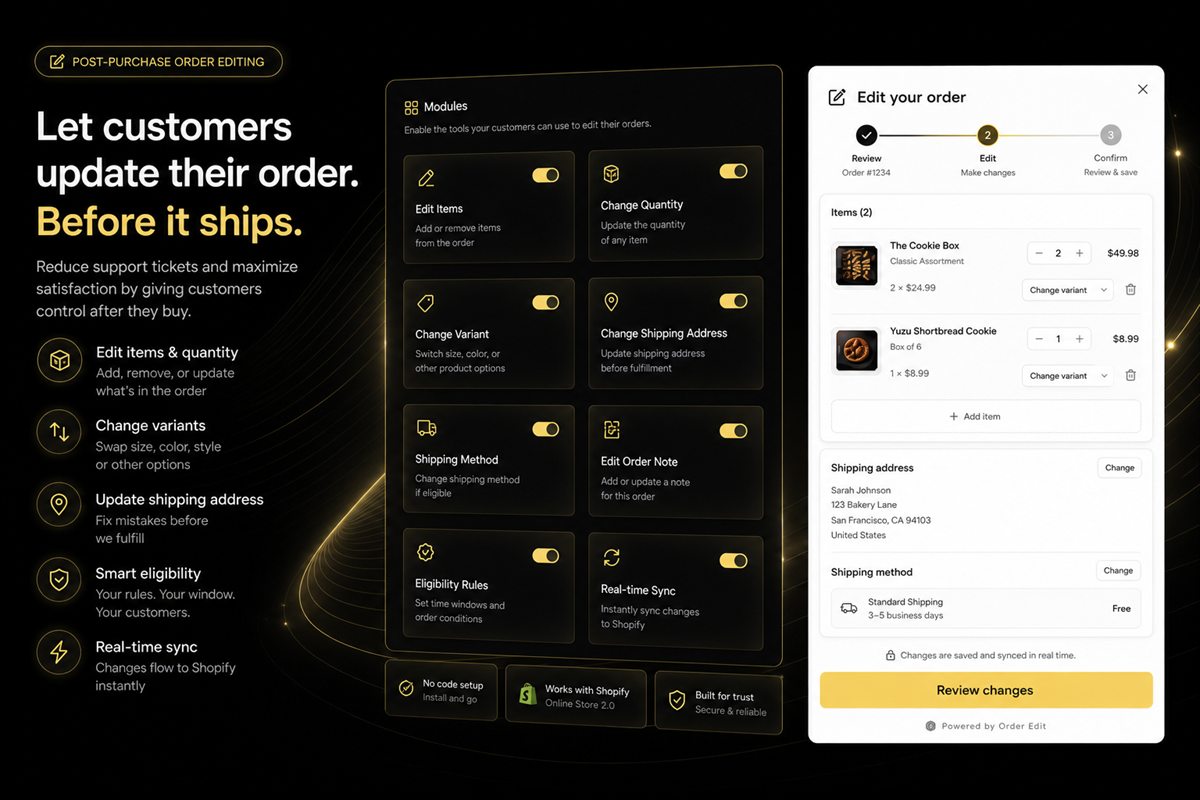
Put the self-serve order-edit link in the Shopify confirmation email. That message is already in the inbox, already about this order, already trusted. If the only door is a sentence in a help centre article, the portal will sit unused and the address change will still arrive as a ticket.
You built a portal. Nobody opened it. Move the door to the email you already send.
Why the confirmation email is the door
The order confirmation is the highest-intent post-purchase surface you have. The customer is still in "I just paid" mode. They will notice a wrong postcode, a missing gift note, or a size they meant to change now, not three days later in a help widget.
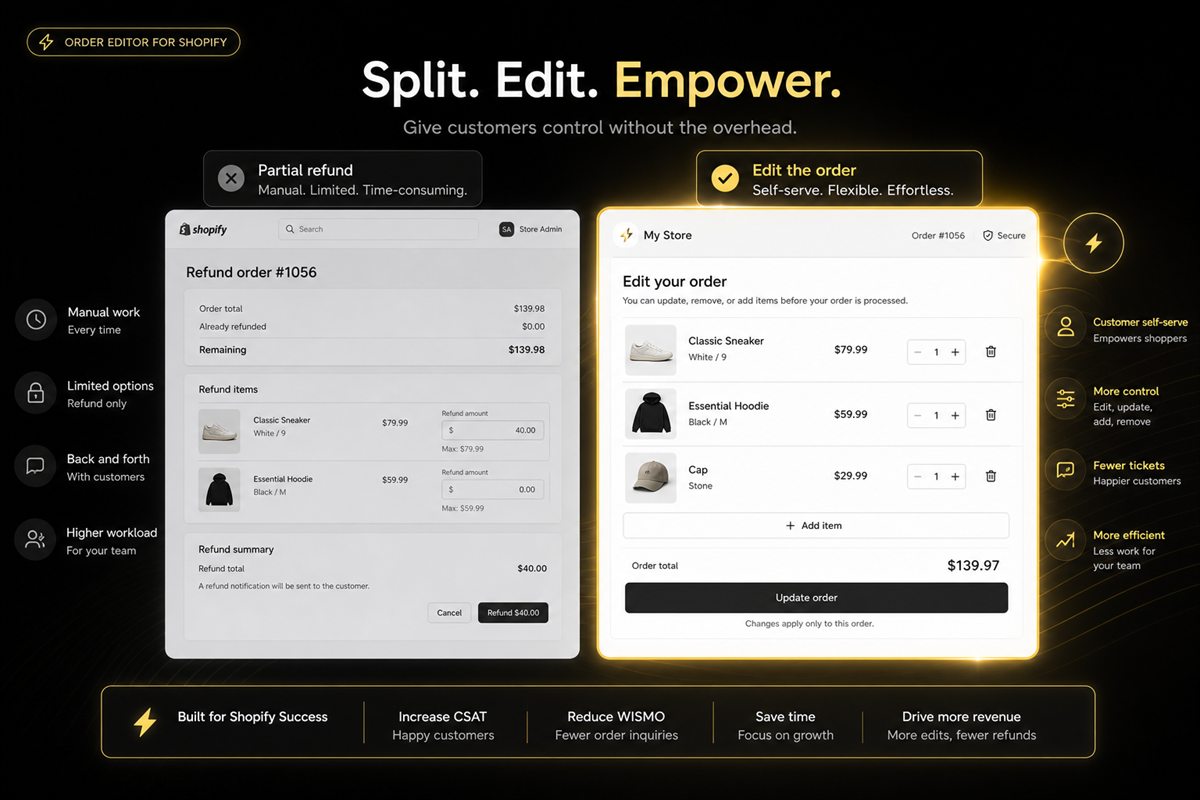
Hiding the link does not reduce the need to change the order. It only routes the need through support. If volume scares you, tighten the cut-off window. Do not hide the door.
One button, one job
"Need to change your address, add an item, or update the delivery note? Change this order." One URL. The portal can still have separate screens inside. The email should not look like a sitemap.
Two links — "change address" versus "add a product" — split a simple job. People pick the wrong one or pick neither.
Place it above the fold of the email, after the order summary, before the footer legal. People scan. A link in the footer next to unsubscribe is not a feature.
Keep the label operational. This is not a newsletter. Do not dress the button as "manage your experience." "Change this order" is enough.
How to add the link in Shopify
- In Shopify admin, go to Settings → Notifications and open the order confirmation template.
- Add one button or text link that uses the customer edit URL your portal provides for that order.
- Place it after the line-item summary, before shipping and legal footer blocks.
- Use the same label you will use on the order status page.
- Place a real test order as a guest, open the email on a phone, and tap the link. Do not trust the Shopify preview dummy — the URL is order-specific.
If the app gives you a liquid variable or a unique link per order, use that. A static help-centre URL is not an edit link.
You can usually do this without a developer if the app provides the customer link. Still test with a real order.
Repeat it on the order status page
Not everyone opens email on the device they will use to type a new address. The Shopify order status page is the other place they already go. Same link, same cut-off behaviour.
If you send shipping SMS, a short "Need to change something?" with the same link is useful. Do not add a second marketing SMS just for the portal.
Account order history can carry the same door for logged-in customers. Guests will not see that, which is why the email and status page are not optional.
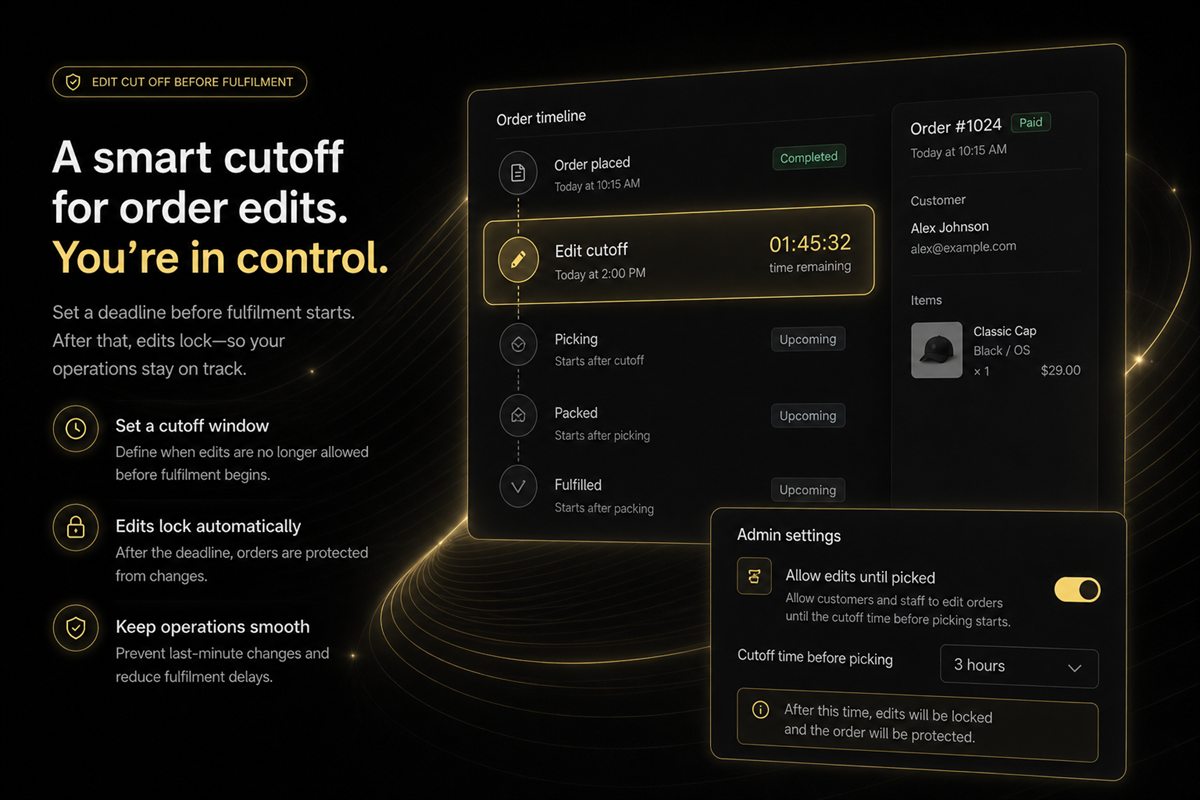
After cut-off
Swap the button for a line: "We've started packing this order, so the details are locked. Questions? Reply to this email." A 500 from an expired token is an engineering bug that presents as a broken store.
Disable or rewrite the button when the window closes. A live link that errors is worse than no link.
If they still need a new address after checkout once packing has started, the email should say so and point to support or a return path — not to a form that cannot save.
Guest checkout
If the portal requires a login and they bought as a guest, you have created a ticket. Use the same customer-access token model Shopify uses for order status. Anything else is friction you will pay for in chat.
Worked example: a guest orders a gift, sees the confirmation on their phone, and notices the apartment number is missing. They tap "Change this order," land in the portal without creating an account, add the number, and stop. If that tap hits a login wall, they email support from a different device and you type the apartment number for them.
How to measure it
Count portal sessions from the email versus tickets that still say "please change my address." If tickets do not fall, the link is below the fold, broken for guests, or dead after cut-off. Edits in a portal are supposed to rise. That is the point — you moved the work off the queue. See self-serve edits versus tickets for what should never need a human.
Transactional email is not a newsletter. Put the operational link in it and get out of the way.
If you send a shipping-soon reminder as well, repeat the same button only while the window is still open. After cut-off, that reminder should drop the edit CTA and keep tracking. Two emails with two different stories about whether the order can still change is how you get a ticket that quotes both.
Frequently asked questions
Can I add this without a developer?
If your edit app provides a customer link per order, you can usually drop it into the notification template. Test with a real order, not the Shopify preview dummy, because the URL is order-specific.
Won't this increase edits?
Yes. That is the point. Edits in a portal are cheaper than edits in a ticket. If volume scares you, tighten the rules, do not hide the link.
Should SMS get the same link?
If you send shipping SMS, a short "Need to change something?" with the link is useful. Do not add a second marketing SMS just for the portal.
What about customers who checkout as guest?
The link must work with the order-status token Shopify already emails them. Requiring an account for a guest order sends them to support.
Where in the confirmation email should the button sit?
Above the fold, after the order summary, before the footer legal. People scan. A link in the footer next to unsubscribe is not a feature. One button, one job — change this order.
What should the button say after the cut-off?
Swap it for a line that the details are locked because packing has started, and that they can reply to the email with questions. A server error from an expired token presents as a broken store.