Addy
Addy  Addly
Addly  Goalify
  Monet
Monet  Reviso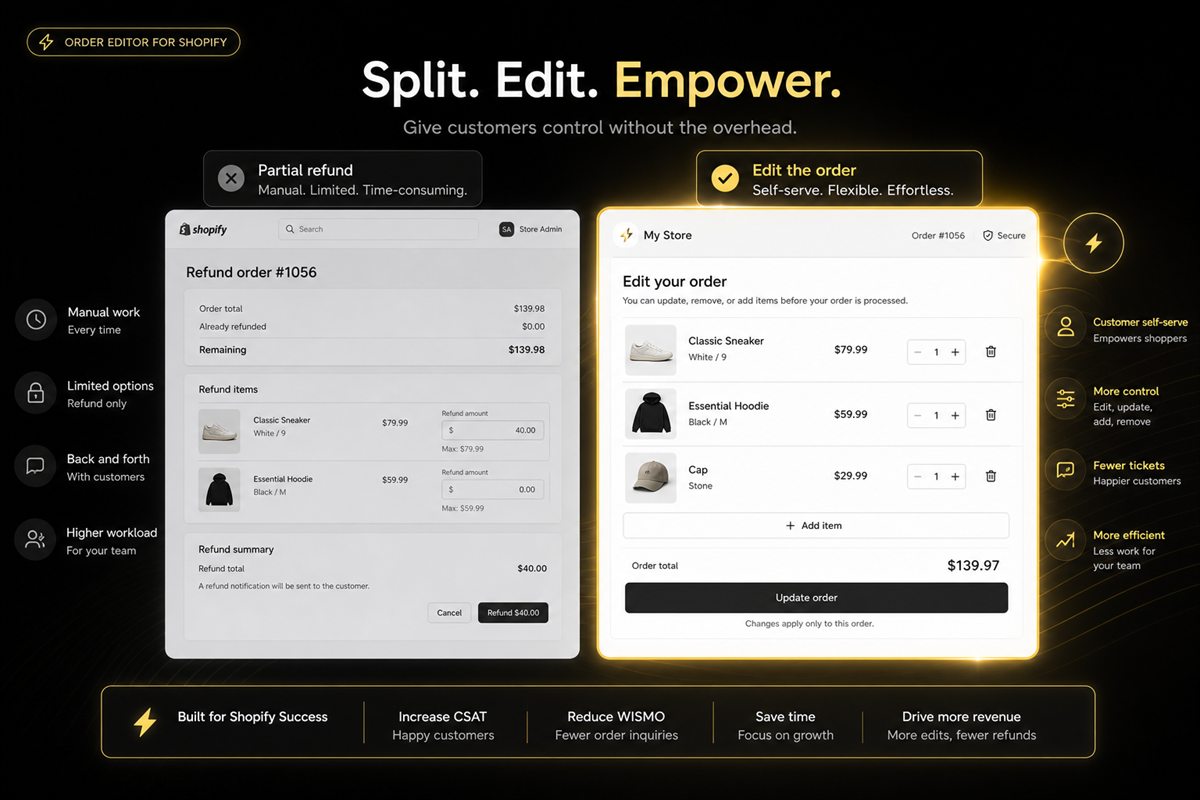
Key takeaways
- If fulfilment has not started, prefer an edit (add, swap, remove) over a refund-and-reorder. Inventory and payment stay on one order.
- If the box has shipped, a partial refund or a return is honest. Editing a shipped order is how you get inventory desync.
- Removing a line before pick should restock and adjust payment. A "refund" that leaves the line on the order is a bookkeeping mess.
- Document which path your team uses. Mixed practice (some agents refund, some edit) is how customers learn to ask for both.
- Refunds show up as returns and can distort merchandising. Edits keep the sale.
If fulfilment has not started, fix a Shopify order with an edit — add, swap or remove a line — instead of a partial refund. If the box has shipped, a partial refund or a return is the honest path. Customers ask for both using the same words ("I need to change my order"). Your job is to pick the path that matches whether the box still exists.
A partial refund is an unwind. An order edit is a correction. Unwinding a live order is how you lose the reorder and desync inventory.
What is the difference
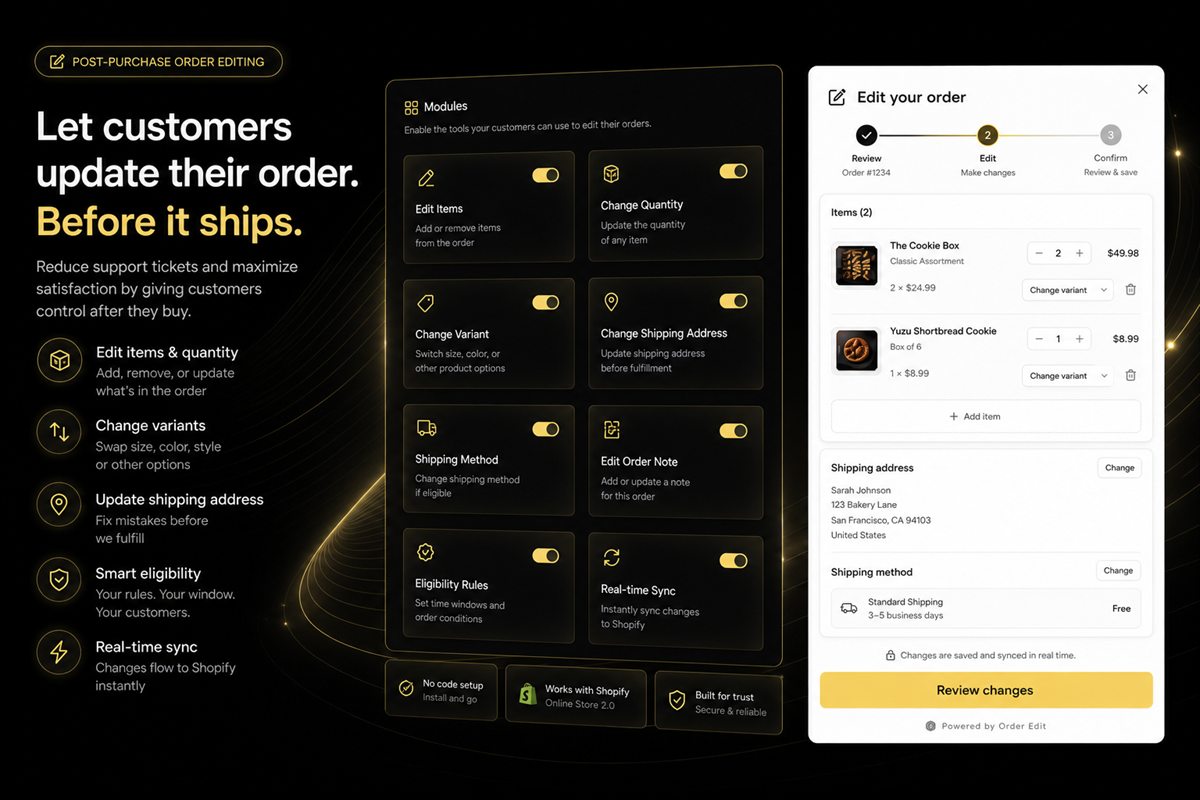
An order edit changes the paid order in place: swap a variant, add a SKU, drop a line, adjust the capture. One order ID, one shipment, one payment trail.
A partial refund returns some of the money and often leaves the rest of the order as it was. After ship, that can be the right tool. Before pick, it is usually the wrong one, because the warehouse may still send the line you just refunded.
Shopify order editing is the correction path. Refunds are the unwind path. Use the one that matches the box.
Before fulfilment: edit
They paid for A and meant B. Swap the line, adjust the payment, keep the order ID. They paid for one and want two. Add the line, capture the difference, one shipment.
This is cheaper than refunding and asking them to reorder: they might not reorder, and you have created a second chance to lose them at checkout.
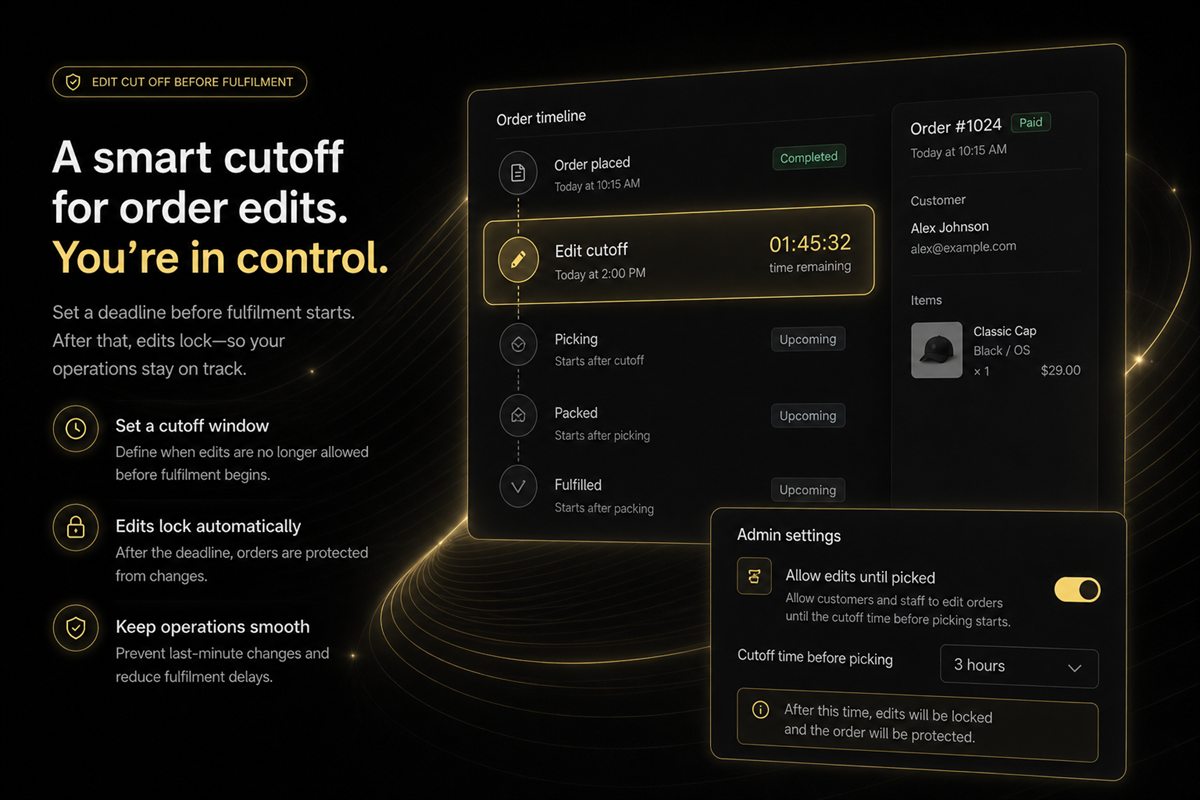
The cut-off window is what makes this safe. If the window is open and stock exists, edit. If pick has started, stop.
Worked example: they bought Navy / M, meant Navy / L. L is in stock. Swap the variant, refund or capture the difference if the price changed, leave the order number alone. Do not refund the M, ask them to reorder L, and hope they come back.
After fulfilment: refund or return
The inventory is in a van. You cannot "edit" it without intercepting a carrier, which you will not do for a cheap SKU. Offer a return, a partial refund if the item is missing from the box, or a new order for what they now want.
Language matters. Do not call that a cancel. Do not call it an edit. Call it what the warehouse can do.
Editing a shipped order is how you get inventory desync: Shopify thinks the line changed, the box in transit still holds the old SKU, and a second shipment goes out for the new one. Returns and partial refunds match the physical world.
Removal versus refund
If they drop a line before pick, restock it and adjust the capture. A refund issued while the line stays on the order will ship unless someone remembers. That is how you pay to send a thing you already refunded.
If they want a cheaper variant, swap the line if stock exists and the window is open. Do not leave both variants on the order and refund by hand.
If they want to add a product after paying, charge the difference only if the warehouse can still add it to the same shipment. If the order is already picked, send a second order instead of pretending it is one box.
How to choose the path
| Order state | Customer wants | Do this | Do not do this |
|---|---|---|---|
| Window open | Different variant | Swap the line, adjust payment | Refund and reorder |
| Window open | Extra SKU | Add line, capture difference | Promise it is in the same box after pick |
| Window open | Drop a line | Remove, restock, adjust capture | Refund while leaving the line on the order |
| In fulfilment | Any change | Refuse self-serve; second order or wait | Catch a tote mid-pick for a small SKU |
| Shipped | Wrong item / change of mind | Return or partial refund | Edit the shipped order |
One playbook for the team
Write three rows: window open / in fulfilment / shipped. For each, the allowed action. If live chat and the self-serve portal disagree, customers will use both and you will double-process.
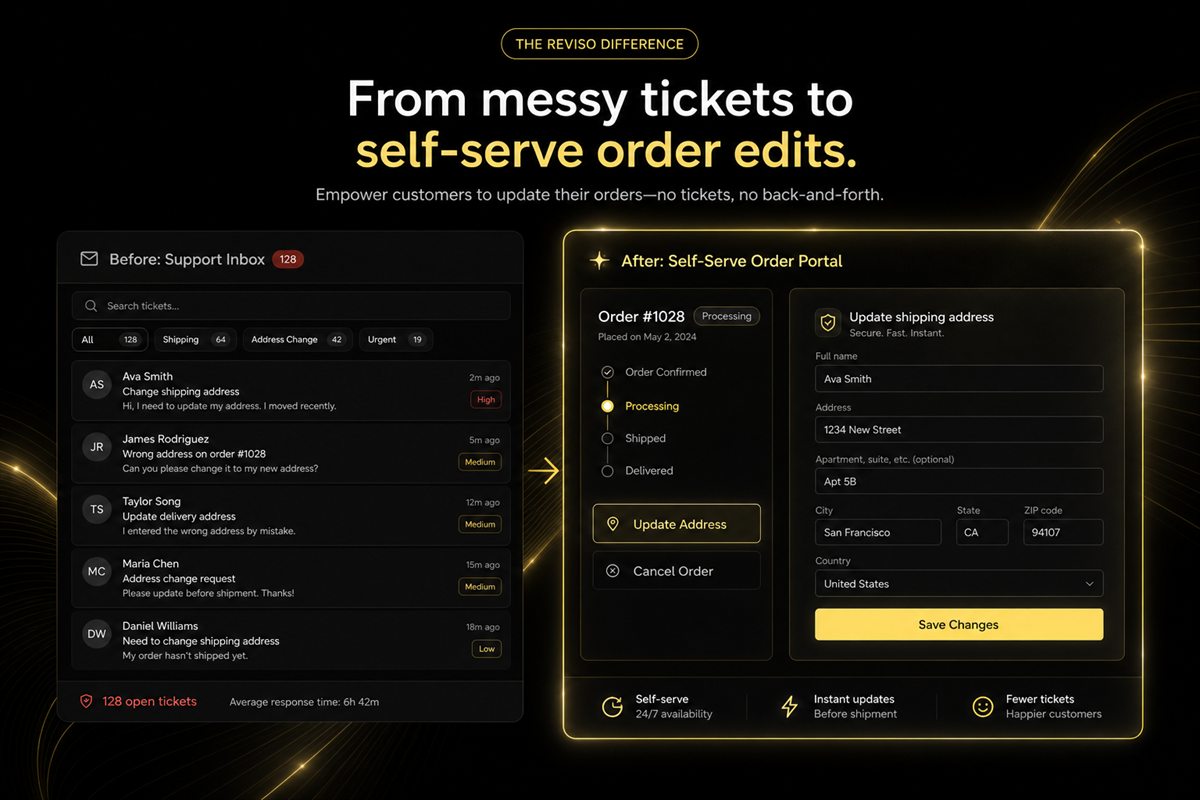
Mixed practice — some agents refund, some edit — is how customers learn to ask for both. Document the path. Train to it. The portal should not offer an edit the agent will then unwind.
Refunds also show up as returns and can distort merchandising. Edits keep the sale. That is a reporting reason as well as an ops reason to edit while you still can.
Fixing an order is almost always better than unwinding it. The skill is knowing when the order is still there to fix.
Frequently asked questions
Is an order edit better than a partial refund?
Before fulfilment, usually yes — one order, one payment adjustment, one shipment. After fulfilment, a partial refund or return matches reality.
What if they want a cheaper variant?
Swap the line if stock exists and the window is open; capture or refund the difference. Do not leave both variants on the order and refund by hand.
Can they add a product after paying?
Yes, if you can charge the difference and the warehouse can still add it to the same shipment. If the order is already picked, send a second order instead of pretending it is one box.
Do refunds hurt more than edits in analytics?
Refunds show up as returns and can distort merchandising. Edits keep the sale. That is a reporting reason as well as an ops reason to edit while you still can.
What if the customer asks to cancel one item in a two-item order?
If pick has not started, remove the line, restock it, and adjust the capture. If the box has shipped, that is a partial return or a partial refund, not an edit. Do not refund the line and leave it on the order to ship.
Should live chat and the self-serve portal follow the same rules?
Yes. Write three rows — window open, in fulfilment, shipped — and the allowed action for each. If chat and the portal disagree, customers will use both and you will double-process.