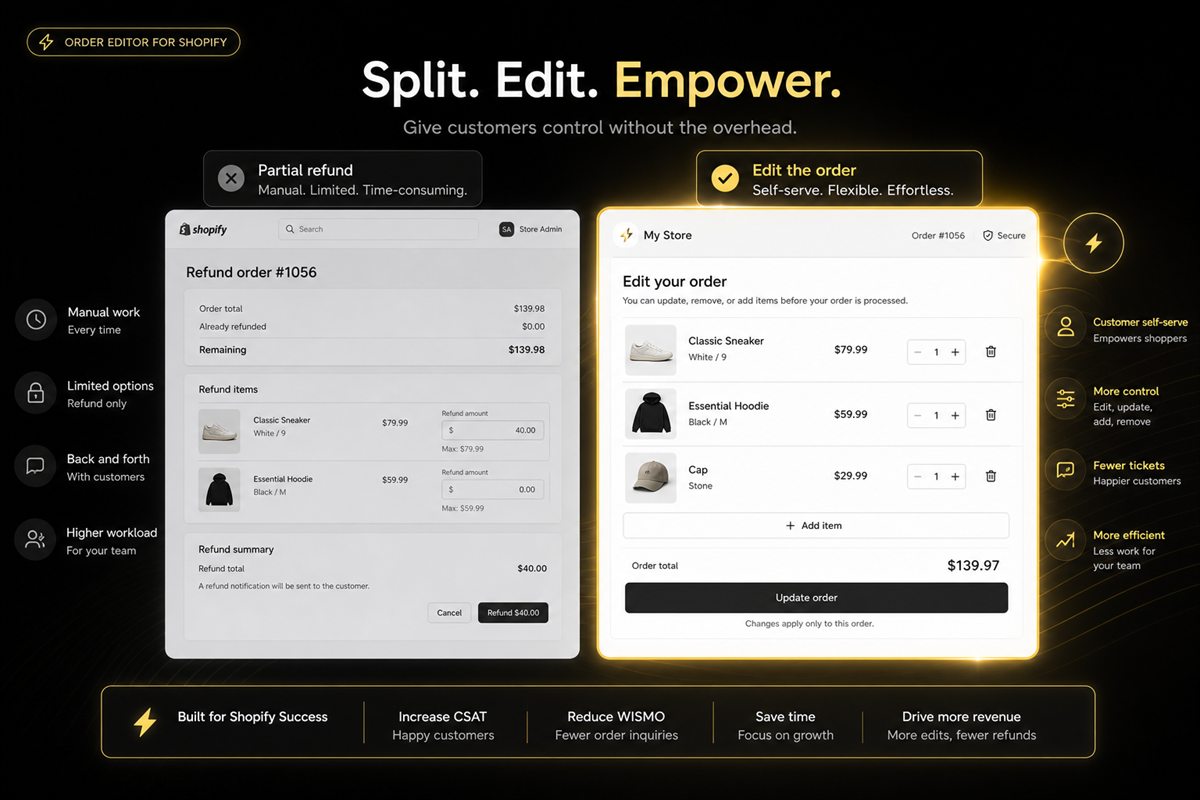
Addy
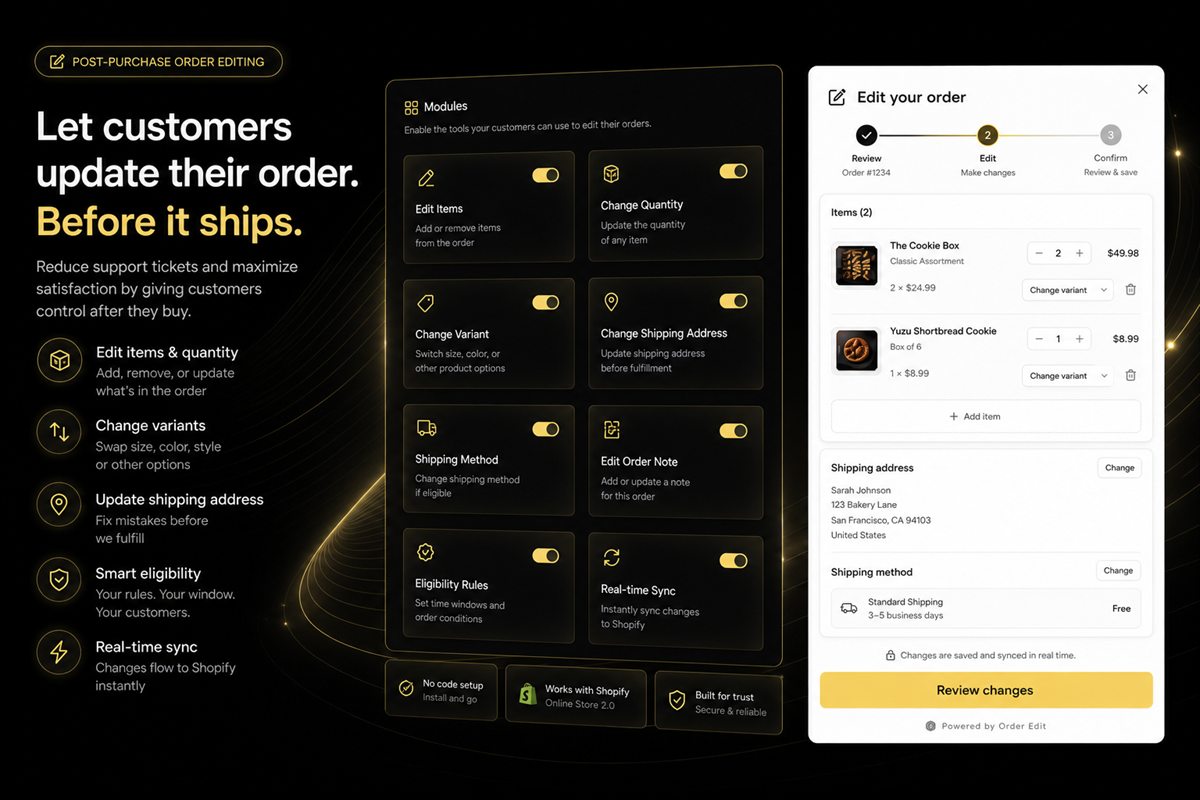
Addy  Addly
Addly  Goalify
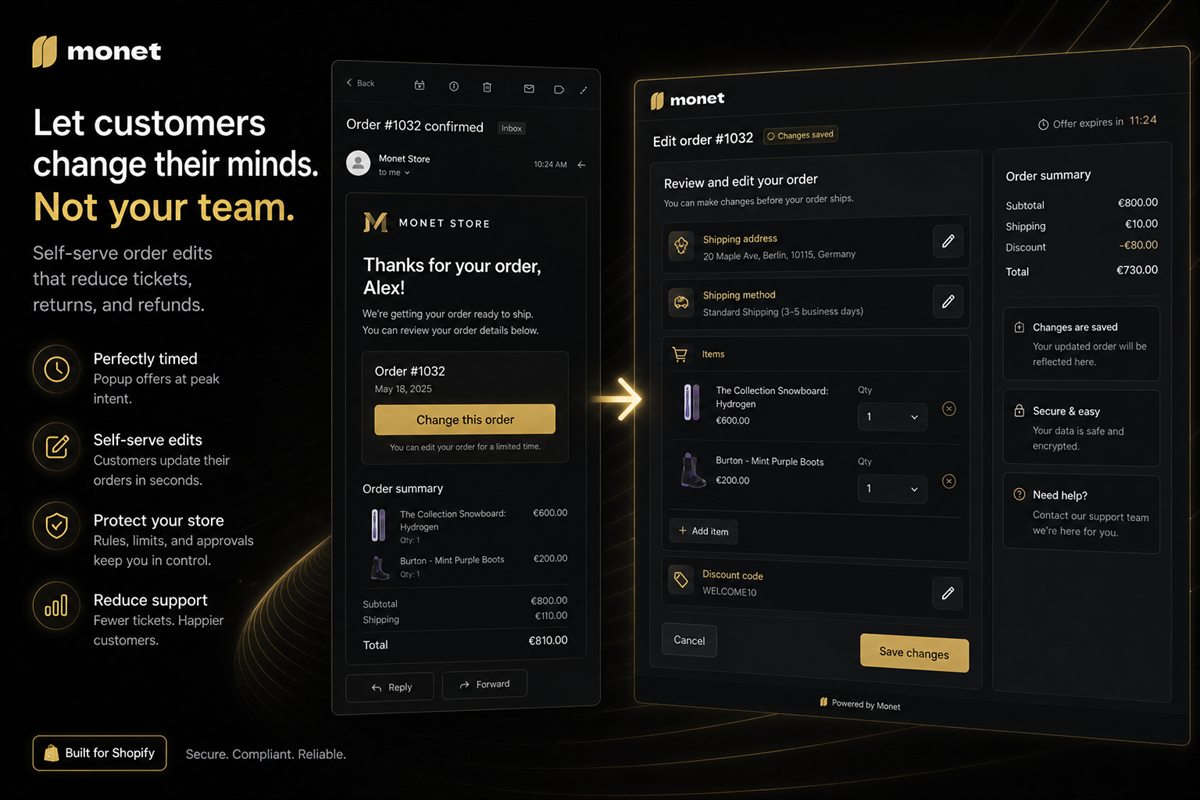
  Monet
Monet  Reviso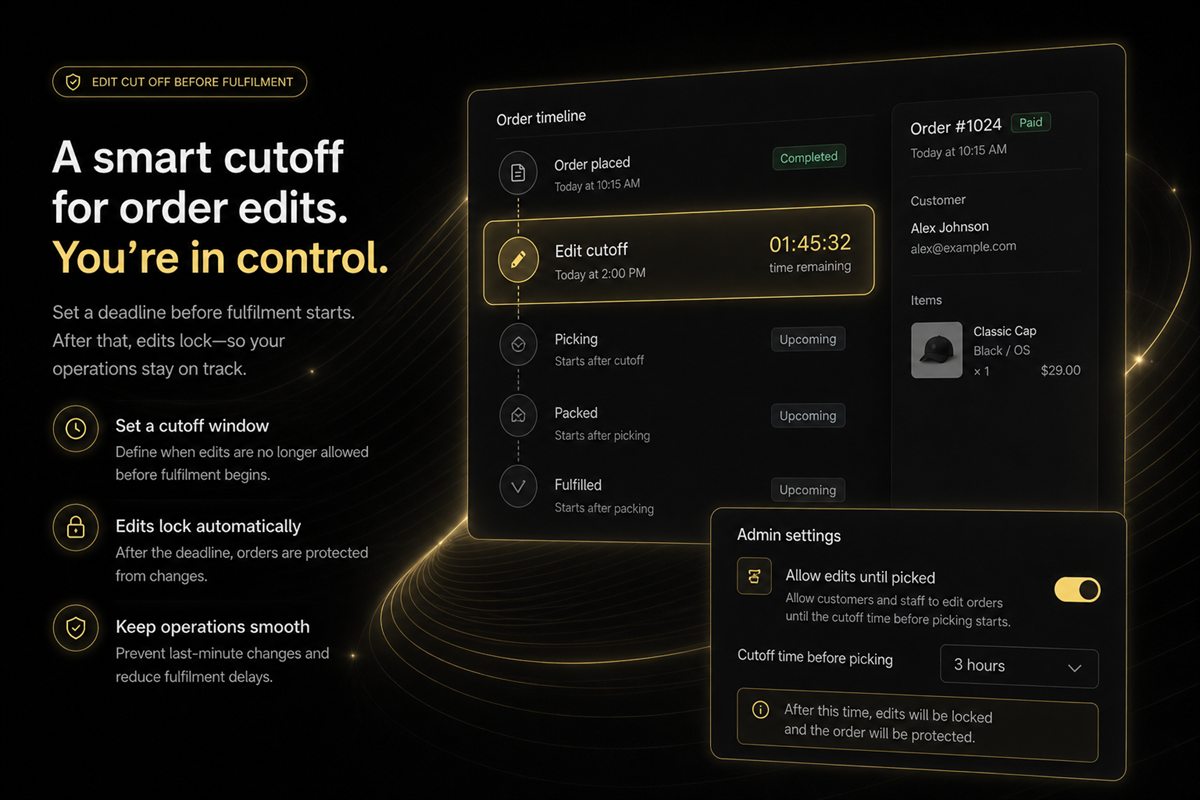
Key takeaways
- The cut-off should be "until we start fulfilling", not a random number of hours, unless your warehouse needs a buffer.
- Publish the window in the confirmation email and on the order status page. A hidden deadline creates tickets, which is what you were trying to avoid.
- Once pick-and-pack has started, refuse the edit and offer a second order or a return path — do not pretend you can catch a box that is already moving.
- Different locations can have different windows. A short cut-off for same-day dispatch and a longer window for made-to-order can coexist.
- A countdown that ignores "fulfilment started" will unlock edits you then have to reverse.
An order-edit cut-off window on Shopify should close when fulfilment starts, not at a random number of hours. "You can change this order until we start packing it" is a sentence a warehouse can keep. "You have 24 hours" is a sentence that breaks the first time you offer same-day dispatch.
An edit window is an operations contract. Marketing did not invent it; the warehouse did. Close too early and you get tickets. Leave it open too long and you rip open boxes.
What an order-edit cut-off window is
A cut-off is the last moment a customer may change address, items or notes on a paid order without a human rewriting fulfilment. After that moment the honest path is a second order, a return, or a support conversation — not a portal that pretends the box is still on the bench.
It sits inside Shopify order editing. The window is the rule. The portal is the door.
Bind the window to fulfilment status
If Shopify (or your 3PL) marks an order as in fulfilment, the self-serve door closes. Everything else is a support conversation.
A wall-clock window is how you allow an address change on an order already in a tote. The cut-off is whenever pick starts, plus a buffer the picker actually needs.
Same-day dispatch makes this obvious. A store that packs within two hours cannot honour a 24-hour marketing promise. Publish the short window. Do not publish a long one and then refuse edits in chat.
How long the window should be
As long as fulfilment has not started, plus a buffer your warehouse actually needs — often 30–90 minutes before pick. That buffer is cheaper than shipping to the old address and refunding the ticket.
Worked example: you pack at 3pm for same-day courier. Orders placed at 2:10pm need a closed door by 2:15pm if pickers start gathering at 2:20pm. Orders placed at 8pm for tomorrow's wave can stay open until that wave's buffer. One rule — "until we start packing" — covers both. Two fake hour-counts do not.
If you use a 3PL, the cut-off is whenever they pull the order. Integrate with fulfilment status, not with a clock on your site.
Buffer time for the warehouse
Pickers need a few minutes of certainty. If the portal allows an address change while someone is walking to the shelf, you will ship to the old address and refund the ticket. A 30–90 minute pre-pick buffer is cheaper than that.
Do not skip the buffer because a customer asked nicely in the last five minutes. Extend for VIP tags if you must, as an explicit rule. Do not extend globally because one person asked. The warehouse is the constraint.
Different locations can have different windows. A short cut-off for same-day dispatch and a longer window for made-to-order can coexist. Bind each to that location's fulfilment status.
Tell them once, in the right places
Confirmation email: "Need to change the address or add an item? You can do that here until we ship." The order-edit link in the confirmation email is the door. A hidden deadline creates tickets, which is what you were trying to avoid.
Order status page: the same link, plus a disabled state after cut-off with a reason ("We've started packing this one — email us if it's urgent").
A remaining-time countdown is useful if it is true. A countdown that ignores "fulfilment started" will unlock edits you then have to reverse.
Silence is how you get "I didn't know I could change it" and "I didn't know I couldn't". Put the window in both places. Use the same words.
After the door closes
Do not leave a form that submits into a void. Show the closed state and the next best action: a new order, a return once it arrives, or a support email for genuine emergencies. A 404 on the edit link after cut-off is a bug.
Do not pretend you can catch a box that is already moving. Once pick-and-pack has started, refuse the edit. If they need a new shipping address after that, it is a carrier or support problem, not a self-serve one.
The window is not a growth hack. It is how self-serve stays true.
Common mistakes
- Publishing "24 hours" while the warehouse ships in two
- Binding the rule to the clock instead of fulfilment status
- Leaving the edit form live after cut-off so it errors
- One global window for same-day and made-to-order
- Extending the window in chat for whoever asks, which teaches everyone to ask
Write the contract the warehouse can keep, then print it on the email. Everything else is a ticket you chose.
If two locations pack on different clocks, say so in the email for that order — not in a generic help article. The customer only needs the rule that applies to this box. A single honest sentence beats a policy that tries to cover every warehouse at once.
Frequently asked questions
How many hours should the window be?
As long as fulfilment has not started, plus a buffer your warehouse actually needs (often 30–90 minutes before pick). A fake "24 hours" that you cannot honour when you ship in two is worse than a short honest window.
What if I use a 3PL?
The cut-off is whenever they pull the order. Integrate with fulfilment status, not with a wall clock, or you will allow edits on orders already in a tote.
Should the customer see a countdown?
A remaining time is useful if it is true. A countdown that ignores "fulfilment started" will unlock edits you then have to reverse.
Can I extend the window for VIP customers?
Yes, with a tag-based rule. Do not extend it globally because one customer asked. The warehouse is the constraint.
What should the customer see after the cut-off?
A closed state with a reason and a next action — a new order, a return once it arrives, or a support email for genuine emergencies. Do not leave a form that submits into a void, and do not 404 the edit link.
Does Shopify have a built-in customer edit window?
Shopify lets staff edit orders in admin, but a self-serve customer window with a fulfilment-aware cut-off is not a default storefront feature. You still need a portal, published copy, and a rule that closes when packing starts.