Post-Purchase Order Editing on Shopify — The Complete Guide
What customers actually want to change after checkout, which edits are safe to allow, the rules you need around them, and why the edit screen is a revenue surface.
What happens after the order, and why it decides your second order.

What customers actually want to change after checkout, which edits are safe to allow, the rules you need around them, and why the edit screen is a revenue surface.

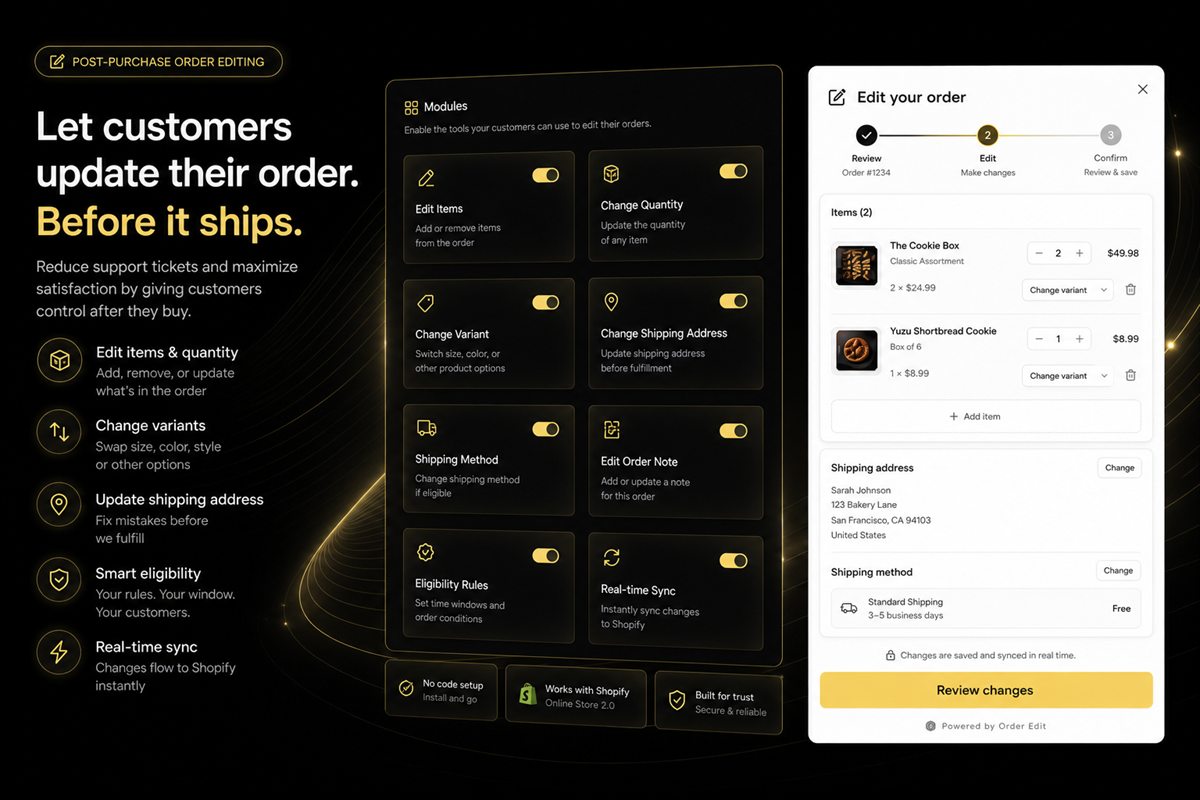
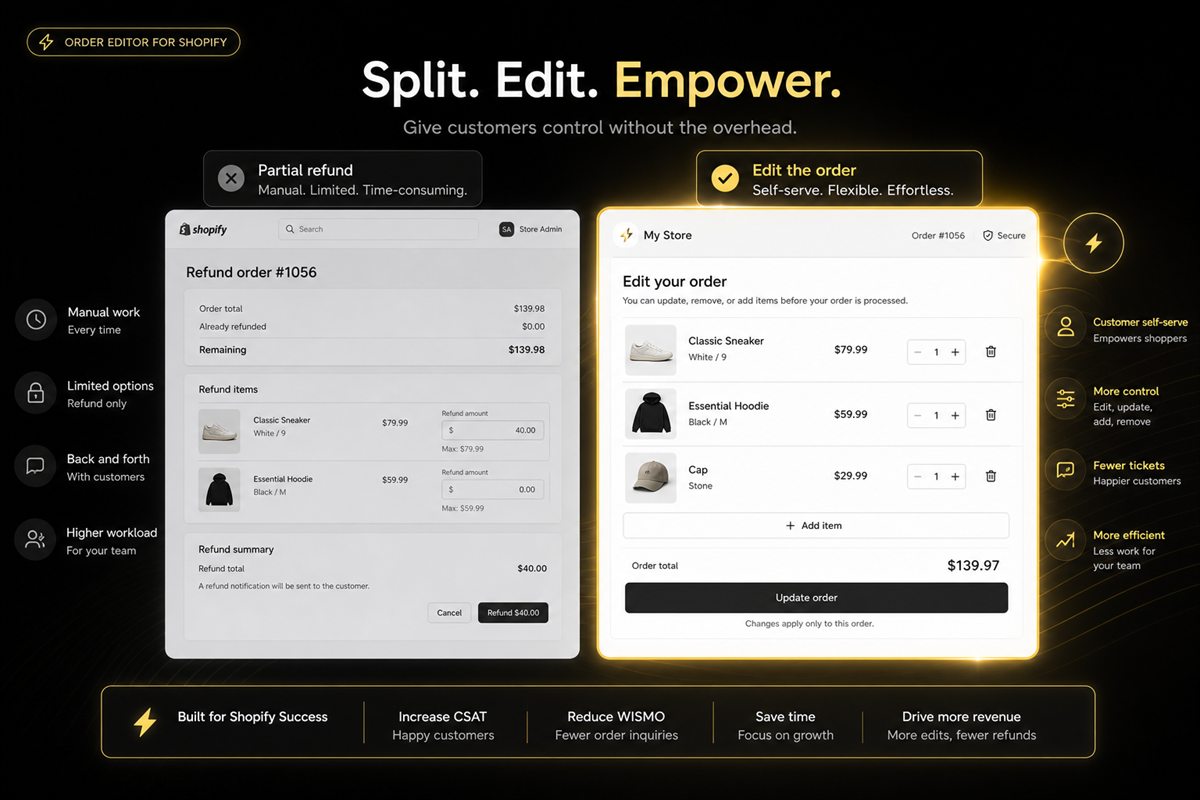
When to let a customer add, swap or remove a line after checkout, and when a partial refund is the cleaner (and cheaper) path.

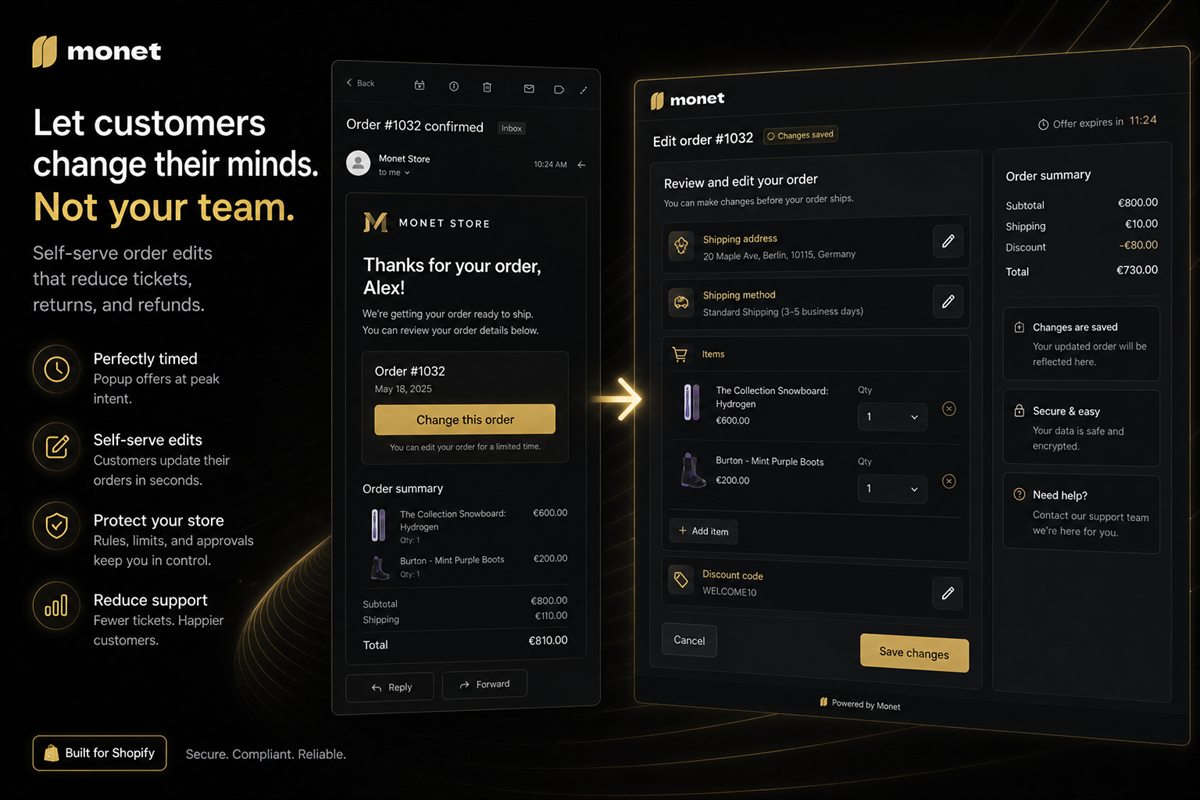
Where to place a self-serve edit link after checkout, the copy that gets used, and the mistakes that send people to support anyway.

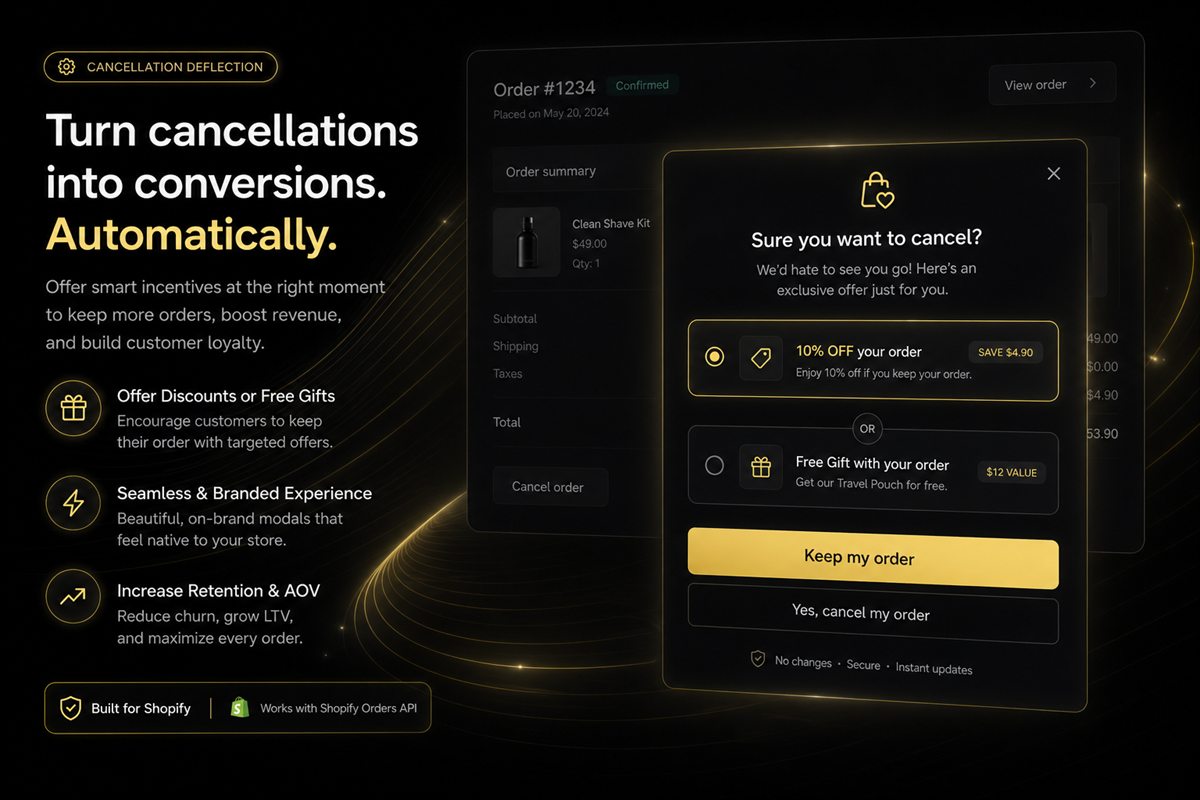
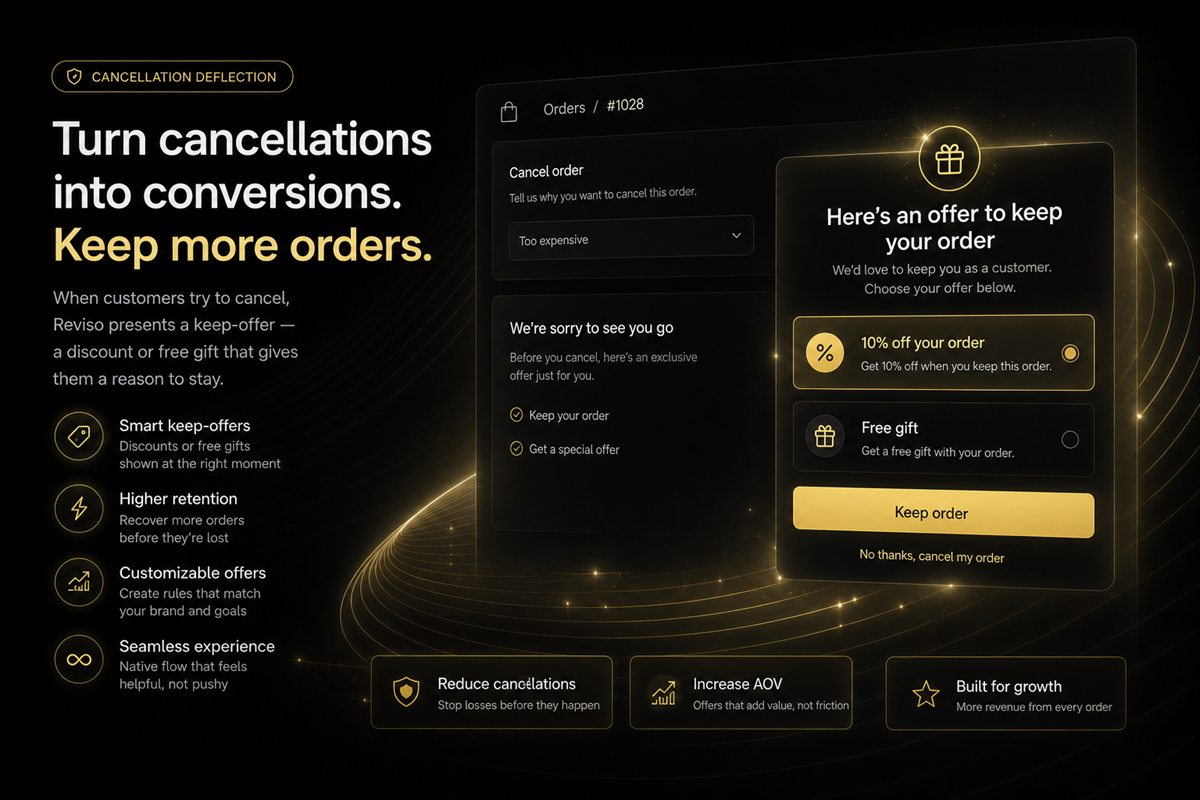
Clear cut-offs, what happens to payment, and the in-flow offer that turns a cancel into a keep — without making people feel trapped.

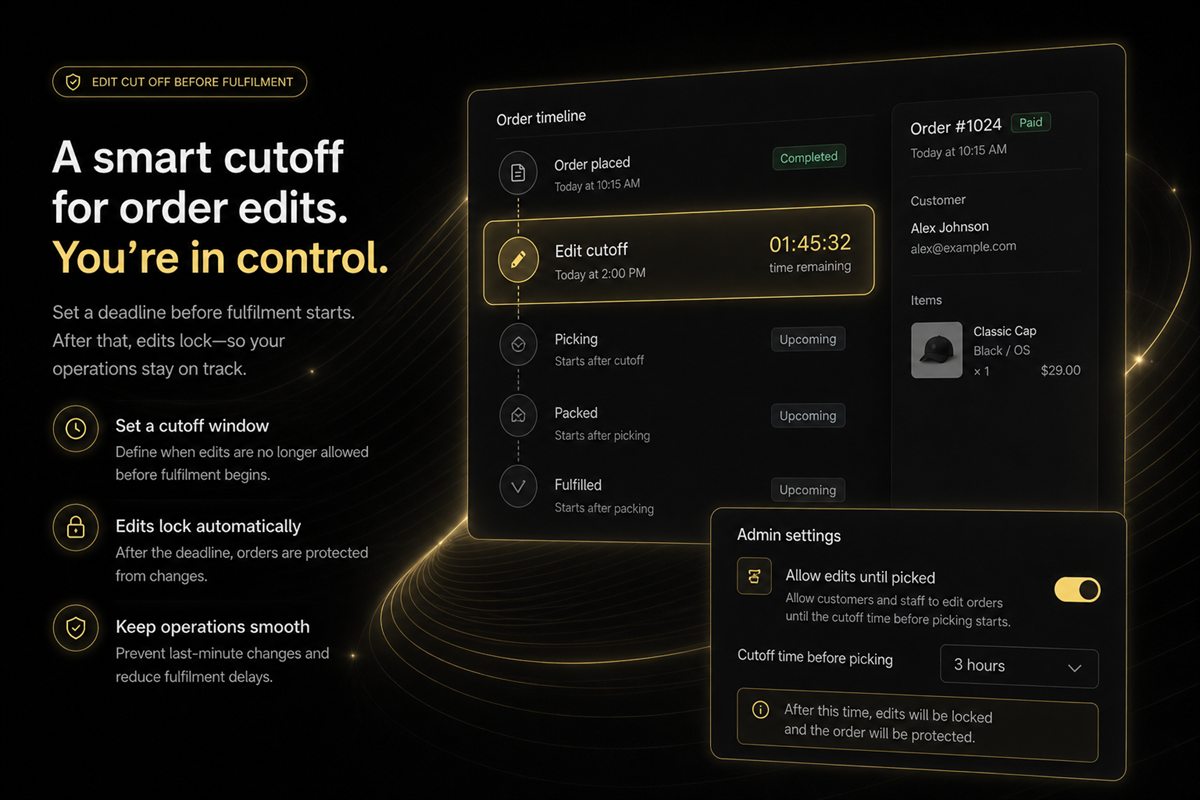
How long to allow self-serve Shopify order edits, how to talk about the window in emails, and what to do when the warehouse has already picked the order.

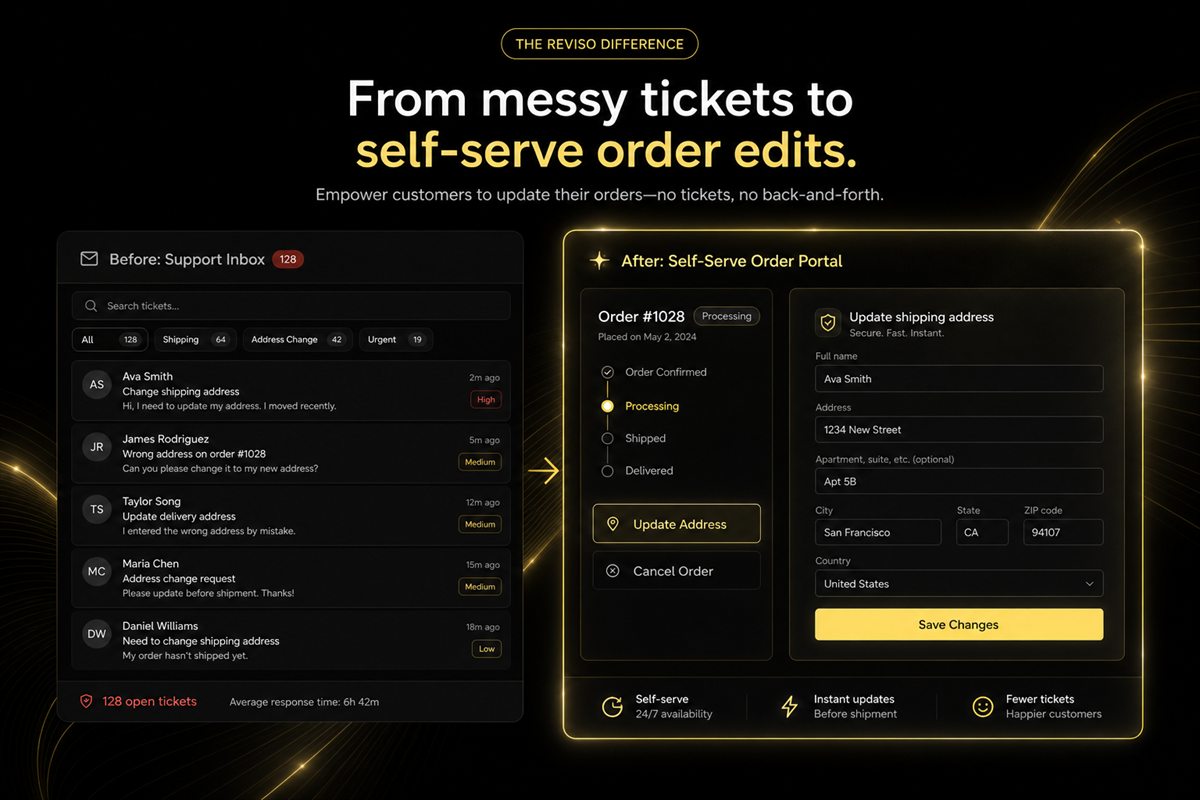
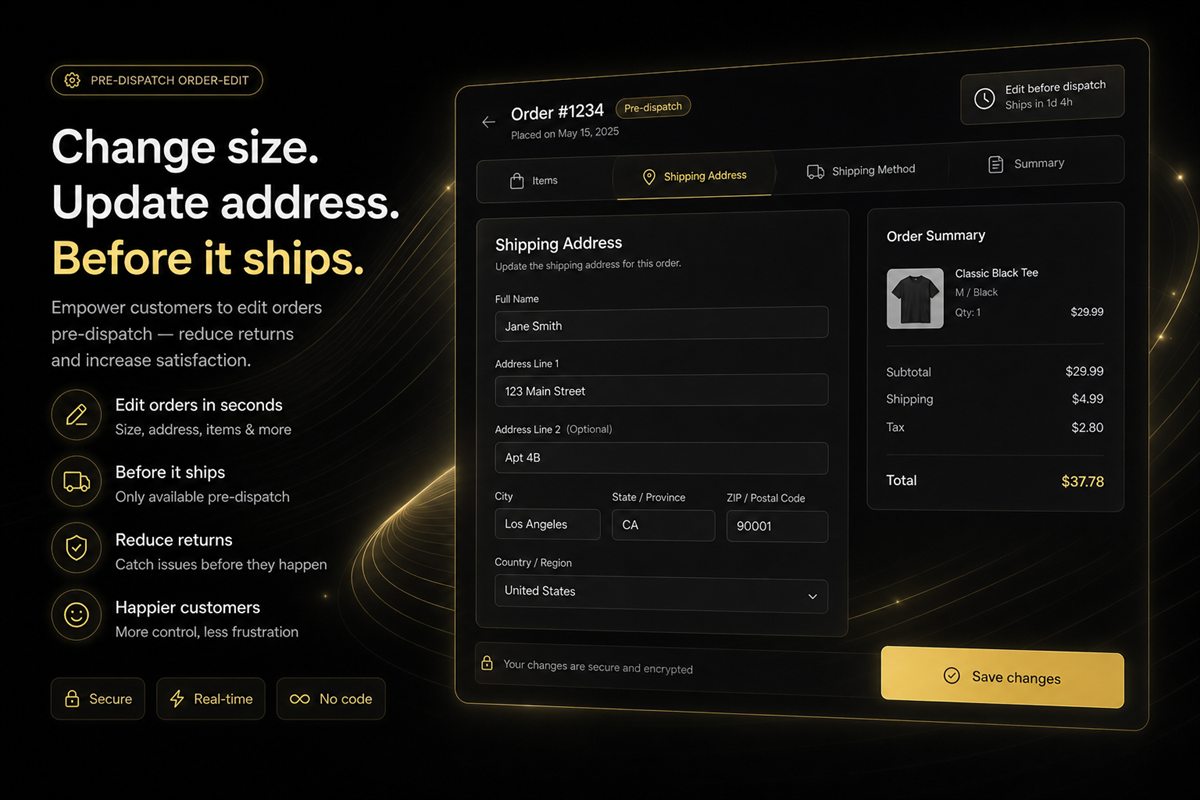
The cost of a "please change my address" ticket, the edit types that should never need a human, and how to keep high-risk changes behind rules.

The five reasons customers cancel, which of them are actually solvable, and how to build a deflection flow that saves orders instead of trapping people.

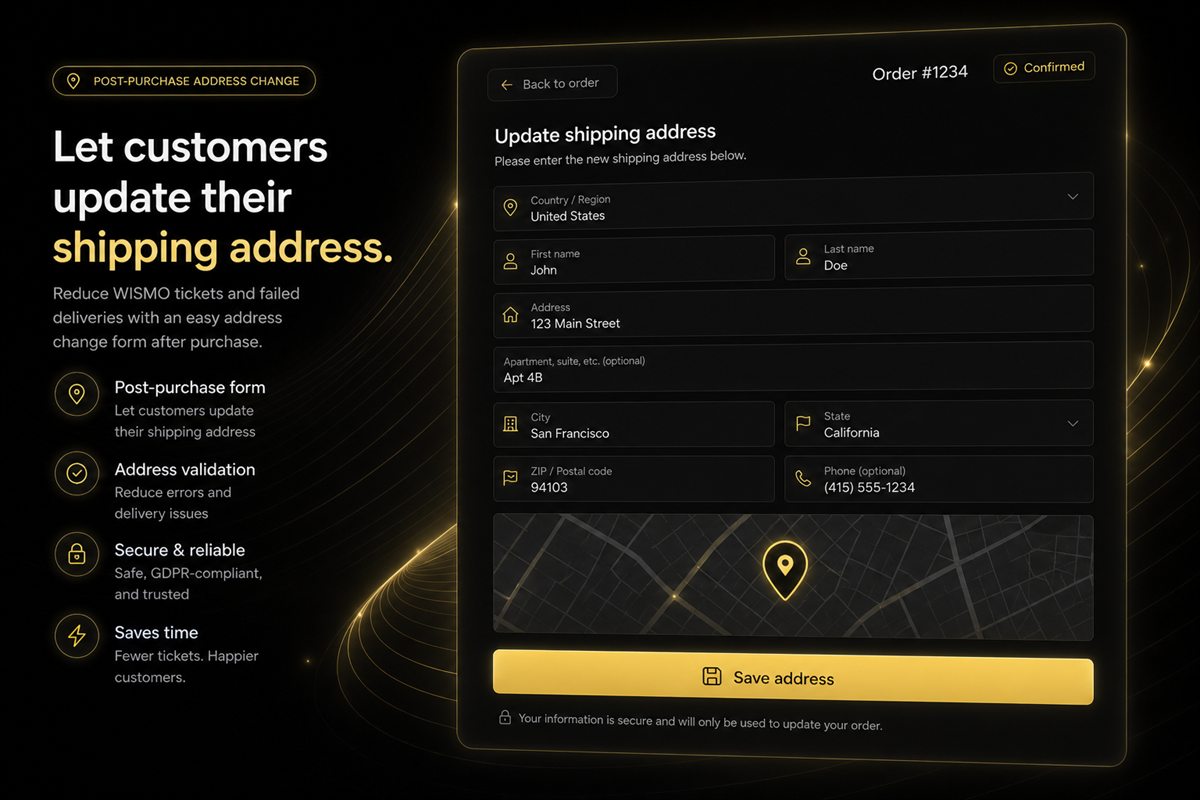
The most common post-purchase support request, why manual handling is expensive, and how to automate it safely including zone changes, fraud checks and the fulfilment cutoff.

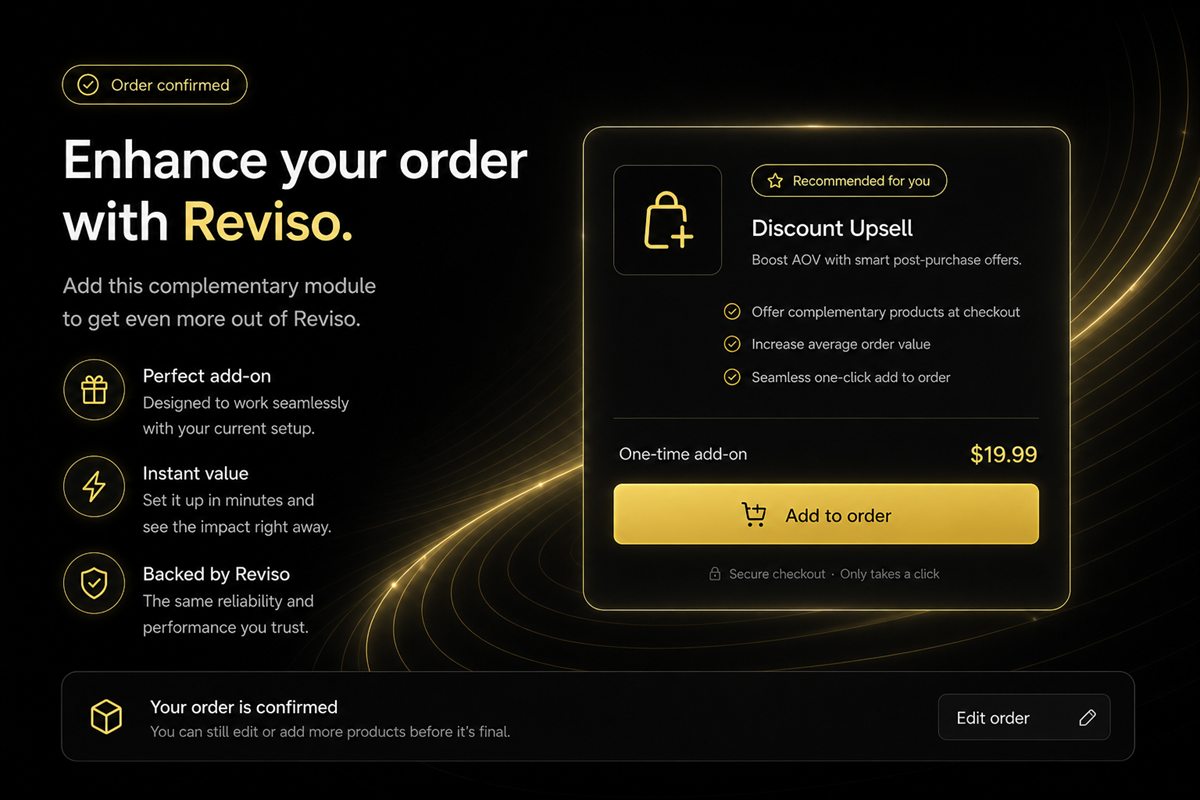
The thank-you page, the order edit screen and the pre-dispatch window are the least contested upsell surfaces in ecommerce. Here is how to use each without touching conversion rate.

Most returns are decided before the parcel ships. A breakdown of return causes, which are preventable at which stage, and why the pre-dispatch window is the cheapest place to intervene.
No articles match that search yet. Try a broader term.
Every tactic in these articles is something our apps do out of the box. Free plans, no theme edits, live in minutes.
Every app installs from the Shopify App Store. No theme code, no developer needed.