Addy
Addy  Addly
Addly  Goalify
  Monet
Monet  Reviso
  Rankly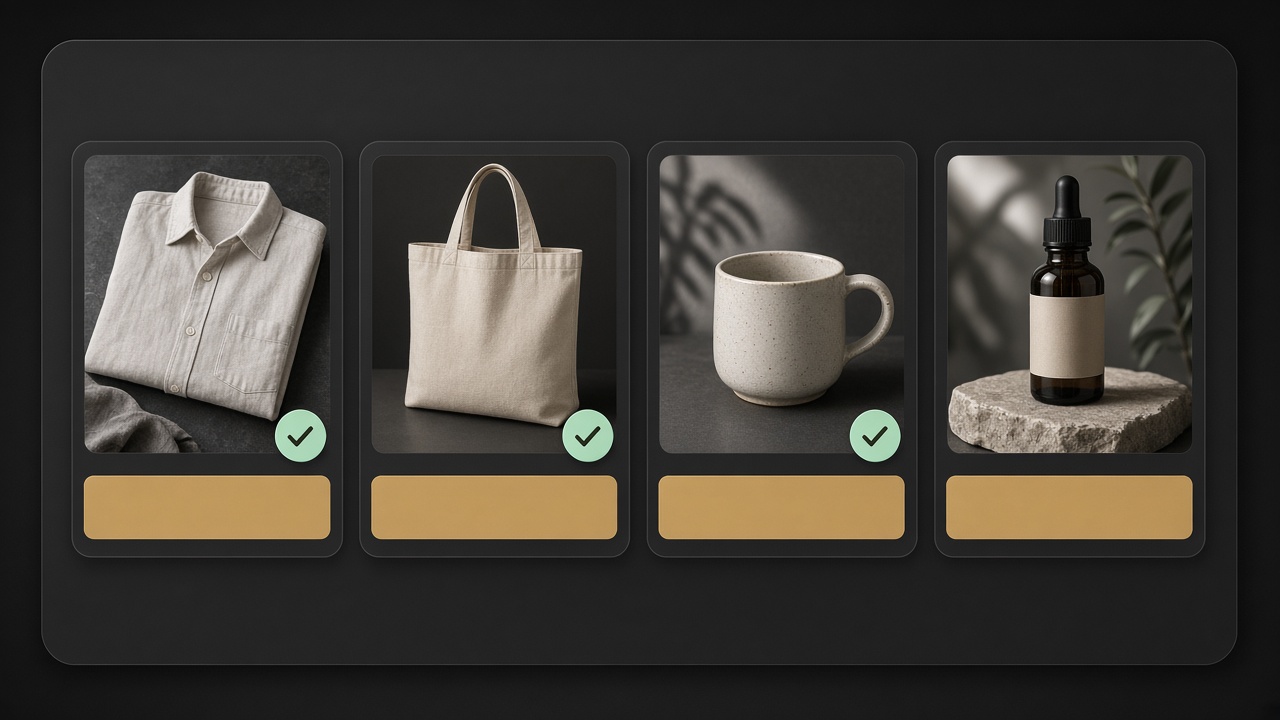
Key takeaways
- Alt text describes the photo for people who cannot see it. Search engines read the same string. Write the picture, not a keyword list.
- Shopify stores alt on each media file. Imports and CSV uploads usually leave it blank. The filename is not alt text.
- Name the product, the angle, and one visible fact. Decorative theme chrome can stay empty on purpose.
- Do not paste the product title onto twelve photos of the same SKU.
- Bulk-generate after five handmade examples. Rankly writes alt in 16 languages inside the plan’s AI credits.
Alt text is the written stand-in for a photo. If the image does not load, if the shopper uses a screen reader, or if a crawler is trying to understand a packshot, the alt string is what they get.
Shopify does not write it for you. CSV imports, most dropshipping feeds, and a phone dump into Products → media leave alt blank. The filename IMG_2048.jpg is not a description. Neither is pasting the product title onto twelve angles of the same shirt.
This guide is how to write Shopify alt text that describes the photo, how to keep it unique per file, and how to do that in bulk without inventing facts.
What alt text is for (and what it is not)
Alt has two honest jobs:
- Access. A screen reader should be able to say what is in the picture. “Image” is not enough. “Product” is not enough.
- Context for machines. Google Images, Shopping surfaces, and AI systems that quote a page use alt as a hint when the pixels are ambiguous.
It is not:
- A second meta title
- A place to dump every keyword you did not fit in the title tag
- A caption you also show on the page (captions are visible; alt is the text of the image)
- A ranking cheat. Empty alt on a well-structured product page is a miss. Keyword-stuffed alt on a thin page does not save it.
If the product description is two sentences of fog, fix that first. The CRO Audit for Shopify stores fails a product when catalogue copy is under 100 characters. Alt text on a blank description is a label on an empty box.
Where Shopify stores alt text
There are three places people confuse:
| Place | What it is | Who should fill it |
|---|---|---|
| Product media alt | Each image / video on the product | You, or an SEO app |
| Settings → Files | Shared assets, logos, blog images | You, when the file is reused |
| Theme editor image blocks | Hero slides, lifestyle banners | You, in Customize |
The product-media field is the one this guide is about. Open the product, click a photo, write alt in the side drawer, save.
Videos can have alt too. A 6-second spin of a shoe still needs a sentence: Black leather court sneaker rotating to show the gum sole.
If you replace an image, Shopify often keeps the old alt. Check. A “sand overshirt” alt on a sage photo is a mismatch Google and a screen reader will both trust.
How to write a product-image alt
Describe what a person would see, in the order they would notice it.
A working formula:
[Product] in [colour / material], [angle or context].
Examples (labelled examples, not a live store):
| Photo | Weak alt | Better alt |
|---|---|---|
| Front packshot on white | harbour overshirt harbour linen shirt buy linen | Sage linen overshirt, front view, relaxed fit, white background |
| On-body, walking | best linen shirt | Person wearing a sage linen overshirt, mid-thigh length, rolled sleeves |
| Fabric close-up | linen | Close-up of sage linen weave and corozo button on the placket |
| Flat lay with extras | overshirt lifestyle | Sage linen overshirt folded with a canvas tote and sunglasses |
Rules that hold up:
- Name the product once. Not in every photo of the SKU as a full title tag.
- Say the angle. Front, back, side, on-body, scale, in-box, detail. That is the information the other eleven photos do not repeat.
- Name the colour you see.
Sageon this file.Sandon the other. Colour is why the files exist. - Skip “image of”, “photo of”, “picture of”. The attribute is already alt.
- Skip the brand unless the logo is in the frame.
Harbourin every alt is noise. If the photo is a hangtag with the logo, then say that. - Do not write a call to action.
Buy nowis not in the picture. - Do not write a price. Prices change. Alt stays.
Decorative images in the theme (a gold line, a texture behind the footer) should have empty alt so assistive tech skips them. Empty is a decision. Missing on a packshot is neglect.
Filename vs alt vs product title
Three strings, three jobs — same idea as meta titles.
- Filename:
harbour-linen-overshirt-sage-front.jpghelps you find the file. Some crawlers glance at it. It is not shown to shoppers. - Product title:
Harbour Linen Overshirt — Sageis the merchandising name. - Alt: describes this photo of that product.
Pasting the product title onto every image makes twelve identical alts. A screen reader user hears the same sentence twelve times. Google sees twelve files that claim to be the same picture.
If you only have time for one image, do the first packshot. Then the on-body. Then the detail. The rest can wait for bulk.
Bulk alt text on a real catalogue
Native Shopify has no serious bulk alt editor. Options:
- CSV. Export products, hope your column maps to image alt, re-import, pray you did not attach the sage alt to the sand SKU. Fragile on stores with many files per product.
- By hand. Fine for 20 SKUs. Not for 2,000.
- An SEO app that generates alt from the product, the variant, and (if it can see them) the images, then lets you edit.
Rankly generates image alt text with product descriptions and tags, in 16 languages. Free includes alt text inside 100 AI credits. Starter ($9.99/mo) is the bulk tier. Pro ($29.99/mo) can handle alt automatically when products change. Billed in USD through Shopify. Compatible with all themes. It does not promise image-pack rankings.
Before you run bulk on the whole shop:
- Write alt by hand on five bestsellers. Those five are the style guide.
- Generate on one collection. Read twenty strings.
- Kill anything invented: a material you do not sell, a person who is not in the photo, a “studio lighting” cliché on a messy flat lay.
- Then run the rest.
AI that has not seen the pixels will guess. A white-background packshot described as “on a wooden table” is a lie. If the app is guessing from the product title only, you still need a pass for angle and colour. Prefer tools that look at the image, then still sample the output.
Markets, languages, and alt
Alt should be in the language of the storefront the shopper is on.
A French Market with English alt is an English description of a photo on a French page. Screen readers in that Market will speak English. So will a crawler that thinks the page is fr.
Rankly’s Starter plan adds multi-language SEO and AEO for Shopify Markets. Generate per locale. Do not copy the English alt into every translation and call it done.
Watch false friends. English shell (jacket fabric) is not French coquille. If you do not sell seafood, do not let a model pick the food meaning.
How this shows up in audits
The free ChatGPT SEO check for Shopify stores reads public HTML, JSON-LD, robots.txt and llms.txt. It is not an image-by-image alt linter. A pass there does not mean your media drawer is filled.
The CRO audit can fail product description (A12) when catalogue copy is too short. That fail now points at Rankly. Alt is the sibling job: same catalogue, different field.
Paste a bestseller into the CRO audit, fill empty alts on that SKU, then paste the live URL into the SEO check. JSON-LD, robots and llms.txt fails also name Rankly. Only then run bulk on the long tail.
A labelled bulk example
Example catalogue (labelled example). 40 linen SKUs, four photos each, all alts empty after a CSV import.
Hand-written pattern for SKU harbour-linen-overshirt / Sage:
Sage linen overshirt, front packshot on whiteSage linen overshirt, back view with yoke and hanging loopSage linen overshirt on a person, rolled sleeves, mid-thighDetail of corozo buttons and sage linen weave
Bulk job for the other 39 SKUs: same skeleton, swap colour and product type from the variant. Read a sample of 15. If the generator writes premium luxury linen on a mid-price shirt, strip the adjectives. If it writes woman in forest on a white-background packshot, the model did not see the file — stop the job and switch method.
Tags are a separate field. linen, overshirt, sage, relaxed-fit belong in tags, not stuffed into alt. Rankly can generate tags in the same bulk pass. Keep tags operational (filters, automations). Keep alt visual.
Alt text is a sentence about a picture. Write that sentence. Generate the rest only after five handmade examples prove the pattern. Google Images, a screen reader, and an AI quoting your PDP will all thank you for the same reason: they can tell what they are looking at.
Frequently asked questions
What is alt text on a Shopify product image?
The text equivalent of that photo. Screen readers announce it. Search engines use it when they try to understand the image. In Shopify it sits on the media file, not in the product title.
Where do I add alt text in Shopify?
Open the product → click the image → add alt text in the media drawer. For files already in Settings → Files, open the file and edit alt there. Theme images are edited in the theme editor.
How long should Shopify alt text be?
One short sentence. Roughly 80–125 characters is enough for a product photo. Longer than a tweet and you are writing a caption, not alt.
Does Shopify add alt text automatically?
No. Imports, dropshipping feeds and most CSV uploads leave alt blank. The filename is not alt text. You have to write it, or generate it and edit.
Is alt text an SEO ranking factor?
It helps image search and it helps the page make sense when a crawler cannot rely on pixels alone. It is not a substitute for a unique title, a real description, or Product JSON-LD.
Can I bulk-edit Shopify alt text?
Not well in native admin. An SEO app that writes alt in bulk is the usual path. Rankly generates image alt text with product descriptions and tags, in 16 languages. Free includes alt text inside 100 AI credits; Starter adds bulk generation.