Addy
Addy  Addly
Addly  Goalify
  Monet
Monet  Reviso
  Rankly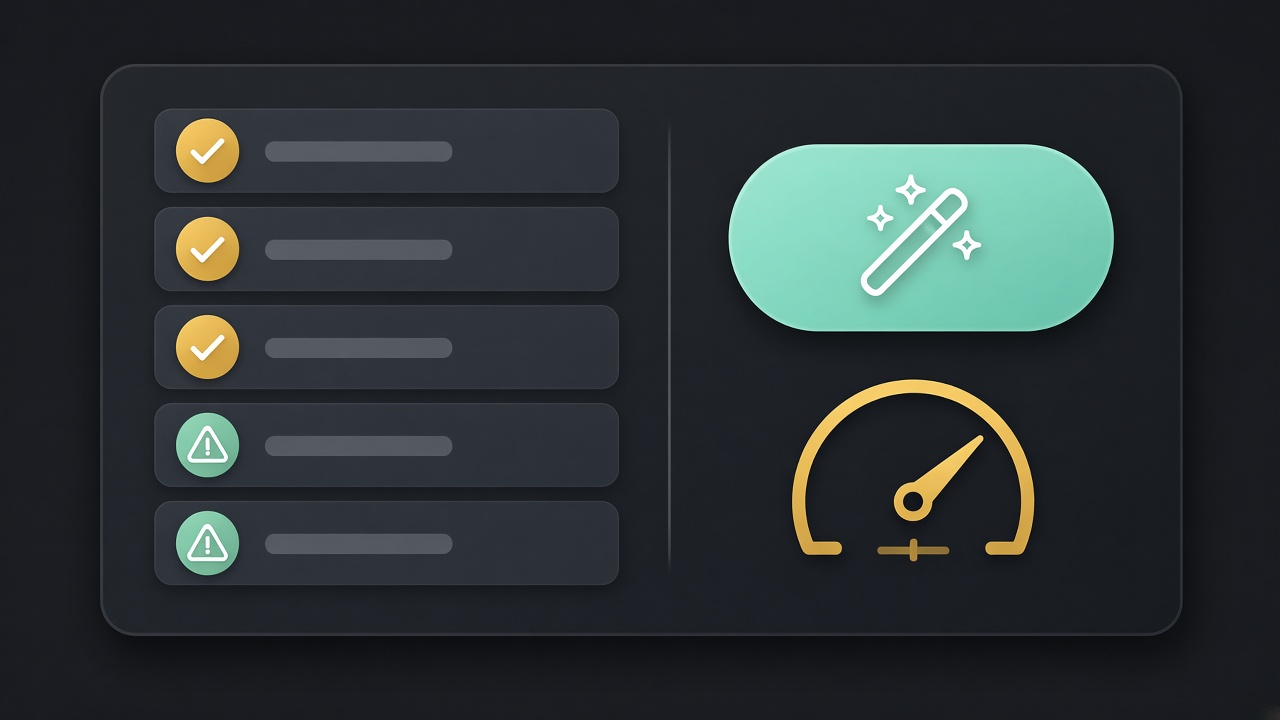
Key takeaways
- A Shopify SEO health audit is a punch list on a live URL, not a ranking or a citation score.
- Start with the free ChatGPT SEO check. It reads public HTML, robots.txt and llms.txt. No admin login.
- Rankly’s in-app audit can Auto-Fix empty meta tags, schema, alt text, redirects, sitemap, robots.txt and llms.txt.
- One-click fix is for empty or broken fields. You still sample the output.
- Re-run the public URL after you save. Admin green and storefront red means another writer is overriding the field.
A Shopify SEO health audit is a punch list, not a trophy. It answers: can Google and ChatGPT read this URL? Title, description, structured data, indexability, robots, llms.txt, dead links. It does not answer “where do I rank” and it does not answer “does ChatGPT already cite me”.
Two tools, two jobs:
- Public check — the ChatGPT SEO check for Shopify stores on this site. Paste a URL. It reads HTML, JSON-LD, robots.txt and
llms.txt. No admin login. Every fail names Rankly as the app that can fix it. - In-app audit — Rankly’s SEO health audit inside Shopify. It can Auto-Fix empty meta tags, schema, alt text, redirects and SEO files. That is the write path.
Use both. The public check is what a crawler sees. The in-app audit is how you change the catalogue without opening 400 products.
What “health” actually means
Health is eligibility. A page can be healthy and still sit on page four because nobody searches the product, or because ten stronger shops exist.
A healthy Shopify URL usually has:
- A unique
<title>and a unique meta description - Indexable HTML (no accidental
noindexon a live product) robots.txtthat does not block Googlebot, GPTBot, OAI-SearchBot and the other answer-engine crawlers you care about- Product JSON-LD on PDPs with name, image, price, availability that match the buy box
- Optional: FAQPage JSON-LD whose questions are visible on the page
- Optional: a short
/llms.txtthat points at the pages that represent the brand - Images with alt text that describe the photo
- Dead product URLs that 301 to a live page, not a theme 404
Unhealthy is specific:
- Empty Search engine listing on every SKU
- Offer JSON-LD at $0 or a price that disagrees with
product.js Disallow: /for GPTBot on a store that wants AI search- 200 OK on a deleted product with “Sold out” in a thin template and no redirect
- Four SEO apps emitting four Product graphs
If you want the conversion-side punch list (add to cart, offers, cart drawer), that is the CRO Audit for Shopify stores — a different rubric. Thin product descriptions fail A12 there and JSON-LD mismatches fail C6. Both of those misses now point at Rankly, because they are catalogue/SEO writes, not cart widgets.
Step 1 — Audit a live URL (no login)
Open the SEO check. Paste:
| URL | What you learn |
|---|---|
| Homepage | Shop identity, catalogue links, sitewide robots, llms.txt |
A bestseller /products/... | Offer markup, description, snippet, images as the crawler sees them |
| A merchandised collection | Whether the group is described as a collection |
| A policy page | The returns / shipping answers models will quote |
| A blog post | Article markup if you publish one |
https:// is optional. Password stores: use the storefront password when asked, not staff login.
Read fails top to bottom. Indexability and blocked bots are gates. Pretty descriptions are not. Copy each fail into a ticket with the URL, the date and the theme name. There is no PDF; the on-page list is the artefact.
Then use the built-in buttons to ask ChatGPT (or Claude, Gemini, Perplexity) about that URL. Compare the answer to the live page. A green list plus a hallucinated price means the model is quoting someone else or an old cache. A red list plus a confident invented policy means you have not given it anything true to read.
Re-run after you change robots or the theme. Do not expect a citation score. The check tells you whether the page is readable.
Step 2 — The in-app health audit
The public check cannot write to Shopify. Someone still has to fill empty fields.
Rankly’s SEO health audit runs in the admin, on the catalogue and SEO files. The listing’s job is: find what hurts discoverability, then Auto-Fix in one click instead of hunting through the theme and twenty apps.
What that is good for:
- Empty meta titles and descriptions, with a Google preview before you save
- Empty image alt text
- FAQ schema and AI-readiness fields
- Broken links and 301s to the live URL
- HTML sitemap,
robots.txt,llms.txt - On Starter: bulk product descriptions, Markets / 16 languages, speed-related lazy loading
- On Pro: scheduled audits, auto-fill missing SEO when a product changes, auto-translate missing SEO for a new locale, advanced schema, automatic broken-link handling
What it is not:
- A promise you will rank for “linen shirt”
- A competitor tracker
- A theme app extension (Rankly writes from admin; it is compatible with all themes)
- A substitute for sampling the output. Auto-Fix on invented “organic” claims is how you publish a lie at scale
Free plan: 100 AI credits, meta titles and descriptions, FAQ schema and alt text, keyword suggestion, HTML sitemap, robots.txt, llms.txt, SEO / AEO / GEO readiness. Starter is $9.99/mo (1,000 credits). Pro is $29.99/mo (5,000 credits). Billed in USD through Shopify.
Step 3 — One-click fix, then verify on the storefront
Admin save ≠ crawler view.
After Auto-Fix:
- Open the live product in a private window.
- View source. Confirm
<title>, meta description, and JSON-LD match what the app wrote. - If source disagrees, another SEO app or the theme is winning. Turn one of them off. Two writers, one tag, garbage snippet.
- Re-paste the URL into the public SEO check. The fail should clear. If it does not, you fixed a draft, not the published theme.
- Click a deleted handle you redirected. You want 301 to the live product, not 404, not 302 to home.
Example walkthrough (labelled example). Store: Harbour. Theme: Dawn, plus an old SEO app still installed.
- Public check on
/products/linen-overshirt: missing FAQ JSON-LD, thin description, nollms.txt, GPTBot allowed (good). - CRO audit on the same PDP: A12 fail (48 characters of description), C6 pass.
- Rankly audit: empty alt on 4/4 photos, empty Search engine listing, no redirects for
/products/old-linen-shacket. - Auto-Fix writes titles, descriptions, alt, a three-question FAQ,
llms.txt, and a 301 from the old handle. - Merchant reads the FAQ: generator added “100% organic”. Mill cert is OEKO-TEX, not organic. Merchant deletes that sentence, saves.
- Re-run public check: structured data and
llms.txtpass. Ask-ChatGPT now returns the 14-day return from the policy page instead of a 30-day guess.
That last human pass is the job. One-click is the queue. You are still the editor.
Robots, sitemap, redirects, llms.txt
These four files / rules are sitewide. Do not “fix” them from a product page in the theme without knowing who owns them.
robots.txt. Shopify serves a default. Apps can add rules. You want Googlebot and the AI crawlers you care about allowed on the storefront you want quoted. Blocking GPTBot then wondering why ChatGPT is vague is a self-own. See GPTBot and Shopify robots.txt.
HTML sitemap. A human-readable map. Shopify’s XML sitemap is separate (/sitemap.xml). Rankly can publish an HTML sitemap. Keep it to collections, flagship products, policies — not every variant URL.
Redirects. Deleted products, old handles after a rename, ended campaigns. A 404 is a lost click. Rankly’s listing includes broken-link fixes and smart redirects on Starter, automatic handling on Pro. Redirect to the closest live product or the parent collection, not always to /.
llms.txt. Optional root file that points models at the pages that represent you. Short: brand line, key collections, policies, flagship products. Not every SKU. Host at yourstore.com/llms.txt. The public SEO check flags missing or empty files. Deeper write-up: llms.txt for Shopify stores.
Rankly Free includes robots.txt and llms.txt control. That is enough to publish a sane pair. You still decide what the llms file lists.
Re-run after every theme change, app install, new Market, or product import. Rankly Pro can schedule audits. Agencies: run the public check on the client’s domain with permission; do not paste a store you are not allowed to check.
A Shopify SEO health audit is a readable-page checklist plus a write tool. Paste the URL. Fix the empty fields. Look at the storefront. That loop beats another unread 40-page PDF, and it is the loop both of these tools were built for.
Frequently asked questions
What is a Shopify SEO health audit?
A check of whether a live storefront URL is readable: title, description, structured data, indexability, crawler rules, optional llms.txt, and (in an admin app) catalogue fields like alt text and redirects.
Is the ChatGPT SEO check the same as Rankly’s audit?
No. The free check on ninety9.dev/chatgpt-seo/ reads public HTML, robots.txt and llms.txt. Rankly’s in-app SEO health audit runs inside Shopify admin and can Auto-Fix fields. Use the public check to see what crawlers see; use Rankly to write the missing pieces.
Does a passing SEO audit mean I will rank?
No. It means the page is eligible to be understood. Rankings still depend on demand, links, competitors and the product. Do not treat a health score as a position in Google.
What can one-click Auto-Fix change?
Empty or broken SEO fields Rankly owns: meta titles and descriptions, FAQ schema, alt text, redirects for dead URLs, HTML sitemap, robots.txt, llms.txt, and (on paid plans) bulk product copy. It does not rewrite your brand or buy backlinks.
Should I audit the homepage or a product first?
Both. Homepage for shop identity and sitewide robots / llms.txt. A bestseller for Product JSON-LD, description length, images and the snippet. Templates differ. A green home does not prove the PDP is clean.
How often should I re-run a Shopify SEO audit?
After every theme change, app install, or Market you add — and when you publish a batch of products. Rankly Pro can schedule audits. The free public check is the crawler’s view whenever you paste a URL.