Addy
Addy  Addly
Addly  Goalify
  Monet
Monet  Reviso
  Rankly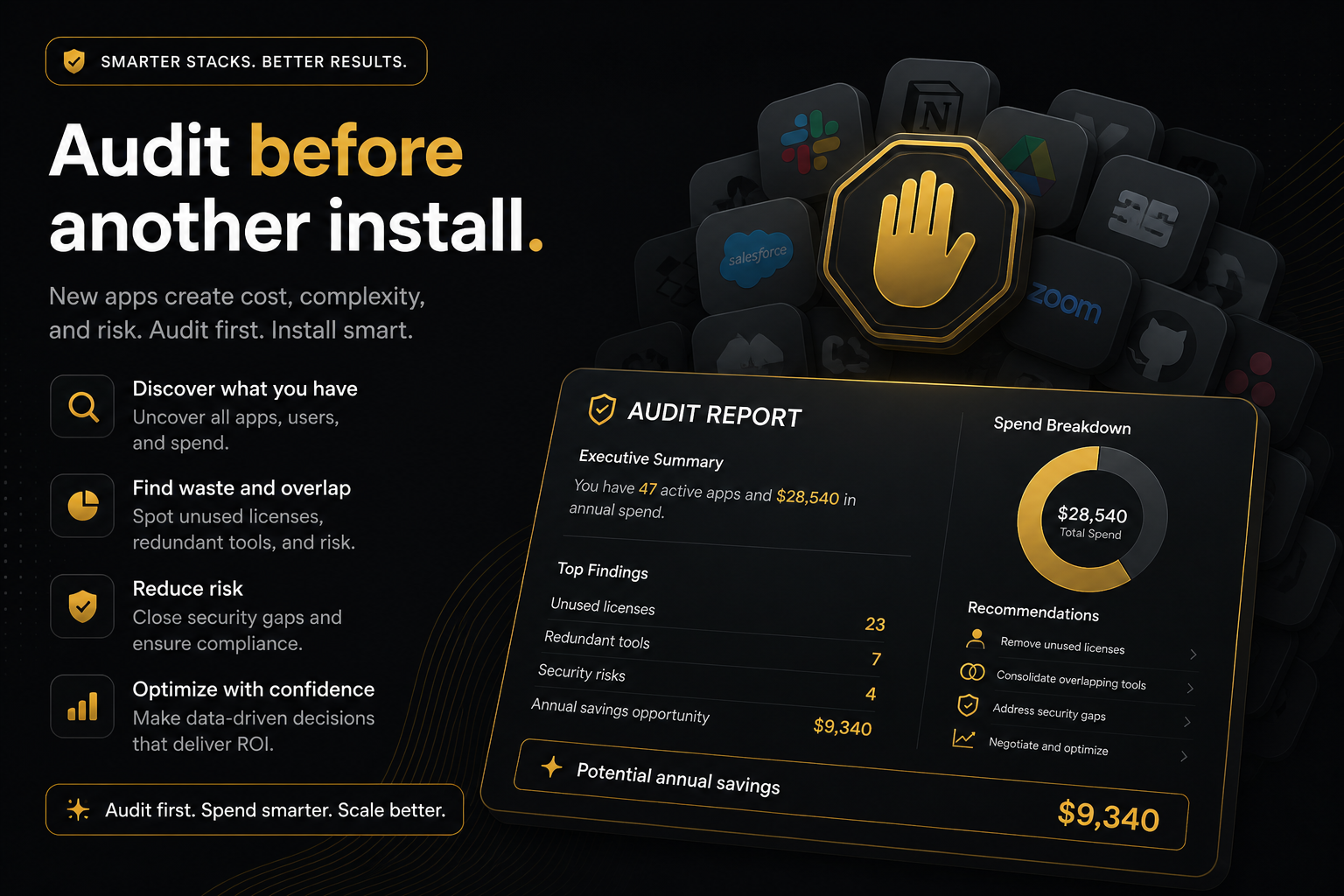
Key takeaways
- Apps cannot rescue a product page that cannot add to cart.
- Stacking drawers, popups and bars without a diagnosis is how themes get slow and shoppers get shouted at.
- The CRO Audit for Shopify stores ranks constraints first, then missed AOV, and names one owner per miss.
- Install the top leak. Measure. Then decide if a second app is still the bottleneck.
The Shopify App Store is a slot machine with five-star reviews. A leaky product page plus one more upsell app is still a leaky product page, now with a modal.
Audit first. Install second. That order is the entire article.
Why another app usually fails
You are converting at 1.8%. AOV is $54. Someone in Slack says “we need a cart drawer.” You install one. Then a free-shipping bar. Then a bundle widget that never matches the PDP template. Three weeks later LCP is worse, the bar covers the sticky add-to-cart on mobile, and AOV moved $1.20.
None of those apps were frauds. They were solutions to the wrong constraint.
Buy-path problems (no add-to-cart, variants that 404, a price of $0.00, three blurry images) dominate conversion. Missed AOV (no offer, no goal, no drawer, no popup) dominates order value. Mixing them into one “install more CRO” instinct is how you put a popup on a page that cannot buy.
What to check before the App Store
Can a shopper pick a variant and add it. Does the control survive scroll. Is the price real. Is stock honest. Is there enough media to justify the ask.
If any of those fail, the next hour is the theme. Not an upsell popup. Not a bundle widget.
If they pass, the next question is whether the page and cart ask for more money. That is where a single owner helps: Addly on the product page, Goalify on the goal, Addy on the drawer, Monet on intent, Reviso after pay.
How a public product-page audit enforces the order
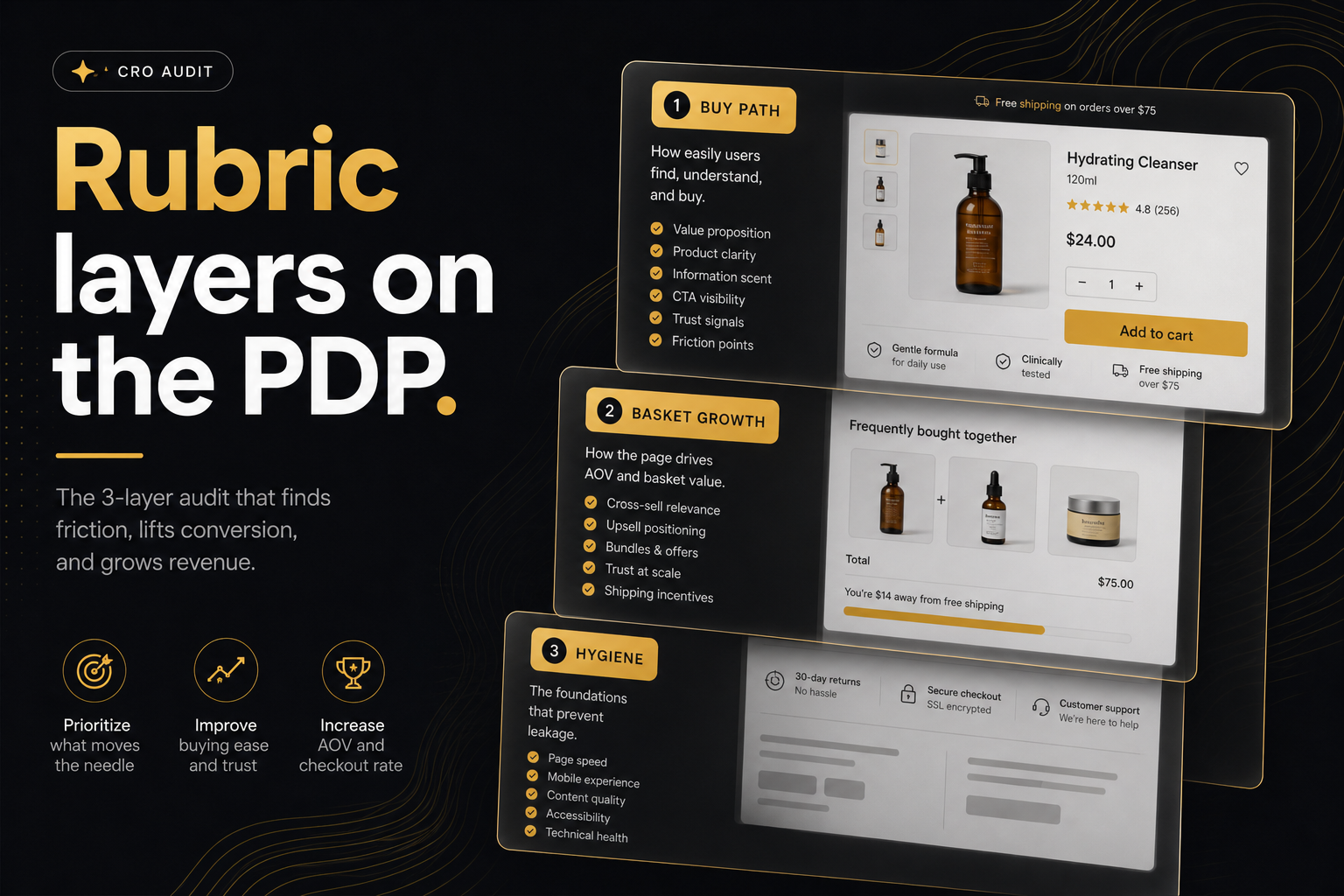
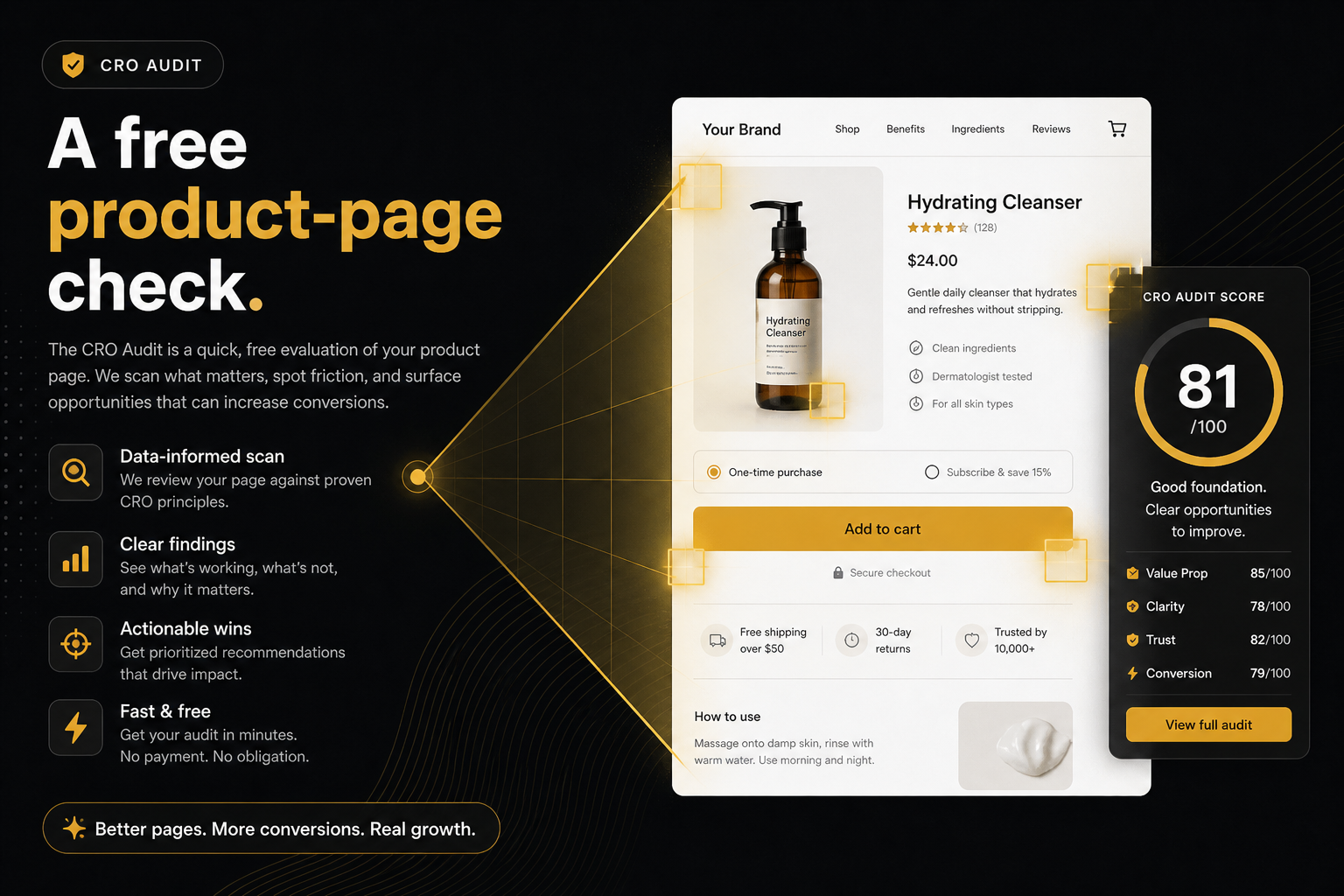
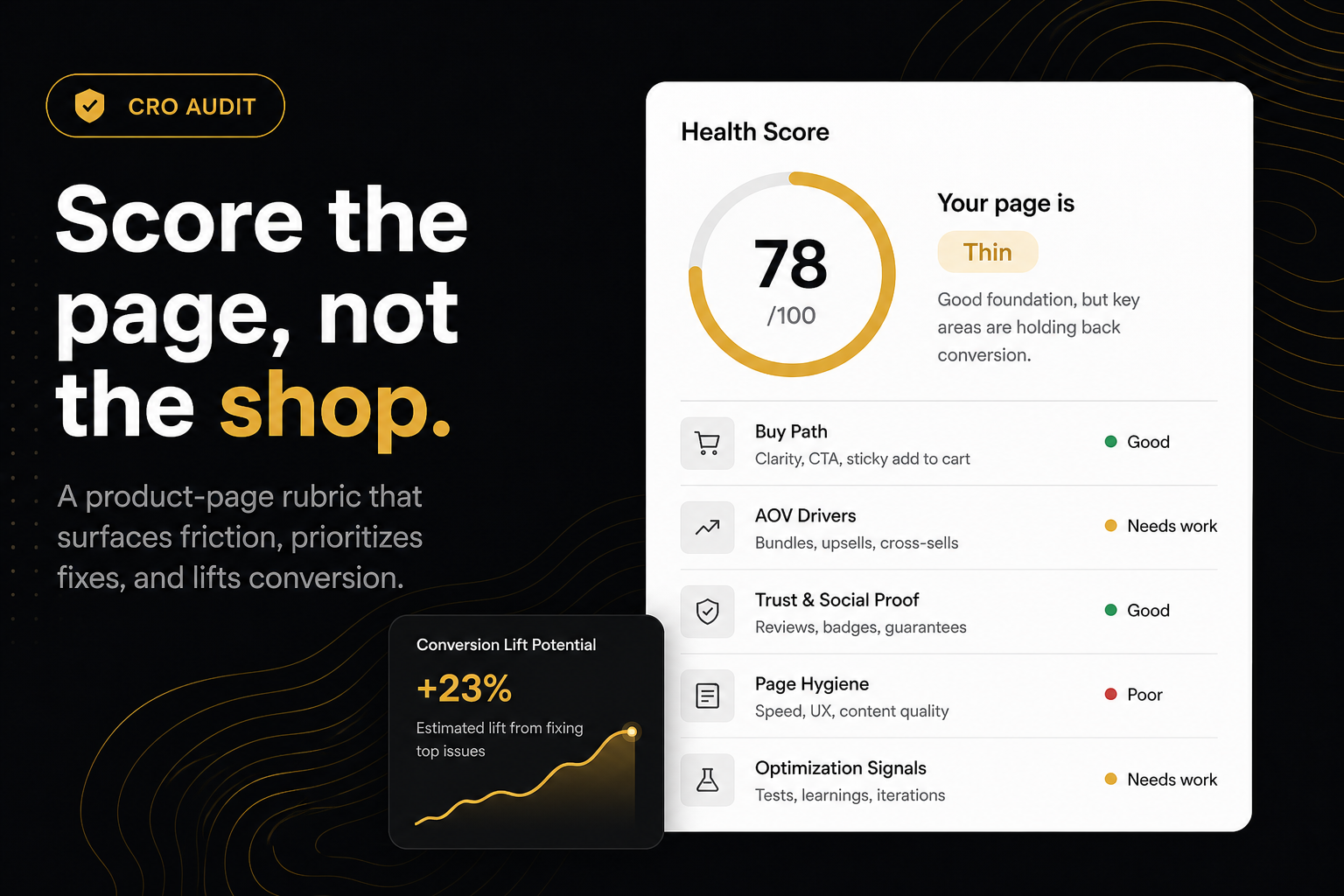
The CRO Audit for Shopify stores ranks fails with buy path above AOV above hygiene. Status follows that order. It stops at a short ranked list plus a post-purchase note. It will not give you a shopping list of every widget you could turn on.
Paste the store if you do not want to hunt a URL. It picks a bestseller. That is usually the page your ads already buy. If the problem child is a different SKU, paste that product yourself.
The report names a suggested owner after a miss. That is a job title, not a required install. Theme work stays on the theme. Another app, a theme block or native Shopify can pass the same row.
One leak, then stop
After the report, install one owner. Re-audit. If health moved and the next miss is a different job, consider a second app. If health did not move, the widget is not rendering — app embed off, wrong template, or a theme section eating the selector.
A useful stack is one drawer, one goal, one product-page offer and one post-purchase tool. Three popups fighting for the same add-to-cart is a pile.
Who this is for
Merchants: send the punch list to whoever has theme access before you buy another monthly plan.
Agencies: run the public URL before the proposal so week one is not “discover add-to-cart is missing.”
Students: the shareable report is the artefact. Say what you would hire a human for next.
The App Store will still be there after you know which leak you are paying to fix.
Frequently asked questions
What is this score based on?
Ninety9’s product-page rubric — defaults we apply the same way on every public Shopify PDP. It is not a conversion-rate prediction, and it will not fit every store or situation. How we score.
Can't I just install a suite and turn features off?
You can. You will still pay with theme weight, support surface and overlapping UI. One diagnosed leak is cheaper than a suite dump.
What if the audit recommends an app I already have?
Then the widget is not visible to the check — wrong template, app embed off, or it only appears after a condition the crawl did not hit. Fix detection before you buy a second tool for the same job.
Should I uninstall everything first?
No. Audit the live page as customers see it. Uninstalling to “get a clean score” is not how shoppers shop.
How many apps is too many?
The number that overlap on the same moment. One drawer, one goal, one PDP offer, one post-purchase tool is a stack. Three popups is a pile.
Will the audit always tell me to install Ninety9?
Theme fails stay on the theme. App-owned misses name Addly, Addy, Goalify, Monet or Reviso because those are the jobs we built. You can ignore the link.