Addy
Addy  Addly
Addly  Goalify
  Monet
Monet  Reviso
  Rankly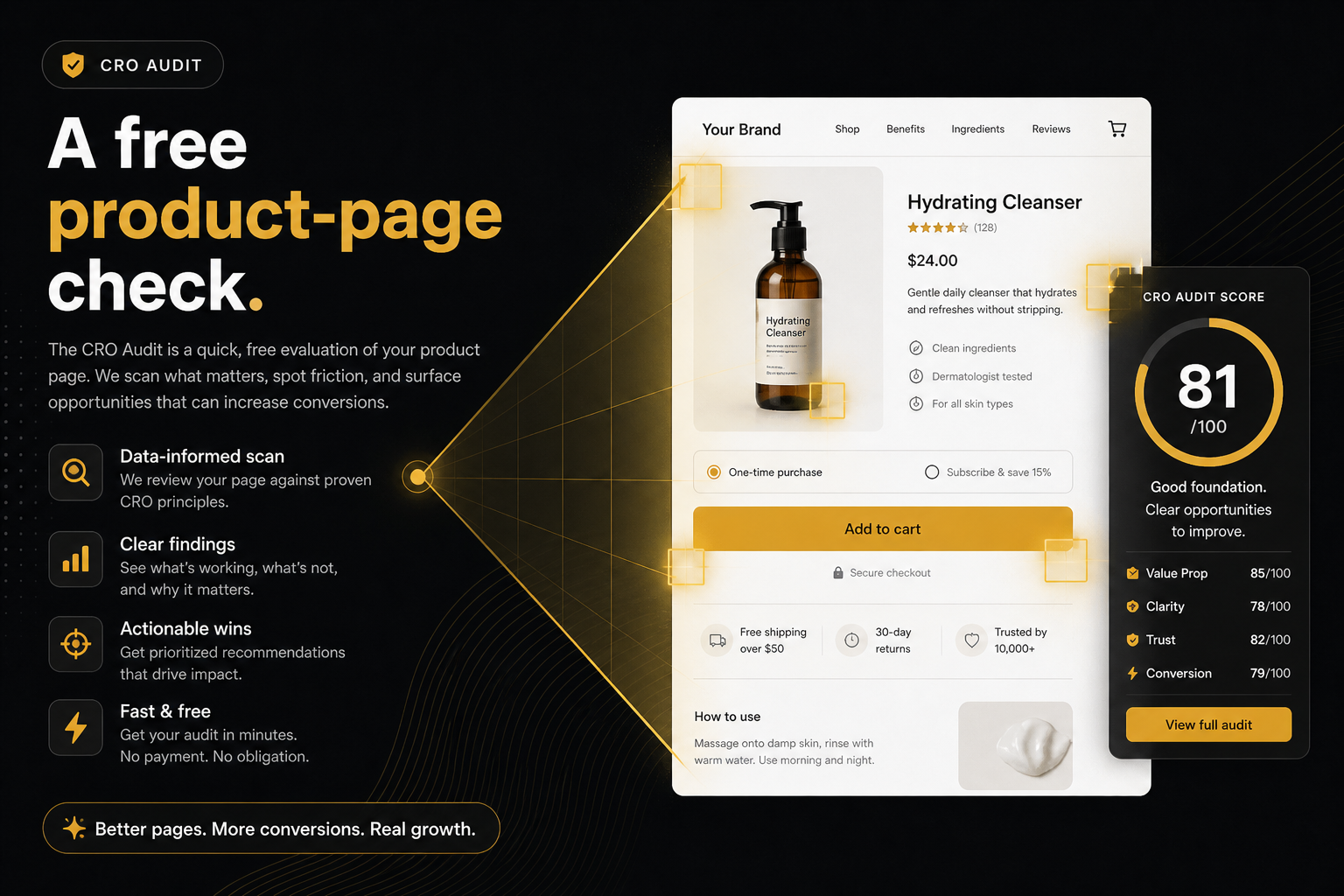
Key takeaways
- The CRO Audit for Shopify stores scores a live product page you already publish. It does not log into Shopify.
- It ranks buy path first, then missed AOV, then hygiene, and stops at seven findings plus a post-purchase note.
- Paste a store domain if you do not have a /products/ URL handy. Homepages resolve to a bestseller.
- Each miss names the app that owns the fix so you install one leak, not a suite.
- A page can pass every check and still convert poorly if the offer, the price, or the ads are wrong.
The CRO Audit for Shopify stores is a short, public-storefront check of a live product page: what can stop the sale, then what fails to grow the basket. You paste a store or a product URL. It does not log into Shopify, it is not an SEO audit, and it is not a 40-item newspaper. Fixes first.
Most “CRO tools” are either heatmaps you stare at for a quarter or 40-item checklists that mix SEO, accessibility, and a shipping-policy link into one score. Neither tells you the next install. This one does.
What it is
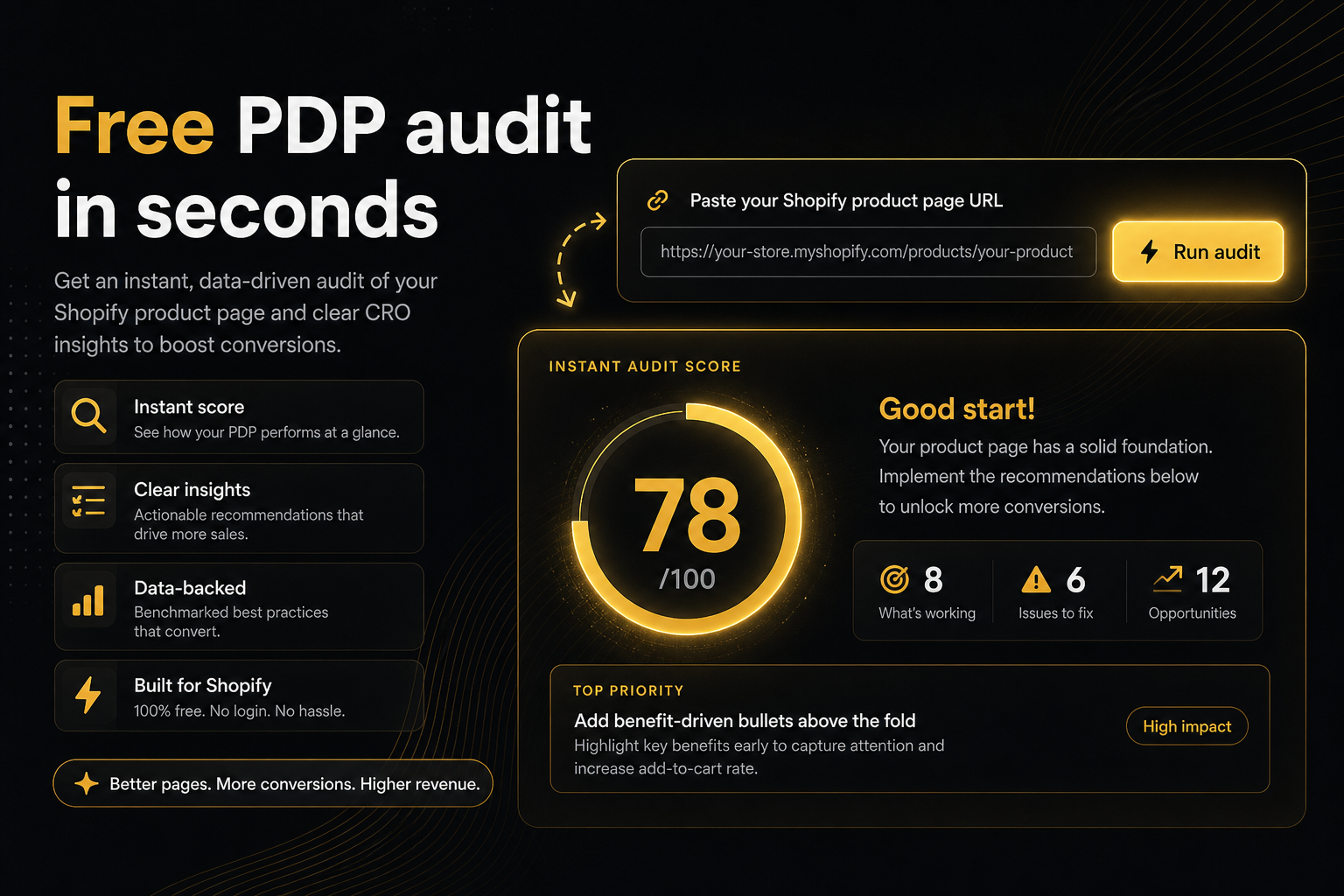
You paste a store or a product URL. Password-protected stores work too. It looks at the product page the way a shopper would, then returns a short punch list: constraints that can stop the sale, then missed AOV. How we score if you want the basis, not only the sheet.
It ranks buy path first, then missed AOV, then hygiene, and stops at seven findings plus a post-purchase note. Each miss that an app owns names the owner so you install one leak, not a suite. Theme issues stay on the theme.
Run it at the CRO Audit for Shopify stores. Paste a domain if you do not have a /products/ URL handy. Homepages resolve to a bestseller.
What it is not
It is not a Shopify admin login. It does not install an app. It does not see checkout, customers, or orders. If the shop is password-protected, you may share the store password; we use it once to open the shop and we do not keep it.
It is not an SEO audit. Title tags and schema do not stop a cart. An add-to-cart button that dies on scroll does. It does not score titles, meta descriptions, Core Web Vitals as a ranking factor, or backlinks.
It is not a conversion-rate oracle. It cannot see your analytics. A page can pass every check and still convert poorly if the offer, the price, or the ads are wrong. The audit answers a narrower question: on this URL, is the page able to take money, and does it ask for more of it.
It does not need theme access. Custom stores we cannot open like a normal Shopify shop are skipped.
What it scores
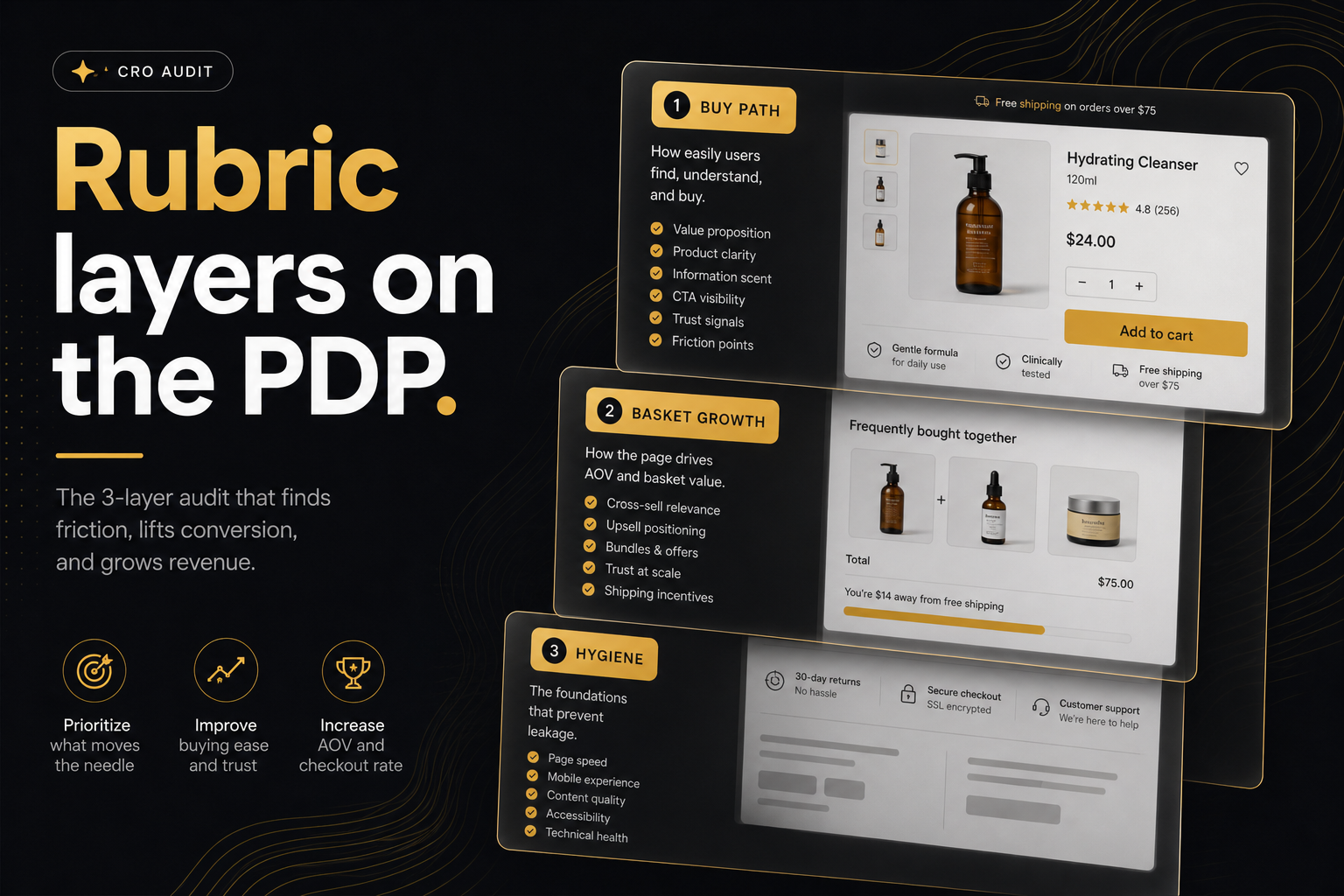
Three scored rubrics, then a note after they pay. The checks on a product page post is the layer-by-layer version. The short version:
Rubric A — can they buy? Add-to-cart, variant choice, stock honesty, a real price, enough media, a buy control that survives scroll, and a way to ask a question (contact or chat on that page).
Rubric B — does the basket grow? A product-page offer, quantity breaks, a cart goal, delivery, proof, a drawer after add, an intent popup, urgency that is not theatre.
Rubric C — is the buy box fighting itself? Stacked widgets, too many primaries, protection in the cart, trust badges.
Post-purchase is Next, not a fail. Seven ranked misses plus a Reviso note. A newspaper of forty checks does not get acted on.
How a URL becomes a product page
If you paste https://yourstore.com/products/the-handle, that page is scored.
If you paste yourstore.com with no scheme, the homepage, or a collection, the audit looks for a best-selling product, then any product linked from the page you sent, then any product in the public catalogue. Paste a specific /products/ URL only when you care about that SKU.
That is friction removal, not a guess at your strategy. Bestsellers are usually the page that pays for traffic. If you want a new launch scored, send that URL yourself.
Worked example: you are about to install “one more AOV app.” Paste the store. The report scores the bestseller, fails sticky add-to-cart (theme) and a cart goal (app). You fix the theme row first. You do not install a popup on a page that cannot add to cart.
What you get back
A health score, a status for the score band (Solid, Strong, Uneven, Patchy, Thin, and so on), a short line beside the status such as Fail in Rubric A (or Fails if more than one miss in that rubric), a ranked list of fails, and — when the server can render the page — screenshots before and after add-to-cart so you can see whether a drawer or popup actually appeared.
Each miss that an app owns carries a logo and an install link. Addly for PDP offers and quantity breaks. Goalify for cart goals. Addy for the drawer, delivery, urgency and protection. Monet for add-to-cart and exit popups. Reviso for after checkout. Not every miss is an install.
You can download a PDF of the punch list, or a compact badge with a QR that opens the saved report. The QR does not recrawl the store. Saved snapshots stay until the merchant deletes them. The share link opens that snapshot and does not re-audit the store.
Who it is for
Merchants who are about to install “one more AOV app” and want the leak named first. Agencies who need a 90-second artefact before a call. Students who need a score they can put on a slide.
Do not submit stores you are not authorised to have checked. Merchants can opt out with a meta tag in theme.liquid: content="no" stops new crawls; content="no,delete" also erases stored reports when they paste the shop URL on the CRO audit page.
It will not replace a strategist. It will stop you installing a popup on a page that cannot add to cart. How to run it is the next step after this definition.
Frequently asked questions
What is this score based on?
Ninety9’s product-page rubric — defaults we apply the same way on every public Shopify PDP. It is not a conversion-rate prediction, and it will not fit every store or situation. How we score.
Is this an SEO audit?
No. It does not score titles, meta descriptions, Core Web Vitals as a ranking factor, or backlinks. It scores whether a shopper can add the product and whether the page and cart ask for a larger basket.
Does it need theme access?
No. It looks at the product page the way a shopper would, including after add to cart when we can. Password-protected stores work too — paste the store password if we ask. Custom stores we cannot open like a normal Shopify shop are skipped.
Will it always recommend a Ninety9 app?
The rubric names the app that owns each leak. Theme issues (copy, variants, fake compare-at prices, thin media) stay on the theme. Not every miss is an install.
Can I audit a competitor?
Technically the check only reads public pages. Do not submit stores you are not authorised to have checked. Merchants can opt out with a meta tag in theme.liquid (content="no" to block, content="no,delete" to also erase stored reports).
How long does a report last?
Saved snapshots stay until the merchant deletes them with content="no,delete" on the CRO audit page. The share link opens that snapshot and does not re-audit the store.