Addy
Addy  Addly
Addly  Goalify
  Monet
Monet  Reviso
  Rankly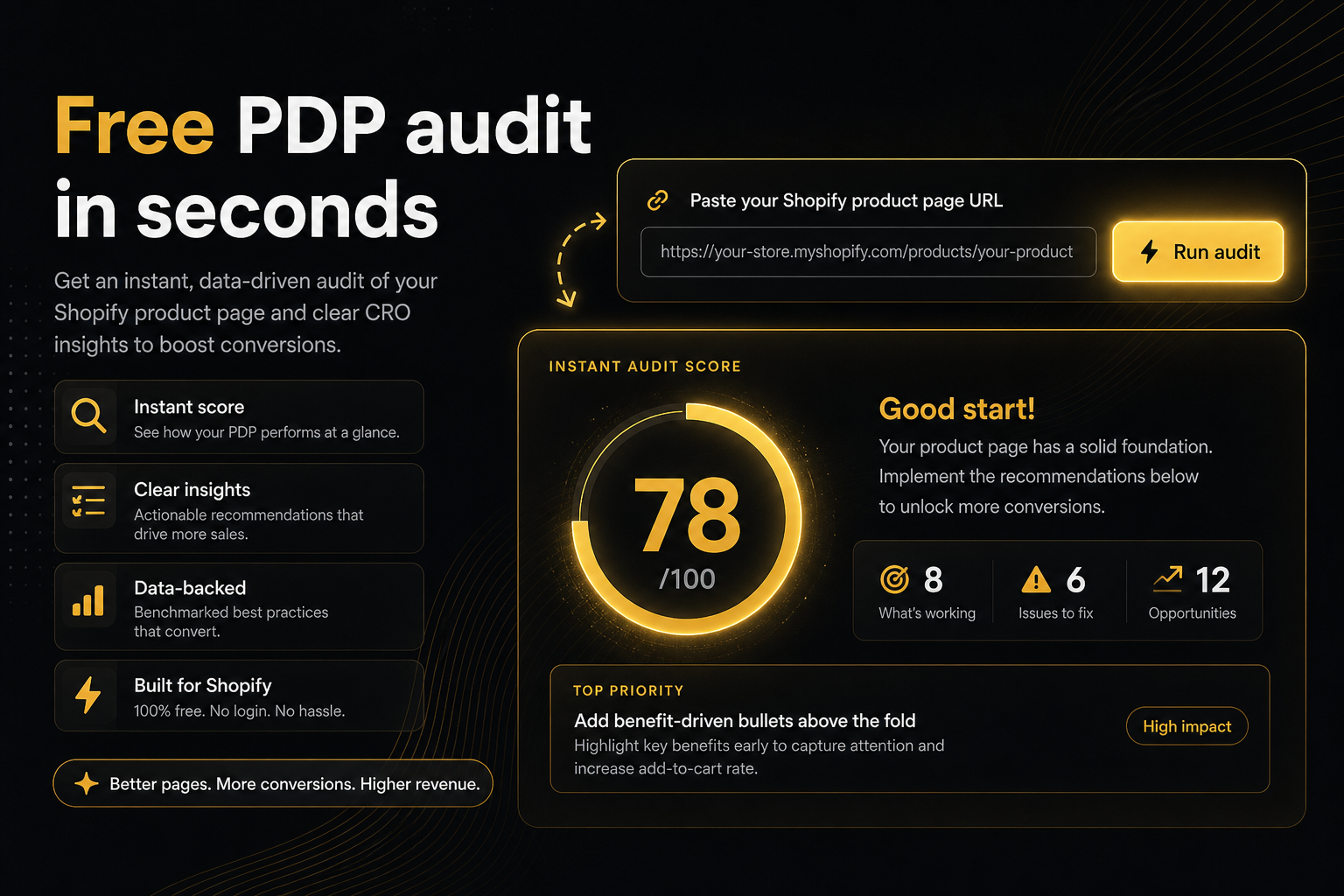
Key takeaways
- The free CRO Audit for Shopify stores reads a live product page the way a shopper would. No Shopify admin login, no credit card.
- A bare domain is enough. Homepages resolve to a best-selling product; paste a /products/ URL for a specific SKU.
- You get a health score, a status word for the score band and a short ranked punch list: issues first, then opportunities — not a 12-page PDF of mixed SEO checks.
- Fix a red buy-path constraint in the theme before installing any AOV app. One leak, one fix, then re-run the same URL.
- Reports can be shared until the merchant deletes them, without re-auditing the store.
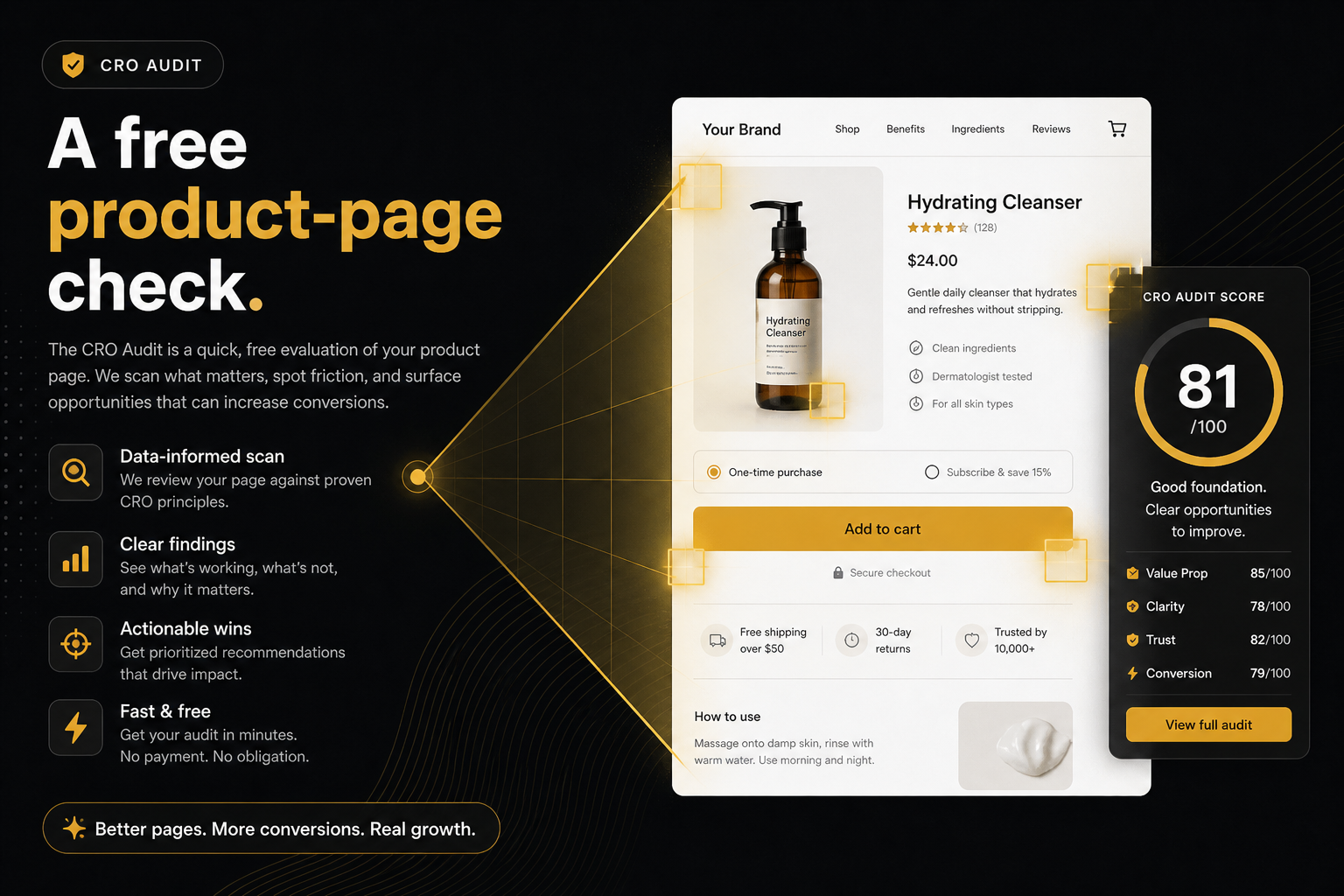
The free CRO Audit for Shopify stores reads one live product page and its cart the way a shopper would, scores it against a product-page rubric, and hands back a health score with a short, ranked punch list. There is no admin login and no credit card. Paste a bare domain and it picks a bestseller for you; paste a /products/ URL when you care about a specific SKU.
Paid CRO retainers start with a crawl of your theme, a heatmap, and a slide titled “opportunities.” That work has a place. It is the wrong first move when you have not even checked whether the product page can take money. The audit is the first move that costs nothing: paste the store, get a punch list, decide whether the next hour is a theme fix or one install.
What is a free product page CRO audit?
A product page CRO audit is a structured check of whether a single product detail page (PDP) can take money and whether it asks for more of it. CRO is conversion rate optimisation: turning more visitors into buyers and more buyers into larger orders. The free version at /cro-audit/ works from the outside. It opens the public page, the public cart and Shopify’s public product payload, then compares what it finds against three rubrics:
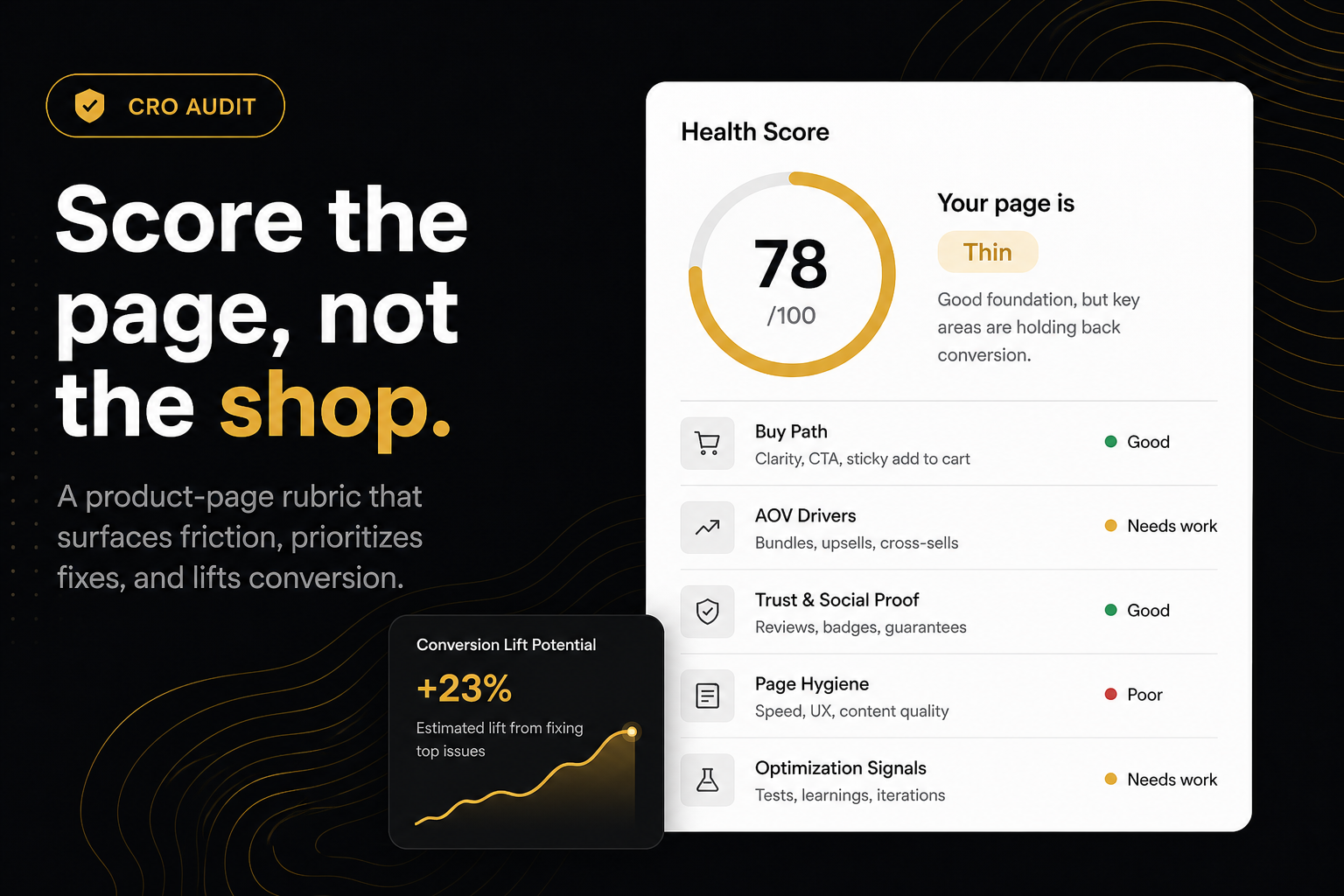
- Rubric A — can they buy? Add-to-cart, price, variants and stock.
- Rubric B — does the basket grow? Offers, cart goals, delivery expectation and reviews.
- Rubric C — is the page fighting itself? Hygiene, such as structured data that disagrees with the price a shopper sees.
The output is a health score, a status word for the band that score sits in, and ranked findings: issues first, then opportunities, then anything the crawl could not verify. The basis for the number is set out in How we score.
Why audit the product page and not “the store”?
Most Shopify revenue still starts on a PDP. Collections and home are discovery. Checkout is Shopify’s. The page you pay to land traffic on is the one that has to add to cart, then has to ask for a larger basket.
Auditing “the store” as an abstract is how you get a 40-row spreadsheet. Auditing one product is how you get a constraint you can fix this afternoon. A store-wide grade also hides the thing that matters most: whether the page your ads point at is able to sell at all.
What does “free” include?
Public HTML of the product. Shopify’s public /products/{handle}.js payload. Public /cart. When the server can run Chromium, a rendered DOM and a real add-to-cart click so drawers and popups that only appear after add can be scored.
It does not include your conversion rate, your discount codes, or a walkthrough of checkout. Those need analytics or a login. This tool does not ask for either.
How do I run the free audit on my Shopify store?
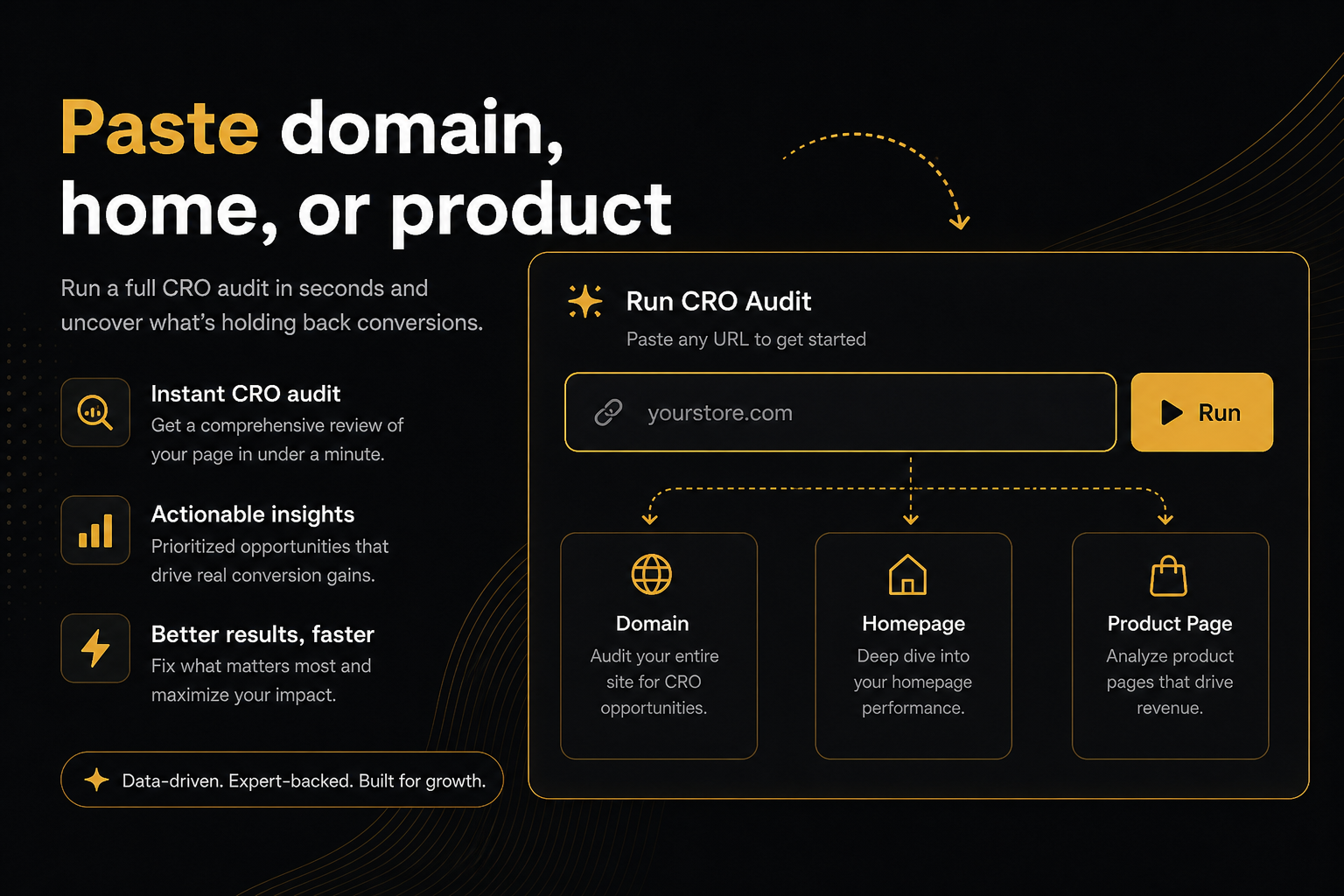
- Open the CRO Audit page and paste
yourstore.com, a homepage, a collection or a/products/URL into the text box. - Submit. If you pasted a non-product URL, the report tells you which product it chose so a homepage paste is never mistaken for a full-catalogue audit.
- Read the status line beside the score first. It names the rubric that missed — Fail in Rubric A is a buy-path problem regardless of how the number looks.
- Work down the ranked list. Each row is either a theme job or an app row with a named owner.
Friction we removed on purpose
Chrome rejects yourstore.com on an <input type="url">. People bounce. The field is plain text. Missing https:// is added for you.
People also bounce when they cannot find a product URL in the address bar because they are looking at the homepage. If you paste the homepage, a collection, or the domain, the audit navigates to a best-selling item when Shopify exposes one, then falls back to any product on the page, then any product in the catalogue.
If you care about a specific SKU — a new drop, a problem child, the page in the ad — paste that /products/ URL yourself. We will not override it.
What should I do with the result?
- If a constraint is red (no add-to-cart, broken variants, fake compare-at, no media), fix the theme before you buy another AOV app. Status will say something like Fail in Rubric A.
- If the page can sell but the basket is thin, install the owner of the top miss — one leak, not five apps on day one.
- If buy path and AOV look covered but widgets fight the buy box, that is hygiene — fix the stack before you add another offer app.
- Re-run after the fix. Same product URL. Use Audit again so you are not looking at a 10-minute cache.
| What the report says | Where the fix lives | Your next hour |
|---|---|---|
| Fail in Rubric A | Theme | Repair add-to-cart, variants, price or stock before anything else |
| Rubric B misses only | Usually an app row | Install the owner of the top miss, then re-run |
| Rubric C hygiene | Theme or app stack | Remove the conflict, then re-run |
| Partial | Nothing yet | The theme could not be read; check the URL and try again |
A worked example
Say your bestseller is a $45 candle and the report comes back at 68, Thin, with Fail in Rubric A: the buy button is gone once a phone scrolls past the description, with no sticky bar and no drawer. Beneath it sit two Rubric B misses — no offer on the page and no cart goal. The tempting move is a bundle app. The right move is the sticky control this afternoon, then a re-run on the same URL. If your free-shipping line sits at $60 against a $45 average, the cart goal is the second job, not the first.
Common mistakes with a free audit
- Comparing two different products and calling the gap “progress”.
- Re-running inside the cache window after a theme change and reading the old snapshot.
- Treating the badge as a diagnosis. The badge is the number; the PDF and on-page report are the work.
- Installing every named app on day one. The list is ranked so you install one.
- Pasting the homepage and telling the team you audited the whole store. You audited a bestseller.
The specific misses that turn up most often are covered in the leaks the audit finds first.
When is a free audit not the right tool?
It cannot see analytics, so “why did conversion drop last Tuesday” needs your reports, not this. It cannot see discount codes or checkout, so payment and shipping-rate questions stay with Shopify’s own settings. And it will not tell you whether the offer itself is right; a page can pass every row and still sell badly if the price or the ad is wrong. Use the audit to confirm the page is able to take money and asks for more of it, then spend the saved hours on the offer.
Share the report with a colleague via the ?r= link. That snapshot does not recrawl. The badge is for a slide; the PDF is for the punch list behind the number.
A free check is only useful if it is short enough to run before the App Store tab. That is the whole product.
Frequently asked questions
What is this score based on?
Ninety9’s product-page rubric — defaults we apply the same way on every public Shopify PDP. It is not a conversion-rate prediction, and it will not fit every store or situation. How we score.
Is the CRO Audit for Shopify stores really free?
Yes. There is no login and no credit card. Heavy use is rate-limited so one store cannot knock over the queue for everyone else.
What if I only know my domain?
Paste it. https:// is optional. The audit finds a bestseller, then any product linked on the page, then any product in the public catalogue, and tells you which product it picked.
Can it audit a collection page?
It will not score the collection grid as a product. It uses that page to find a product, preferably a bestseller in that collection, and scores the product page instead.
Why might the audit fail?
Custom stores we cannot open like a normal Shopify shop, private IPs, and merchants who added the opt-out tag (content="no" or content="no,delete"). Password-protected stores are not a fail — paste the store password from Online Store → Preferences if we ask.
What should I fix first after a free product page audit?
Whatever the status line names. A Fail in Rubric A means the buy path is broken and is a theme job before any app. If only Rubric B rows missed, install the owner of the top miss, re-run the same product URL, then decide on the next one.
Does a free audit mean a sales pitch?
The report names the app that owns each miss, with an install link. Theme problems stay on the theme. You can close the tab after the punch list and fix everything yourself.