 Addy
 Addly
 Goalify
 Monet
 Reviso
 Rankly
Key takeaways
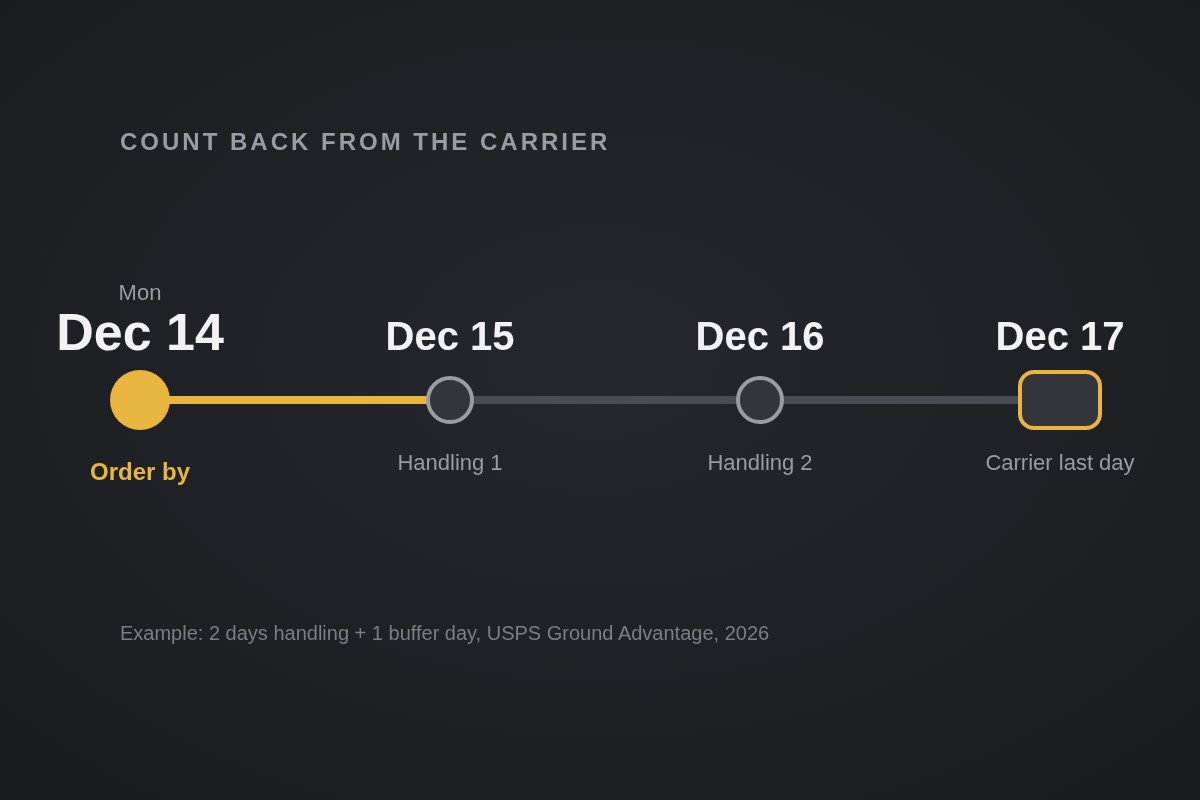
- Your cutoff is the carrier's last-ship date minus your handling time in business days, minus one buffer day. USPS Ground Advantage on Thursday, Dec 17 with two days of handling gives Monday, Dec 14.
- Shopify's estimated delivery dates add your fulfillment time to carrier transit time, and orders placed after 12 pm at the shipping origin count as the next business day.
- Estimated delivery dates do not work with shipping rates from third-party apps or negotiated FedEx-calculated rates, and a mix of eligible and ineligible rates hides dates for all of them.
- Show one exact date near the price and in the cart, not only in a dismissible banner, and schedule the post-cutoff message before the day arrives.
- Christmas falls on Friday, Dec 25, 2026, so every window is shorter in business days than it looks on a calendar.
Your holiday shipping cutoff is the carrier's last-ship date minus your handling time in business days, minus one buffer day. For a store using USPS Ground Advantage (last day Thursday, Dec 17, 2026) with two days of handling, that is Monday, Dec 14. Put that date, not the carrier's, in front of customers.
Christmas lands on a Friday this year. Weekends eat the window, so count business days. This post gives you the dates, the math, the Shopify settings that display it, and what to do when the date passes.
The 2026 carrier dates to start from
These are the contiguous-US dates carriers and shipping guides were listing in November. Carriers call them recommendations, not guarantees. Confirm your own service on the carrier's holiday page before you publish a date.
| Carrier and service | Last day to ship |
|---|---|
| USPS Ground Advantage, First-Class Mail | Thu, Dec 17 |
| USPS Priority Mail | Fri, Dec 18 |
| USPS Priority Mail Express | Sat, Dec 19 |
| FedEx 5-day Ground / Home Delivery | Thu, Dec 17 |
| UPS 3 Day Select | Mon, Dec 21 |
| FedEx 2Day, UPS 2nd Day Air | Tue, Dec 22 |
| FedEx Overnight, UPS Next Day Air | Wed, Dec 23 |
Sources: the Shopify Community cutoff thread and BigCommerce's 2026 carrier table. UPS Ground and FedEx Ground have no single national date because transit depends on the lane, so check your busiest zones. UPS and FedEx are closed Dec 25.
Turn the carrier date into your date
Use this order:
- Start with the carrier's last-ship date for the service you actually use most.
- Subtract your slowest realistic handling time in business days. If your warehouse or 3PL quotes a range, use the high end.
- Subtract one buffer day for the final week, when volume spikes and labels fail.
Worked examples (hypothetical stores):
- Store A: 1 day of handling, USPS Ground Advantage. Dec 17 minus 1 minus 1 buffer = Tue, Dec 15.
- Store B: 3 days of handling (made to order), USPS Ground Advantage. Dec 17 minus 3 minus 1 = Fri, Dec 11.
- Store A, expedited: FedEx 2Day on Dec 22, same 1 day plus buffer = Fri, Dec 18.
Two things the generic guides skip. First, slow products need their own earlier date, so a made-to-order item in the same cart as a stocked one pulls the whole order back. Second, a time of day matters. Shopify's delivery date logic treats orders placed after 12 pm in the local time zone of your shipping origin as the next business day. If you state "order by Dec 14," say "by noon" or make your handling math match.
Turn on estimated delivery dates in Shopify
If your rates support it, let Shopify show the date at checkout so you are not editing text by hand.
- Go to Settings → Shipping and delivery.
- Click Estimated delivery dates, select Manual, and choose a Fulfillment time. Pick Custom to enter your own number of business days or weeks.
- Click Save.
Shopify adds your fulfillment time to carrier transit time to produce the date range. Weekends and holidays don't count as fulfillment time. The feature has limits that catch merchants out:
- It does not work with shipping rates from third-party apps or third-party dropshipping apps.
- It does not work with negotiated FedEx-calculated rates.
- If checkout shows a mix of eligible and ineligible rates, dates are hidden for all of them.
- Dates show only for products with inventory above 0.
- Custom order confirmation emails need a Liquid snippet to show them.
Flat rates are the usual gap. To give a flat rate a transit time, open Settings → Shipping and delivery, open the shipping profile with the rate, click the horizontal menu next to the shipping option, choose Edit shipping option, and pick a Transit time. You can only choose from predefined options, and transit time does not include processing time. With combined rates, checkout shows the slowest transit time.
Where to show the date
The date has to be in more than one place, because customers decide at different steps.
- Product page, near the price: "Order by Mon, Dec 14 for delivery by Dec 24." One date, one service.
- Cart and shipping method names: If your rate names are text you control, put the date in the name.
- Announcement bar: Fine as a reminder, but customers dismiss it. Open the theme editor from Online Store → Themes → Customize and edit your theme's announcement section, whose name varies by theme.
- Shipping policy and FAQ: Same wording, same date.
- Order confirmation email: Tell customers whether the order made the window.
- Support macros: Save a before-cutoff and an after-cutoff reply so your team gives one answer.
Add earlier dates for international orders on the same notice, since Shopify delivery dates only cover a short list of countries.
Plan the message for after the cutoff
The worst holiday message is a stale one. When Dec 14 passes, a banner promising Christmas delivery becomes a refund request.
Decide now what replaces it:
- Expedited window. Switch to the faster date, for example "Order by Fri, Dec 18 with 2-day shipping."
- Digital gift cards. Once nothing ships in time, a gift card still arrives by email. See selling digital gift cards after the cutoff.
- Ships after Christmas. Tell customers the real ship date and let them pick a gift-ready option.
Edit the banner by hand on cutoff morning and name one person who owns it. Dynamic date scripts are fragile: a Community commenter notes that Liquid's 'now' can be cached, which is why browser-side swaps get suggested. A manual change on a known morning is safer than code you can't test at 6 a.m.
If you run more than one market, set a cutoff per market. The US date above does not apply to the UK or EU.
Handle the late address changes
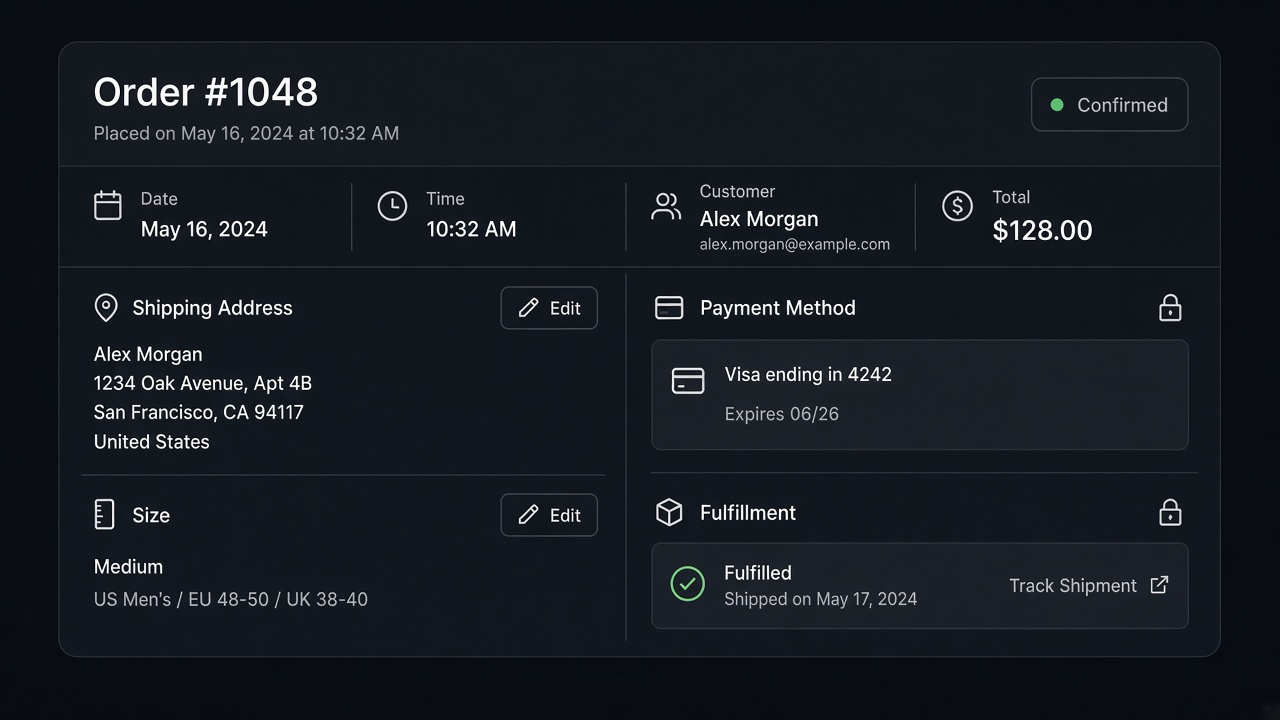
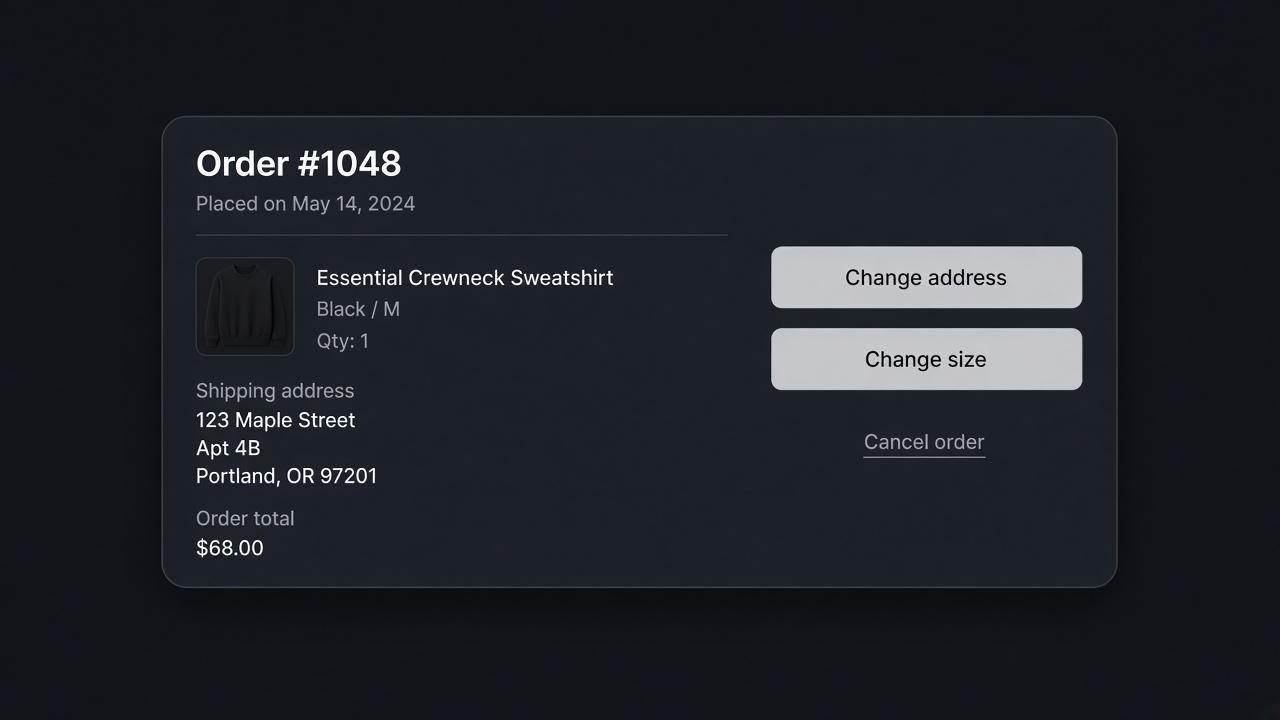
The week after the cutoff brings a predictable ticket: wrong address, gift sent to the buyer's home, a size change. If the order has not been fulfilled, customers can fix it themselves instead of emailing you.
Pair it with a clear returns window so gift buyers know what happens after December: set a holiday return window. If you are not sure whether your product pages answer shipping questions at all, run the CRO Audit on one product URL.
A cutoff checklist you can finish today
- Pick your main service and copy its 2026 last-ship date from the carrier.
- Subtract handling and a buffer. Write the result as a weekday and date.
- Turn on Estimated delivery dates if your rates are eligible.
- Put the date on the product page, cart, policy page, announcement bar and confirmation email.
- Write the after-cutoff message and save the support macros.
- Name who changes the banner on the morning.
- Check Alaska, Hawaii, Canada and the UK or EU separately.
A cutoff you can defend beats a long list of dates nobody reads. Pick the date, publish it everywhere in one sitting, and spend December answering fewer questions.
Frequently asked questions
What is the last day to order for Christmas delivery on Shopify in 2026?
There is no single date. Take the carrier's last-ship date for the service you use, subtract your handling time in business days, then subtract a buffer day. For USPS Ground Advantage (Thursday, Dec 17) with two days of handling, that is Monday, Dec 14.
Should my cutoff be the same as the carrier's last-ship date?
No. The carrier date is when the parcel must be in the carrier's hands, not when the customer can order. Customers who order on the carrier date will miss it by your whole handling time.
Does Shopify show estimated delivery dates at checkout automatically?
Only after you turn them on under Settings → Shipping and delivery → Estimated delivery dates and set a fulfillment time. You also need an eligible rate type, such as a flat rate with transit time or shipping label calculated rates.
What should the banner say after the cutoff passes?
Replace the date with what you can still promise: a later ship date, an expedited option with its own date, or a digital gift card. Leaving an expired standard-delivery promise up is how you get Christmas Eve support tickets.