Addy
Addy  Addly
Addly  Goalify
  Monet
Monet  Reviso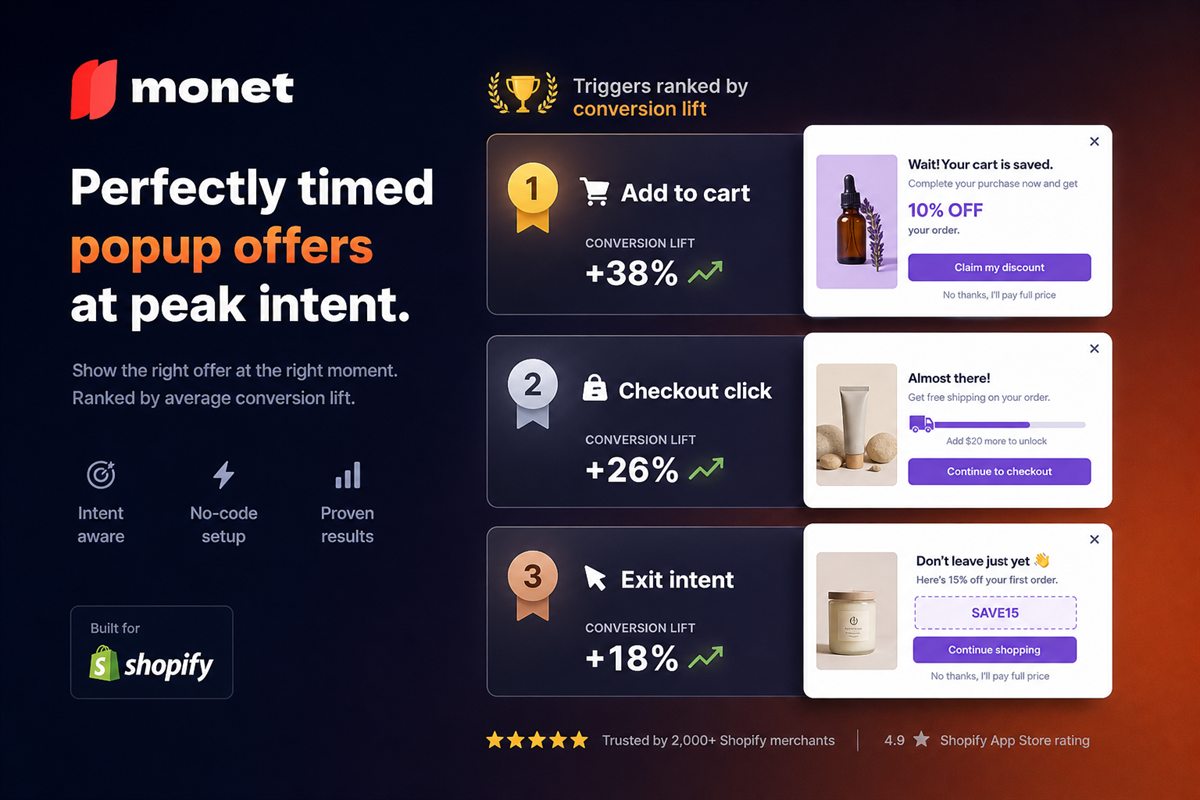
Key takeaways
- Rank triggers by the intent they read, not by how easy they are to configure. Intent quality predicts almost everything else.
- Add-to-cart, checkout-initiation and exit-intent are the three triggers with genuine commercial justification. The rest are mostly interruption.
- Timed popups are the worst common trigger because a timer measures nothing about the visitor. Replace them with a scroll or engagement condition at minimum.
- Every trigger needs a frequency cap and a suppression rule for customers who already converted.
Every popup discussion focuses on the offer. The offer matters much less than the trigger, because the trigger determines who sees it — and showing a good offer to the wrong person at the wrong moment is worse than showing nothing.
Here are the six common triggers, ranked by the quality of the intent signal they read.
The ranking
| Rank | Trigger | Intent signal | Conversion risk | Best use |
|---|---|---|---|---|
| 1 | Add to cart | Very strong — explicit commitment | Very low | Upsell, cross-sell |
| 2 | Checkout initiation | Very strong — about to pay | Low | Last relevant offer, reassurance |
| 3 | Exit intent | Strong — leaving anyway | None | Recovery, retention |
| 4 | Cart value threshold | Moderate — engaged shopper | Low | Goal reminder, gift unlock |
| 5 | Scroll depth | Weak — engagement, not intent | Medium | Content offers only |
| 6 | Time on page | None | High | Almost nothing |
The gap between rank 3 and rank 4 is the important one. The top three read a decision. The bottom three read a behaviour that may or may not indicate anything.
1. Add to cart
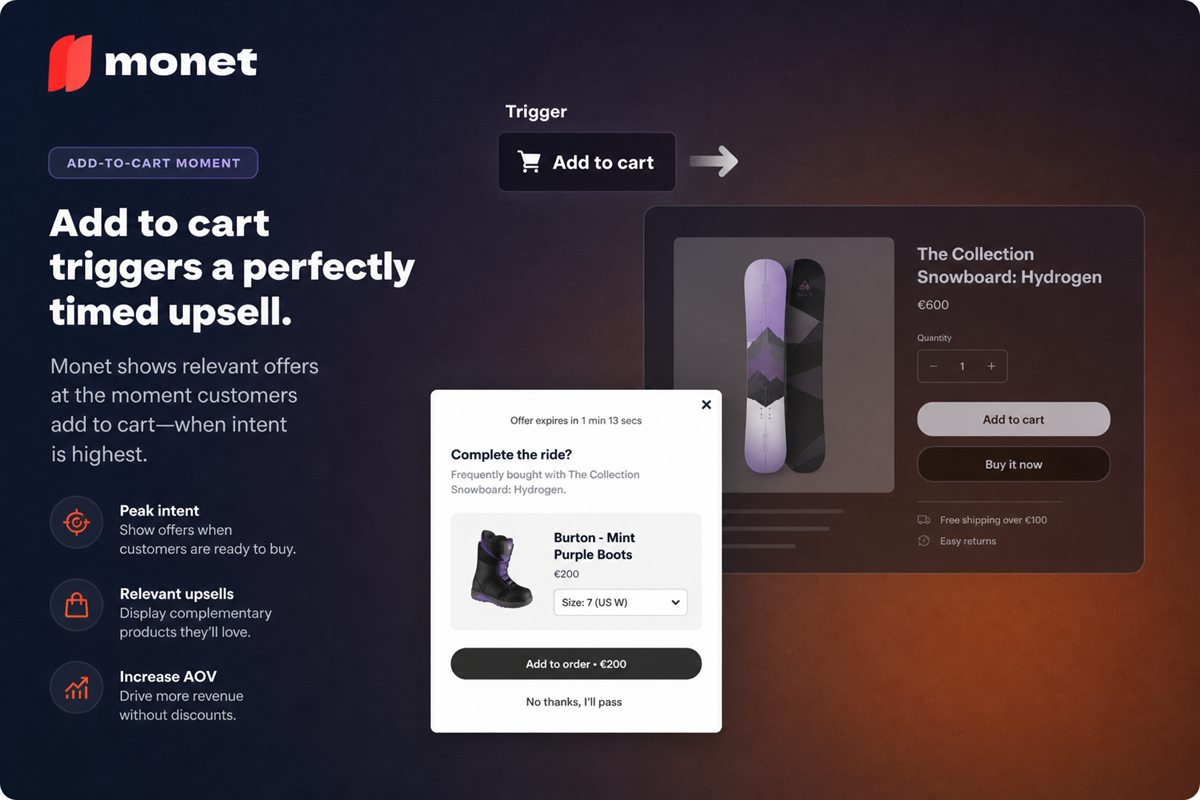
The strongest trigger available. The visitor has performed the single most explicit intent action on your site short of paying.
What makes it good: commitment already happened, so nothing is at risk. Attention is peaked because the shopper is watching for the result of their click. The purchase frame is active.
What it suits: a complementary accessory, a quantity upgrade, a bundle completion. Priced at 15–40% of the item just added.
How it fails: firing on every single add, obscuring the checkout path on mobile, or leading with the offer instead of confirming the add. Confirm first, always.
Cap: once per session.
2. Checkout initiation
The shopper has clicked through to checkout. Intent is essentially maximal.
What makes it good: the last moment you control before the shopper leaves your storefront for Shopify's checkout. Anything you want to say has to be said now.
What it suits: one final relevant offer, a threshold reminder ("you're $9 from free shipping"), or a reassurance block for high-value carts.
How it fails: anything that feels like an obstacle between the shopper and payment. This trigger has the smallest error budget of the three good ones. Keep the popup light, make the continue action dominant, and never require an interaction to proceed.
Cap: once per session, and never twice in the same checkout attempt.
3. Exit intent
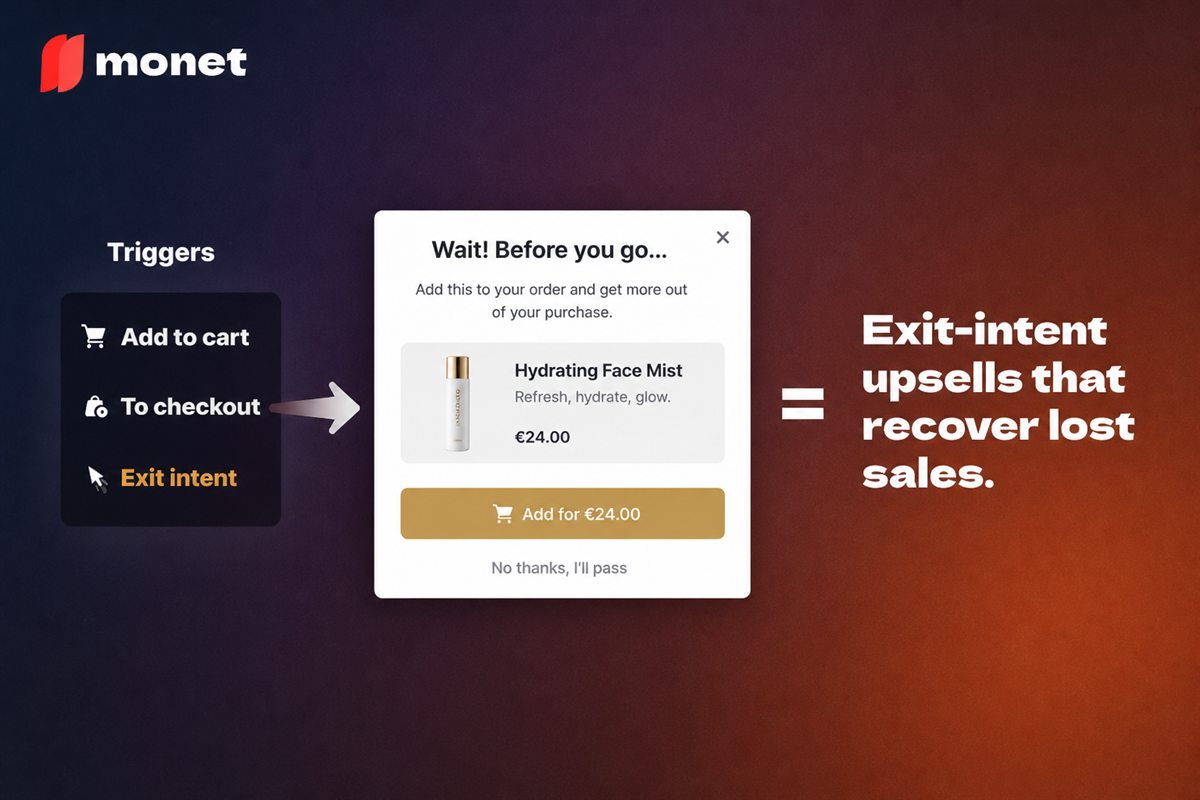
The visitor is leaving. There is, structurally, no conversion left to lose.
What makes it good: the only trigger with zero conversion downside. Whatever it recovers is incremental.
What it suits: cart recovery, a threshold reminder, a save-my-cart email, a related recommendation, and — as a last resort — a discount.
How it fails: mobile detection is much weaker than desktop, so mobile exit popups produce false positives that interrupt people who were not leaving. And habitual discounting at exit trains returning visitors to trigger it deliberately.
Cap: once per session, once per week per visitor.
4. Cart value threshold
Fires when the cart crosses or approaches a value. A weaker signal than the top three, but a real one: the shopper has built a basket.
What it suits: goal reminders, gift unlocks, "add $12 more for free shipping".
Important caveat: most of the time this should not be a popup at all. A progress bar in the cart drawer does the same job persistently, without interrupting anything. Reserve the modal for a genuinely notable moment — unlocking a significant tier, for instance.
5. Scroll depth
Fires at a percentage of page scroll. Reads engagement, not intent.
Scroll depth tells you someone kept reading. That correlates loosely with interest and not at all with purchase intent. Someone who scrolled 70% of a blog post is engaged with the post, which is a reason to offer them more content and not a reason to interrupt them with a product.
What it suits: content offers on editorial pages. Little else.
How it fails: on product pages, where it fires at people who were reading the specifications — which is exactly what someone about to buy does.
6. Time on page
The worst common trigger, and the most widely deployed.
Time measures nothing about the visitor. Five seconds in, a person might be about to add to cart, about to leave, reading carefully, or distracted by something else entirely. Firing at all of them equally means interrupting the ones who were converting in order to reach the ones who were not.
This is the trigger responsible for the general reputation of popups, and there is almost no case where a better trigger is not available.
If you must use it — for a genuine site-wide announcement, say — pair it with conditions: not on the first pageview, not for returning customers, not on product pages, and with a long delay rather than a short one.
Rules that apply to every trigger
One popup per session. Set this globally. Multiple modals competing on the same visitor is the fastest way to make all of them perform worse.
Suppress after conversion. Anyone who has purchased in this session should see nothing.
Suppress after dismissal. A no is an answer.
Segment first-time and returning visitors. They have different information needs and different discount economics. A returning customer rarely needs the reassurance a first-timer does, and rarely needs the discount either.
Respect device context. A modal that works on a 27-inch monitor may cover the entire viewport on a phone. Test the small-screen version with the browser chrome visible.
Make everything dismissible with the keyboard. Escape must close it, focus must be trapped while open and returned on close. This is an accessibility requirement with legal weight in a growing number of jurisdictions.
A configuration worth copying
For a typical Shopify store:
| Trigger | Where | Offer | Cap |
|---|---|---|---|
| Add to cart | Product pages | One complementary accessory | 1 / session |
| Checkout initiation | Cart | Threshold reminder, no discount | 1 / session |
| Exit intent | Cart and checkout only | Save-cart or delivery reassurance | 1 / week |
| Nothing | Collection, blog, home | — | — |
Three triggers, three purposes, no overlap, and nothing that fires at someone who has not shown intent.
Measuring by trigger, not in aggregate
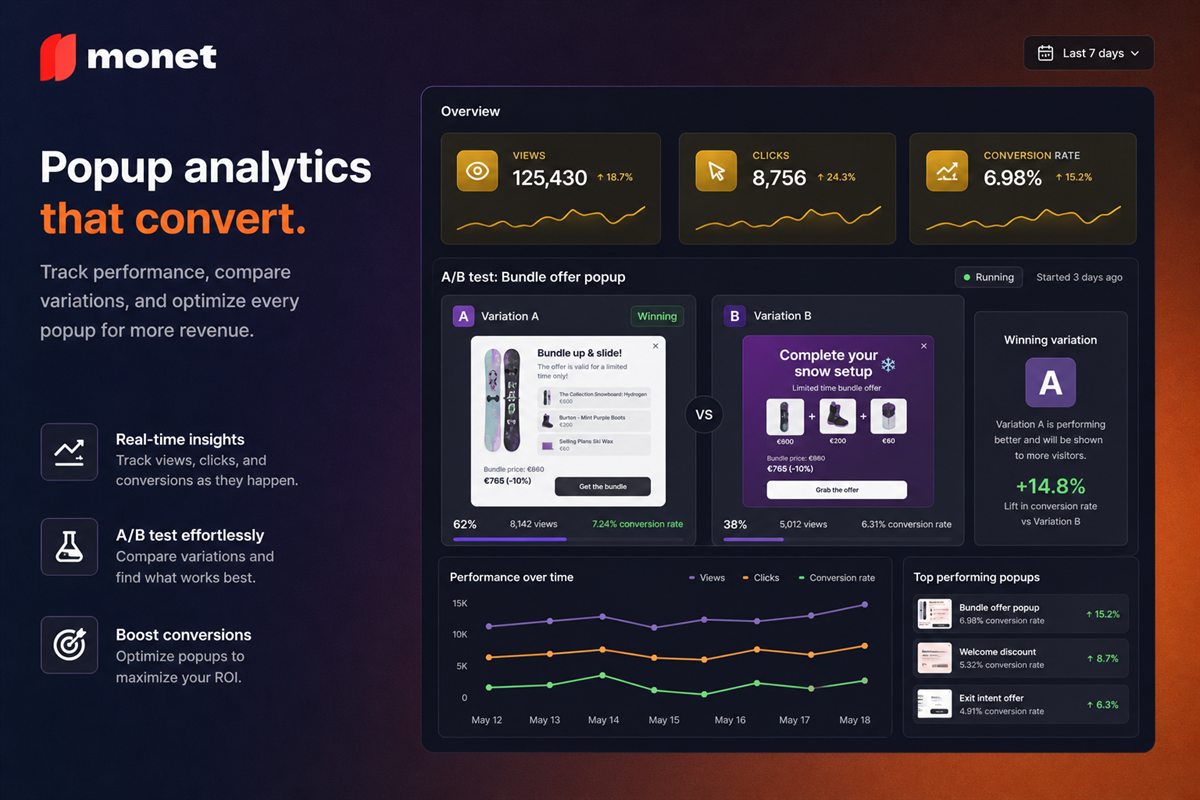
Blended popup metrics hide everything. A timed popup with a terrible take rate and an add-to-cart popup with a good one average out to something meaningless.
Per trigger, track:
- Fire rate — impressions ÷ eligible sessions. Unexpectedly high means your conditions are too loose.
- Engagement rate — interactions ÷ impressions.
- Conversion contribution — sessions that converted after seeing it ÷ sessions shown.
- Guardrail metric, which differs by trigger: cart-to-checkout for add-to-cart popups, checkout completion for checkout-initiation popups, return-visit rate for exit popups.
The guardrail is the number that tells you whether the trigger is earning its place. Take rate alone will always make a popup look successful, because it only counts the people who said yes.
Frequently asked questions
What is the best popup trigger for a Shopify store?
Add to cart, for upsells, because it fires immediately after a commitment signal. Exit intent is the best trigger for retention offers because there is no conversion left to risk. Checkout initiation sits between them. Timed and scroll triggers are much weaker because neither measures purchase intent.
Why are timed popups bad?
Because time on page measures nothing useful. A visitor five seconds in might be about to buy, about to leave, or reading. Firing at everyone equally means interrupting the people who were converting in order to reach the ones who were not, which is a bad trade at any conversion rate.
How many popups should a store run at once?
One active at a time per visitor, with a global frequency cap. Multiple popups competing on the same session produce a hostile experience and degrade the performance of each. Set a site-wide rule that only one modal can appear per session.
Should popups fire on mobile?
Some triggers translate and some do not. Add to cart and checkout initiation work identically. Exit intent is much weaker because there is no cursor. Timed and scroll popups are worse on mobile than desktop because the viewport is smaller and a modal covers everything.
Do popups affect SEO?
Intrusive interstitials that cover the main content immediately on arrival from search can affect mobile rankings. Popups triggered by user action - add to cart, checkout, exit - are not affected, because they are responses to interaction rather than barriers to content.