Addy
Addy  Addly
Addly  Goalify
  Monet
Monet  Reviso
  Rankly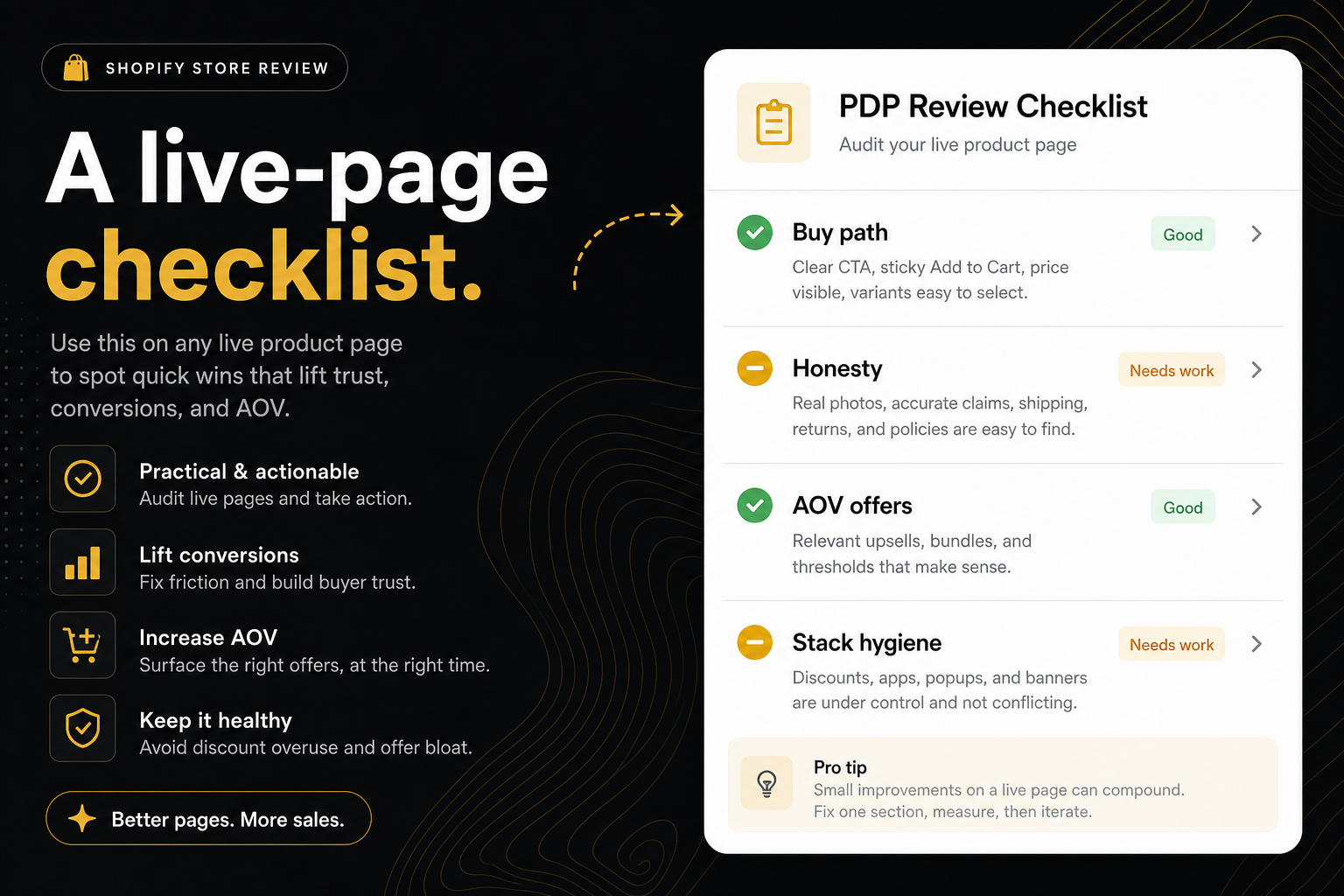
Key takeaways
- Check buy-path before merchandising. A beautiful home with a dead product form is not a store, it is a brochure.
- Honest price, stock, and media beat a new app. Fake compare-at is a theme fail.
- One primary add-to-cart. Shop Pay, sticky bars, and bundle buttons are secondaries.
- After the PDP, confirm the cart actually opens. Markup for a drawer is not a drawer.
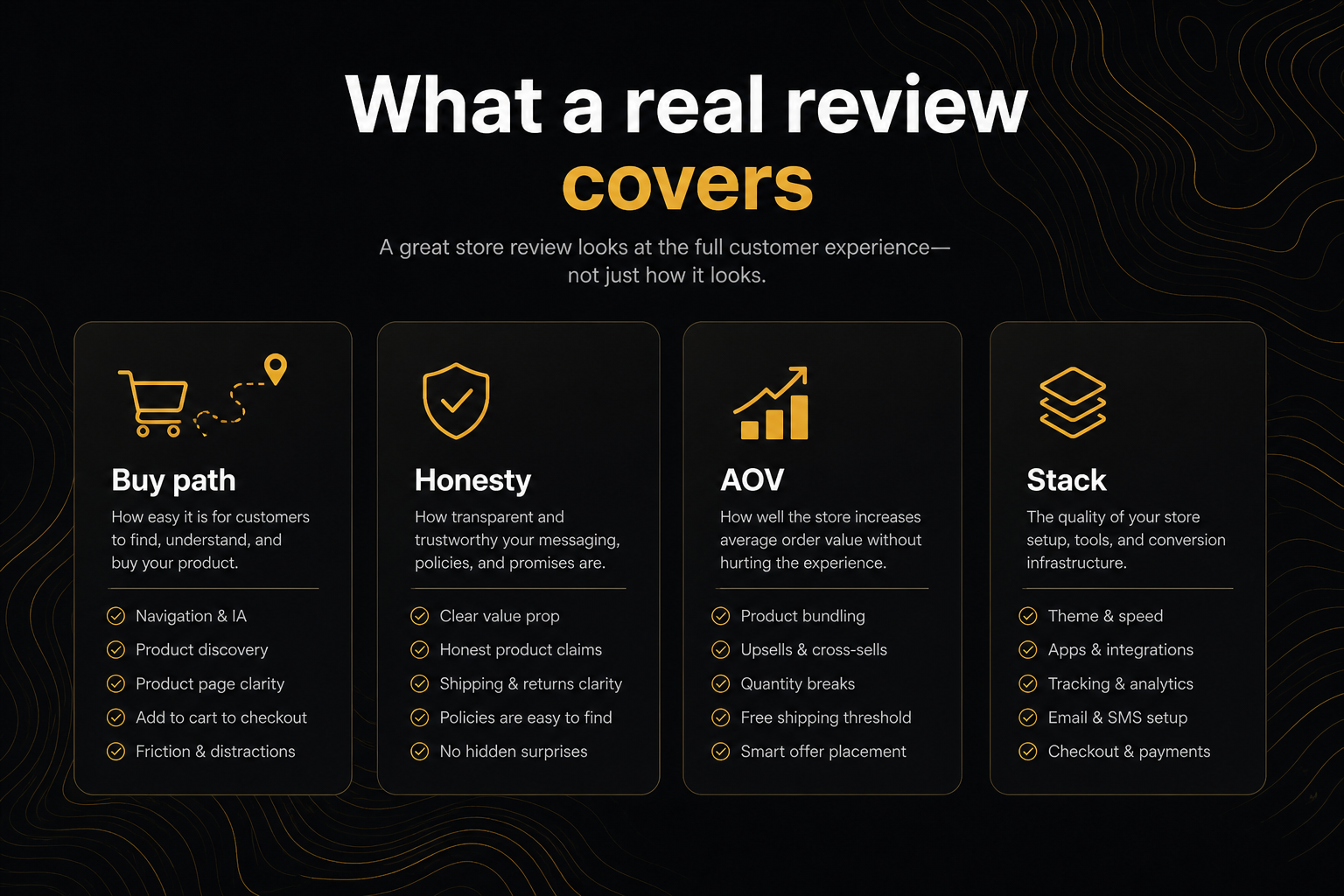
A checklist is only useful if the order matches how money is lost. This one is for people who searched review my Shopify store and got a 90-item SEO PDF. Throw that PDF in a folder. Walk the product page.
Print it, or run the CRO Audit for Shopify stores and use this as the commentary.
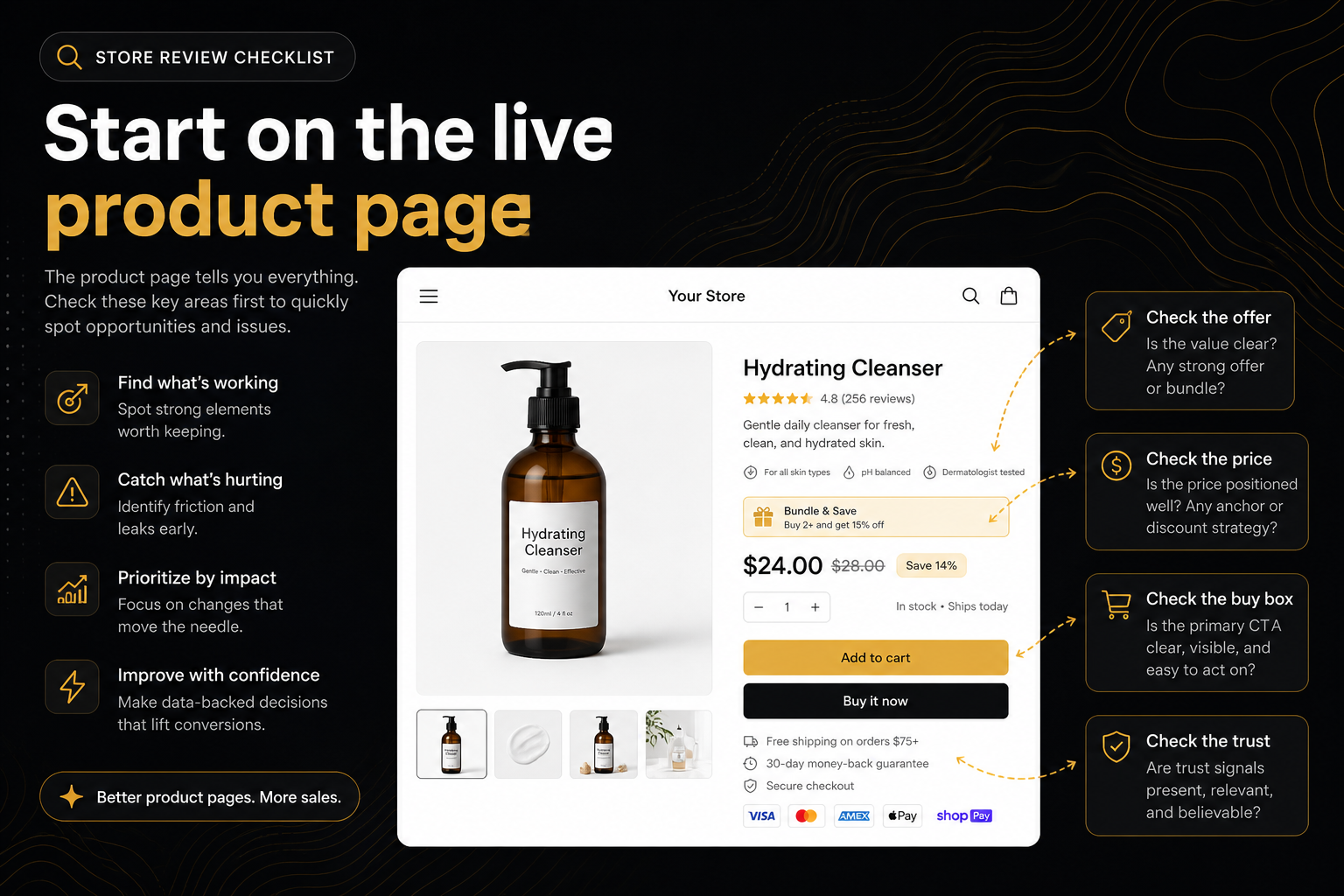
1. Can a stranger add to cart
- There is a product form or Shop Pay.
- The control is labelled Add to cart, Pre-order, or a clear local equivalent — not “Select options” that never enables.
- On mobile, the button survives the gallery. Sticky buy or a cart drawer counts. A button that scrolls away on a 700px fold does not.
- There is a way to ask a question: email, phone, a Contact page, or a chat widget. Header and footer on this page count. “Contact lenses” in the description does not.
If this section fails, stop. Do not review your colour palette.
2. Variants are choosable, not archaeological
- Size / colour / style exist as radios, swatches, or a select — not only in the title.
- Shopify’s default pickers count. An empty “Choose a size” placeholder is still a picker.
- If there is a size option, there is a chart or fit note on the product template, not buried in a footer policy.
A review that says “add more variants” without checking the picker is merchandising advice, not CRO.
3. Stock honesty
- In stock: the buy control is a buy control.
- Sold out: Pre-order (or continue selling) if you still want the sale. Notify-me is not a sale.
- JSON-LD
InStockwhile every variant is unavailable is a lie to Google and to the shopper who arrived from shopping ads.
4. Price is a number, next to the button
- A price exists.
- Compare-at is higher than price, or it is gone. Compare-at equal to price is a fake sale. That is a theme fail, not an app opportunity.
- If you run Markets, spot-check one currency. This public audit will not log into Markets. Note it as out of scope rather than guessing.
5. Media that can carry a paid click
- More than one photo if the product has a back, a scale, or a on-body shot.
- Enough description that a first-time buyer is not guessing the material. Word count is a floor, not a novel.
- Video or 3D if the product is worn, assembled, or expensive enough that stills stall.
Do not fail a $9 add-on for lacking a hero film. Do fail a $180 garment with one packshot.
6. One primary CTA
- One filled add-to-cart (or pre-order) in the buy box.
- Shop Pay / Buy it now / Apple Pay are secondaries.
- Bundle “Add this” and frequently-bought ATCs are secondaries if they live in an offer module.
- Sticky ATC is a secondary if the main one already exists.
Two gold ATCs in the product form are the page fighting itself. Theme JS that repeats the string “add to cart” sixty times is not.
7. Offers that raise the basket
Tick what exists. Missing is not immoral. It is a leak.
- Frequently-bought or a bundle next to ATC (Addly’s job on this site).
- Quantity breaks / volume on the same SKU.
- A cart goal (free shipping, gift) visible on the PDP or in the cart (Goalify).
- Estimated delivery near the buy box.
If the product is already a bundle SKU, do not fail it for lacking a second bundle widget.
8. After add-to-cart
You cannot tick this from a screenshot of the source.
- Click add. Wait a few seconds.
- Cart drawer opens, or you were dumped to
/cart(fail the drawer check). - A popup may also appear. A drawer plus a popup is allowed. Four offer apps plus both widgets is a pile — hygiene, not a veto of the drawer.
Shipping protection belongs at checkout intent (cart). If it only exists as a blog post about insurance, it is not offered.
9. Trust and urgency without theatre
- Returns / delivery terms in the product template, not only in the footer.
- Payment icons or trust seals on the product page (header and footer count). A Shop Pay button is checkout, not a badge row.
- Reviews or an aggregate rating on the page.
- Urgency that could be true (inventory, a real countdown). Fake timers are a trust leak even if they “work” in a test from 2019.
10. Post-purchase is a Next row
Order edit and a second sale after pay are real money. A product-page review cannot see them. List them as unowned, not as a fail of the PDP. Reviso owns that window here. If you are writing a full Shopify store review, put post-purchase on page two, not in the same breath as “is the ATC findable.”
Three pages, not the catalogue
When you review my Shopify store for a launch:
- The hero SKU in the campaign.
- The actual bestseller (homepage paste often lands here).
- The configurable that usually breaks pickers (size + colour).
If all three pass buy-path and all three miss AOV, you have a platform problem, not a one-off theme bug. If only the configurable fails, you have a variant story.
How this maps to a machine audit
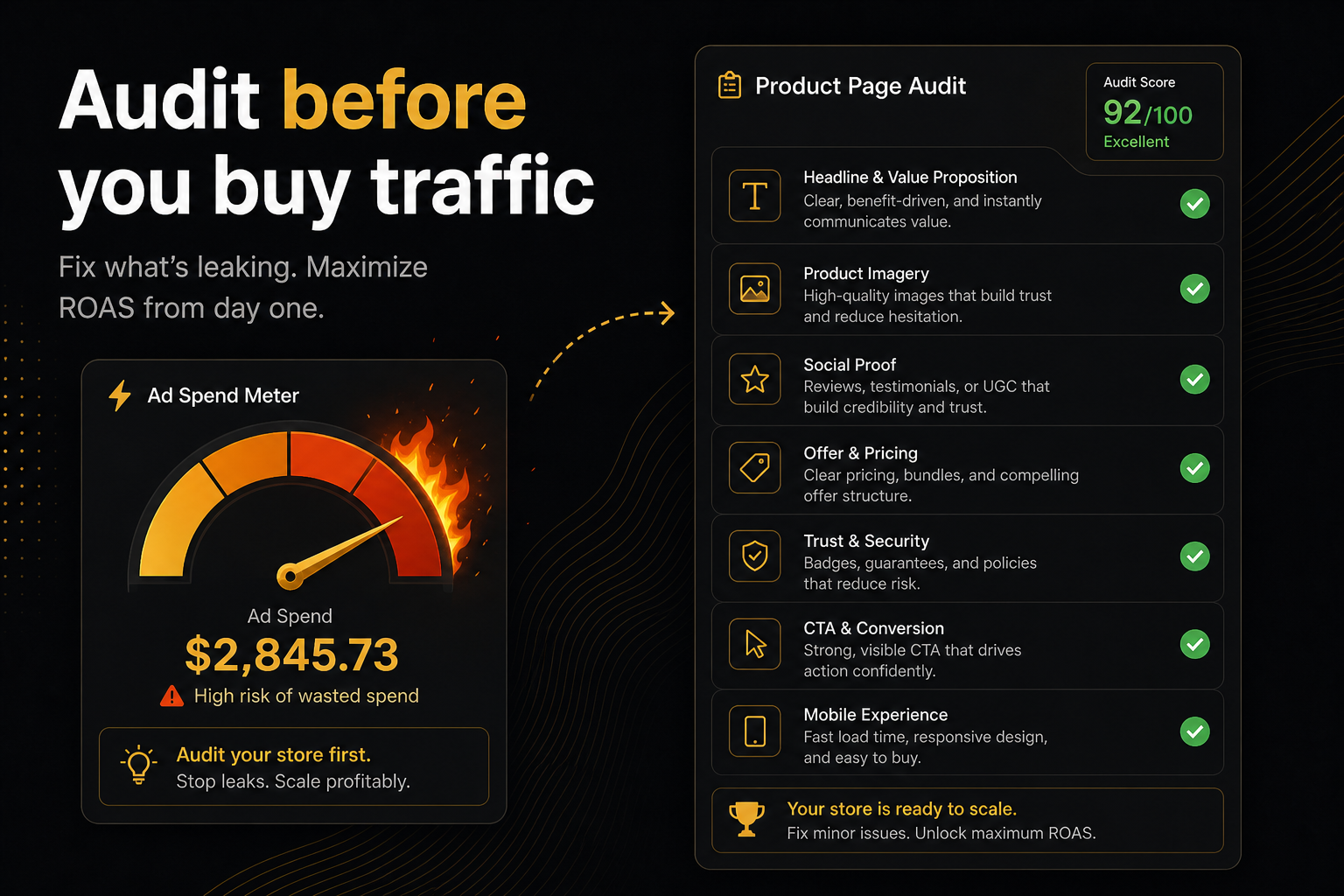
The free CRO audit already scores most of these rows. Use the checklist when the machine is partial (unread HTML), when you need to judge photography, or when you are walking a client through the PDF.
Do not add SEO title tags to this list until add-to-cart is green. That is how checklists become newspapers.
Red-team the checklist
Hand it to someone who did not write the theme. If they cannot finish it in forty minutes including the add-to-cart click, you added vanity rows.
Vanity rows: font pairing, logo whitespace, “storytelling in the mega menu,” blog posting cadence. Save them for a brand workshop.
After you tick the boxes
Fix the first red constraint. Recrawl that product URL. Then pick one AOV miss. Then stop for the day.
A checklist you cannot finish is a museum. This one is meant to be finished before lunch.
Frequently asked questions
What is this score based on?
Ninety9’s product-page rubric — defaults we apply the same way on every public Shopify PDP. It is not a conversion-rate prediction, and it will not fit every store or situation. How we score.
What should a Shopify store review checklist include?
Buy controls, a way to ask a question, variant honesty, stock and pre-order, price, media, one primary CTA, then AOV widgets (bundle, goal, drawer, popup), then protection, trust badges, and post-purchase as a next step — not as the first slide.
Do I need to review every product?
No. Review the SKU in the ad, the bestseller, and one awkward configurable. Three pages beat a spreadsheet of two hundred handles.
Should SEO be on the checklist?
Not in the first hour. JSON-LD price mismatches matter because they lie in search. Keyword maps do not fix add-to-cart.
How do I tick the cart without checking out?
Add to cart and wait. If you land on /cart, the drawer failed. If a popup and a drawer both appear, note it — that is a stack problem only if they fight. Both existing is allowed.
Can I automate this checklist?
Yes. Paste the store into the free CRO audit. Use this article as the human overlay — especially for copy, photography, and “does this offer make sense for this SKU.”