Addy
Addy  Addly
Addly  Goalify
  Monet
Monet  Reviso
  Rankly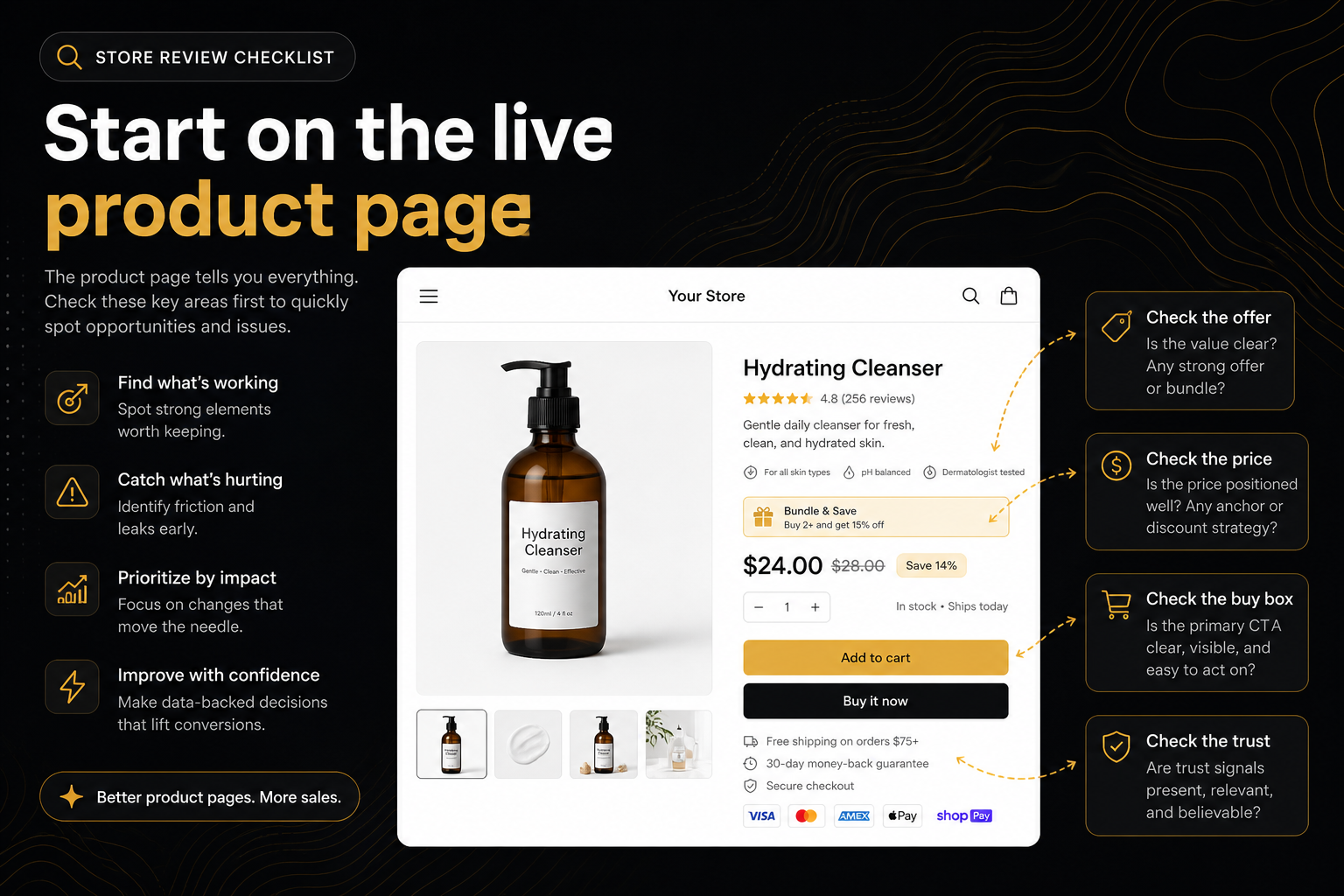
Key takeaways
- “Review my Shopify store” is almost always a product-page question. Collections and home are discovery; checkout is Shopify’s.
- Run a public audit before you hire anyone. If add-to-cart is broken, an agency slide will not save the week.
- Fix constraints (buy controls, variants, honest price, media) before you install a fifth AOV app.
- Re-run the same /products/ URL after a theme change. Homepage pastes resolve to a bestseller, which is a different page.
People type review my Shopify store into Google because something feels off and they do not want a 12-week retainer to find out what. Traffic is up, or ads are live, or a friend said the theme looks dated. The ask is the same: tell me what is wrong, in an order I can act on.
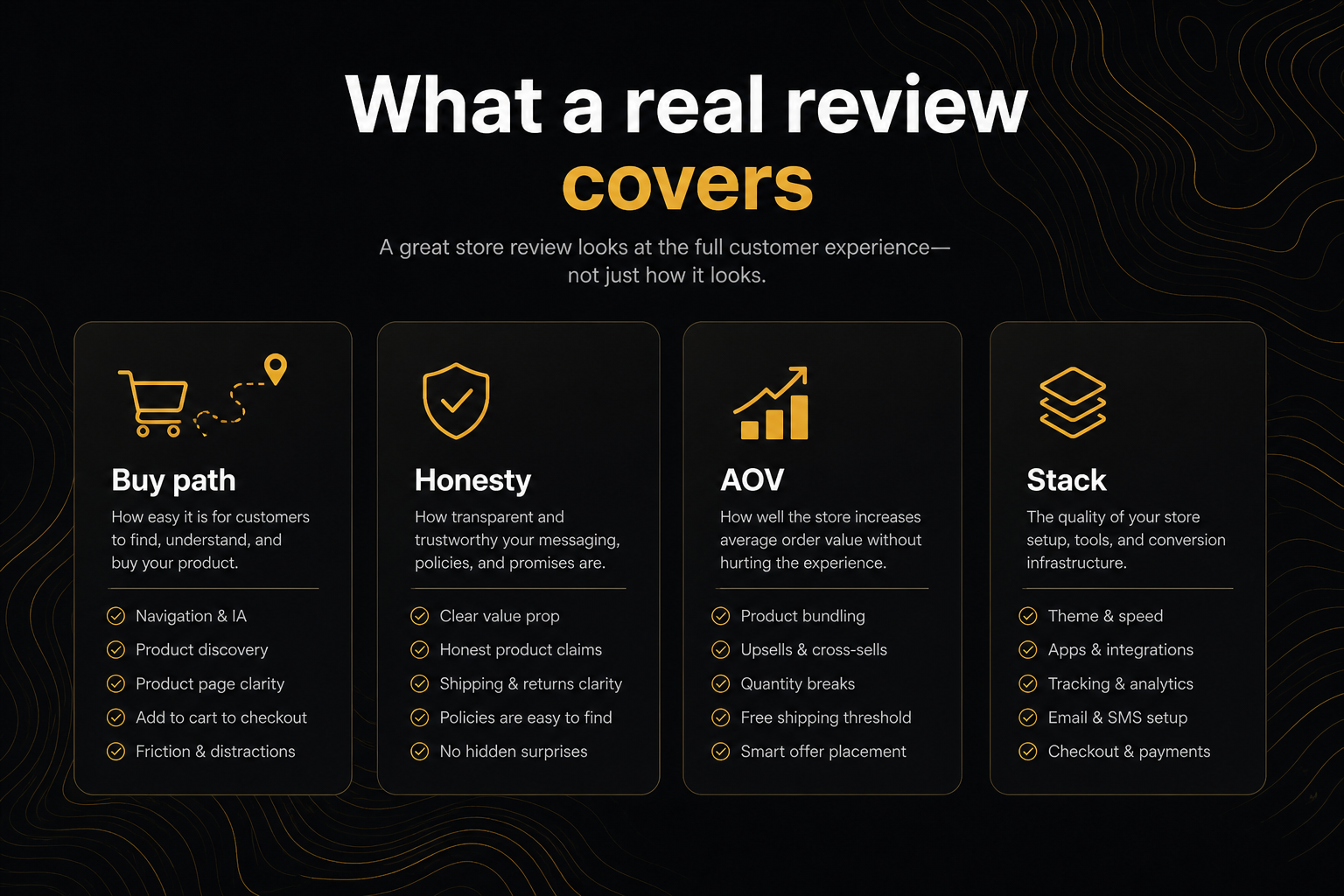
Most “store reviews” fail that ask. They mix PageSpeed with colour theory with a keyword gap analysis. You walk away with forty rows and no decision. A useful review starts on a live product page, because that is still where Shopify revenue starts.
What you are actually asking for
There are three different jobs hiding in that search:
- Can a stranger buy? Add-to-cart, variant pickers, stock honesty, a price that is not a fake compare-at, enough media, a buy control that survives scroll.
- Will the basket be large enough? Bundles, quantity breaks, a cart drawer, a goal bar, a popup that does not fight the drawer.
- What happens after they pay? Order edits, a second offer, returns copy. A product-page review can only flag that window. It cannot score thank-you.
If you skip (1) and jump to an app install, you will decorate a page that still cannot take money. If you skip (2) you will take money and leave it on the table. If you skip (3) you will spend support hours on address changes.
A public CRO Audit for Shopify stores is built for (1) and (2). That is the right first review.
Why “the store” is the wrong unit
Shopify is not one page. Home, collections, PDP, cart, checkout, and order status are different owners.
- Home and collections decide whether someone finds a product. They are merchandising.
- The product page decides whether they can add, and whether they add more.
- Checkout is Shopify’s. You can theme it at the edges. You cannot audit it from the public storefront without logging in, and you should not pretend you did.
- Admin is inventory, discounts, markets. A stranger with a URL cannot see it. A review that requires collaborator access is a different product — an agency week, not a paste.
When someone says review my Shopify store, they almost never need a homepage moodboard first. They need the PDP that ads and search land on.
The first ten minutes
Paste the domain, the homepage, or a product URL into the free audit. https:// is optional. Chrome will not fight you.
If you send the homepage, the run resolves to a best-selling product when Shopify exposes one, then any product linked on that page, then anything in the public catalogue. Read the note on the report. If the SKU is wrong, paste /products/the-handle and run again.
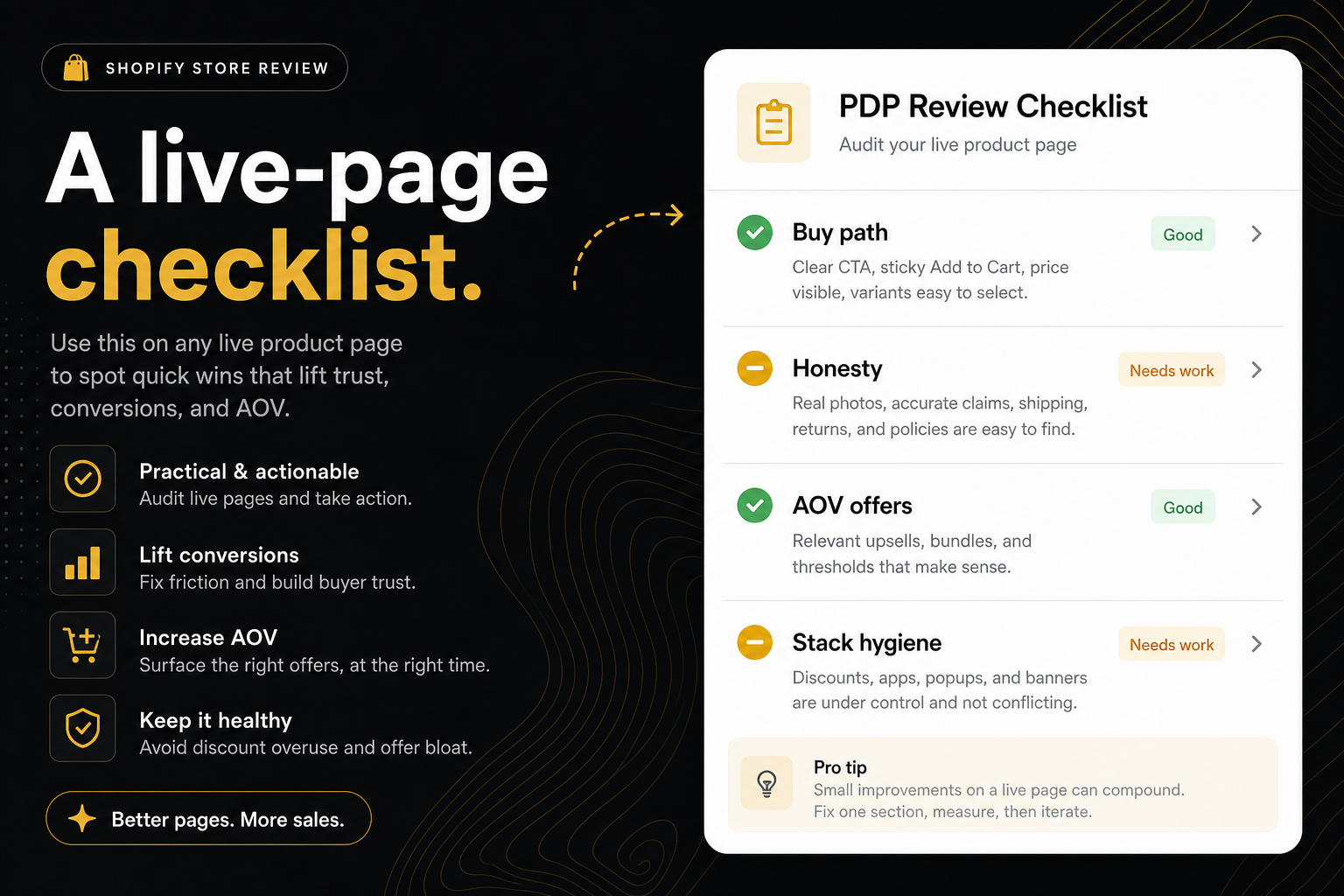
You get a health score, a status for the score band, and a short ranked list. Buy-path misses sit above missed AOV. Theme rows stay on the theme. App-owned leaks name the app that owns the job, with an install link. You can close the tab after the punch list. That is the point.
What a serious review looks at, in order
Can they buy
No add-to-cart, a variant wall with no picker, sold-out with only “notify me,” a compare-at that is not a sale, one photo and forty words of lorem — those stop the session. Fix them in the theme before you buy software.
Pre-order when inventory is zero is a buy control. Notify-me is a waitlist. Do not confuse them.
A size option without a chart is not always a hard stop, but it is a return factory. Put it on the list.
Will they add more
One SKU add-to-cart with no frequently-bought, no quantity break, and no cart goal is a store that can take money and has not asked for more. That is not a branding problem. It is an offer problem.
The cheapest extra unit is the one sitting next to the button. If you are going to install one thing after a clean buy-path, make it the offer that belongs on that PDP — not a popup, a drawer, a bar, and a bundle widget on the same afternoon.
Is the page fighting itself
Two filled add-to-carts in the buy box. A drawer and a modal both claiming the add. Four offer apps. Shop Pay is a secondary; a second gold “Add to cart” is not. A review that counts every “add to cart” string in the theme JS will lie to you. Look at the buy box.
What this review will not do
It will not forecast conversion rate. It will not see discount codes. It will not grade your brand voice. It will not replace a heatmap if the question is “where do they rage-click the gallery.”
It will not read Hydrogen or a password gate. If the store opted out with <meta name="ninety9-audit" content="no"> in layout/theme.liquid, the run stops. content="no,delete" also erases stored reports when they submit the shop on the CRO audit page. That is the merchant’s right, not a bug.
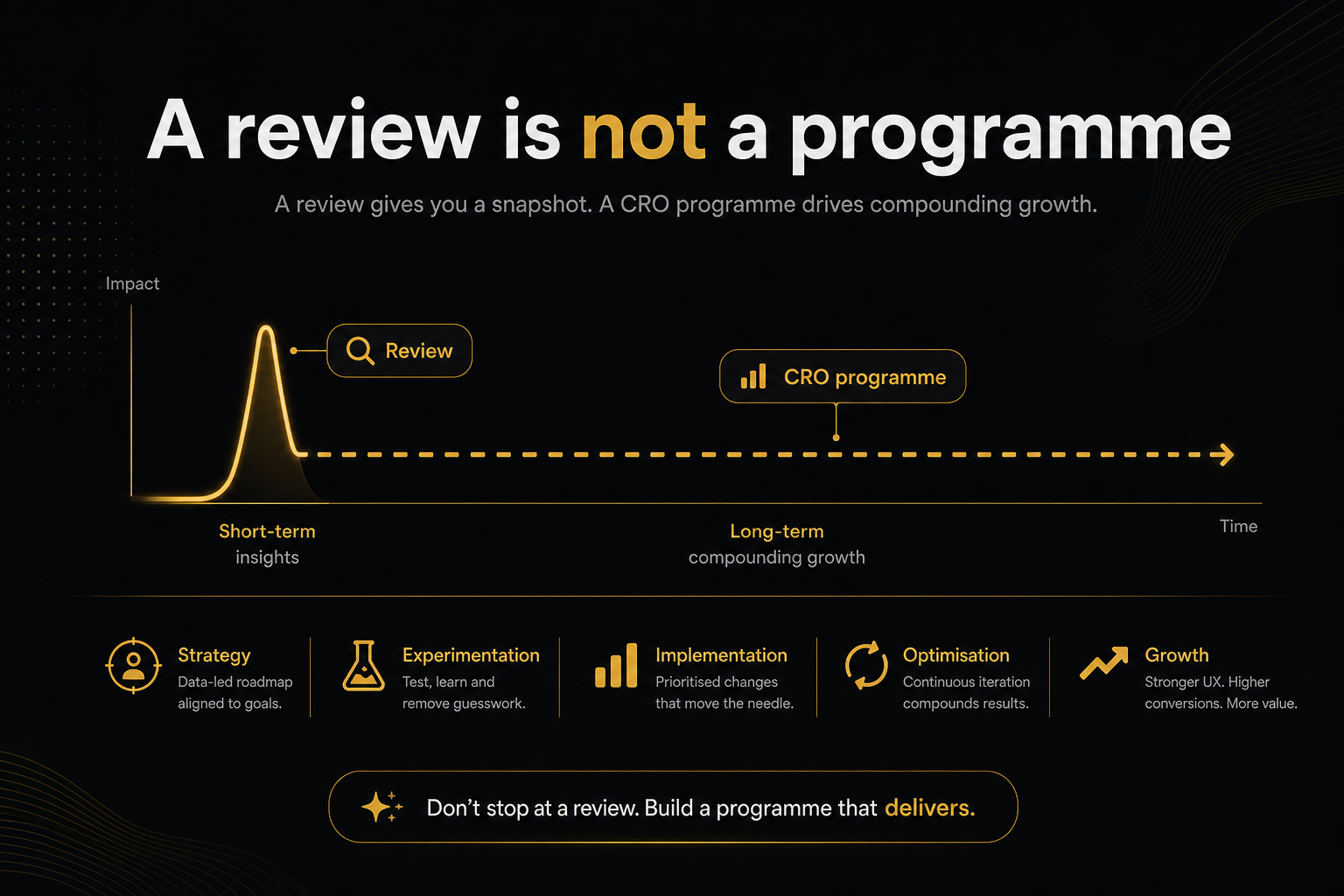
Treat those limits as honesty, not a sales pitch for a bigger audit. The bigger audit exists. It starts after the punch list is green.
How to brief a human after the machine
If you still want a person to review my Shopify store, do not send “thoughts?” Send:
- The product URL you care about.
- The saved report (
?r=). It is a snapshot. It does not recrawl. - The top constraint and whether you will fix it in the theme or with an app.
- What you already tried (Dawn update, a bundle app you uninstalled, a sticky bar you hate).
An agency that ignores that packet and opens with a sitemap crawl is selling a different service. Sometimes you need that service. You do not need it first.
Recrawl, do not collect scores
Health is coverage, not a brand rating. A 90 with a dead add-to-cart is a crisis with a pretty average. A 55 with a working ATC and no AOV widgets is a store that can take money.
Re-run the same /products/ URL after a fix. Homepage pastes are a first look. They are the wrong control if you are iterating on a launch SKU.
Share the badge if you need a slide. Share the PDF if someone has to fix a row. The number without the punch list is theatre.
A worked example (what a useful review sounds like)
Store: a $42 apparel brand. Ad lands on /products/sculpt-leggings. Homepage bestseller is a $12 scrunchie.
If you paste the domain, you will audit the scrunchie. The campaign will still die on the leggings. Paste the leggings URL.
Suppose the report says:
- Thin — Fails in Rubric A: size option, no chart on the template.
- AOV also thin: no frequently-bought, add dumps to
/cart. - Hygiene: Shop Pay present (secondary — fine).
The week is not “redesign the brand.” The week is a size chart block, then a drawer that opens, then a complete-the-look pair — in that order. Recrawl the leggings after each step. Fail in Rubric A still means a buy-path week even if the AOV list is longer.
That paragraph is a store review. A 30-page deck that never names the URL is not.
Mistakes that still show up in “professional” reviews
Grading Dawn’s homepage sections. Announcement bars and mega menus are not why the CPA is high.
Counting apps in the source. Five scripts can be one job. One script can be four jobs. Score what the shopper sees after add.
Calling Shop Pay a competing primary. It is express checkout. It should look like a secondary. That is correct.
Treating notify-me as a buy button. You reviewed a waitlist.
Auditing once, never recrawling. Theme publishes happen. App updates steal forms. A snapshot from last month is not the store.
Publishing the health score without the product URL. That is how scores become theatre.
What to send internally so the review survives Slack
- Product URL (not the homepage).
- Report
?r=id and date. - One sentence: constraint vs leak.
- Owner: theme / developer / app.
- Recrawl after the merge, same handle.
If your Slack thread is screenshots of the homepage colour, you have not started.
When the search is really something else
Sometimes review my Shopify store means “my theme looks old.” That is a design project. Say so. Run the PDP audit anyway so you do not restyle a page that cannot add to cart.
Sometimes it means “Google Shopping is disapproved.” Then JSON-LD vs catalogue and stock honesty move to the top. Still a product-page review. Still not a keyword map.
Sometimes it means “we want a partner.” Send them this article and the audit link. The ones who come back with a report URL are ready.
A one-page sequence
- Paste the store or the product.
- Fix the top constraint.
- Install at most one app-owned leak.
- Audit again on that product URL.
- Only then talk creative, email, or a paid “full store review.”
That is how you honour the search without drowning in a newspaper of checks.
Frequently asked questions
What is this score based on?
Ninety9’s product-page rubric — defaults we apply the same way on every public Shopify PDP. It is not a conversion-rate prediction, and it will not fit every store or situation. How we score.
What does “review my Shopify store” actually mean?
In search, it usually means “tell me why this shop is not converting.” The honest first answer is a live product page — add-to-cart, variants, price honesty, media — not a brand workshop.
Can I review my Shopify store without logging in?
Yes, for everything a shopper sees. Public HTML, catalogue JSON, the cart page, and — when Chromium is available — a real add-to-cart click. Admin, checkout, and customer data stay out.
Is a free Shopify store review enough?
It is enough to rank the leaks. It will not replace analytics, a creative test, or a positioning rewrite. Use it to decide whether the next hour is a theme fix or one install.
Should I paste my homepage or a product URL?
Homepage or domain is fine for a first look — the tool picks a bestseller. Paste /products/your-handle when the SKU in the ad is the one you care about.
Who should review my Shopify store if I am not technical?
Run the public audit yourself, then send the report link to a developer or an agency. The punch list is the brief. Do not start with “please look at the site.”