Addy
Addy  Addly
Addly  Goalify
  Monet
Monet  Reviso
  Rankly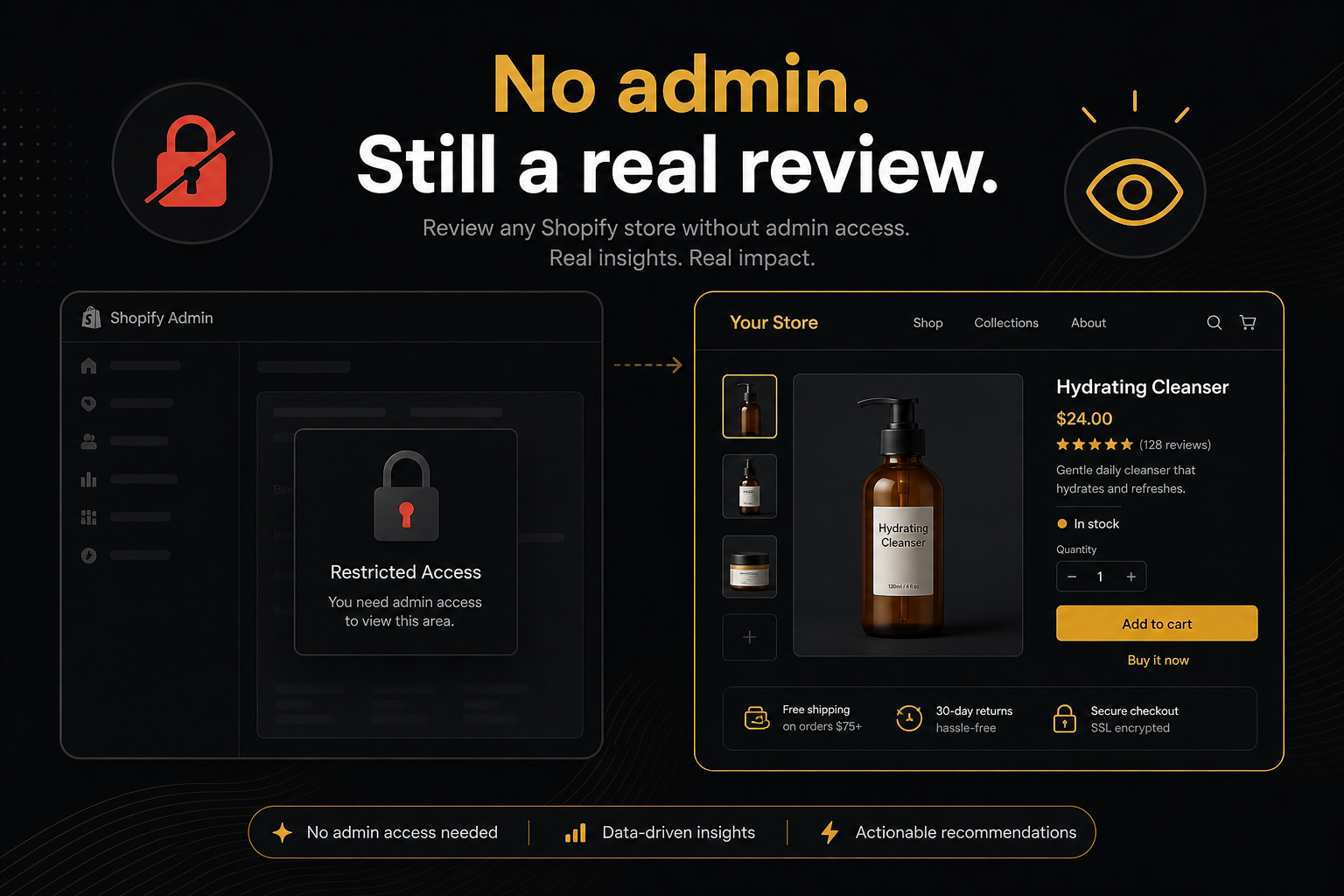
Key takeaways
- If you need admin to start, you are not doing a shopper review. You are doing an operations review.
- Public sources are enough for buy-path and most AOV widgets: theme HTML, /products/{handle}.js, /cart, rendered add.
- Password-protected stores can be reviewed too — paste the store password. Custom stores we cannot open like a normal Shopify shop, and opted-out shops, still cannot. Say so. Do not invent the rest.
- Never ask a stranger for collaborator access “just to look.” That is a different contract.
Collaborator access is for theme edits, apps, and checkout settings. It is not required to answer review my Shopify store as a shopper question.
If someone asks for admin “to review,” they are scoping an operations audit. That can be valid. It is not the first review, and it is a trust event. Treat it like one.
What a shopper can see
A logged-out browser can load:
- Online Store pages (home, collections, products, pages, blog).
/products/{handle}.js— Shopify’s public catalogue payload for that handle./cart— the cart page, often empty until you add.- Theme assets, app scripts that ship to the storefront, JSON-LD in the HTML.
They cannot load:
/admin.- Checkout as a configured merchant (you can start checkout as a buyer; you still do not see their payment settings).
- Customer accounts of other people.
- Draft orders, inventory policies beyond what the PDP already discloses.
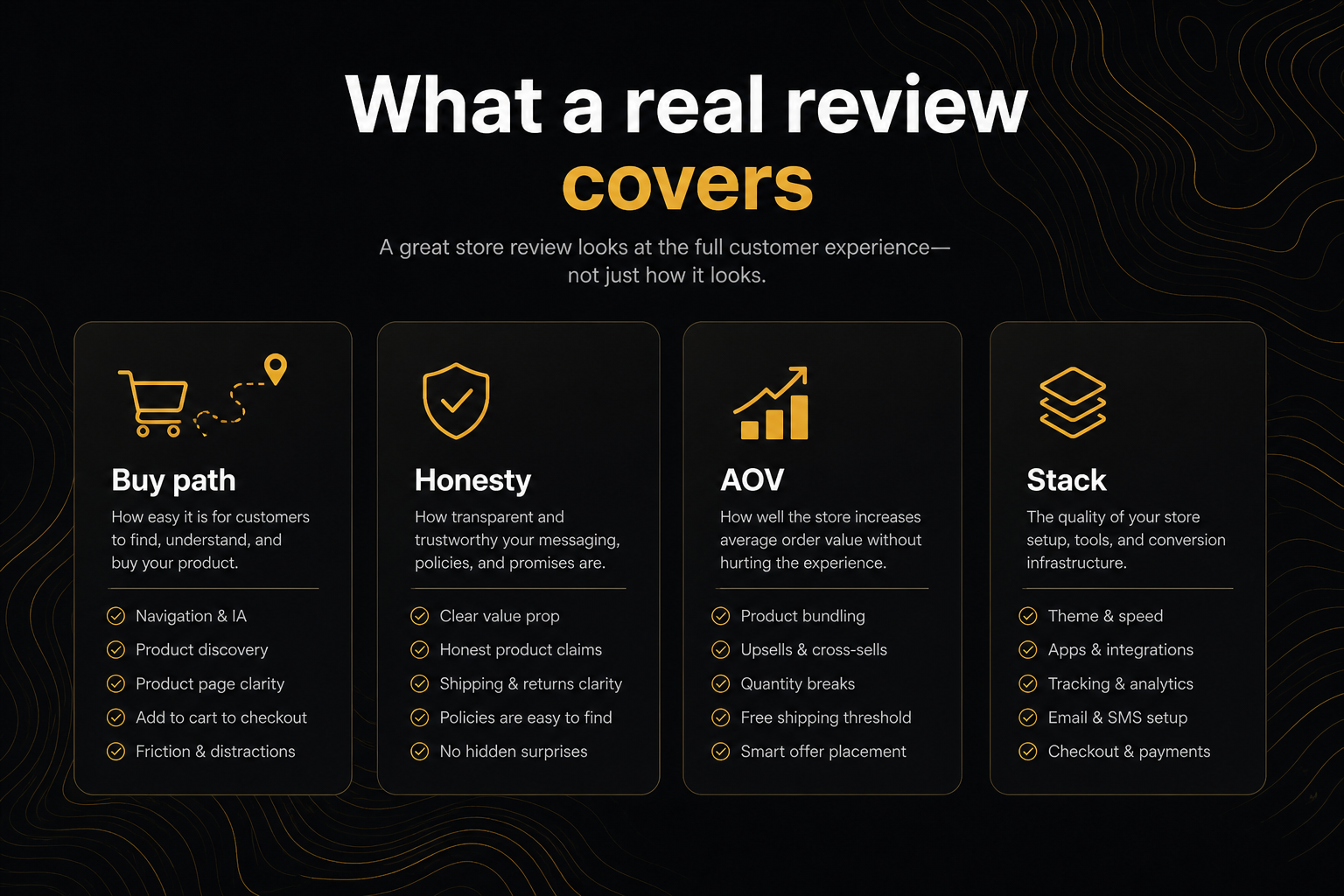
A review that stays inside the first list is a public storefront review. Name it that. The CRO Audit for Shopify stores is exactly that product.
How to do it by hand (if you refuse the tool)
- Open the product in a private window.
- View source. Search
product-form,name="add",shop-pay,sold out,compare_at. - Open
/products/handle.js. Confirm price andavailable. - Add to cart. Watch the network and the UI. Drawer?
/cart? Modal? - Scroll the PDP for reviews, size chart, delivery estimate, bundle block.
- Write the punch list. Cap it.
You will spend an hour. The automated audit spends seconds and clicks for you when Chromium is there. The method is the same.
Why Chromium is not “hacking the store”
Hydrating the page and clicking add-to-cart is what the shopper does. Waiting five seconds is how you see drawers that animation-in.
It is not logging in. It is not guessing passwords. It is not hitting /admin. If the shop is password-protected, the merchant can share the store password from Online Store → Preferences — we use it once and forget it.
If a merchant does not want even that, they add:
<meta name="ninety9-audit" content="no">in layout/theme.liquid <head>. The next public audit stops. To also erase stored reports, use content="no,delete" and then paste the shop URL on the CRO audit page. That is the civilised opt-out. Respect it.
Custom stores
Custom storefronts that do not look like a normal Shopify shop cannot be reviewed from the outside. A public review should fail closed: “cannot read,” not a fake 100. Password-protected Online Store shops are different — share the store password and the audit can run.
Do not scrape a private app proxy to “be thorough.” You are no longer doing a shopper review.
What to tell the merchant you did not see
Put it in the PDF:
- Discount codes and automatic discounts.
- Markets price rules.
- Checkout UI extensions.
- Flow, email, and SMS.
- App embeds that only render for logged-in customers.
Then tell them which of those would change the next review. If none of them would change the ATC fail, you did not need admin this week.
Ethics
Reviewing your own shop: paste.
Reviewing a client who sent the URL: paste. Store the snapshot. Do not recrawl every hour.
Reviewing a competitor for a war room: look with your eyes. Do not industrialise audits against a shop that is not yours. Rate limits exist because people script this.
Publishing a teardown: the page is public, the screenshot is yours, the tone is on you. Do not present a health score as a court verdict. It is coverage of a rubric.
A public-source map (so you know what you scraped)
| Source | What it is good for | What it is not |
|---|---|---|
| Product HTML | Forms, copy, widgets, JSON-LD, app fingerprints | Logged-in prices, B2B |
/products/handle.js | Price, availability, variants, images, tags | Theme chrome |
/cart | Cart page chrome, some app blocks | An empty cart is not a fail |
| Rendered add | Drawers, popups, redirects | Payment |
If your notes do not say which source you used for a claim, the claim is weaker than it sounds.
Incognito is not optional
Logged-in previews lie. You see markets, draft discounts, “view as” themes. A shopper does not.
Use a private window, a second browser, or a phone that is not on staff Wi‑Fi. If the ATC only exists when you are logged into the theme editor preview, you have not shipped it.
Apps that only render after interaction
Many drawers, sticky bars, and personalize modals are absent from the first HTML. A view-source review will say “no drawer.” A click will say otherwise.
That is why a Chromium pass exists. If you are reviewing by hand, you must click. If you refuse to click, write “source only — after-add not observed” on the PDF. Honesty beats a fake fail.
When you finally need admin
You need it to:
- Fix Liquid.
- Install or remove apps.
- Change inventory policies and continue-selling.
- Configure checkout and customer accounts.
- Confirm a discount the PDP should mention.
You do not need it to review my Shopify store for buy-path. Start public. Escalate with a reason.
Frequently asked questions
What is this score based on?
Ninety9’s product-page rubric — defaults we apply the same way on every public Shopify PDP. It is not a conversion-rate prediction, and it will not fit every store or situation. How we score.
Can I review a Shopify store without logging in?
Yes. That is the honest shopper review. Paste the public URL. You will not see discounts, checkout, or customer data — and you should not claim you did.
What public URLs matter?
The product page, /products/{handle}.js, /cart, and sometimes a collection used only to find a product. Admin and checkout are not public.
The store is password-protected. Can I still review it?
Yes. Paste the URL. The CRO audit asks for the store password from Online Store → Preferences — not the Shopify login — opens the shop the way a customer would, then forgets it.
Is viewing source enough?
For some theme checks. Drawers and popups that only exist after add need a click or a Chromium pass. Source-only reviews miss those.
Can I review a competitor this way?
You can look at their public PDP. Do not spam their store with audits. Do not publish a teardown unless you are ready to discuss it in public. Privacy policy: the audit stores a snapshot until the merchant deletes it if you run our tool.