 Addy
 Addly
 Goalify
 Monet
 Reviso
 Rankly
Key takeaways
- Create a segment with email_subscription_status = 'SUBSCRIBED' under Customers → Segments, then pick Customer segments under Eligibility on the discount, so a leaked code does not work for strangers.
- Shopify says recent changes to subscription status can take a short time to show up in a segment, so build the segment and test it days before the sale, not an hour before.
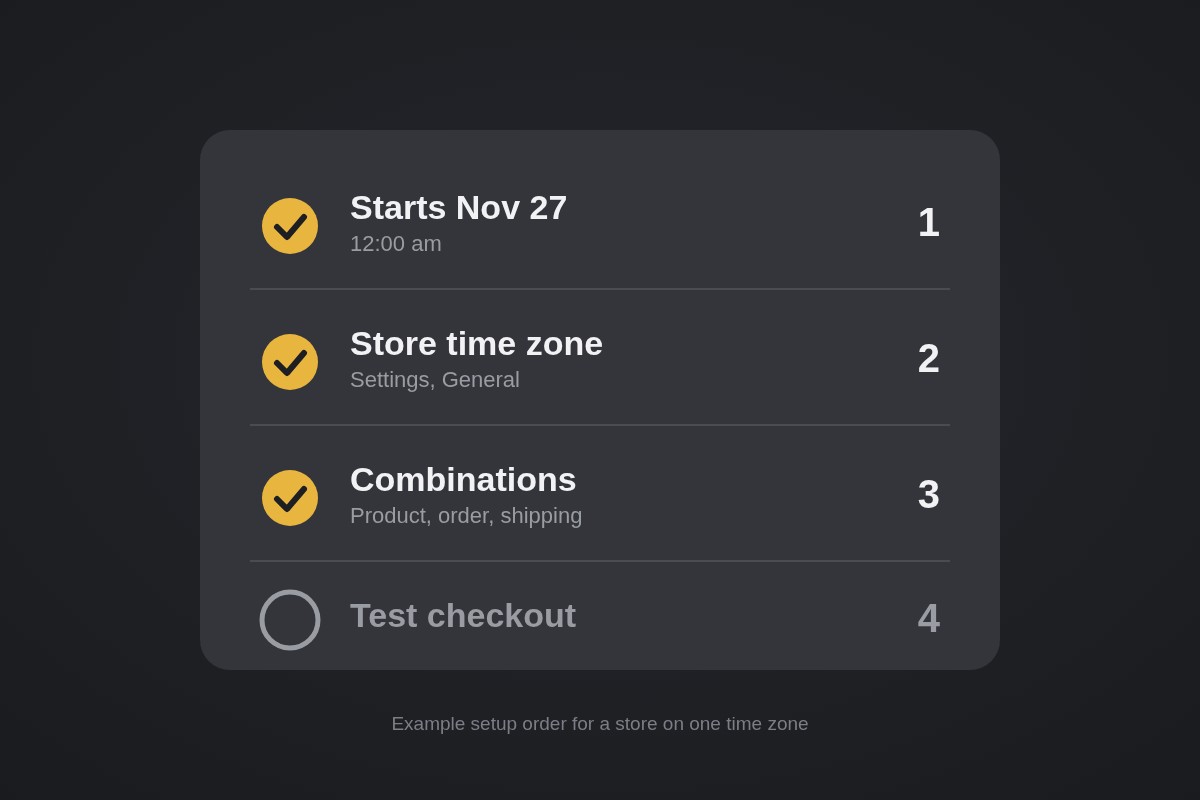
- Start and end times follow the time zone in your admin, so a store set to EST starts a discount at 12:00 am EST and a shopper in London sees it begin the evening before.
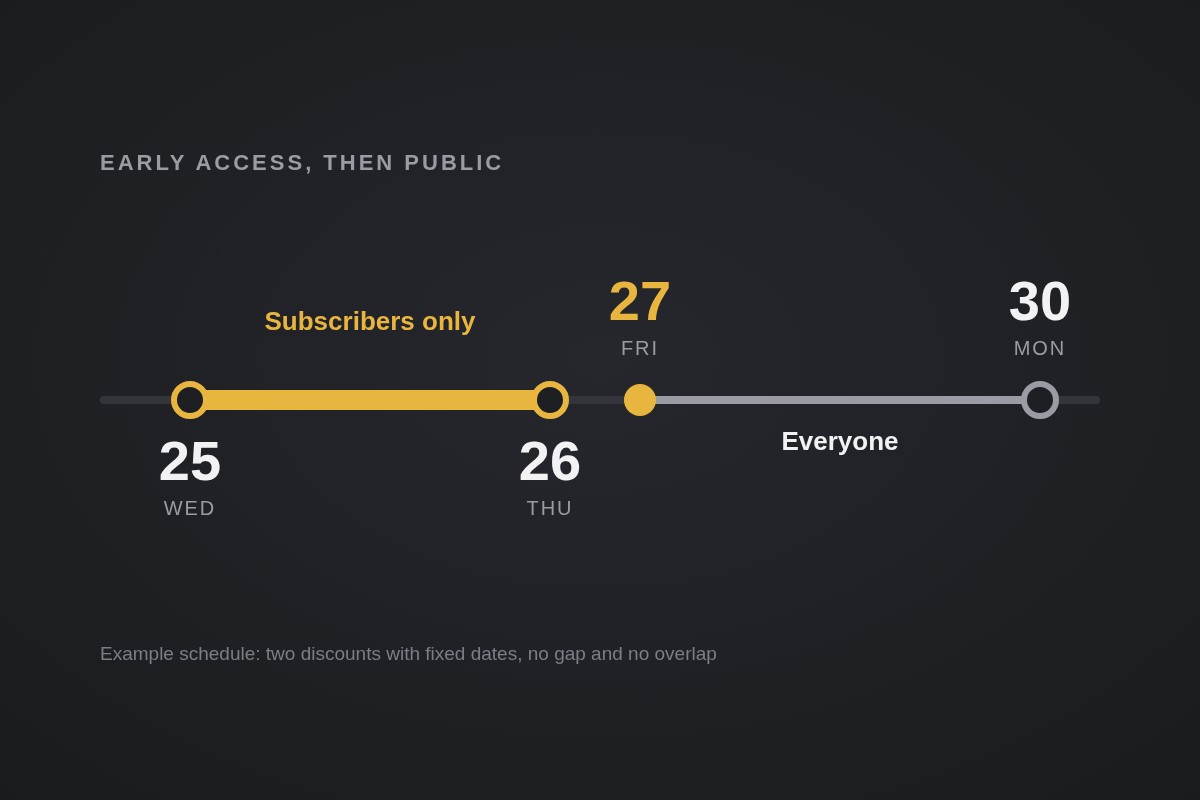
- Use two separate discounts: an early access one with an end date of Thursday, November 26, and a public one that starts Friday, November 27, so nothing depends on you being awake at midnight.
- Limit to one per customer tracks the customer's email address or phone number, so someone checking out with a second email can use the code twice.
Build a customer segment of email subscribers, create a discount whose Eligibility is set to that segment, and give it a start and end date that stops before your public sale begins. That is the whole mechanism. This year Black Friday is Friday, November 27, so you have a few days to get it live.
Early access works because it gives your best audience a reason to open the email, and it takes some of the weekend's traffic spike off your site. It also fixes a common problem: the code that was meant for 4,000 subscribers ends up on a coupon site by Wednesday night. Tying the discount to a segment means a shared code stops being a shared discount.
Pick the early access window first
Decide the dates before you touch the admin. The week looks like this:
- Wednesday, November 25: early access opens for subscribers.
- Thursday, November 26: US Thanksgiving. Early access can run through it; plan on lower attention in the US.
- Friday, November 27: Black Friday. The public sale starts.
- Monday, November 30: Cyber Monday.
A 48-hour window is long enough that people who miss the first email still get a second chance, and short enough to feel like a perk. Make the perk the timing, not a deeper price. If early access carries a bigger discount than the public sale, you teach subscribers to wait for the next private link and you train everyone else to hunt for it. If you need the maths for how deep to go, work it out first with the break-even ROAS guide.
Build the subscriber segment
Open Customers in the Shopify admin. You can build the query in the editor, or click Segments, then Create segment. Paste this into the editor:
FROM customers
SHOW customer_name, subscription_status, orders, amount_spent
WHERE email_subscription_status = 'SUBSCRIBED'
Click Run to see who matches, then Save segment and name it something you will recognize in a dropdown, like "Early access subscribers." Shopify's segment reference lists email_subscription_status = 'SUBSCRIBED' as the filter for email marketing subscription status, along with filters such as number_of_orders >= 5 and amount_spent > 100.
Those two give you a useful variant. If you want to reward repeat buyers rather than the whole list, add a condition with AND:
WHERE email_subscription_status = 'SUBSCRIBED'
AND number_of_orders >= 2
Your segment can only be as good as the list behind it. Shopify notes that recent changes to subscription status or tags can take a short time to appear in segment membership, so someone who signs up on Wednesday morning may not be in the segment when the email goes out. Build the segment now, check the count against your email tool, and stop promoting the signup form about a day before early access opens.
Create the early access discount
Go to Discounts → Create discount, then choose Amount off products or Amount off orders. Under Method, pick Discount code. Then set these fields:
- Discount code: something you can say out loud, like
EARLY25. Avoid anything guessable that you also use in public ads. - Value: the same percentage as your public sale (see above).
- Eligibility: choose Customer segments and select your early access segment. Shopify's page labels this setting Customer segments, not Specific customer segments.
- Minimum requirements: optional. Minimum purchase amount counts product prices only, excluding shipping and taxes.
- Maximum discount uses: tick Limit to one per customer if you want a single early order per person.
- Combinations: leave everything unticked unless you have decided what it should stack with.
- Active dates: start Wednesday, November 25 and use Set end date for Thursday, November 26 at 11:59 pm.
Customers who are not in the segment cannot use the code. That is the difference between this and a plain code in an email: forwarding it gets the recipient nothing.
Mind the time zone
Start and end times follow the time zone set in your Shopify admin. Shopify's example: a start date in an EST store begins at 12:00 am EST. A shopper in London sees that discount go live at 5:00 am on the same date, and a shopper in Los Angeles sees it at 9:00 pm the night before.
Check your store's zone under Settings → General before you schedule anything. In the email, write the time and the zone: "Early access opens Wednesday at 12:00 am ET." If you sell through Shopify Markets, put the same line on the product page banner so a shopper in another market is not guessing.
Hand off to the public sale without a gap
Create a second discount for Friday, November 27. Set its Eligibility to All customers and its start date to Friday at 12:00 am. Do not edit the early access discount into the public one on Friday morning; two discounts with fixed dates mean nothing depends on you being online at midnight.
Then compare the two on a test cart:
- Wednesday after the start time: log in as a subscriber and apply the early access code. It should work. Check out as a guest with an email that is not in the segment, and it should fail.
- Friday after the public start: the public discount should apply to anyone.
- Both overlapping: if you did give them overlapping dates, Shopify applies the best discount when two codes cannot combine. Customers see the message "Discount couldn't be used with your existing discounts" when a second code is refused.
Shopify's combination rules cap an order at 5 product or order discount codes and 1 shipping discount code, and discounts apply in the order product, order, shipping. If your public sale includes a free shipping code, set its Combinations to allow the product or order class, or shoppers will have to pick one.
Add a perk that needs no code
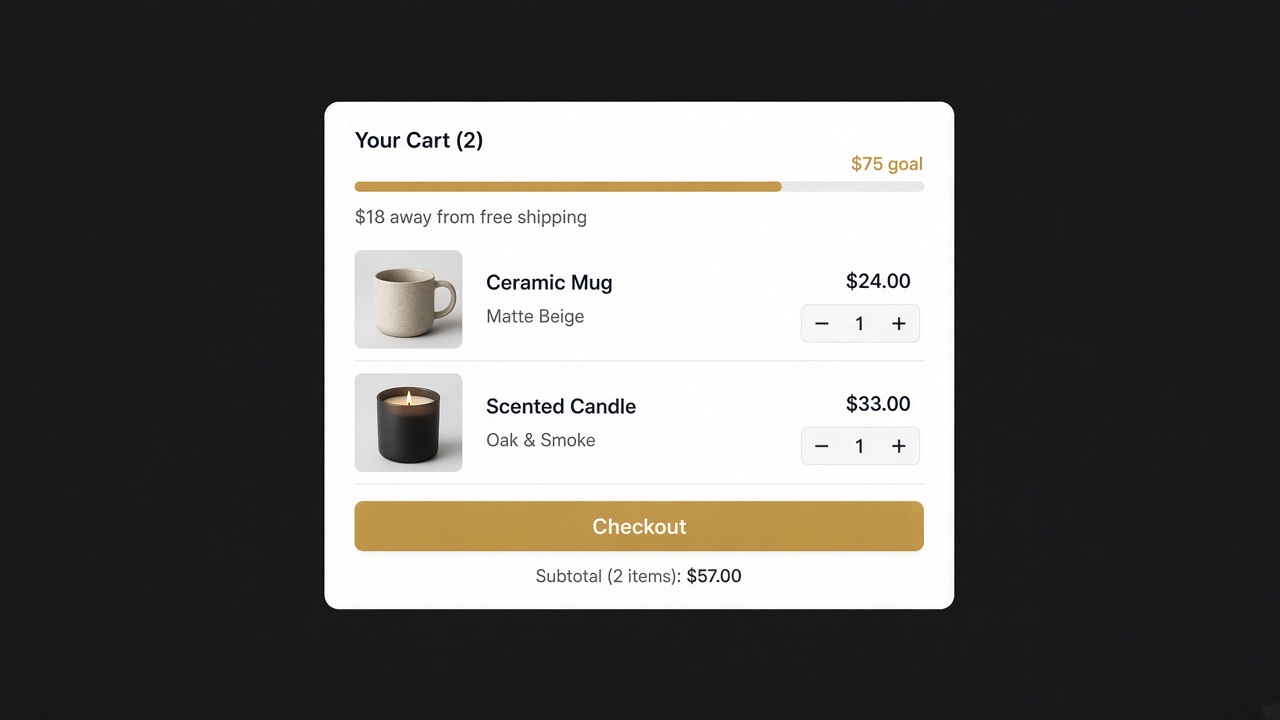
Not every early access perk has to be a percentage. Some stores prefer to open with a free gift or a free shipping goal that applies automatically in the cart, so there is no code to leak or mistype. Goalify is built for this: a progress bar with free shipping, free gift or discount goals, BOGO and tiered rewards, and it adds the gift to the cart on its own when the goal is met. It is a Built for Shopify app with a 5.0★ rating, and it is free under 10 orders, then $3.99, $7.99 or $11.99 by tier. If you want to compare how it handles thresholds, see how to set a free shipping bar from AOV.
Use it for the whole store's weekend goal, and keep the segment code for the subscriber-only discount. The two are separate offers, and the cart shows both if you allow it in Combinations.
Check these before you send the email
Run through this list on Tuesday, November 24:
- The segment count matches your email list within a small margin.
- The early access code works on a test order from a subscriber, and fails on a test order from a non-subscriber.
- The start and end times show the right zone in the discount summary.
- The public discount is scheduled for November 27, with Eligibility set to All customers.
- Any sitewide banner is set to change on Friday; announcement bars often need manual updating.
- Your support team knows which customers get which dates.
An early access email is also a cheap place to check your store's basics. Run the CRO Audit on your top product page before you send traffic to it; the cost of a broken add-to-cart button is higher on the day your best customers show up.
Frequently asked questions
Can I make a Shopify discount code only work for email subscribers?
Yes. Build a segment of subscribed customers, then choose Customer segments under Eligibility when you create the discount and select that segment. Only customers in the segment can use the code, so forwarding it to a friend does not help them.
Do new subscribers get the early access discount straight away?
Not always. Shopify notes that recent changes to subscription status or tags can take a short time to appear in segment membership. Close your signup push a day or two before early access opens, and tell late joiners that their access starts with the public sale.
Which time zone does a Shopify discount schedule use?
The one set in your Shopify admin. A start date in an EST store begins at 12:00 am EST. Check the time zone under Settings before you schedule, and write the start time in the email with the zone named.
Can the early access discount stack with the public sale?
Only if you let it. Discounts do not combine by default, and each discount's Combinations setting must allow the other's class. Give the two discounts non-overlapping dates and the question never comes up.
How many discount codes can one order use?
Up to 5 product or order discount codes and 1 shipping discount code, as long as each discount's Combinations settings allow them to combine. If the codes cannot combine, the shopper sees a message that the discount couldn't be used with their existing discounts.