Addy
Addy  Addly
Addly  Goalify
  Monet
Monet  Reviso
  Rankly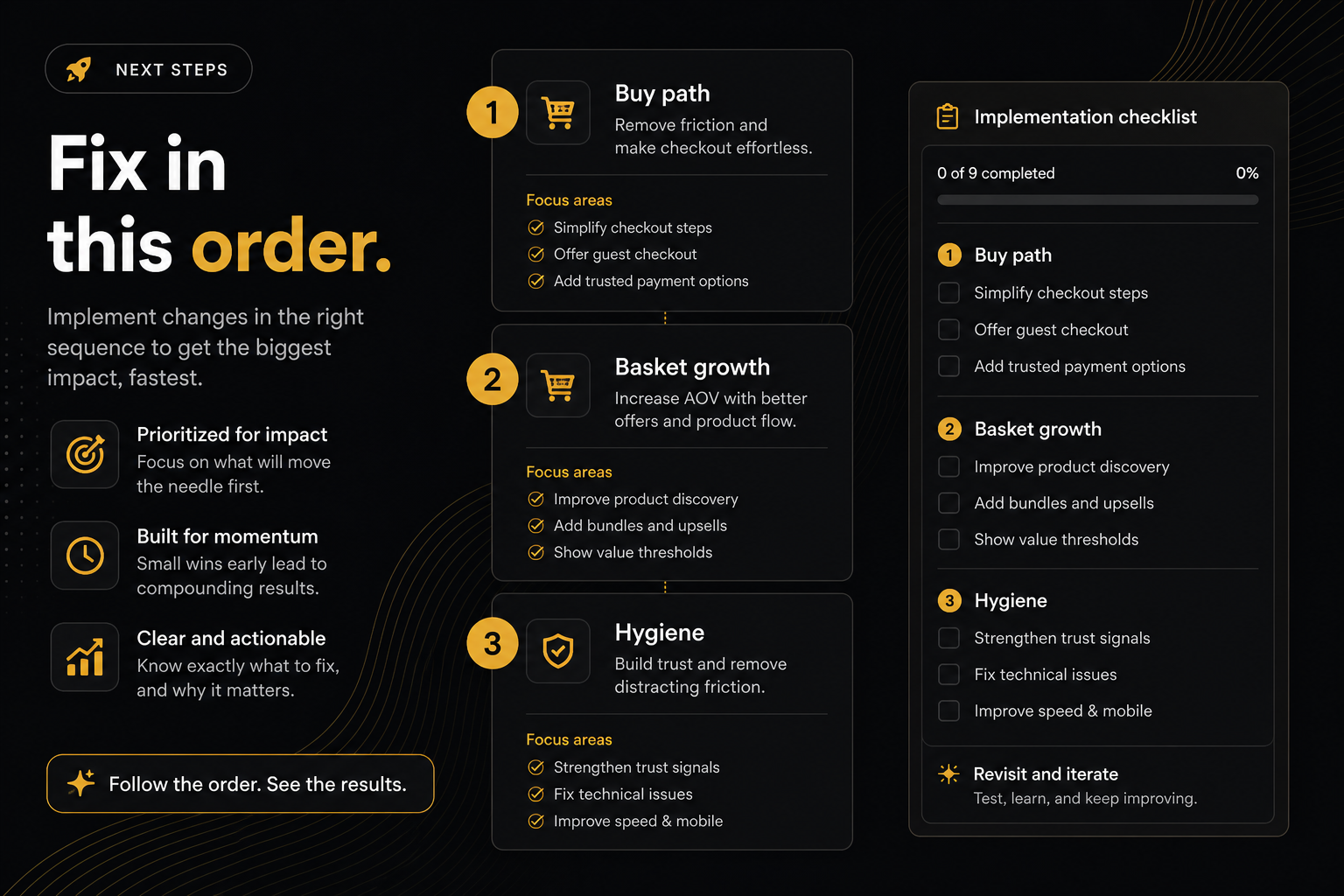
Key takeaways
- Constraints before opportunities. A pretty bundle on a page that cannot add is decoration.
- Recrawl the same product URL after each change. Homepage scores are a different page.
- One app-owned leak per day. Stacking four widgets is how the page starts fighting itself.
- Stop when the next miss is post-purchase. That is a different surface than the PDP.
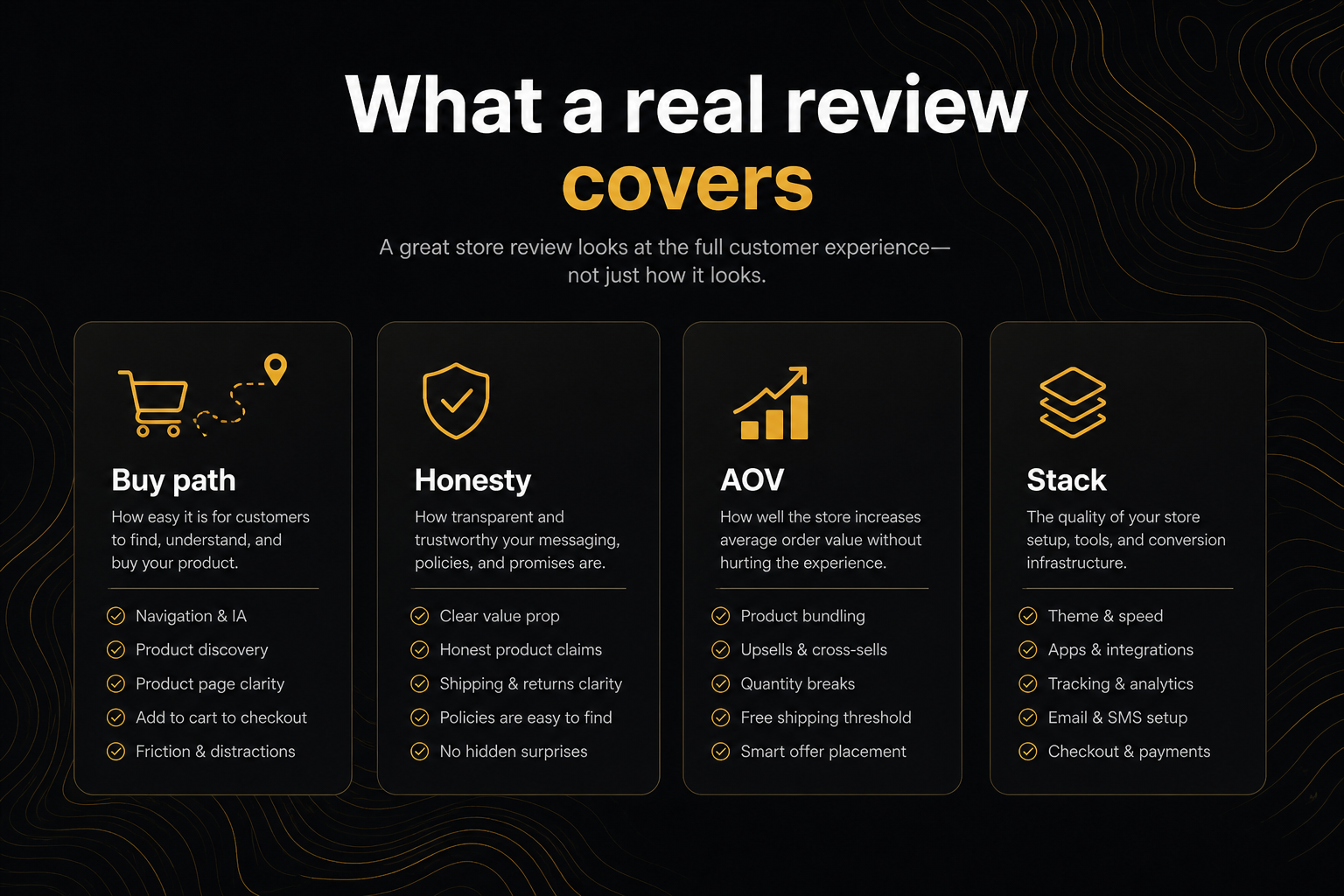
The review is not the work. The work is the order you fix things. People search review my Shopify store, run a tool, then install four apps before lunch. That is how you get a new punch list that says the page is fighting itself.
Here is a sequence that respects the rubric.
Hour 1 — Constraints only
Open the ranked list. Ignore every Opportunity and Hygiene row.
Fix, in this spirit:
- Add-to-cart findable.
- Variant picker actually there.
- Stock honesty / pre-order if you still want the sale.
- Real price, no costume compare-at.
- Enough media to survive a paid click.
- Buy control still there on mobile.
These are almost always theme. Theme editor, product template, maybe a broken product-form app.
Do not “fix” them by installing a popup.
Recrawl the same /products/ URL with Audit again. If you paste the homepage, you may be scoring a different SKU.
Hour 2 — One primary
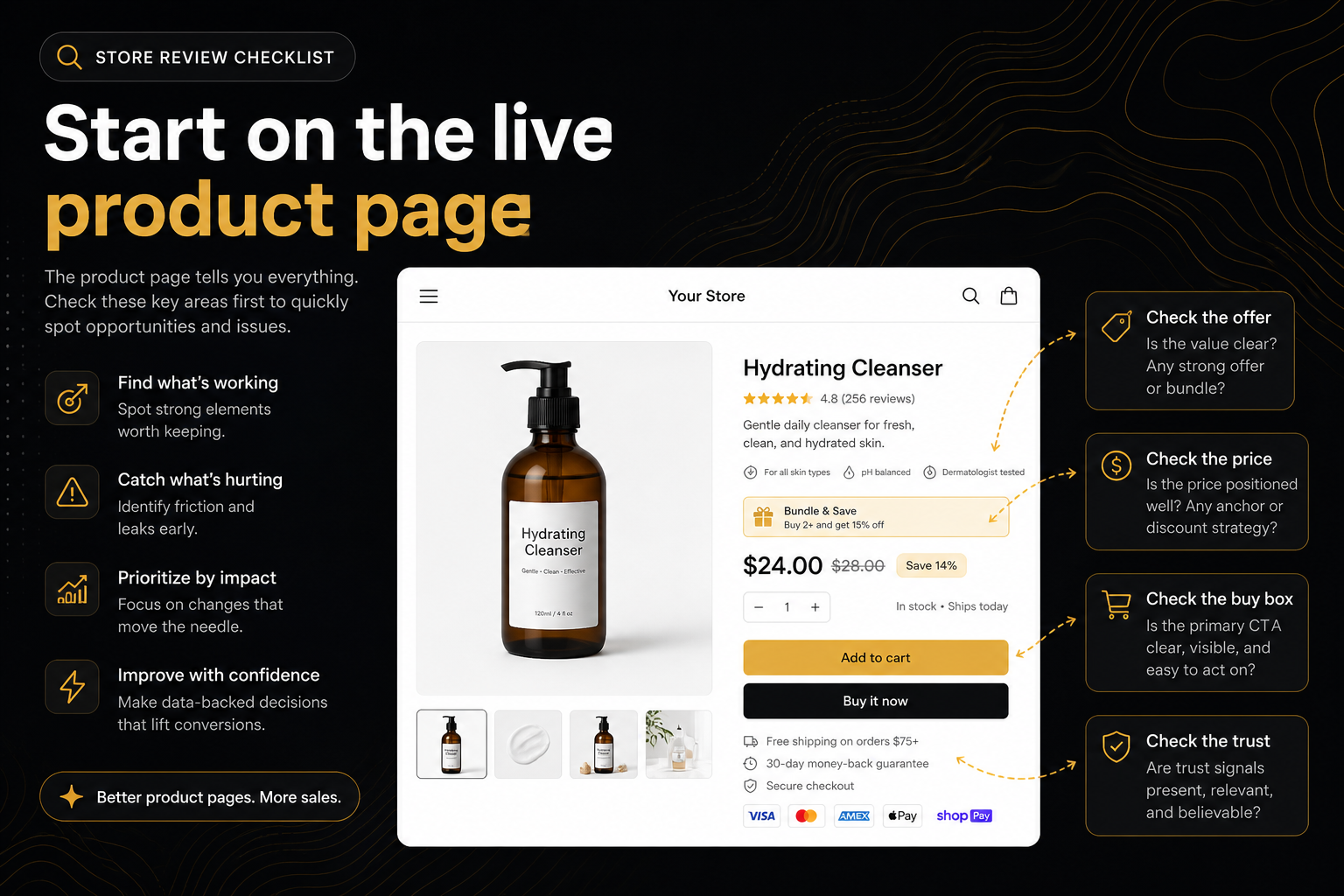
If the buy box has two filled ATCs, kill one. Shop Pay stays. Bundle ATC stays in the offer module. Sticky can stay.
This is hygiene that behaves like a constraint: shoppers hesitate. Fix it before you add a fifth button.
Day 2 — One AOV job
Pick the miss that matches the business, not the loudest logo.
- Attach a second product → frequently-bought / bundle on the PDP (Addly’s job here).
- Same SKU, more units → quantity breaks.
- Threshold psychology → cart goal (Goalify).
- They add and vanish → drawer (Addy) if you dumped to
/cart. - They add and need a nudge → one popup (Monet), not a popup plus a modal plus an exit-intent stack.
Install one. Configure it so it is a secondary visually if it is not the product ATC. Recrawl.
If you install all five, you will recreate the pile the hygiene row warned you about.
Day 3 — Cart intent
Protection, delivery estimate, urgency that is true. These sit at the moment they worry about the parcel.
If the drawer still dumps to /cart, do not spend the day on a countdown. The drawer is still a constraint in slow motion.
Not this week — post-purchase
Order edit and a second sale after pay are real. They are not on the product page. Put Reviso (or equivalent) on a separate ticket so it does not block the PDP recrawl.
A review that tries to “finish the store” in one sprint will stall on thank-you copy while ATC is still ugly.
How to use the score without superstition
Health will jump when you pass several small rows. It may barely move when you fix the only constraint that mattered.
Friction, Leaky, or Drop-off after a recrawl means conversion is still taking a hit — a buy-path row is still open, a pile of misses remains, or you recrawled the wrong URL.
Thin (the sixties) is a working page with real gaps. Do not treat 65 as fine.
Uneven / Patchy means they can buy. Work the list. Do not panic-redesign, and do not screenshot it as a win.
Solid / Strong means stop stacking. Polish, then ads, then post-purchase.
Partial means you cannot see the theme. Do not celebrate. Switch device, disable a blocker, or paste a product URL that actually renders Online Store HTML.
Communication
Send the new ?r= to whoever saw the last one. Snapshots do not update. If you say “we fixed it” and they open yesterday’s link, you look like you lied.
Badge after the constraint is gone if you need a slide. Badge with a red buy-path is a dare.
A weekly loop while ads run
Monday: recrawl the campaign SKU.
If a new constraint appeared (app update, theme publish), treat it as Hour 1.
If not, you may change one offer.
Do not change offer, drawer, and popup the same day unless you enjoy mystery.
Owners on the ticket (so Slack does not dissolve)
Write the ticket as:
URL: /products/x
Miss: A2 — options, no picker
Owner: theme
Evidence: report {id}, screenshot of buy box
Done when: recrawl on this handle passes A2
Not:
“CRO stuff from the audit lol”
If two misses share an owner (picker and size chart), they can share a PR. If one is theme and one is Addly, they cannot share a PR. That is how you accidentally ship a bundle widget onto a page that still cannot choose a size.
What “done” is not
- Health 100. Rare on a real PDP. Not the goal this week.
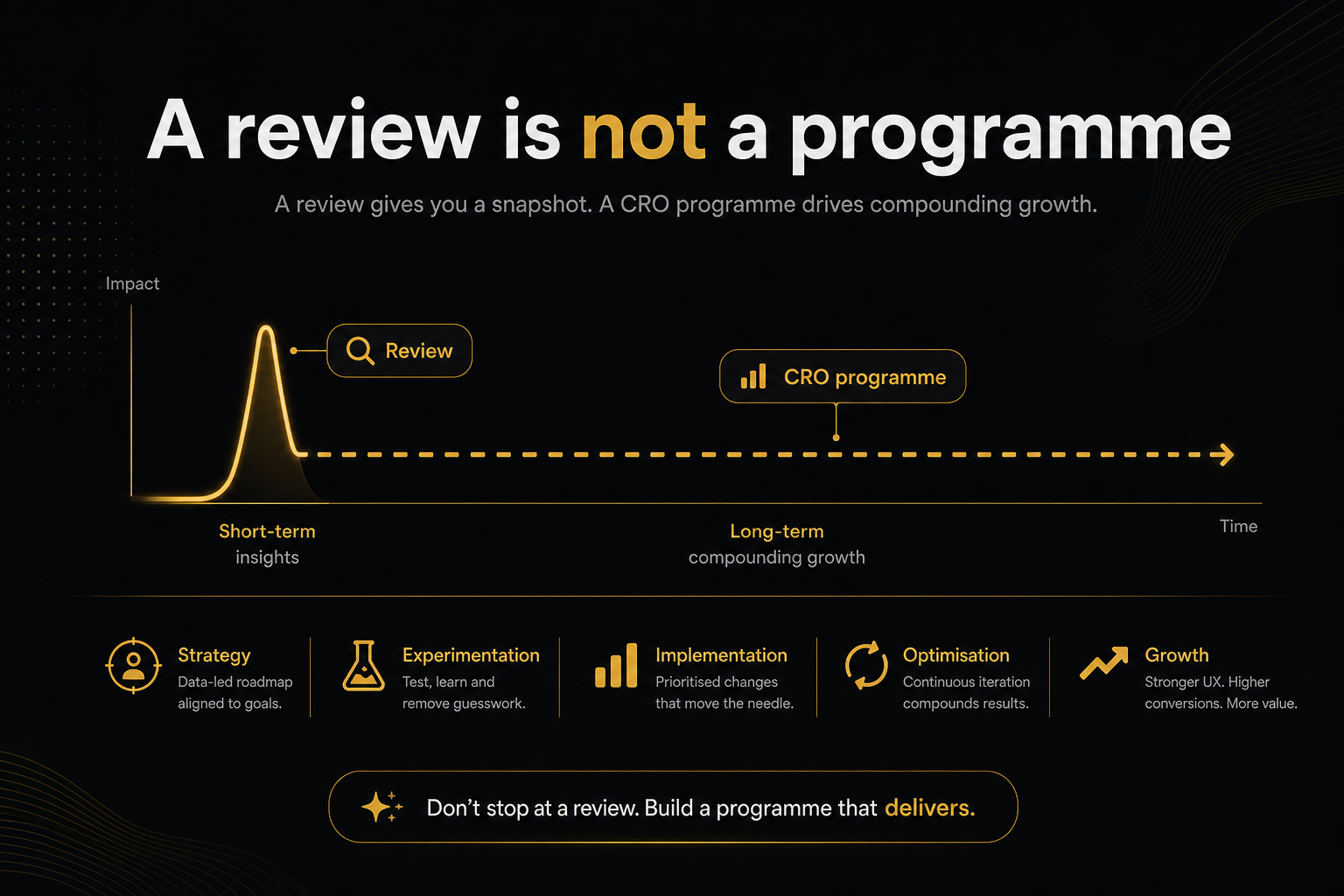
- Every Opportunity green. That is a programme.
- A new theme. That is a rebuild.
- A screenshot of the badge on LinkedIn while ATC is still broken.
Done is: the top constraint is gone on a recrawl of the same handle, and you have picked the next single AOV job or you have stopped.
Rollback
App installs can steal the product form. If recrawl is worse, uninstall or disable the embed before you invent a new strategy. Public reviews are good at this: they are fast enough to be a canary.
Keep the previous ?r= so you can prove the regression. Snapshots exist for that, not for nostalgia.
If you do nothing else
After you review my Shopify store:
- Fix the top constraint.
- Recrawl that product.
- Add one ask for a larger basket.
- Recrawl.
- Stop.
That is the implementation review. Everything after is optional, paid, or a different page in the funnel.
Frequently asked questions
What is this score based on?
Ninety9’s product-page rubric — defaults we apply the same way on every public Shopify PDP. It is not a conversion-rate prediction, and it will not fit every store or situation. How we score.
I reviewed my Shopify store. What do I fix first?
Whatever stops the sale before the cart — missing ATC, unusable variants, dishonest stock or price, no media. Then recrawl. Then one AOV miss.
Can I fix three apps at once?
You can. You will not know what worked, and you may create competing primaries. Sequence them.
The health score barely moved.
Watch the status and the ranked row, not only the number. One buy-path miss can be the whole week even if the score looks fine.
When do I touch checkout?
After the PDP can sell and the cart opens. Checkout is a separate review with different tools.
How often should I review again?
After each theme or app change on that SKU, and weekly while a campaign runs. Not twenty times a day — you will hit cache and rate limits.