Addy
Addy  Addly
Addly  Goalify
  Monet
Monet  Reviso
  Rankly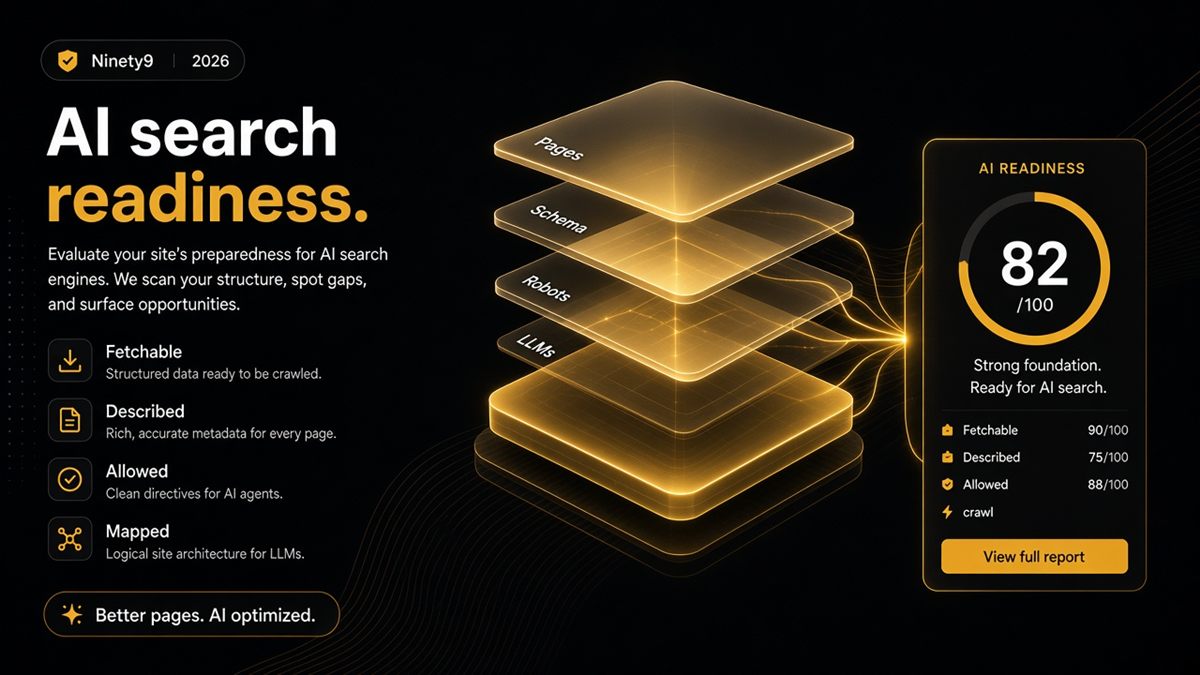
Key takeaways
- AI search readiness is crawl access plus clear entities plus useful public pages — nothing more mystical.
- Score readiness per URL type (homepage, collection, product, blog, policy), not with one vague AI grade.
- Pair Google SEO basics with AI crawler policy and llms.txt hygiene; they are the same pages.
- Gate every campaign launch on a green readiness pass for the collection and one product you are promoting.
- The free ChatGPT SEO check for Shopify stores turns the checklist into a repeatable pass/fail.
AI search readiness for a Shopify store means an assistant can fetch your public pages, read clear facts from structured data, and is allowed to do so by your robots.txt — with an optional llms.txt map pointing it at the pages that matter. It is not a vibe and it is not a rank. It is a short stack of checks you can score per page type and gate campaigns on.
What does "AI search ready" mean in merchant terms?
A staff member can paste your top five URLs into ChatGPT or Perplexity and get answers that match your live price, stock posture and policies — without the model apologising, hedging or inventing. That is the whole definition. Everything below is how you get there and how you prove it.
Two terms worth defining once. Structured data (usually JSON-LD) is a hidden block of code on the page that labels facts — shop name, product name, price, availability — in a format machines read without guessing. llms.txt is a plain-text file at yourstore.com/llms.txt that lists the pages that best represent your brand.
Why does AI search readiness matter for Shopify merchants?
Shoppers increasingly ask assistants "which brand should I buy for X" and "does this store ship to Ireland" before they ever visit. If your product page hides the price in a script, blocks GPTBot, or has three different brand names across the title, preview and markup, the assistant answers from a reseller or a review site instead of you — or gets it wrong. Readiness is how you make your own page the easiest source to quote.
It also costs almost nothing. The same pages that pass Google's checks pass AI checks once you add crawler policy and a map.
The five-layer readiness stack
- Fetchable. Not password-gated in production; not noindex; canonical points at itself. Test in an incognito window and with view-source.
- Described. JSON-LD matches what the page shows: Organization or WebSite on the homepage, Product and Offer on products, CollectionPage or ItemList on collections, BlogPosting on articles.
- Allowed. robots.txt is intentional about GPTBot, ClaudeBot, PerplexityBot and Google-Extended. See which bots to allow.
- Mapped. llms.txt points at durable URLs — core collections, hero products, policies, About.
- Tested. You asked ChatGPT yourself and compared the answer to the page.
How do I score readiness per URL type?
One "AI grade" for a whole store hides the problem. Score each page type separately, because each needs different facts.
| URL type | Ready means | Common fail |
|---|---|---|
| Homepage | Organization/WebSite markup, stable name, links into collections | Video hero, no identity markup |
| Collection | CollectionPage/ItemList, real description, product links in HTML | Infinite scroll with no anchors |
| Product | Product + Offer with price, currency, availability, image | Price only in JavaScript widget |
| Blog post | BlogPosting with headline, author, datePublished | Missing author or date |
| Policy page | Plain HTML text, indexable, linked from footer | noindex from a template setting |
Give each row a pass or fail. A store is "ready" when every row you advertise passes.
How do I make a Shopify store AI search ready? (step by step)
- Remove the storefront password (Online Store → Preferences) if the store is live.
- Check robots.txt at
/robots.txt. If you need changes, add arobots.txt.liquidtemplate via Online Store → Themes → ⋯ → Edit code. - View-source your homepage and a product; search for
ld+json. If markup is missing or wrong, it lives in your theme's snippet or section files, or in an SEO app's settings. - Paste each URL into Google's Rich Results Test to confirm Product, Breadcrumb and Organization items are detected.
- Write a short llms.txt and publish it at the root — see the llms.txt guide for Shopify.
- Run the ChatGPT SEO check for Shopify stores on each URL type and fix the reds.
- Ask ChatGPT and Perplexity the same three questions about your store; save the answers with the date.
Worked example: the campaign launch gate
Say you are about to scale ads on a new collection, /collections/trail-running, with a hero shoe at $140. Before spending, run the readiness check on the collection URL and the hero product. The collection passes. The product fails "Described": the theme shows $140 but the JSON-LD price is $0 because an app overrode the snippet. Left alone, an assistant asked "how much is the X trail shoe" would guess or refuse. Fix the markup, re-run, then spend. The gate cost twenty minutes; the alternative was paying to send shoppers to a page assistants could not describe.
What are the common mistakes?
- Treating AI readiness as a content project first. Rewrite copy after the page is fetchable and described, not before.
- Blocking all bots as a default and forgetting to revisit the decision.
- Checking the theme preview instead of the live URL. Apps and customisations only appear live.
- Adding review or FAQ markup for things that are not visibly on the page.
- Buying "guaranteed ChatGPT rankings." Nobody outside the model providers can promise citations.
Who owns AI readiness on the team?
Marketing owns prompts, llms.txt content and the launch gate. Development or your theme partner owns schema and robots.txt. The founder owns the allow/deny bot policy, because it is a business decision about who may use your content. The audit report is the shared artefact everyone reads from.
When should you not worry about this?
If the store is pre-launch and password-protected, run the checks with the storefront password but do not expect any assistant to know you yet. If you sell exclusively through a marketplace and the Shopify store is a placeholder, fix the marketplace listing first. Otherwise, the stack applies.
Print the stack. Gate the next launch on a green AI readability pass for the collection and the product you are promoting.
Frequently asked questions
What is AI search readiness for a Shopify store?
AI search readiness means an assistant such as ChatGPT, Perplexity or Google AI Overviews can fetch your public pages, read clear facts about your brand and products from structured data, and is allowed to do so by your robots.txt. It is the technical precondition for accurate answers, not a promise of citations.
Is AI search replacing Google for ecommerce?
Not overnight. Assistants already influence research and comparison, while Google still drives most purchase traffic. Being readable to both is cheap insurance because they rely on the same public pages and the same structured data.
Do I need new landing pages for AI search?
Usually no. Fix the pages you already pay to advertise: homepage, core collections, best-selling products and policies. New pages only help when they answer a question your current pages do not.
How is AI search readiness different from normal Shopify SEO?
Most of it overlaps: indexability, canonicals, structured data and useful content matter to both. The AI-specific extras are an intentional policy for AI crawlers in robots.txt, an optional llms.txt file, and testing prompts in the assistants themselves.
Where does CRO fit next to AI readiness?
CRO takes over after the click. Use the free CRO Audit for buy-path leaks on the product page, and use the SEO & AI Audit to confirm a model can read and describe the page before the click happens.
How often should I re-check AI readiness?
Re-check after theme changes, SEO app installs or removals, and major catalogue relaunches, plus a scheduled full pass each quarter. Those events are the usual causes of a page silently becoming unreadable.