Addy
Addy  Addly
Addly  Goalify
  Monet
Monet  Reviso
  Rankly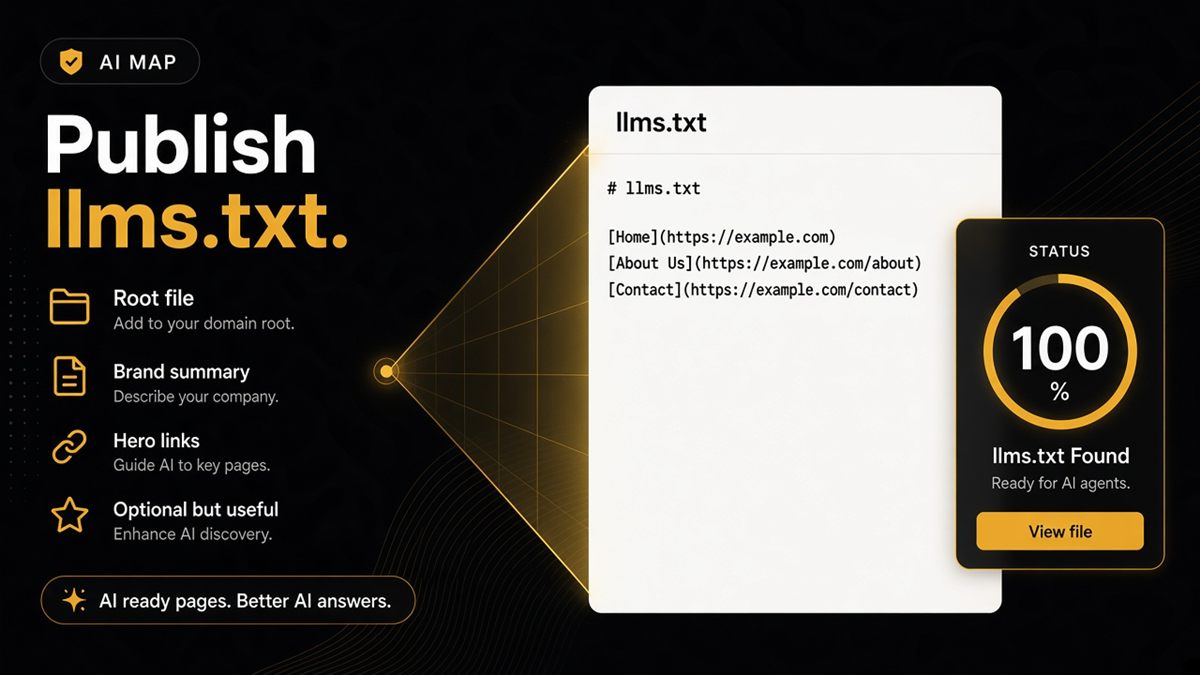
Key takeaways
- llms.txt is an optional root file that points models at your most useful public pages.
- On Shopify, host it at yourstore.com/llms.txt (often via theme asset, app or reverse proxy).
- Keep it short: brand line, key collections, policies and flagship products — not every SKU.
- The ChatGPT SEO check for Shopify stores flags when llms.txt is missing or empty.
- llms.txt cannot replace schema or open robots rules; publish it as a map, not a magic ranking file.
llms.txt is the short map at your domain root that tells AI systems which Shopify pages represent your brand. It is optional, increasingly expected, and easy to leave blank forever. Publish a handful of durable URLs — heroes, collections, policies — at https://yourstore.com/llms.txt, then confirm the file is live with the ChatGPT SEO check for Shopify stores.
What is llms.txt?
llms.txt is a plain-text (often Markdown-like) file at the website root. Its job is to point language models at the public pages that matter: who you are, what you sell, how you ship and return, and a few flagship products.
It is not a sitemap of every SKU. It is not robots.txt. It is not structured data. Think of it as a receptionist’s note: “If you are a model, start here.”
Shopify does not generate a useful llms.txt automatically for every theme. If /llms.txt 404s or returns the theme’s 404 HTML, you have not published one yet.
Why merchants care about llms.txt
Answer engines look for a machine-readable map when one exists. Without one, they lean on whatever HTML they fetched — often a promo homepage that says nothing durable about your catalogue.
A short file will not make ChatGPT recommend you. No file guarantees citations. It reduces guesswork about which URLs represent the brand, especially when the homepage is a campaign landing page that changes weekly.
Publish llms.txt after pages are indexable and crawlers you want are allowed. A map to noindex URLs is a map to nowhere.
What to put in the file
Keep it short:
- One-line brand description (“We sell [category] for [who], from [where].”)
- Links to two or three best collections
- About
- Shipping and returns
- A few hero products that are in stock and meant to be public
Plain Markdown-style links are fine. Skip affiliate spam, password pages, discount-code dumps and every out-of-stock SKU. Catalogue schema covers the long tail; llms.txt highlights the spine.
Worked example:
# Northloom
Wool home textiles, woven in the UK.

- [Winter throws](https://northloom.example/collections/throws)
- [About](https://northloom.example/pages/about)
- [Shipping](https://northloom.example/policies/shipping-policy)
- [Returns](https://northloom.example/policies/refund-policy)
- [Flagship throw](https://northloom.example/products/merino-throw)
(Use your real domain. This is a shape, not a live store.)
How Shopify stores usually publish it
What matters to crawlers and to the audit is that https://yourstore.com/llms.txt returns useful text, not a 404 and not a full theme page.
Common options:
- Theme template routed to
/llms.txt— a small template or page that serves text/plain (your developer’s usual path). - Files / CDN URL plus a redirect from
/llms.txtto the hosted file. - Hosting on the apex via your DNS / host if the shop is on a custom domain and you can drop a root file there.
There is no single admin toggle labelled “llms.txt” on every plan and theme. If /llms.txt shows your theme’s 404, the route is not set up yet.
How the SEO & AI Audit treats it
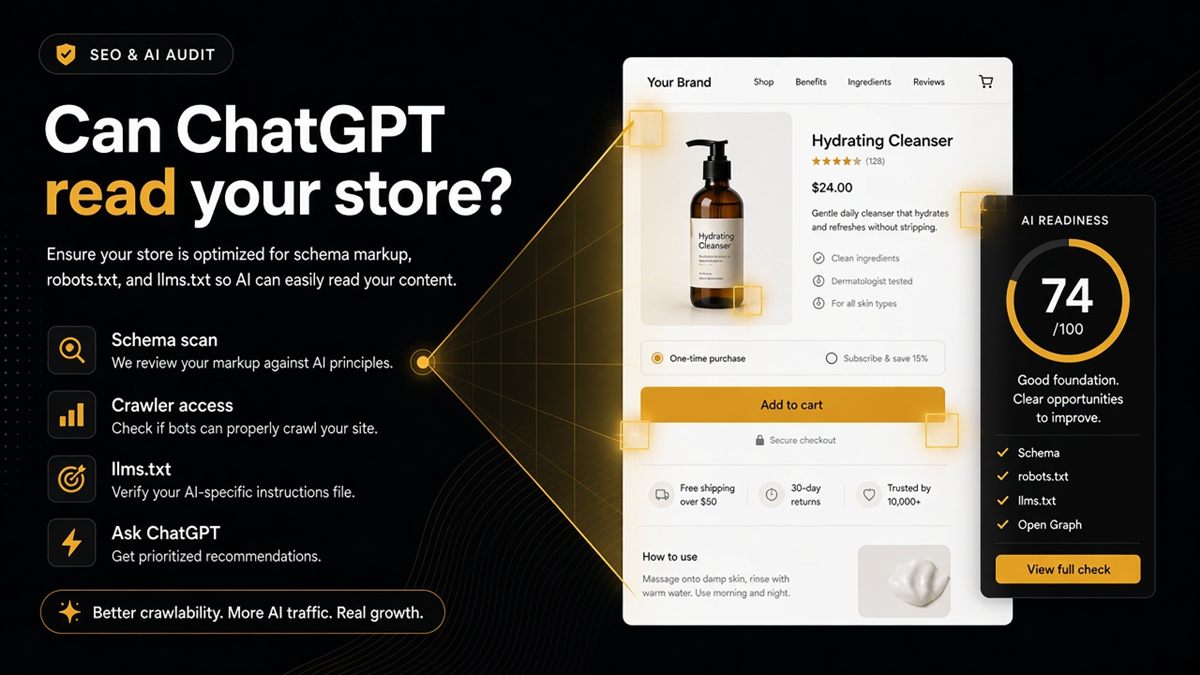
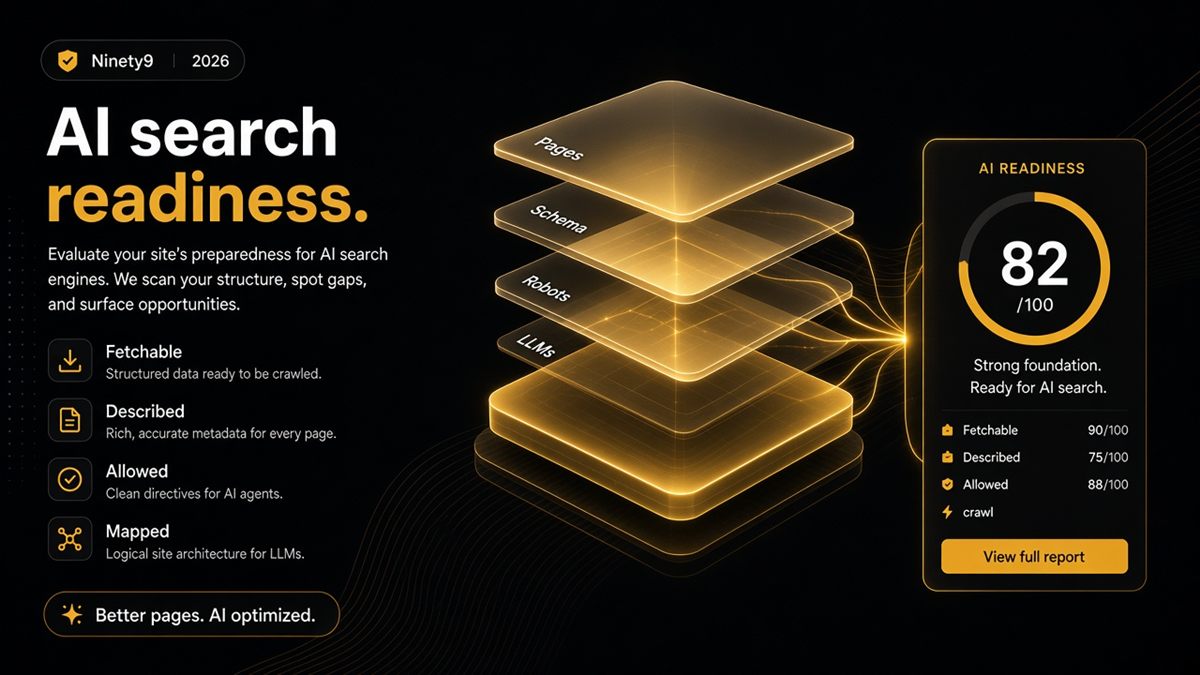
The ChatGPT SEO check fetches llms.txt and marks whether a real file is up. Missing file = optional fail you can schedule. Empty marketing fluff = still weak.
Pair the file with robots that allow the bots you want. A perfect map behind Disallow: / for GPTBot will not be fetched by that bot.
Re-run the audit after you publish. Open /llms.txt yourself in the browser and confirm you see the brand line and links, not HTML chrome.
How to maintain the file
Treat llms.txt like a nav, not like a sitemap. Review it when you:
- Launch or retire a flagship product
- Change shipping countries or the returns window
- Replace the About story
- Move from a campaign homepage back to a catalogue homepage
A quarterly pass is enough for most shops. If marketing changes the homepage weekly, the file is how you keep a durable path to policies and heroes.
Do not auto-dump the whole catalogue. Out-of-stock and seasonal leftovers make the map look unmaintained. Three collections and three products that you would put on a trade-show one-pager is the right size.
When you add a URL, open it in incognito first. If it is noindex, password-gated or a tracking redirect, leave it out.
Common mistakes and when not to bother yet
- Listing every SKU, including drafts and sold-out leftovers
- Linking to password-gated or noindex URLs
- Replacing Product schema with a map (“the file mentions the product, so markup can wait”)
- Publishing a slogan with no URLs
- Treating llms.txt as a ChatGPT ranking hack
- Hosting the file on a CDN path that never redirects from
/llms.txt
If the store is still behind a password, wait until go-live — or draft the file now and publish when the gate drops. If Offer markup is missing on bestsellers, fix product schema first; the map is the second mile.
After publish, fetch https://yourstore.com/llms.txt on a phone network (or an incognito window) so you are not looking at a cached 404 from your own browser. Then re-run the SEO & AI Audit.
If the response is HTML with your header and footer, you served a theme page, not a map. The route still needs a text file (or a redirect to one). Crawlers that expected a short list of links will not treat a styled 404 as llms.txt.
Publish a short llms.txt this week. Then re-run the SEO & AI Audit to confirm the file is live — a map, not a manifesto.
Frequently asked questions
Is llms.txt required for Shopify?
No. It is optional. Structured data and open robots rules matter more. llms.txt helps models prioritise which URLs represent your brand when they fetch the domain.
Does Shopify generate llms.txt automatically?
Not by default for every theme. Merchants add it deliberately via a theme route, a files/CDN URL with a redirect, or hosting on the apex via DNS. Check yourstore.com/llms.txt to see if anything is live.
Will llms.txt make ChatGPT recommend my store?
No file guarantees citations. It reduces guesswork about which URLs represent your brand. You still need indexable pages, honest product markup and proof the rest of the web can see.
Can llms.txt replace schema?
No. Publish both. Schema describes the page; llms.txt maps the site. A map to pages with empty Product markup still leaves models guessing the price.
What should I put in a Shopify llms.txt?
A one-line brand description, links to your best collections, About, shipping and returns, and a few hero products. Plain Markdown-style links are fine. Skip affiliate spam and every out-of-stock SKU.
Where does llms.txt live on Shopify?
What matters is that https://yourstore.com/llms.txt returns useful text. Options include a theme template routed to that path, a CDN file with a redirect, or hosting at the apex via your DNS provider.
How does the SEO & AI Audit treat llms.txt?
The ChatGPT SEO check for Shopify stores fetches llms.txt and marks whether a real file is up. A missing file is an optional fail you can schedule. Empty marketing fluff is still weak. Pair a real file with robots that allow the bots you want.