Addy
Addy  Addly
Addly  Goalify
  Monet
Monet  Reviso
  Rankly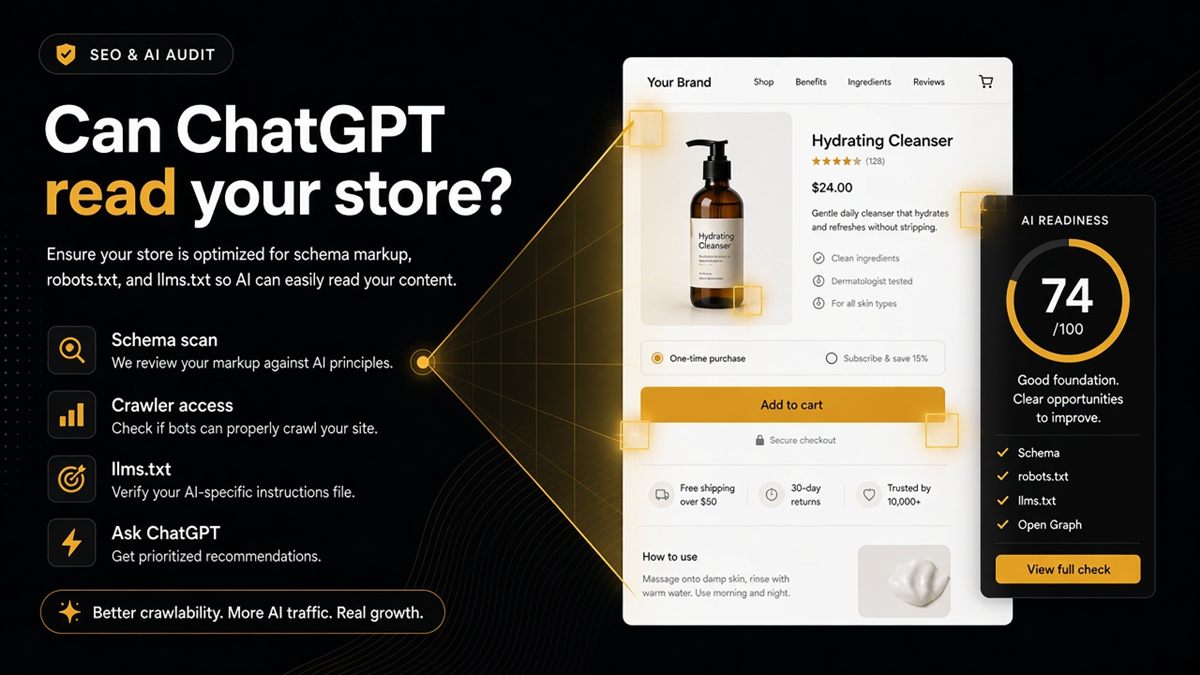
Key takeaways
- The ChatGPT SEO check for Shopify stores reads a live public page — homepage, collection, product, blog or store page.
- It scores whether structured data, robots.txt and llms.txt make the page readable to models — not whether ChatGPT already cites you.
- No Shopify admin login. Password-protected stores work if you paste the storefront password.
- After the list, you open ChatGPT yourself with the page already in the prompt.
- Most fixes are theme or SEO setup; Ninety9 apps are optional, not the point of the check.
Merchants keep asking whether ChatGPT can “see” their catalogue. The useful answer is not a rumour about rankings — it is whether a live Shopify page exposes clear facts, allows the right crawlers, and publishes an optional llms.txt. That is what the ChatGPT SEO check for Shopify stores (the SEO & AI Audit in the nav) is for: a free public-page check, not a citation score and not an admin login.
What is the ChatGPT SEO check?
It is a readability audit of one live URL. You paste a Shopify homepage, collection, product, blog post or store page. The check reads public HTML, robots.txt and llms.txt, then returns a pass/fail list in merchant language.
It answers a quieter question than “get me ranked in ChatGPT.” Can a model fetch this page, and are the facts on it labelled so the model does not have to guess?
Step-by-step paste-and-read: how to run the Shopify SEO & AI Audit.
What merchants get wrong about “ChatGPT SEO”
Most merchants hear “get found in ChatGPT” and buy a content rewrite. The quieter problem is simpler: the page ChatGPT would fetch has no clear product name in structured data, blocks GPTBot in robots.txt, or never published an llms.txt.
Rewriting descriptions while Offer markup is empty is theatre. Publishing blog posts while the homepage has no shop identity is theatre. The ChatGPT SEO check answers the quieter question first. Paste a URL. See what a model can read. Then ask ChatGPT yourself.
What it is not
It is not a Shopify admin login. It does not install an app. It does not see checkout, orders or customers.
It is not a measure of how often ChatGPT already mentions your brand. Nobody outside OpenAI can promise that from a public crawl. We cannot see citations in ChatGPT, Claude, Gemini or Perplexity.
It is not a classic SEO PDF of 80 title-tag notes. Titles matter for Google; this check focuses on whether the page is legible to answer engines and crawlers that honour robots and structured data.
It is not the CRO Audit. That looks at what stops the sale on a product page. This check looks at whether a model can understand the URL you pasted. Most fixes here are theme or SEO setup — Organization markup, robots rules, llms.txt, Open Graph. Apps are optional. It will not always recommend a Ninety9 app.
What you paste
Homepage, collection, product, blog index, blog post, or a store page such as About. You do not need a product URL. The checks change with the page type — a product needs price and availability in markup; a homepage needs shop identity and catalogue links.
Password-protected stores work. Use the password shoppers type under Online Store → Preferences, not your Shopify login. Details: password-protected Shopify audits.
https:// is optional. Paste the exact path you care about so you are scoring that template.
What you get back
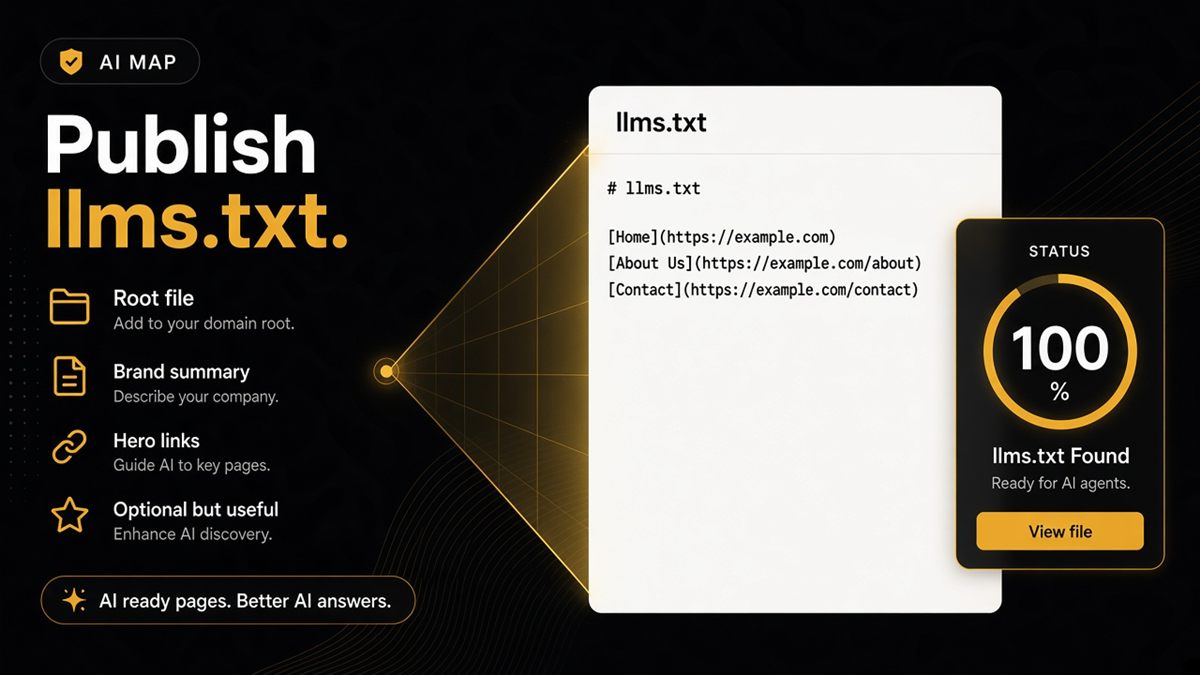
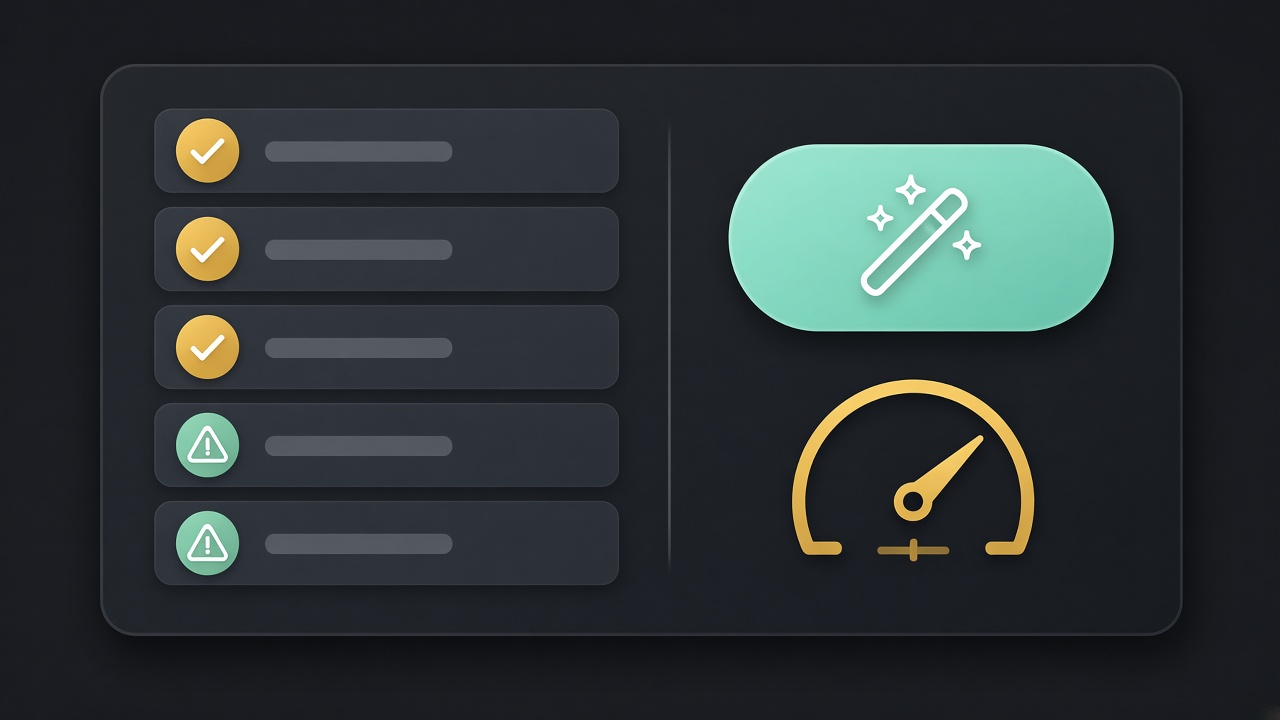
A short pass/fail list: consistent names, canonical, Open Graph, descriptions, images in structured data, Organization or WebSite context, BreadcrumbList where it helps, indexability, whether robots.txt blocks GPTBot / ClaudeBot / PerplexityBot / Google-Extended, and whether llms.txt exists.
When the list is done, buttons open ChatGPT, Claude, Gemini or Perplexity in your browser with a short prompt about that URL. That is how you compare the model’s answer to the live catalogue — the tool does not call those APIs to score mentions.
Worked example: you paste a bestseller. Names disagree, Offer fails, GPTBot is allowed, llms.txt is missing. You align the product name, restore Offer in the theme, schedule llms.txt for later, and click Ask ChatGPT. If it still quotes an old blog price, you have a third-party staleness problem — but your PDP is no longer the excuse.
How it fits next to Search Console and CRO
Keep Google Search Console for queries, coverage and inspections. The ChatGPT SEO check does not report impressions or click-through. It tells you whether the HTML on one URL is labelled clearly and whether AI crawlers are allowed.
Keep the CRO Audit for add-to-cart friction. A page can convert and still be unreadable to a model; a page can be perfectly marked up and still lose the sale. Staff them as two tickets.
Typical afternoon: homepage + bestseller in the SEO & AI Audit, same bestseller in the CRO Audit if the product page is where money happens, then one Search Console inspection on the URLs you just un-noindexed.
When to run it (and when not to)
Run it before a theme update, after an SEO app install, before you scale ads on a collection, and on go-live day when the password drops. Re-run the same URLs so you can see what broke.
Do not use it as a substitute for Google Search Console. Do not expect it to edit the theme. Do not treat a green list as a promise that ChatGPT will recommend you.
If paid ads already work and the buy button is fine, this is the next free afternoon: make the same pages readable to models. If the shop is still a password page, you can still run a staging check — just do not skip the public re-run.
Start with the SEO & AI Audit on the homepage and one bestseller. Readability first — citations if you earn them.
Frequently asked questions
Does a high score mean ChatGPT recommends my store?
No. We cannot see citations in ChatGPT, Claude, Gemini or Perplexity. We only read public HTML, robots.txt and llms.txt. A strong list means the page is readable, not that you are already mentioned.
Is this the same as the CRO Audit?
No. The CRO Audit looks at what stops the sale on a product page. This check looks at whether a model can understand the URL you pasted. Run both if you care about conversion and AI readability; they do not replace each other.
Do I need a product URL for the ChatGPT SEO check?
No. Paste the homepage, a collection, a product, a blog post or any store page. We check that URL. Checks change with page type — a product needs price and availability in markup; a homepage needs shop identity.
Will it always recommend a Ninety9 app?
No. Most fixes are theme or SEO setup — Organization markup, robots rules, llms.txt, Open Graph. Apps are optional.
What is the ChatGPT SEO check for Shopify stores?
It is a free public-page SEO & AI Audit: paste a live Shopify URL and see whether structured data, crawler rules and llms.txt make that page readable to answer engines. It is not an admin login and not a citation rank.
Can I run it on a password-protected Shopify store?
Yes. Use the password shoppers type under Online Store → Preferences, not your Shopify login. Treat the result as a staging review until the store is public, then re-run.
What do I get after I paste a URL?
A short pass/fail list covering names, canonical, Open Graph, descriptions, images in structured data, Organization or WebSite context, BreadcrumbList where it helps, indexability, AI bot blocks in robots.txt, and whether llms.txt exists. Then buttons open ChatGPT, Claude, Gemini or Perplexity in your browser.