Addy
Addy  Addly
Addly  Goalify
  Monet
Monet  Reviso
  Rankly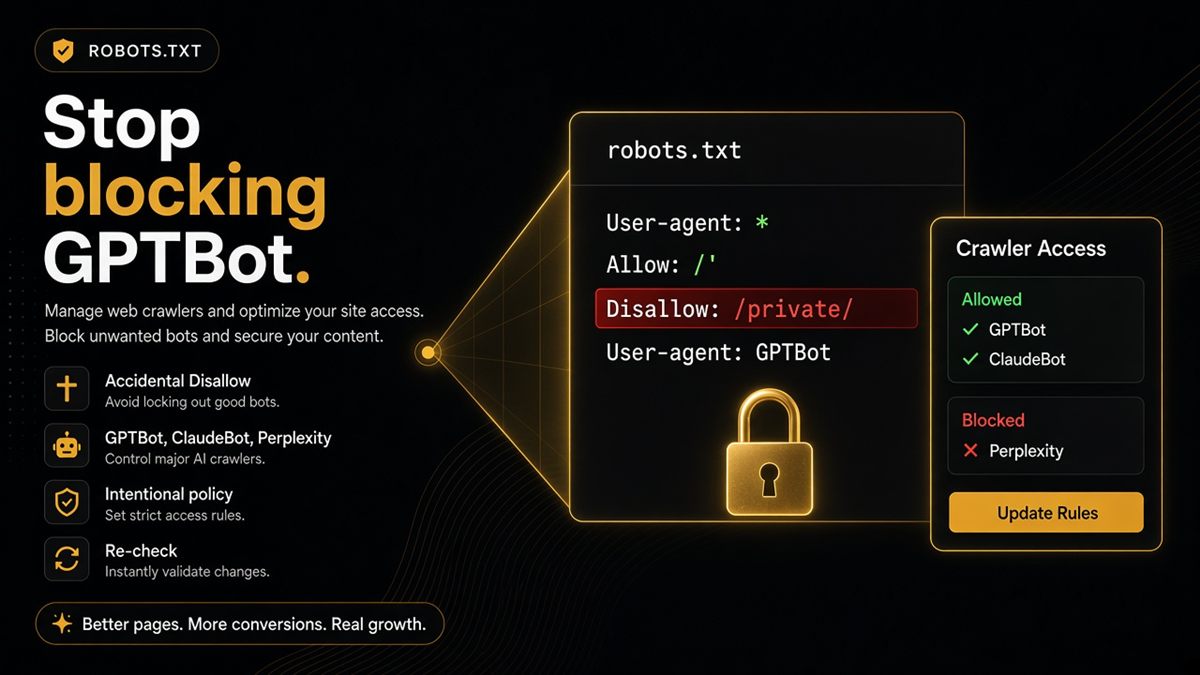
Key takeaways
- robots.txt can silently disallow GPTBot and other AI crawlers even when Googlebot is allowed.
- Blocking is a business choice — accidental blocks from copied snippets are the real problem.
- The SEO & AI Audit lists which AI bots are blocked on your store so you are not guessing from a long file.
- Fix the file in theme settings, an SEO app or your host — then re-check the live URL.
- Googlebot is separate from GPTBot and from Google-Extended; treat each token as its own decision.
Your Googlebot rules can look perfect while GPTBot is Disallowed on line 40 of robots.txt. That is how Shopify stores silently opt out of ChatGPT-related crawling: Search still works, ads still click, and assistants cannot refresh product facts from your shop. Open the live file, see whether you chose that block, and fix it if you did not.
What is GPTBot, and what is robots.txt on Shopify?
GPTBot is OpenAI’s crawler user-agent. robots.txt is the public text file at https://yourstore.com/robots.txt that tells crawlers which paths they may fetch. Shopify serves that file for your domain. A robots.txt.liquid theme template and some SEO or security apps can add rules.
Googlebot is not GPTBot. Blocking GPTBot does not, by itself, hide you from Google. Google-Extended is a different Google token related to AI/Gemini uses. Three decisions, not one.
The accidental block
A well-meaning “security” snippet or an old SEO app preset Disallows GPTBot. Your Google rankings look fine. ChatGPT still cannot refresh your product facts, so it leans on stale third-party pages or invents a price.
That is the merchant bug: not “we decided against training crawlers,” but “a template decided for us.” Copied User-agent: GPTBot / Disallow: / blocks the whole storefront for that bot.
If legal or brand risk says keep GPTBot out, disallow on purpose and write it down. Then stop expecting ChatGPT to cite live stock and shipping from your HTML.
Which bots the audit watches
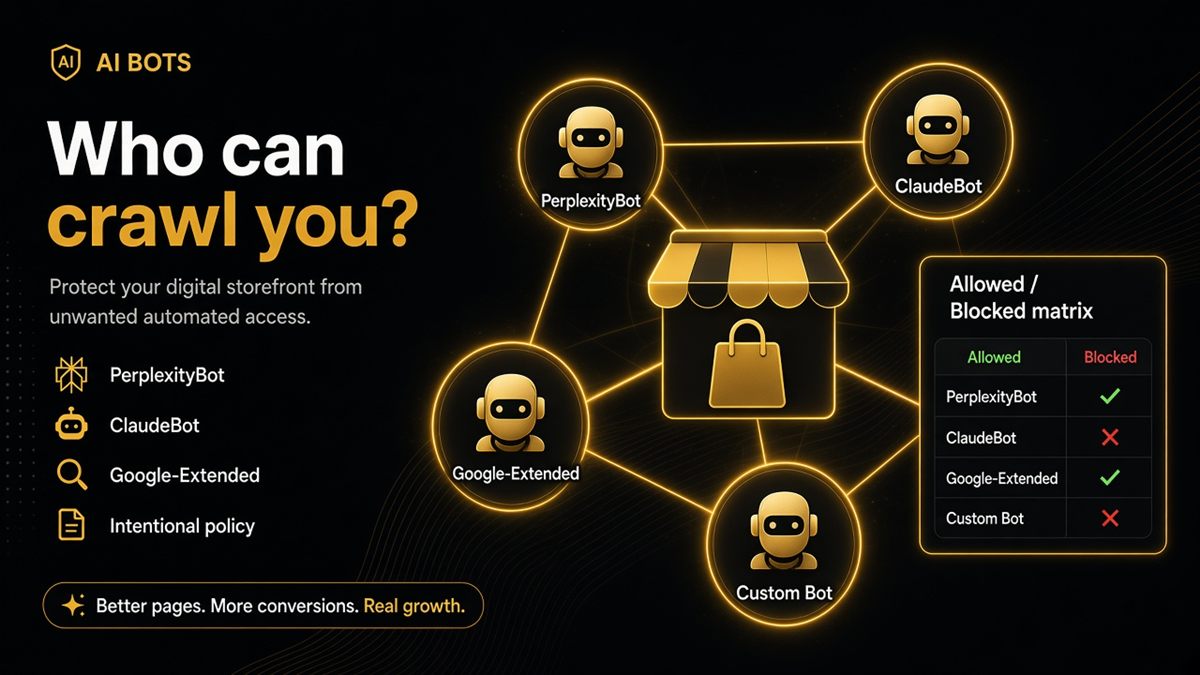
The SEO & AI Audit lists which of these are blocked:
- GPTBot
- ClaudeBot
- PerplexityBot
- Google-Extended
Those are the common agents merchants mean by “AI SEO.” The report names who is blocked so you are not guessing from a 200-line robots file. It does not edit the file for you.
Merchant decision framework
Allow if you sell products people ask assistants about and you want accurate prices and policies cited. Pair allow with indexable pages and honest Offer markup — an open crawler on a noindex PDP still cannot put you in discovery.
Disallow if legal or brand risk outweighs discovery. Do it on purpose, not because a template said so. You can allow GPTBot and still block other AI bots; be explicit per user-agent.
| Goal | GPTBot | Googlebot |
|---|---|---|
| Search visibility | Independent | Must be allowed for Search |
| ChatGPT-related fetch | Allow if you want refresh | Independent |
| Keep training crawlers out | Disallow and document | Do not confuse with GPTBot |
How to inspect and fix robots.txt on Shopify
- Open
https://yourstore.com/robots.txt. - Search for
GPTBot. If you seeDisallow: /under that user-agent and you never chose it, that is the accident. - In admin: Online Store → Themes → ⋯ → Edit code →
robots.txt.liquid(if present). Remove or narrow the GPTBot block you do not want. - Check SEO and security apps for “block AI crawlers” or similar toggles. Turn off the ones you did not intend.
- Publish the theme. Wait for caches.
- Re-open
/robots.txtand confirm the live file matches the policy. - Re-open the ChatGPT SEO check for Shopify stores and confirm the AI-crawler row passes.
- Ask ChatGPT about a product URL and compare price and availability to the live PDP.
If you cannot find robots.txt.liquid, the rule is coming from Shopify’s default file, an app, or the host. Apps are the usual hiding place.
What a healthy robots.txt looks like for AI
A healthy file is boring. Shopify’s default rules still protect checkout and account paths. Googlebot can fetch products and collections. Each AI user-agent you care about is either absent (so default allow applies) or listed with an explicit, documented Disallow.
You should be able to explain every User-agent: GPTBot (or ClaudeBot, PerplexityBot, Google-Extended) line in one sentence. If you cannot, it is inherited clutter.
Watch for:
Disallow: /under an AI bot — that is a full opt-out- A wildcard user-agent block that is broader than you think
- Duplicate GPTBot groups from the theme and an app, one allowing and one denying
- Rules that Disallow
/productsor/collectionsfor everyone, which harms Search as well as assistants
Copy the live file into a dated note the first time you clean it. The next surprise is then a diff, not a mystery.
Common mistakes
- Checking a local
robots.txt.liquidthat is not the published theme - Allowing GPTBot while the PDP is noindex, then wondering why discovery is still dead
- Blocking “all scrapers” with a snippet that also hits the assistants your customers actually use
- Never re-opening
/robots.txtafter uninstalling the SEO app that added the block
After you edit, and how often to re-check
Re-check after every SEO or security app install or removal, and after theme updates. Those events rewrite robots more often than merchants notice.
Crawl load from GPTBot is usually minor versus ads traffic. If you are genuinely capacity-constrained, watch logs and rate-limit at the host — do not leave a forgotten sitewide Disallow as your performance plan.
When the crawler row passes, ask ChatGPT about a product URL the same day. If the answer is still stale, the file may be fine and the model may be using a third-party source — but you have removed the self-own.
Open yourstore.com/robots.txt today. If you see GPTBot Disallow and you never chose that, fix it — then re-run the check and ask ChatGPT about a real product URL.
Frequently asked questions
Should I allow GPTBot on my Shopify store?
If you want ChatGPT-related crawlers to fetch product and policy pages, yes. If you want to keep training corpora out, disallow deliberately and document why. Accidental Disallow from a copied snippet is not a policy.
Does blocking GPTBot hide me from Google?
Not by itself. Googlebot is separate. Google-Extended is the Google AI-related token the audit also watches. You can rank in Search and still be closed to ChatGPT-related fetching.
Where is robots.txt on Shopify?
Shopify serves /robots.txt on your shop domain. Themes can include a robots.txt.liquid template, and apps can influence rules. Always view the live file at yourstore.com/robots.txt rather than a local copy.
Can the SEO & AI Audit change robots.txt for me?
No. It only reports which AI bots are blocked. You or your developer edit the theme file, the SEO app setting or the host rules, then re-run the check.
How do I unblock GPTBot on Shopify?
Open the live robots.txt, find the GPTBot user-agent block, and remove or narrow the Disallow in robots.txt.liquid or in the app that added it. Publish, wait for caches, re-open the ChatGPT SEO check and confirm the AI-crawler row passes.
Which AI bots should I look for besides GPTBot?
ClaudeBot, PerplexityBot and Google-Extended are the other agents the audit watches — the ones merchants mean when they say AI SEO. Search the live file for each name.
Will allowing GPTBot slow my Shopify store down?
Crawl traffic is usually small next to shoppers and ads. If you have a specific capacity problem, handle it at the host with monitoring — not with a silent sitewide Disallow you forgot about.