Addy
Addy  Addly
Addly  Goalify
  Monet
Monet  Reviso
  Rankly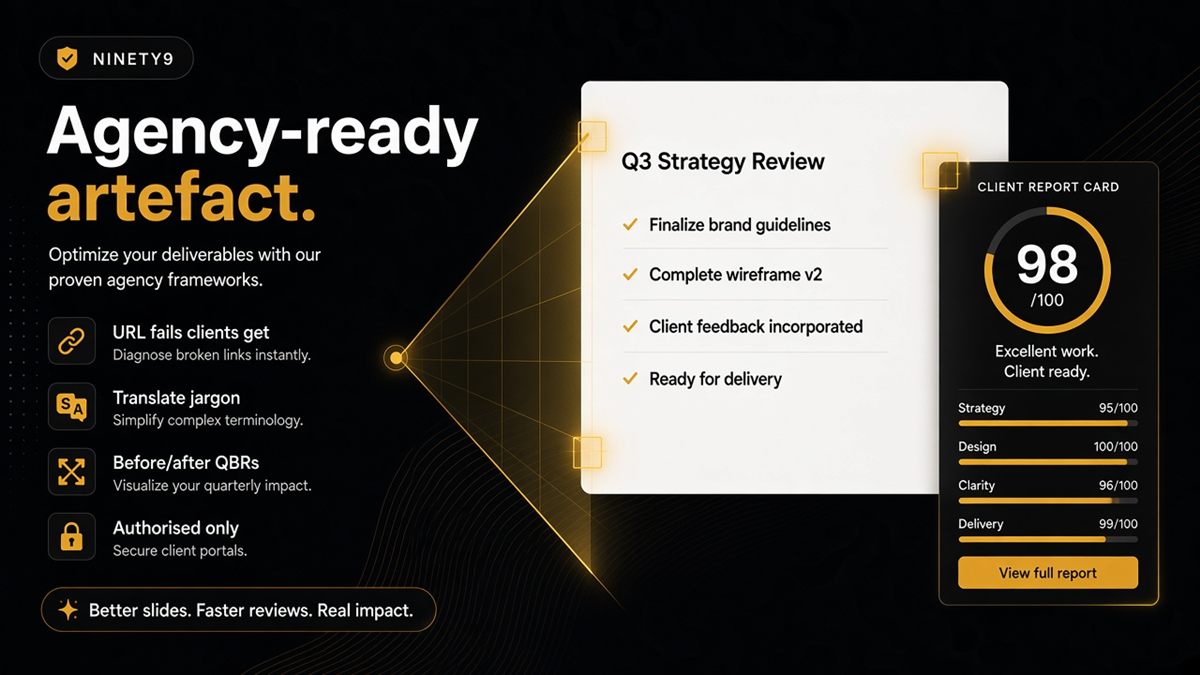
Key takeaways
- Clients act on short, URL-specific fails — not on AI buzzword decks.
- Paste the homepage, the money product and the shipping policy; screenshot the fail list; that is slide one.
- Keep the CRO punch list and the AI readability punch list on separate slides with separate owners.
- Re-run the same three URLs at kickoff and every QBR to show which rows flipped to pass.
- Only audit stores you are authorised to check, and respect the opt-out meta tag.
Agencies should deliver a Shopify AI SEO audit as a 90-second artefact, not a 40-page PDF: paste the client's homepage, best-selling product and shipping policy into the free ChatGPT SEO check for Shopify stores, screenshot the URL-level fail list, and assign an owner to each row. Clients act on "the price ChatGPT can trust is missing on this URL"; they do not act on a slide about generative engines.
What is a 90-second client artefact?
A 90-second artefact is a single screen the client can read in the time it takes to pour a coffee: three URLs, each with a short list of pass and fail rows written in merchant language, and an owner next to every fail. It answers one question — can AI assistants and search engines read this store accurately — and stops there.
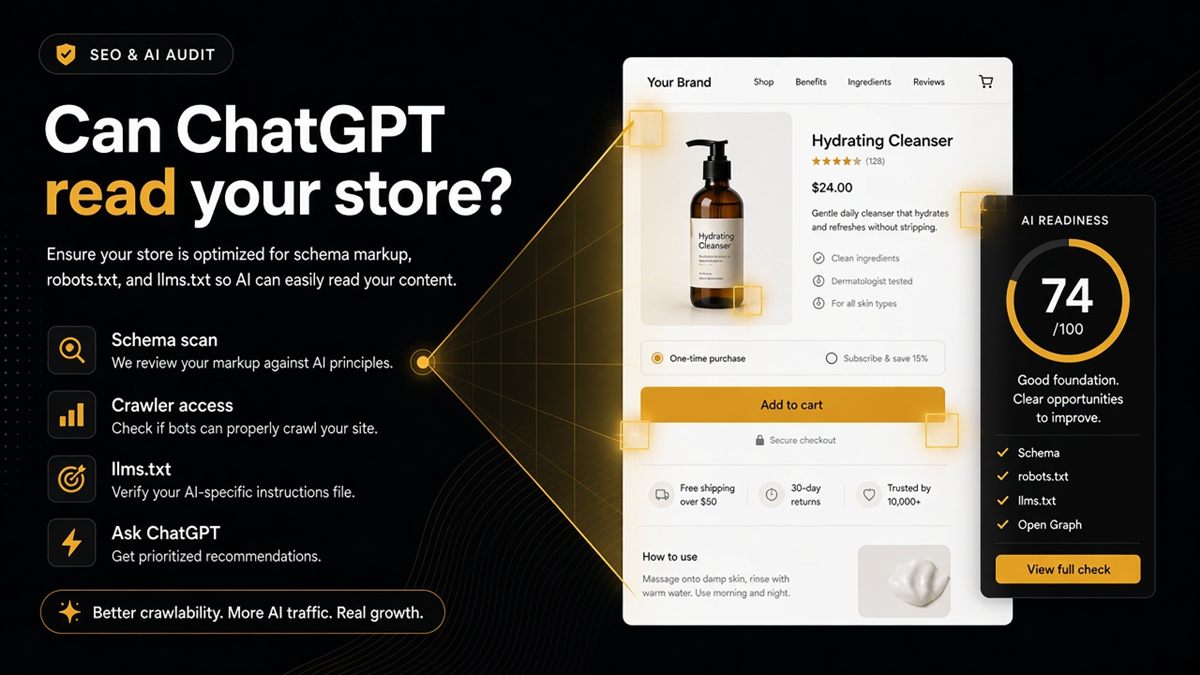
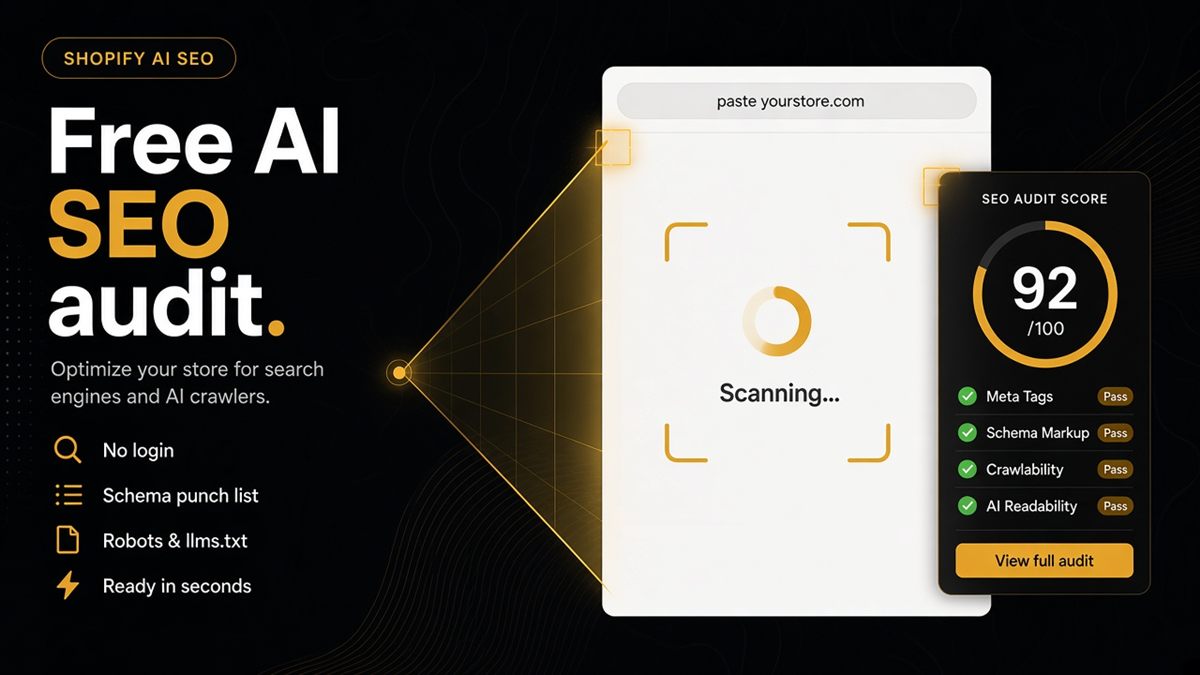
The ChatGPT SEO check for Shopify stores produces exactly that shape. It reads the public page, reports structured data gaps, blocked AI bots in robots.txt, missing llms.txt and preview problems, and does not require collaborator access or a login.
Why do clients ignore AI SEO decks?
Because most decks mix five disciplines into one grade. Core Web Vitals, backlinks, "write for ChatGPT" advice and a schema audit end up on the same page, so the founder cannot tell which item to fund. A blended "AI readiness score" of 61 tells nobody what to do on Monday.
Founders respond to three things: a URL they recognise, a fail they can picture and a name next to it. Everything else is context they will skim.
How to build the artefact in 90 seconds
- Ask the client which product pays the bills. That is the money URL.
- Open the ChatGPT SEO check and paste the homepage. Screenshot the result.
- Paste the money product URL. Screenshot.
- Paste the shipping or returns policy page. Screenshot.
- Put the three screenshots on one slide with a column headed "Owner".
- Fill the owner column: theme developer, SEO app settings, or client copy team.
That is slide one of the kickoff deck. Slide two is the translation table below.
How to translate fails into founder language
| Audit row | What to say to the founder | Who owns it |
|---|---|---|
| Product price missing in markup | "ChatGPT cannot find a price it can trust, so it guesses or skips you" | Theme developer or SEO app |
| GPTBot disallowed in robots.txt | "Your store tells ChatGPT's crawler not to fetch product pages" | Whoever edits robots.txt.liquid |
| Page is noindex | "You have asked the web not to notice this page" | Theme or SEO app settings |
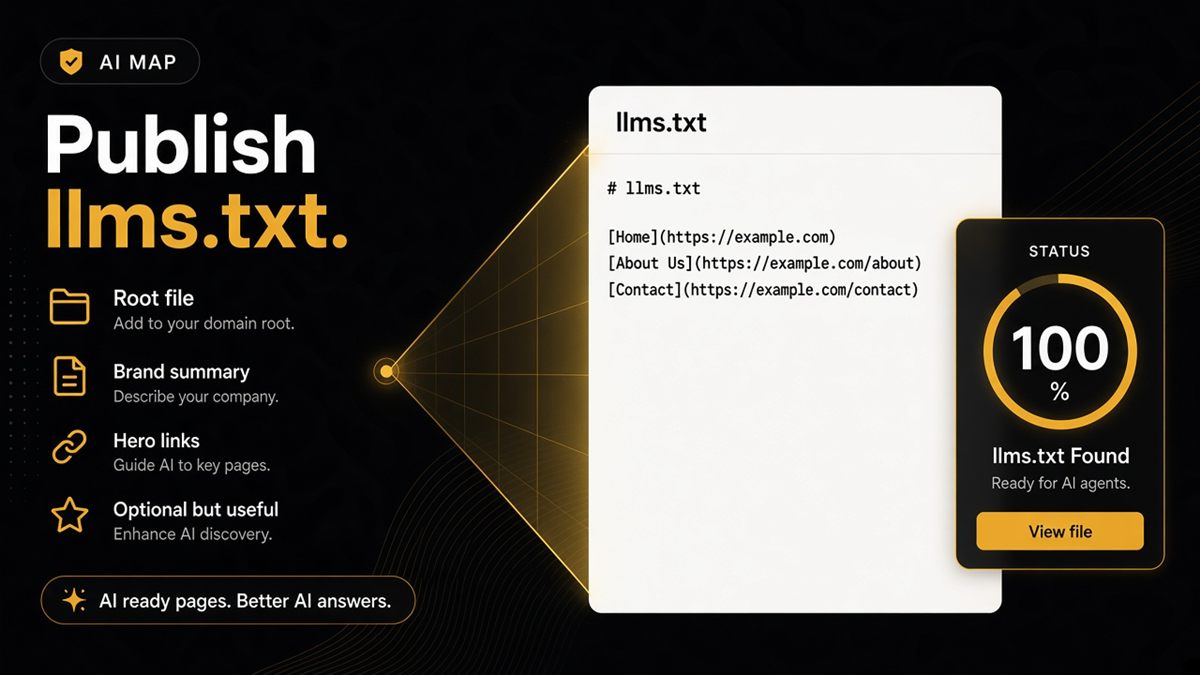
| No llms.txt | "There is no short guide telling models which pages matter" | Client copy team with your outline |
| Preview title or image missing | "Shared links and AI summaries may show the wrong name or picture" | Theme developer |
Never say JSON-LD, Open Graph or user-agent string in the founder meeting. Say what the shopper or the assistant experiences.
How to scope the implementation
Separate the work by where it lives, because that decides who you bill and who you brief.
- Theme edits: structured data, canonical tags, og:title and og:image, robots.txt.liquid. This is developer time and should be a fixed-scope ticket, ideally in a duplicate theme first.
- App settings: many fails come from two SEO apps emitting duplicate or conflicting markup. Turning one off is a five-minute fix with a big payoff.
- Copy and policy pages: llms.txt content, clearer shipping and returns terms, sizing pages. This can sit with the client's team or your content retainer.
Keep schema work away from the creative retainer where possible. Design sprints and head-tag fixes move at different speeds and blaming one for the other sours the relationship.
How to run the QBR rhythm
- Re-run the same three URLs before every quarterly review.
- Show only the rows that changed. Green rows that were red last quarter are the story.
- Attach the theme change or app decision that caused each flip, so the client connects your invoice to the result.
- Park citation vanity metrics unless you have a real measurement plan. "ChatGPT mentioned us twice" without a sampling method is an anecdote, not a KPI.
- Note anything that regressed after a theme update or app install, because that is your case for a maintenance line in the retainer.
A worked example
Say a homewares client with a £38 average order asks why "AI search" is not sending traffic. You paste three URLs. The homepage passes identity markup but fails llms.txt. The hero product fails "price missing in markup" and "GPTBot blocked". The shipping policy passes everything.
Slide one shows two red rows on the product. Slide two says: "ChatGPT is told not to fetch your bestseller, and if it did, it could not find a price it trusts." The owner column reads "theme developer, one ticket". You quote a fixed fee for the theme change, schedule llms.txt for month two and re-run at the QBR. That is a discovery engagement the founder understands in under two minutes.
Common agency mistakes
- Auditing a store without authorisation, or ignoring an opt-out meta tag.
- Blending the CRO punch list and the AI readability punch list into one score. They are different jobs — see CRO Audit vs ChatGPT SEO check on Shopify.
- Promising citations. You can promise readability; the web decides fame.
- Auditing ten URLs when three tell the whole story.
- Forgetting to re-run after the client's other agency ships a theme update.
When not to lead with the AI audit
If the client's paid ads already send traffic to a product page that leaks orders, lead with the conversion problem and use the Shopify CRO audit for agencies approach first. An AI-readable page that cannot sell is still a loss. Run the SEO & AI Audit in the same week, but put it on its own slide with its own owners.
Be the agency that shows a readable fail list. Clients remember that.
Frequently asked questions
Can I white-label the Ninety9 ChatGPT SEO check?
No — it is a public Ninety9 tool. Use it as an evidence link or screenshot inside your own deck, and put the prioritisation and recommendations on your letterhead. The free check is the evidence; your judgement is the product.
What if the client has opted out of audits?
Respect the opt-out meta tag. Ask the client to remove the tag for the engagement window, run the checks you need, and let them put it back afterwards. content="no,delete" on the CRO tag also erases stored CRO reports if they submit the shop on the CRO audit page — that does not happen on this check.
Should I include competitor audits in the pitch?
Only where permission norms are clear and the store is public. It is usually more persuasive to teach the client from their own URLs, because every fail row is then a ticket they can raise immediately.
How do I price a Shopify AI SEO audit?
Bundle it as a discovery add-on or the first week of a retainer. The tool is free; the fee covers translating fails into tickets, prioritising them and implementing the theme and robots.txt changes.
Which URLs should I audit for a client?
Three at minimum: the homepage for shop identity, the highest-revenue product for offer markup, and the shipping or returns policy for quotable terms. Add a collection and a blog post if the client leans on content.
How often should I re-run the audit for a client?
At kickoff, after every theme deploy that touches head tags or robots.txt, and at each quarterly review. Re-running the same URLs is what turns the check into a before-and-after story.