Addy
Addy  Addly
Addly  Goalify
  Monet
Monet  Reviso
  Rankly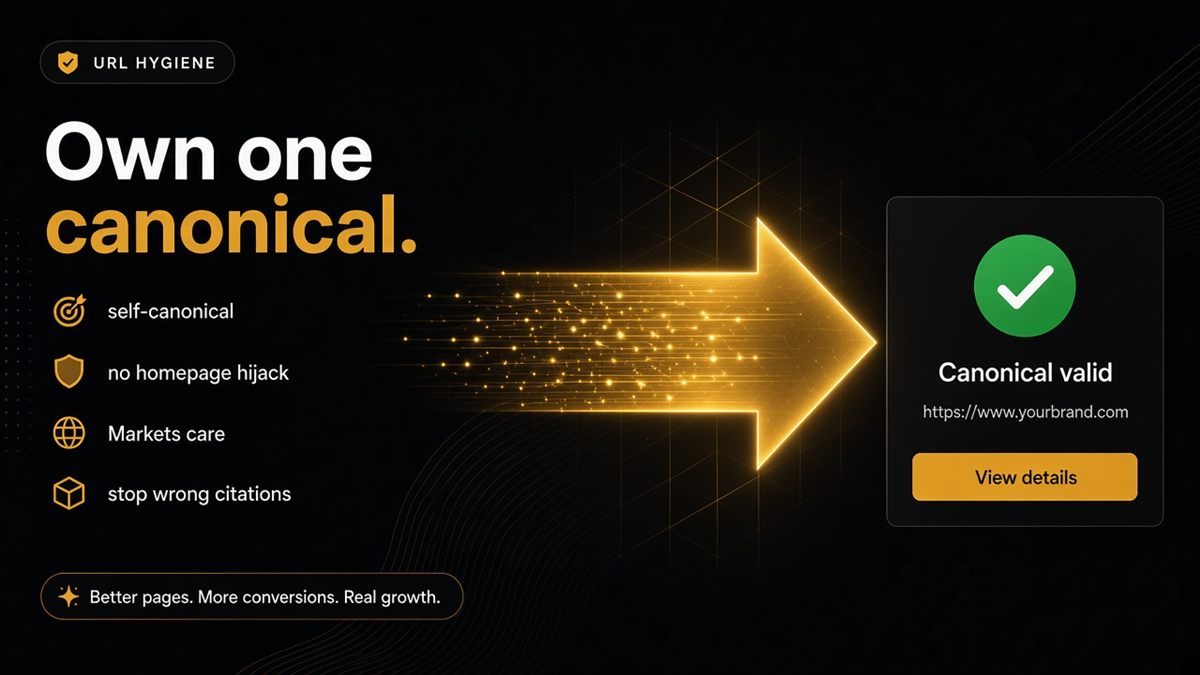
Key takeaways
- A canonical tag tells search engines and AI models which URL is the official copy of a page — usually the page itself.
- Product canonicals must stay product URLs; canonicalising everything to the homepage erases product identity.
- Filtered and parameterised collection URLs should not invent a second primary URL.
- Canonical must be an absolute HTTPS URL, and it cannot fix a noindex mistake.
- The ChatGPT SEO check validates canonical shape per page type, so re-audit after Markets or headless changes.
A canonical URL is the address a page declares as its official version, and on Shopify the rule is simple: product pages canonical to the product URL, collections to the collection, articles to the article, and the homepage to itself. When ChatGPT, Perplexity or Google cite a filtered collection, an old HTTP address or a tracking-parameter variant instead of your real page, a missing or misdirected canonical is usually why — and you can catch it without reading the HTML spec.
What is a canonical URL?
A canonical URL is set in the page's head with a link rel="canonical" tag. It says to every crawler: of all the addresses that can load this content, this one is the original. Search engines consolidate ranking signals on it, and AI assistants that fetch pages tend to cite whatever URL the page itself calls primary.
Shopify themes output the tag automatically from the canonical_url object in theme.liquid. That is why a product reached via /collections/candles/products/vanilla-soy declares /products/vanilla-soy as canonical. The default is sensible; problems arrive when apps, custom code or migrations override it.
Why do AI assistants cite the wrong URL?
Because they repeat the strongest signal they trusted. Three patterns cause most wrong citations on Shopify stores:
- Duplicate paths. The same product exists under several collection paths, with tracking parameters, or on both http and https. Without a clear canonical each copy competes.
- Aggressive "canonicalise everything" apps. Some SEO apps or copied snippets point every page at the homepage, which tells models that your products are copies of the homepage.
- Migration leftovers. A move to a new domain, a headless front end or a Markets subfolder leaves canonicals pointing at the old host.
The result is an assistant that answers "where can I buy X" with a filtered collection URL, a stale domain or a page that redirects.
Merchant rules of thumb for Shopify canonicals
| Page type | Canonical should point at | Never point at |
|---|---|---|
| Product | Its own /products/handle URL | Homepage, a collection, a variant parameter |
| Collection | Its own /collections/handle URL | Homepage, a filtered version |
| Blog article | Its own article URL | The blog index |
| Homepage | The bare HTTPS domain | A landing page or campaign URL |
| Policy page | Its own /policies/ or /pages/ URL | Homepage |
Parameters such as ?variant=, ?utm_source= or ?filter.p.tag= should not create a second primary URL. The filtered collection page should still declare the unfiltered collection as canonical unless you have deliberately built indexable filter landing pages and know why.
How to check canonicals on Shopify
- Open the URL shoppers actually share — the one in your Instagram bio or the ad destination, parameters and all.
- View the page source and search for
rel="canonical". Confirm there is exactly one tag. - Check the value is an absolute HTTPS URL on your live domain.
- Check it matches the page type: product to product, collection to collection.
- Paste the same URL into the ChatGPT SEO check for Shopify stores. If the canonical row reports it missing or pointing at the wrong kind of page, fix theme or app settings before any content work.
- Repeat for your homepage, a collection, a product and a policy page. Four checks cover most templates.
How to fix common canonical problems
Two canonical tags on one page
Almost always two SEO apps, or an app plus the theme, both emitting the tag. Disable one source. One head, one canonical.
Everything points at the homepage
Find the app or snippet responsible and remove the override. Restore the theme's default {{ canonical_url }} output.
Canonical still shows the old domain or http
Search theme.liquid and any SEO app settings for a hard-coded host. Replace with the dynamic object. Then re-audit the top templates.
Variant URLs indexed separately
Shopify's default canonical strips the variant parameter. If yours does not, an app has replaced it; revert to the default.
A worked example
Say you sell a £120 desk lamp. Your ads send shoppers to /collections/sale/products/desk-lamp?utm_source=meta. A shopper asks Perplexity for "the best desk lamp under £150" and it cites /collections/sale?filter.p.product_type=lamps — a filtered sale page, not your product. You check the source: an SEO app installed last year points every collection and product at the collection root.
Removing that override restores the product canonical to /products/desk-lamp. The next time an assistant fetches the page, the URL it is told to trust is the one that carries the price, the images and the add-to-cart button.
Common canonical mistakes on Shopify
- Installing a second SEO app to "fix" canonicals the first one broke.
- Treating canonical as a substitute for removing noindex. It is not; see noindex is killing your Shopify AI discovery.
- Pointing sold-out products at the homepage instead of leaving them as products.
- Forgetting to re-audit after enabling Shopify Markets, changing the primary domain or moving to a headless storefront.
- Hard-coding the domain in the theme so staging themes publish production canonicals or vice versa.
When to leave canonicals alone
If your store uses Shopify's default theme output, has one SEO app or none, and the audit's canonical row passes on all four page types, do nothing. Canonical work is only urgent when assistants or search results cite the wrong URL, or when you have just changed domains, Markets or front end. In that case re-audit your top templates the same day — canonical bugs love migrations. For the wider picture of what structured signals models rely on, the Shopify JSON-LD checklist for merchants pairs well with this one.
Own one URL per idea. Canonicals are how you say it out loud to machines.
Frequently asked questions
What is a canonical URL on Shopify?
A canonical URL is the address a page declares as its official version in a link rel=canonical tag. Shopify themes output it from the canonical_url object, so a product reached through a collection path points back to the plain /products/ URL.
Should every page canonical to the homepage?
Almost never. Pointing products or collections at the homepage tells search engines and AI models that those pages are copies of the homepage, which erases product identity and makes assistants cite the wrong URL.
How should canonicals work with Shopify Markets or currency subfolders?
Follow your Markets configuration consistently rather than hand-rolling a clever rule. Each market's page should declare a canonical that matches how you want that market indexed, and the same rule should apply across every template.
Does the canonical have to be HTTPS?
Yes, in production use an absolute HTTPS URL. An http:// canonical or a relative path is a signal that the page is misconfigured and can send crawlers to a redirect chain.
Can a canonical tag fix a noindex mistake?
No. noindex and canonical are separate signals. If a page is marked noindex, remove that tag first; a correct canonical on a noindex page still tells systems not to use it.
How do I check my Shopify canonical tags?
View the page source and search for rel=canonical, or paste the URL into the SEO & AI Audit, which reports whether the canonical is missing or points at the wrong kind of page for that template.