Addy
Addy  Addly
Addly  Goalify
  Monet
Monet  Reviso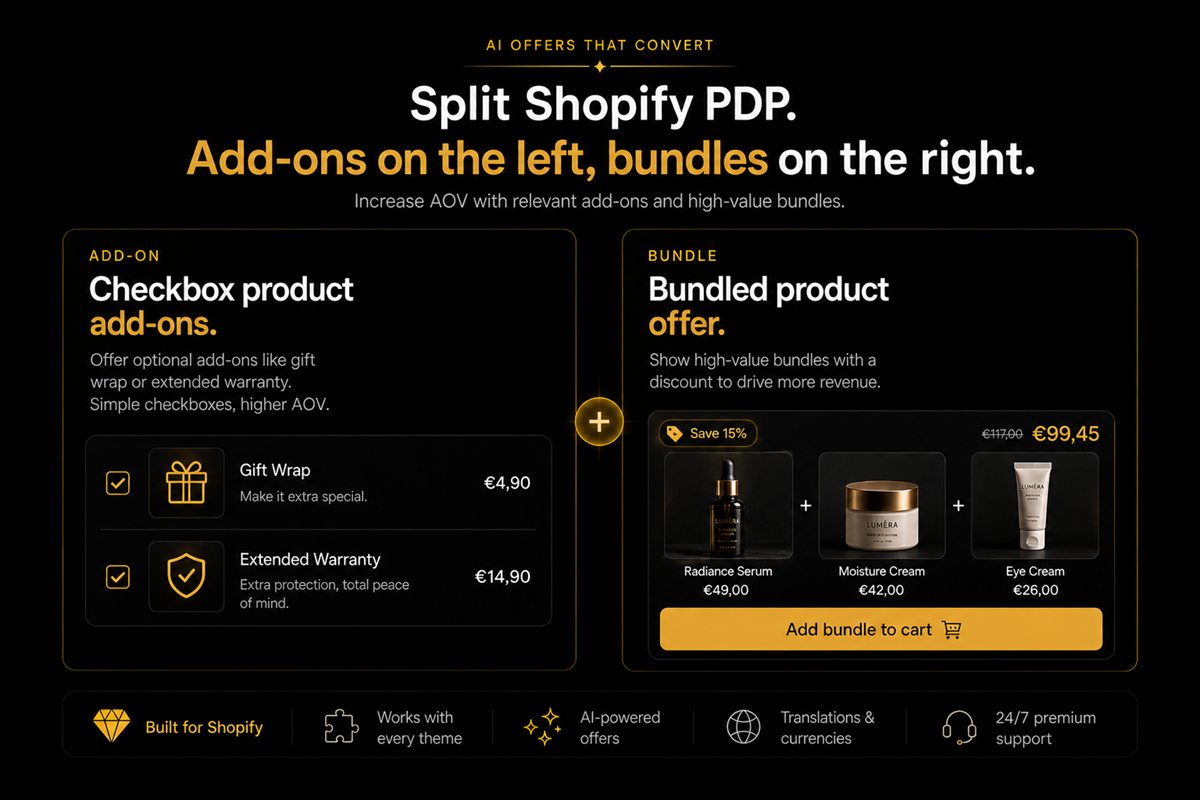
Key takeaways
- Add-ons are optional extras attached to a product the shopper already wants. Bundles are a new product made of several SKUs.
- Use add-ons when the extra is small, optional and would look silly as its own PDP (gift wrap, a spare cable, extended warranty).
- Use bundles when the combination is the point — a routine, a kit, a "complete the look" that you would be happy to stock as its own SKU.
- Do not run both on the same product page. Two offer types compete for the same increment and both convert worse.
- Discount add-ons rarely. The shopper already wants the parent. Discounting the extra trains them to wait.
A Shopify add-on is an optional extra on a product the shopper already wants. A bundle is a new product made of several SKUs. Pick the structure that fits the offer. Mixing both on one page asks the shopper to solve two different problems at once, and most of them solve neither.
A bundle says "this is the product". An add-on says "this product, plus a small yes".
What is an add-on versus a bundle
Add-on: a small, optional extra attached to a parent SKU. Gift wrap, a spare cable, an extended warranty. It would look silly as its own product page.
Bundle: a combination that is the point. A skincare routine, a desk kit, a "complete the look." You would be willing to give it its own URL, photos and inventory.
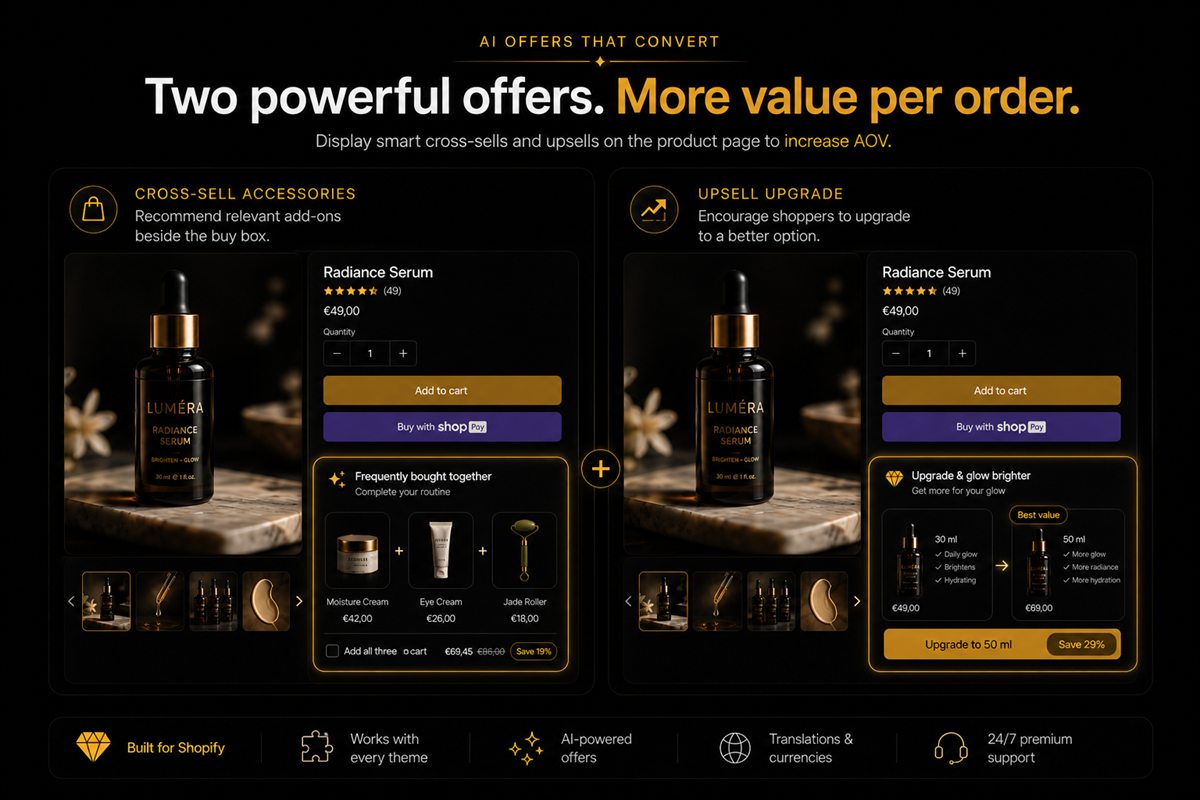
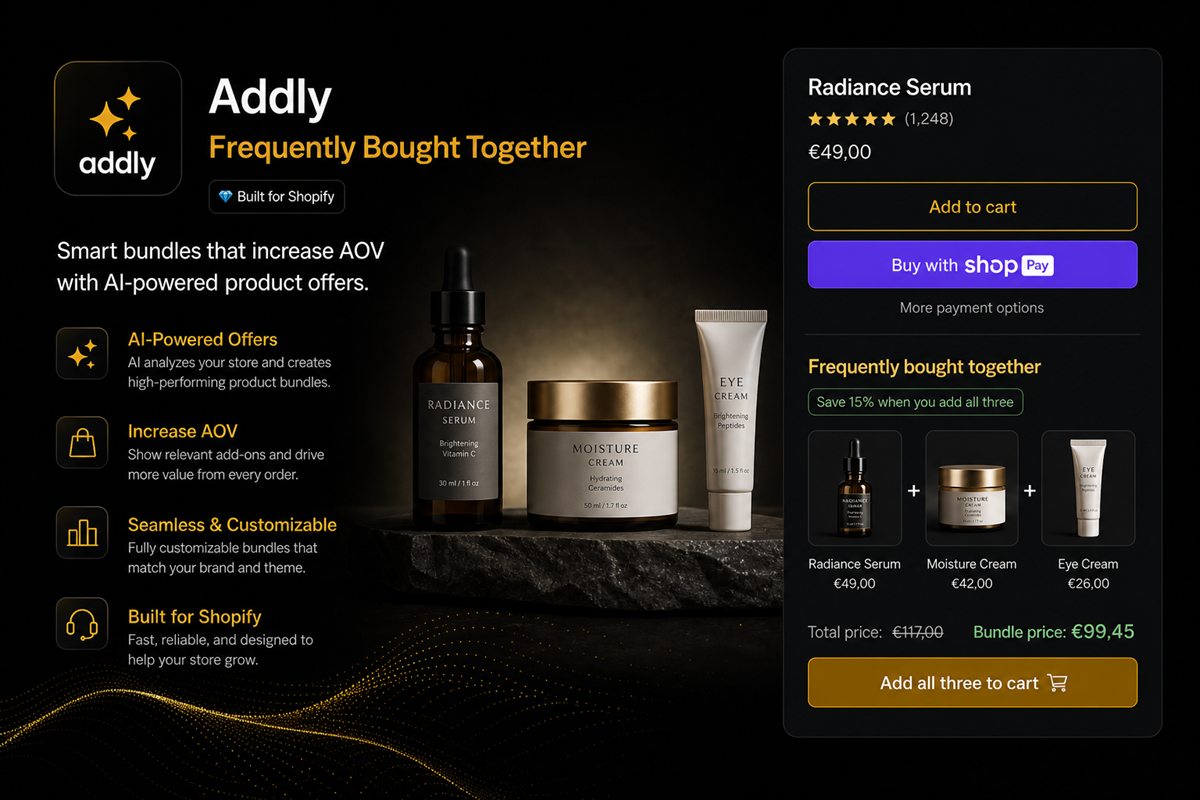
Frequently bought together behaves like an add-on in the layout — take or leave the extra SKUs — even if you discount it like a bundle. Put it after the buy box, not instead of it.
The test
Would you be willing to give the combination its own URL, its own photos and its own inventory? If yes, it is a bundle. If no — if the extra only makes sense attached to something else — it is an add-on.
Gift wrap is an add-on. A skincare routine of cleanser, serum and moisturiser is a bundle. A spare charging cable next to a lamp is an add-on. A "desk kit" of lamp, cable and bulb sold as one price is a bundle.
That test also tells you where to place the bundle. If it is the product, it belongs in the buy box. If it is an upgrade, it belongs under add-to-cart.
Why add-ons convert on the product page
The shopper has already chosen the parent. The remaining question is small. A checkbox is the right UI: low commitment, high clarity, no new product to evaluate.
That is also why add-ons fail when they look like products. A second product card with a price, a review stars row and a "learn more" link is a detour. Detours get skipped.
Discount add-ons rarely. The shopper already wants the parent. Discounting the extra trains them to wait for a deal on something they would have added at full price.
Place the checklist directly under the add-to-cart button. Footer carousels are for browsing. Add-ons are for this purchase.
Why bundles belong in the catalogue
A bundle has a job the add-on does not: it can be found. It can rank. It can be advertised. It can have a margin structure you planned, rather than a last-second checkbox.
If buyers of A also take B more often than not, stop hiding B as an add-on and make A+B a product. You will sell it to people who never visited A's page.
The Shopify product bundles guide covers kit structure and discount maths. The rule here is simpler: if the combination is the product, give it a URL.
How to choose
| Question | Add-on | Bundle |
|---|---|---|
| Would this look silly as its own PDP? | Yes | No |
| Is the extra optional on a parent they already want? | Yes | The combination is the point |
| Do you need to advertise the set? | No | Yes |
| Discount? | Rarely | Planned kit price |
| UI | Checklist under ATC | Buy-box selector or "make it a set" |
Worked example: a lamp. Spare bulb and cable are add-ons — checkboxes under add-to-cart, full price. Lamp + bulb + cable as a desk kit is a bundle with its own photos and a kit price. Do not show the kit selector and the two checkboxes on the lamp page. Pick one extra question.
Do not stack
The product page can carry one incremental offer besides the buy box. If you already have a bundle selector, do not also drop three add-on checkboxes. If you already have add-ons, do not also run a frequently-bought-together strip that repeats the same SKUs.
Two offer types compete for the same increment and both convert worse. Average order value goes up when the page asks one extra question, not four.
You can turn a popular add-on into a bundle later. Once a pair starts selling together more often than not, the combination is the product, and a bundle price is honest.
How to set this up on Shopify
- List each extra you currently show on the PDP. Mark each as add-on or bundle using the test above.
- Keep one offer type on the parent product page.
- If it is an add-on, use a checklist under add-to-cart. Do not send shoppers to a second PDP to evaluate a spare cable.
- If it is a bundle, create the kit product (or a bundle app block in the buy box) and keep "Buy this item" as the default unless the set is genuinely the product.
- Remove the footer carousel that repeats the same SKUs.
Pick the structure that matches the SKU. Kill the other one.
Frequently asked questions
Is a frequently-bought-together widget a bundle or an add-on?
It behaves like an add-on — the shopper can take or leave the extra SKUs — even if you discount it like a bundle. Treat it as an add-on in the page layout: after the buy box, not instead of it.
Should add-ons be discounted?
Rarely. The shopper already wants the parent product. Discounting the extra trains them to wait for a deal on something they would have added at full price.
Can I turn a popular add-on into a bundle later?
Yes, and you should once a pair starts selling together more often than not. At that point the combination is the product, and a bundle price is honest.
Where do add-ons go on the page?
Directly under the add-to-cart button, as a checklist, not in a related-products carousel at the footer. Footer carousels are for browsing. Add-ons are for this purchase.
Will a bundle selector hurt single-item conversion?
It can, if it replaces the simple add-to-cart. Keep "Buy this item" as the default and "Make it a set" as the second action, unless the set is genuinely the product.
Does Shopify need a separate product for a bundle?
If the combination is the point, yes — its own URL, photos and inventory. That is how it can rank, be advertised and sit in a collection. An add-on does not need its own PDP.