Addy
Addy  Addly
Addly  Goalify
  Monet
Monet  Reviso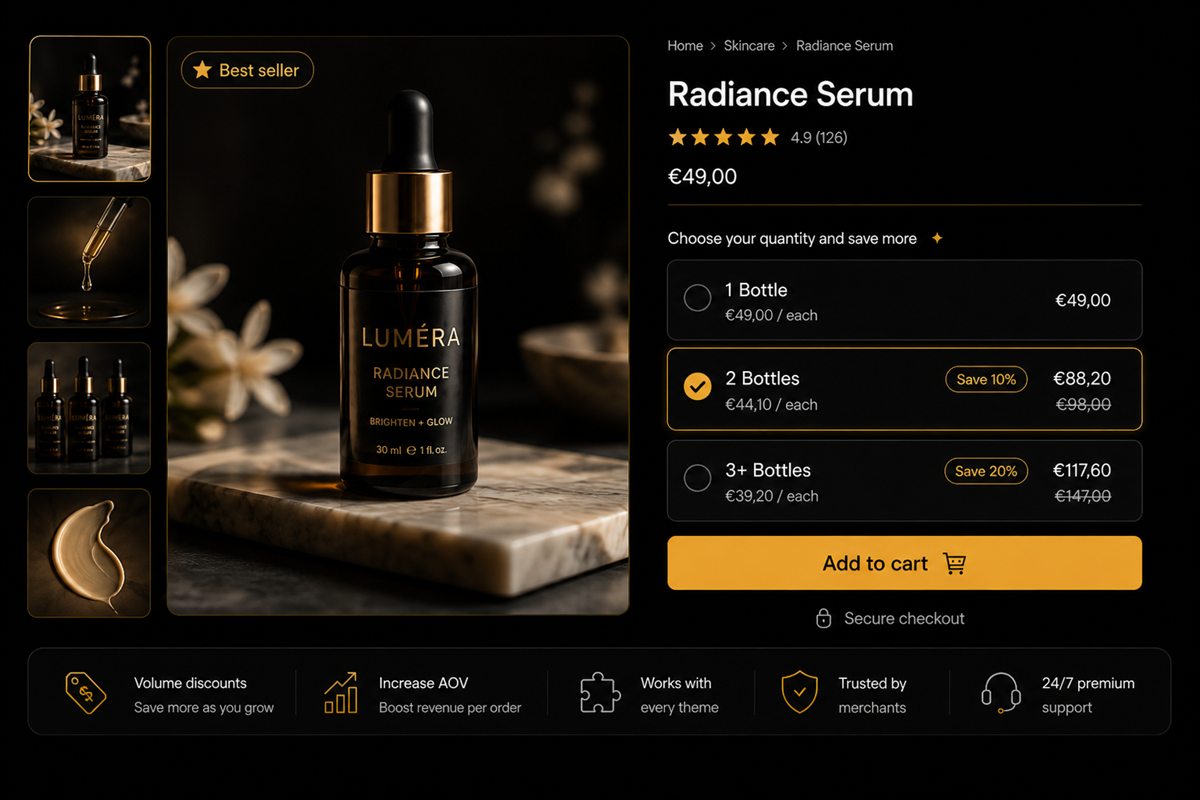
Key takeaways
- A sitewide sale discounts the SKUs that were going to sell anyway. A variant-level break discounts only the ones that are stuck.
- Target the break at the variant, not the product. "Navy / M" can be 3 for 10% while "Black / M" stays full price.
- Show the break on the product page only when the selected variant qualifies. A global table that does not apply is a trust leak.
- Pair slow-moving variants with a bundle or add-on only after the break exists. Discount stacking is how clearance becomes a loss.
- When a colourway starts moving, turn the break off or it becomes the new regular price.
Variant-level volume discounts clear slow Shopify stock without a sitewide sale. You put a quantity break on the stuck SKU — Navy / M, not the whole product — so the colour that was going to sell at full price stays full price. Clearance is usually a blunt instrument. This is the sharp one.
A sitewide percentage off discounts the SKUs that were going to sell anyway. A variant-level break discounts only the ones that are stuck.
What variant-level volume discounts are
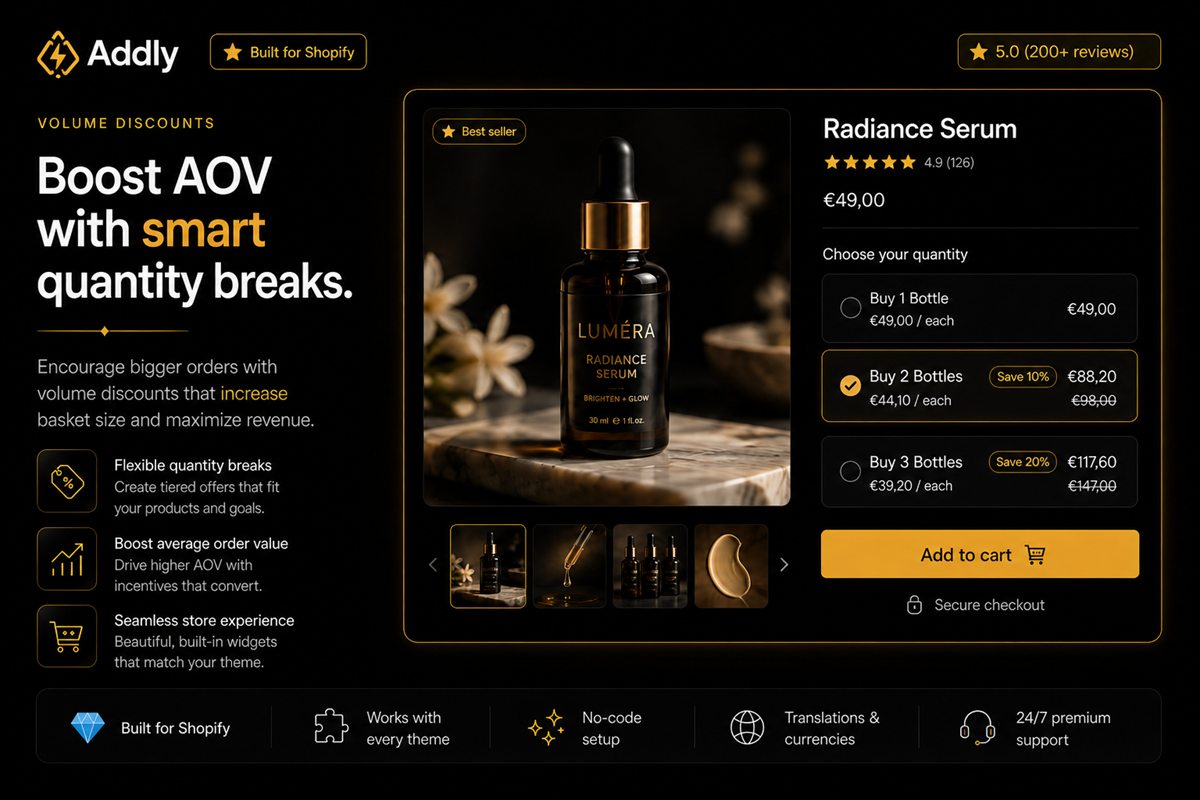
A volume discount or quantity break is a lower unit price when the shopper takes more than one. Variant-level means the break is attached to a specific colour, size or material, not to every option on the product.
Navy / M can be "buy 2, save 10%" while Black / M stays full price. That is the whole idea.
It is not the same as a compare-at markdown on a single unit. A markdown says you will never restock this. A break says you would like them to take more than one. Quantity breaks versus volume discounts covers the naming. Here the targeting is the point.
When this is the right tool
Use it when:
- One colourway or size is overstocked and the rest of the product is fine.
- The product is a consumable or a multi-buy category (socks, candles, supplements, basics) where taking two is reasonable.
- You would rather move units than run a sitewide percentage off.
Do not use it when the variant is simply mispriced, or when the product is a single-purchase item (a sofa, a laptop). A quantity break on a sofa is a joke.
If the variant is a dead colourway you will not reorder, markdown a single unit. If it is a size-curve problem you still intend to sell, use a break.
How to present it
The shopper selects a variant. If that variant has a break, a short table appears: "Buy 2, save 10%. Buy 4, save 20%." If they switch to a variant without a break, the table disappears.
A table that stays on screen for variants it does not apply to is a lie. Lies in the buy box are expensive.
Put the table under the variant picker, not in a banner that claims the whole product is on a multi-buy. Shoppers understand clearance on a specific colour. They do not understand a price that changes for no visible reason.
How to set it up on Shopify
- Export inventory by variant. Mark SKUs that are overstocked relative to the rest of the product.
- Choose a break only on those variants. Leave healthy variants alone.
- Work the percentage backwards from landed cost so two units still sit above your margin floor.
- Show the table only when the selected variant qualifies.
- Do not also put those variants in a collection sale.
Worked example: Black / M sells through. Navy / M is stacked in the back. Offer Navy / M "2 for 10% off." Black never sees the table. You move Navy without teaching the market that the tee is on sale.
Margin, not just sell-through
Work the break backwards from the landed cost of the stuck variant. If you can give 10% at two units and still sit above your floor, that is the offer. If you cannot, markdown a single unit instead — a quantity break that loses money faster is not merchandising.
Do not stack a collection sale on top. The whole point of targeting the variant is to avoid a second discount. Two discounts on the same line make margin unreadable.
Pair slow-moving variants with a bundle or add-on only after the break exists. Discount stacking is how clearance becomes a loss.
Inventory after it works
When a colourway starts moving, turn the break off. A quantity discount that outlives the overstock becomes the new regular price, and you will train your best customers to wait for it.
Review the list on a schedule — weekly in peak, monthly otherwise. Overstock is a state, not a personality trait of the SKU.
When not to use it
Skip variant breaks when:
- You would never want two of the item in one order
- The "stuck" variant is actually the wrong price on unit one
- You cannot hide the table for variants that do not qualify
- You are about to run a sitewide sale anyway
Raising average order value with a break only pays if the extra unit is still profitable. Move the stuck colour. Leave the hero alone.
Common mistakes: a product-level banner that claims every colour is 2-for-10 when only Navy qualifies; stacking a collection sale on the same line; leaving the break live after the overstock is gone. Each of those trains shoppers to distrust the buy box. The table should appear, apply, and disappear with the variant picker — nothing else.
Frequently asked questions
Will customers get angry that one colour is cheaper?
Rarely, if the cheaper colour is clearly a specific variant and not a secret. Shoppers understand clearance. They do not understand a price that changes for no visible reason.
Should I use a quantity break or a markdown?
A markdown is for "we will never restock this." A quantity break is for "we would like you to take more than one." If the variant is a dead colourway you will not reorder, markdown it. If it is a size curve problem, use a break.
Can I combine this with a collection sale?
You can, and you probably should not. Two discounts on the same line make margin unreadable. Pick one mechanism per variant.
Where do I show the offer?
Under the variant picker, as a small table that updates when the shopper changes colour or size. Not in a banner that applies to the whole product.
Does Shopify support quantity breaks per variant natively?
Not as a first-class product-page table that appears only on the selected variant. Themes can show compare-at prices per variant. A break that changes with the picker usually needs an app or custom logic. Whatever you use, hide the table when the variant does not qualify.
When should I turn the break off?
When the colourway or size is no longer overstocked. A quantity discount that outlives the overstock becomes the new regular price, and you will train your best customers to wait for it.