Addy
Addy  Addly
Addly  Goalify
  Monet
Monet  Reviso
  Rankly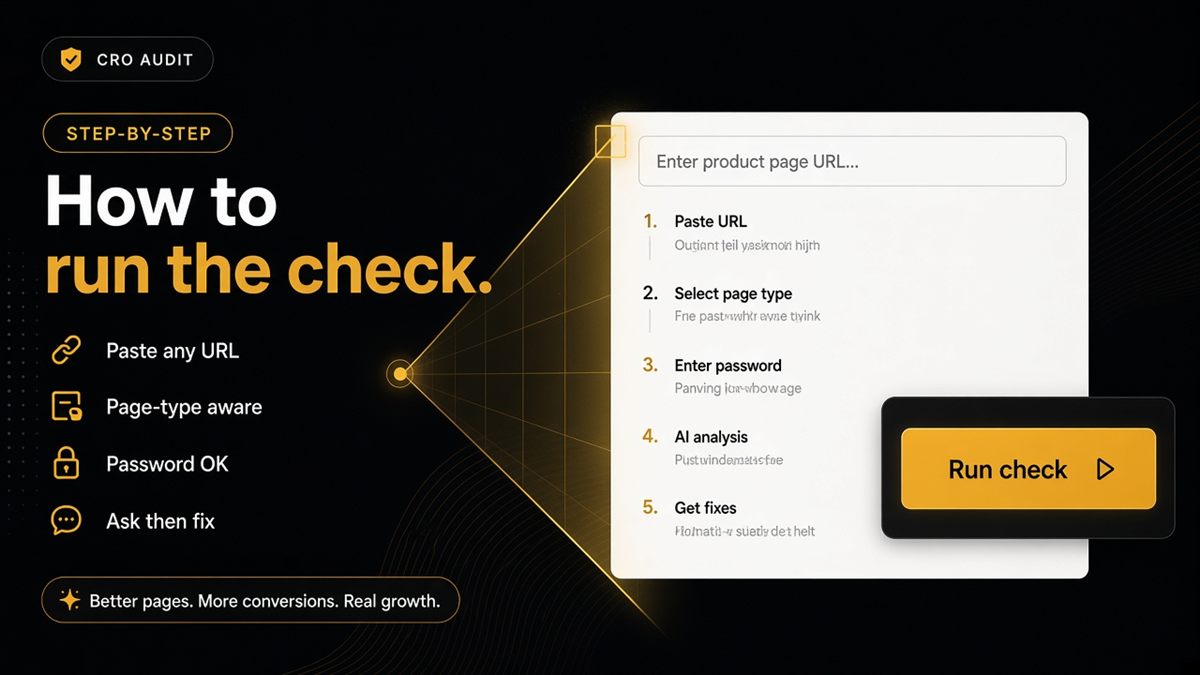
Key takeaways
- Paste any public storefront URL — the check scores that page type, not a guessed bestseller.
- https:// is optional; bare domains work in the URL field.
- Password-protected stores: use the storefront password when prompted, not your Shopify admin login.
- Re-run after theme or robots changes; do not expect a citation score.
- Copy failing rows into your ticket tracker — the on-page list is the artefact, not a PDF.
The SEO & AI Audit is only useful if pasting a URL is easier than arguing about AI strategy. Open the ChatGPT SEO check for Shopify stores, paste a homepage, collection, product, blog or page, and read a merchant-language pass/fail list — including password-protected shops. No Shopify admin login. Five minutes per URL beats another unread SEO PDF.
What the Shopify SEO & AI Audit is
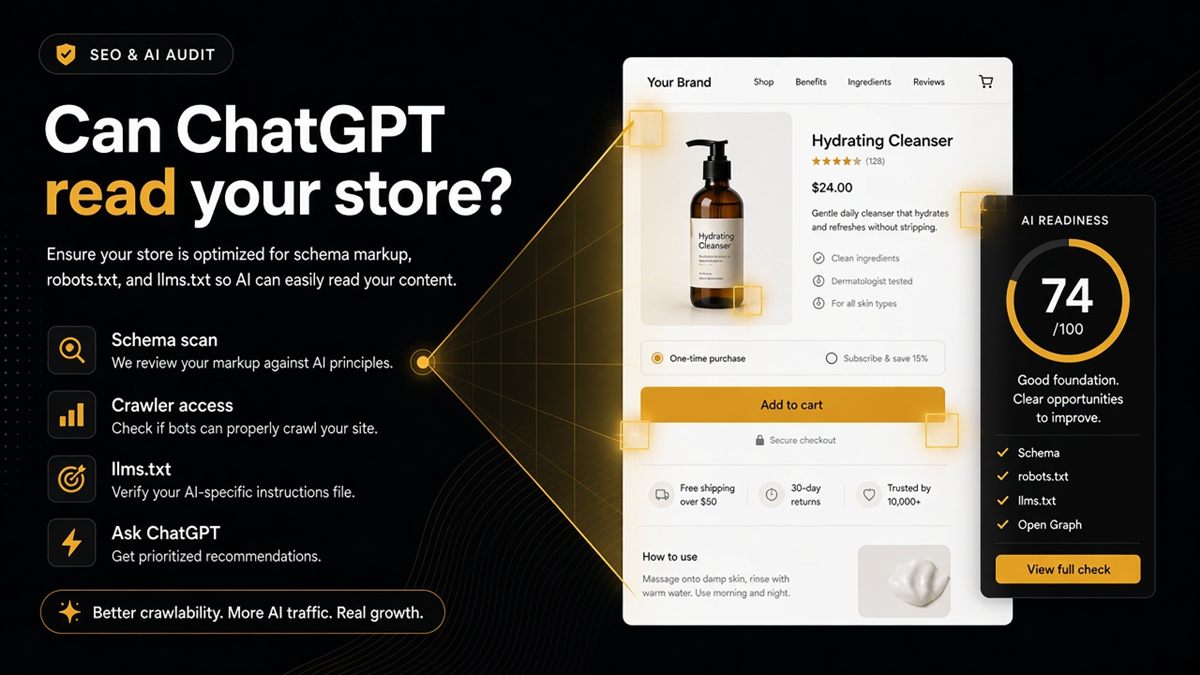
It is a public-page check of whether a live Shopify URL is readable to answer engines: structured data for that page type, robots.txt rules for AI crawlers, optional llms.txt, previews and indexability. It is the same tool as the ChatGPT SEO check in the nav.
It is not a citation rank. It does not log into admin. It does not install an app. It does not see orders or customers. For what it is and is not in more depth, see what the ChatGPT SEO check actually is.
1. Open the tool
Go to the ChatGPT SEO check for Shopify stores page. You will see a single URL field — no account wall and no credit-card gate.
https:// is optional; bare domains work. yourstore.com and https://yourstore.com/products/handle are both valid. Paste the exact URL you care about, including the path.
2. Choose the URL on purpose
The check scores that page type, not a guessed bestseller.
| Paste this | You learn |
|---|---|
| Homepage | Shop identity, catalogue links, sitewide robots and llms.txt |
| Collection | Whether the group of products is described as a collection |
| Product | Offer clarity: name, image, price, availability |
| Blog post | Article markup (author, date) |
| Policy / about page | WebPage / FAQ where you actually show FAQs |
Run at least four URLs before you declare the store “done.” Templates differ. A passing homepage does not prove the PDP is clean.
3. Submit and read
Wait a few seconds. Note fails in merchant language. Expand details when a row mentions blocked bots or missing llms.txt.
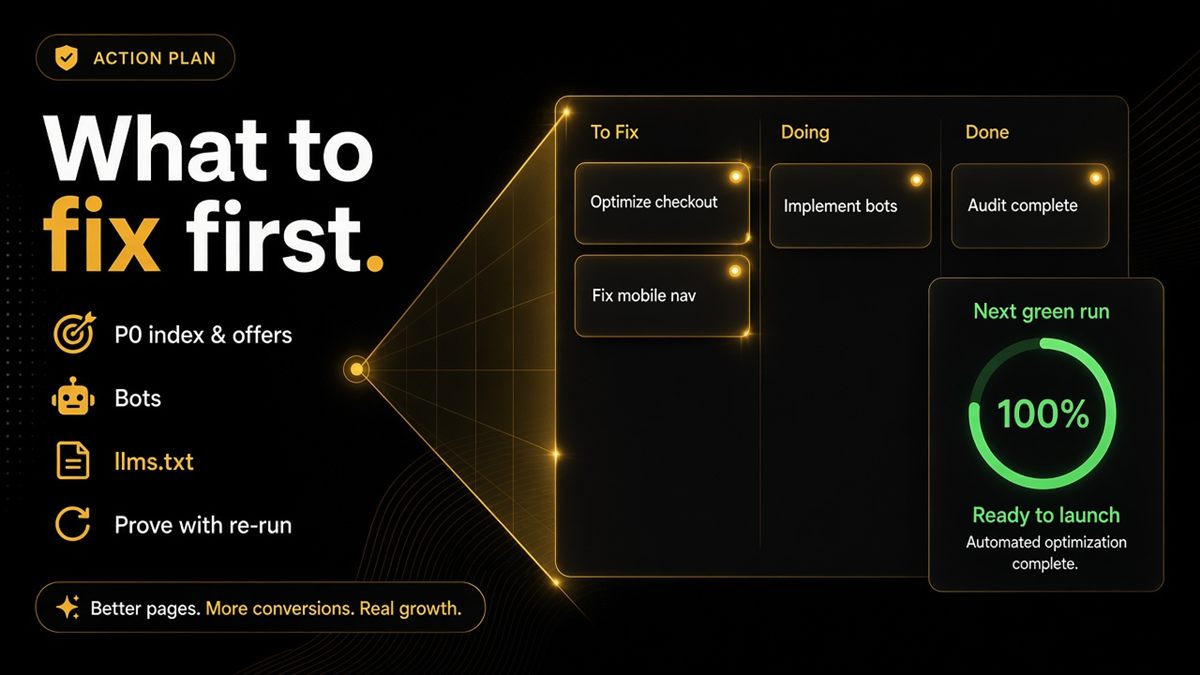
Work top to bottom. Indexability and blocked crawlers are gates; pretty descriptions are not. Copy each fail into a ticket with the URL, the date and the theme name. The on-page list is the artefact — there is no PDF report.
If you need to opt out, add the ninety9-readiness meta tag in theme.liquid, or the CRO audit opt-out tag (content="no" or content="no,delete"), which also stops this check. Erasing stored CRO reports only happens on the CRO audit page.
4. Ask an assistant
Use the built-in buttons to open ChatGPT or another assistant with the page referenced. Compare the answer to reality: name, price, stock, shipping.
This is the human half of the how-to. The list tells you whether the page is readable. The prompt tells you whether a model, today, is using something like those facts. Stale or invented answers after a green list usually mean cache, third-party sources or a URL you did not audit.
5. Fix and re-run
Ship the theme or robots change. Hard-refresh the live URL (apps and meta tags do not always show in the theme editor preview). Paste the same URL again until the rows you care about pass.
Re-run after theme updates, SEO app installs and robots.txt edits. Do not expect the score to become a citation count. For what to do with the punch list, see after your Shopify SEO & AI Audit.
Password-protected stores
When prompted, paste the storefront password from Online Store → Preferences — the one shoppers type. Staff login will not open the shopfront. Treat results as a staging review until the password is removed, then run the same URLs again in public.
How to staff the fails
Group rows so they do not bounce between marketing and development:
- Theme / Liquid: missing Product or Organization JSON-LD, name mismatches, Open Graph, breadcrumbs
- Apps: duplicate graphs, stealth noindex, robots Disallows injected by SEO or security tools
- Content: empty policy pages, homepage with no durable shop identity, llms.txt still a 404
- Policy: whether GPTBot and the other AI bots should be allowed — a founder decision, then a file edit
One URL, one ticket, one owner. Re-run that URL yourself after the fix rather than trusting a Slack “should be live.”
If you run agencies or several brands, keep a sheet with date, theme name, URL and pass/fail. The check is fast; the memory of what broke last quarter is not.
Common mistakes
- Pasting the admin URL (
/admin) instead of the storefront - Checking only the homepage
- Trusting a preview theme URL you will not publish
- Declaring victory without asking an assistant about the same URL
- Expecting the tool to edit robots.txt or JSON-LD for you — it only reports
- Running the check once at launch and never again after an app install
Worked example: you paste /products/navy-crew and Offer fails. You do not rewrite the description. You open a ticket: “Product JSON-LD missing price/availability on the main PDP template.” Developer checks the theme’s product schema snippet. You re-paste until Offer passes, then click Ask ChatGPT and confirm it reads the live price.
That is the whole how-to. Five minutes per URL beats another unread SEO PDF — paste, ticket the reds, re-run, then ask an assistant.
Frequently asked questions
Do I need to be logged into Shopify to run the SEO & AI Audit?
No. The check reads public HTML only. There is no admin login, no collaborator access and no app install. Paste a storefront URL and read the pass/fail list.
Why did my homepage and product get different checks?
Because the page types need different structured data. A product needs offer clarity; a homepage needs shop identity and catalogue links. That difference is intentional.
How do I opt out of the SEO & AI Audit?
Add the ninety9-readiness meta tag in theme.liquid, or the CRO audit opt-out tag (content="no" or content="no,delete"), which also stops this check. Erasing stored CRO reports only happens on the CRO audit page.
Is there a PDF report?
The on-page list is the artefact. Copy fails into your ticket tracker or a shared sheet with the date and theme name. There is no downloadable PDF from the check.
How do I run the ChatGPT SEO check on a password-protected store?
Paste the store URL, submit, and enter the storefront password from Online Store → Preferences when asked. That password is what shoppers type, not staff login details.
Which URL should I paste first?
Start with the homepage for shop identity, then a bestseller for offer markup, then a merchandised collection and a policy page. Each page type teaches you something the others will not.
Does a passing audit mean ChatGPT already cites my store?
No. Do not expect a citation score. The check tells you whether the page is readable. After the list, use the built-in buttons to ask an assistant about that URL and compare the answer to reality.